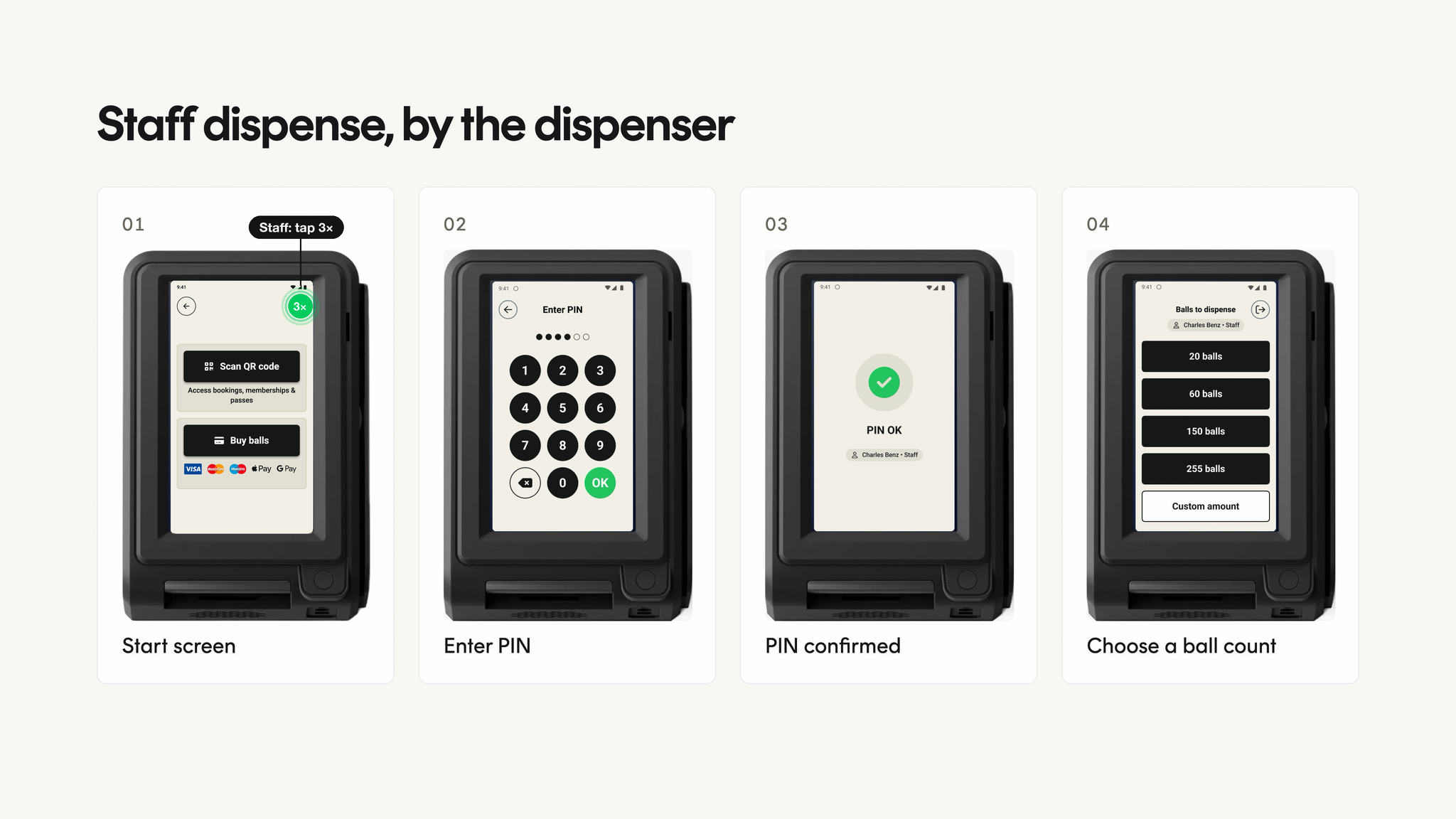
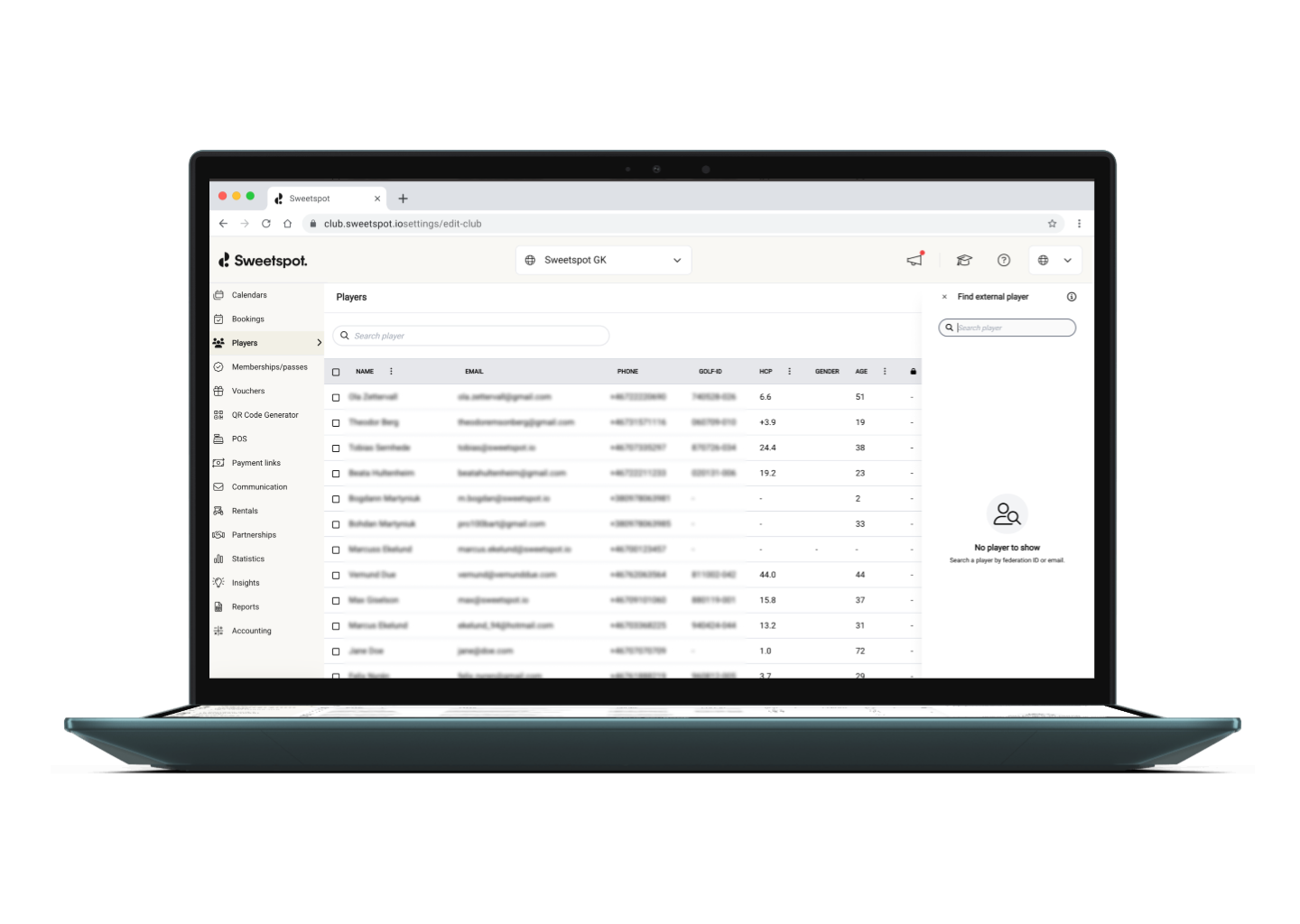
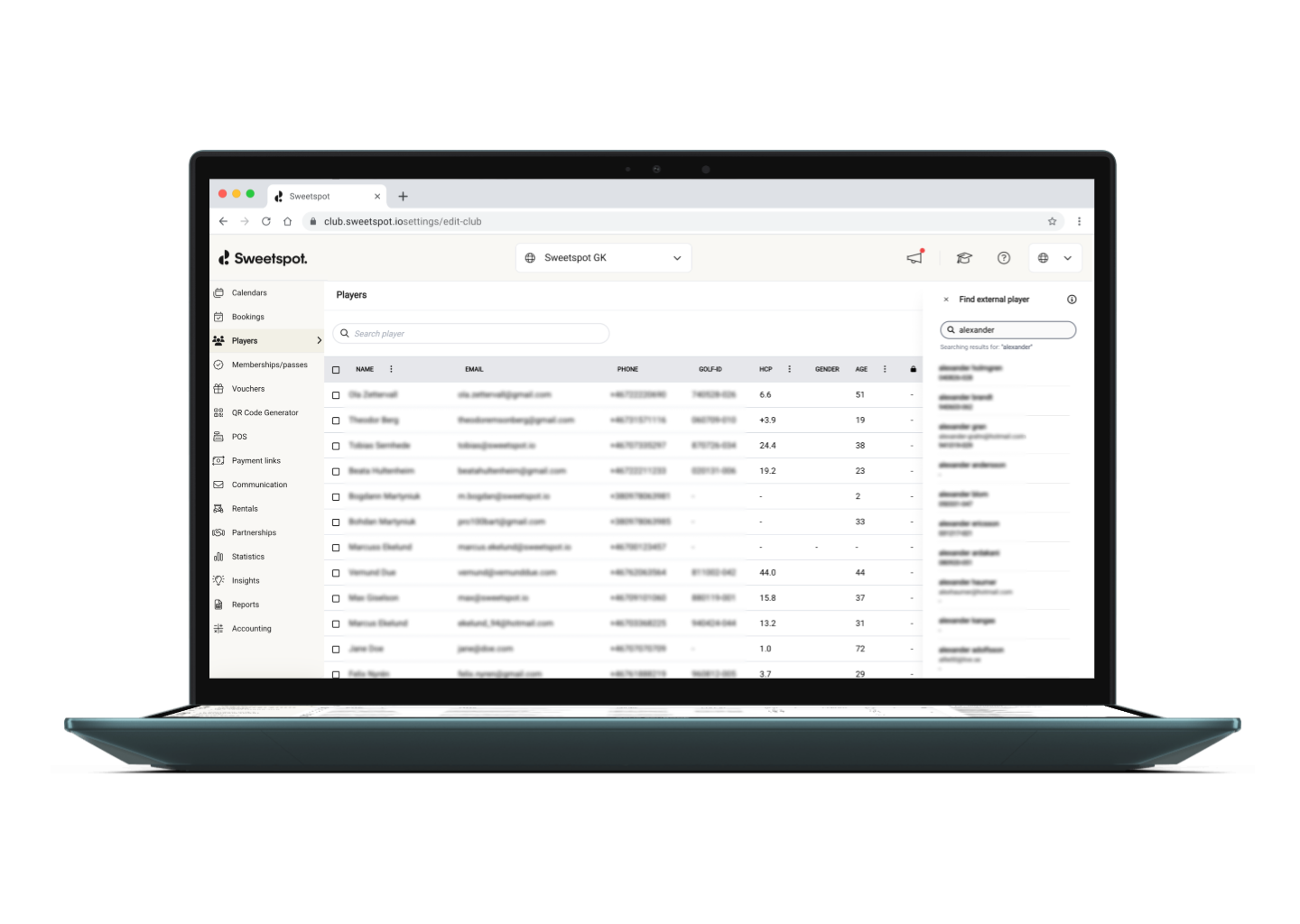
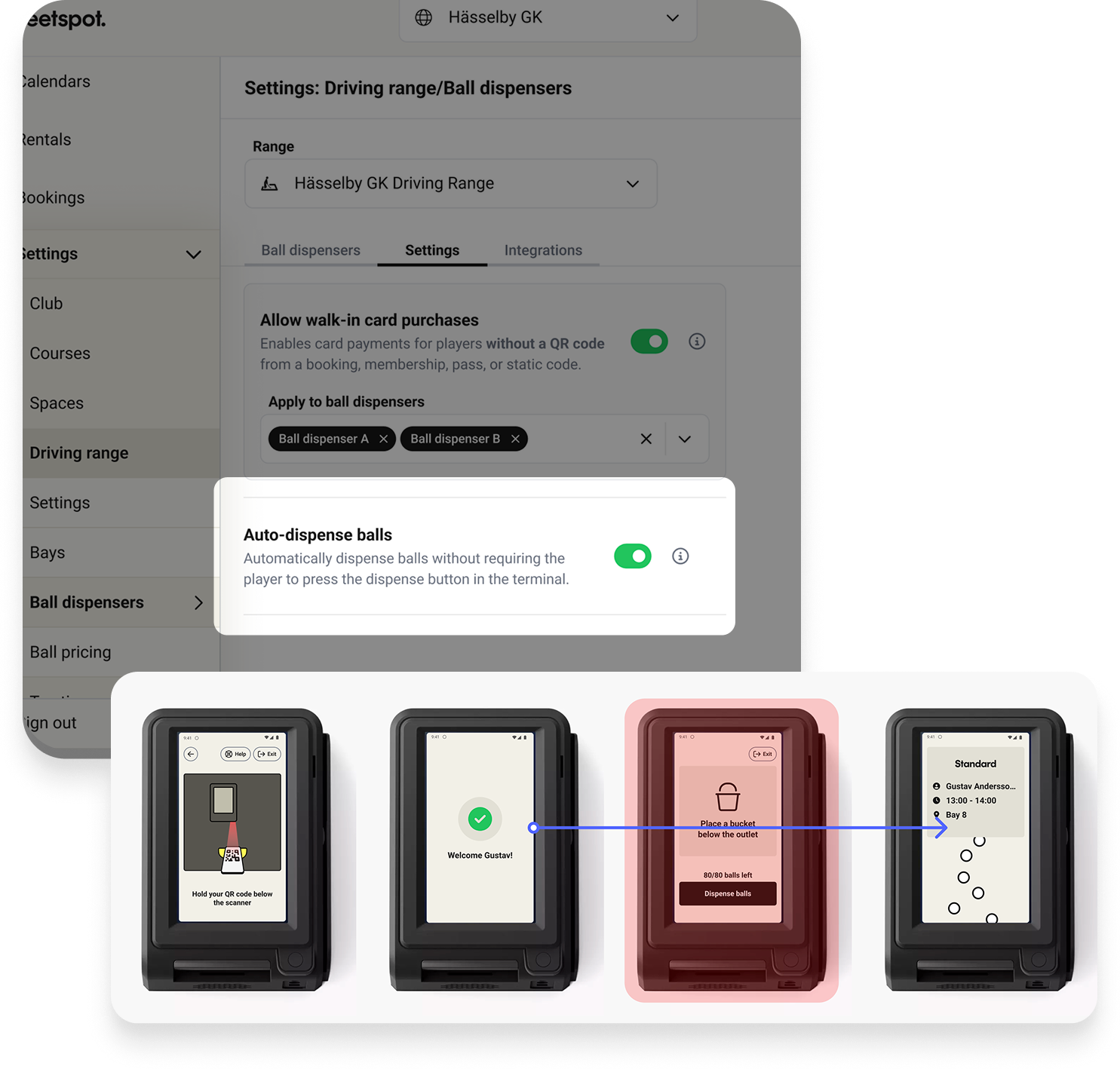
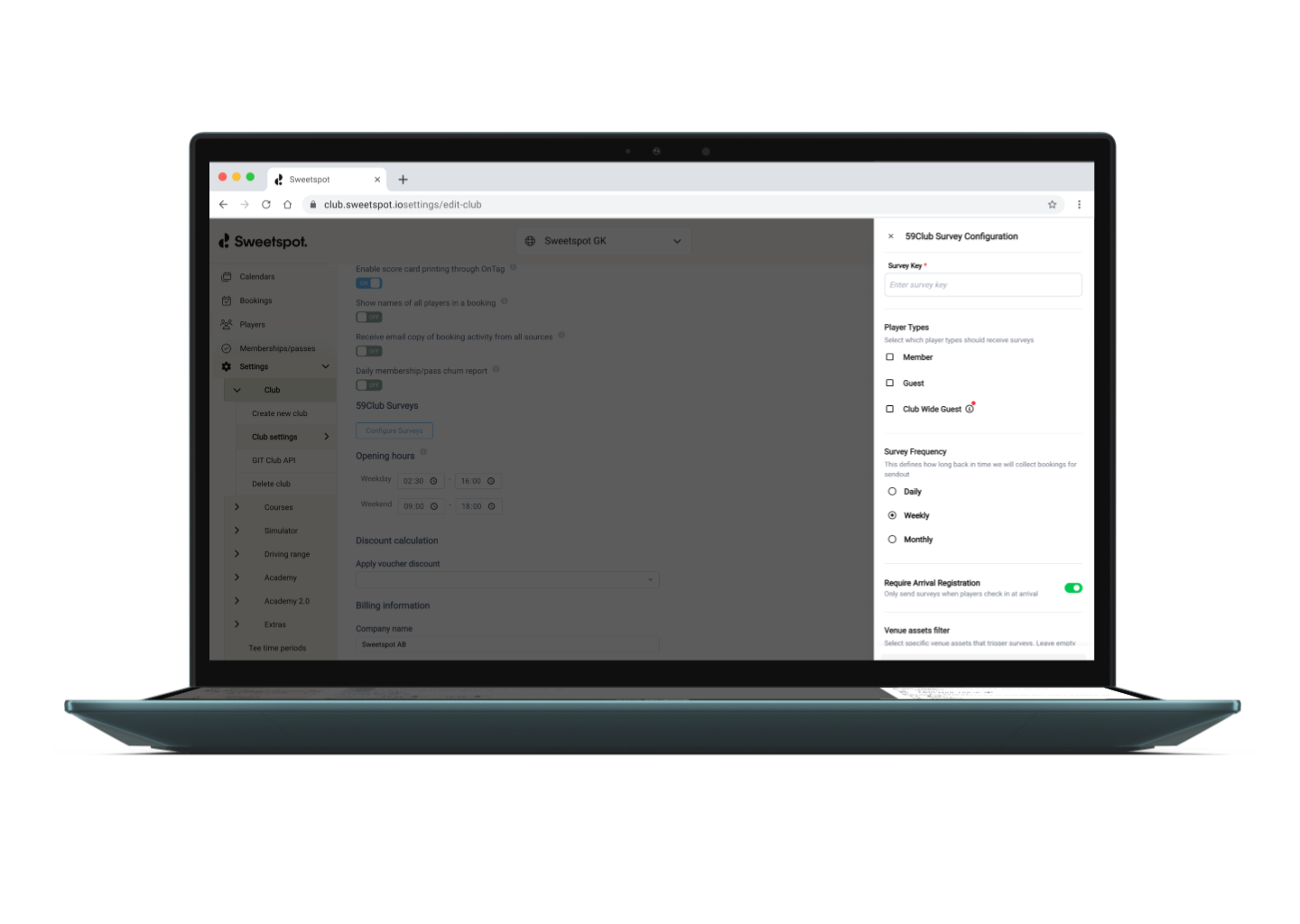
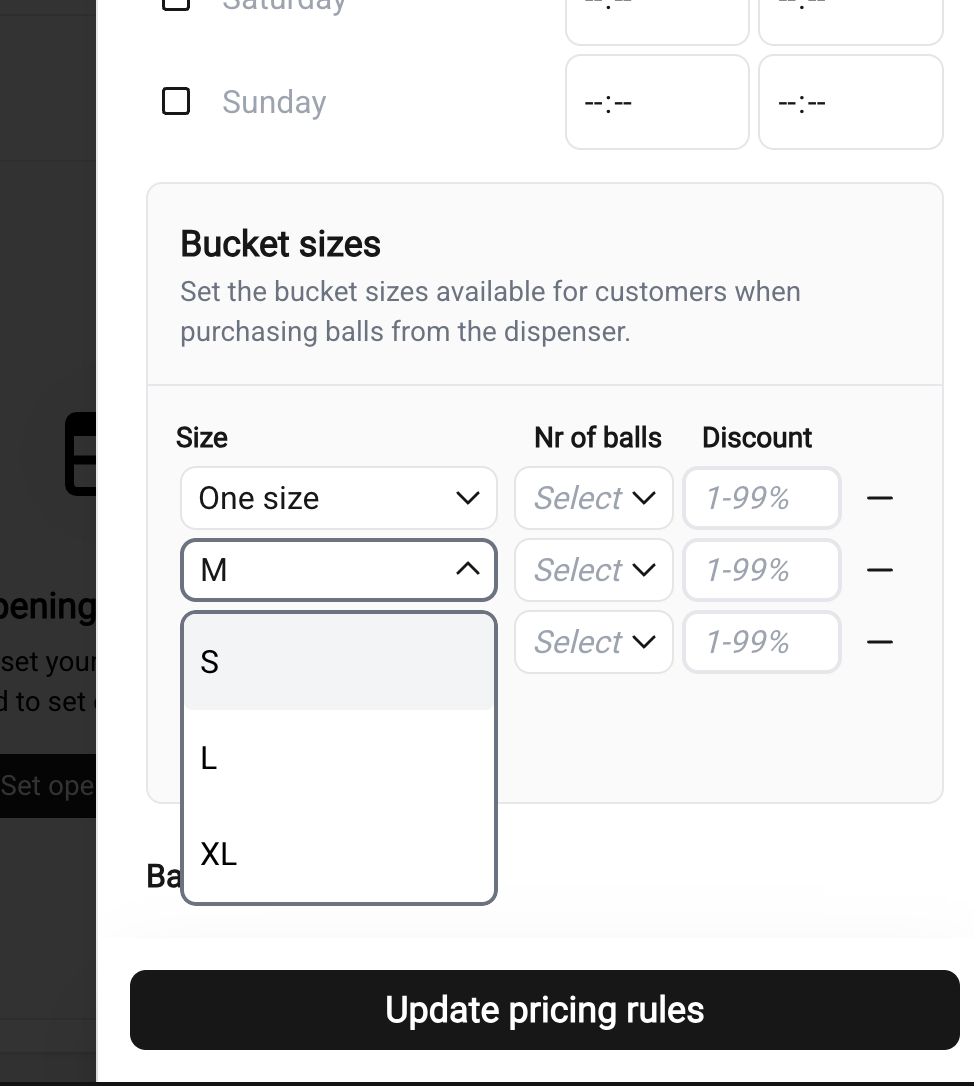
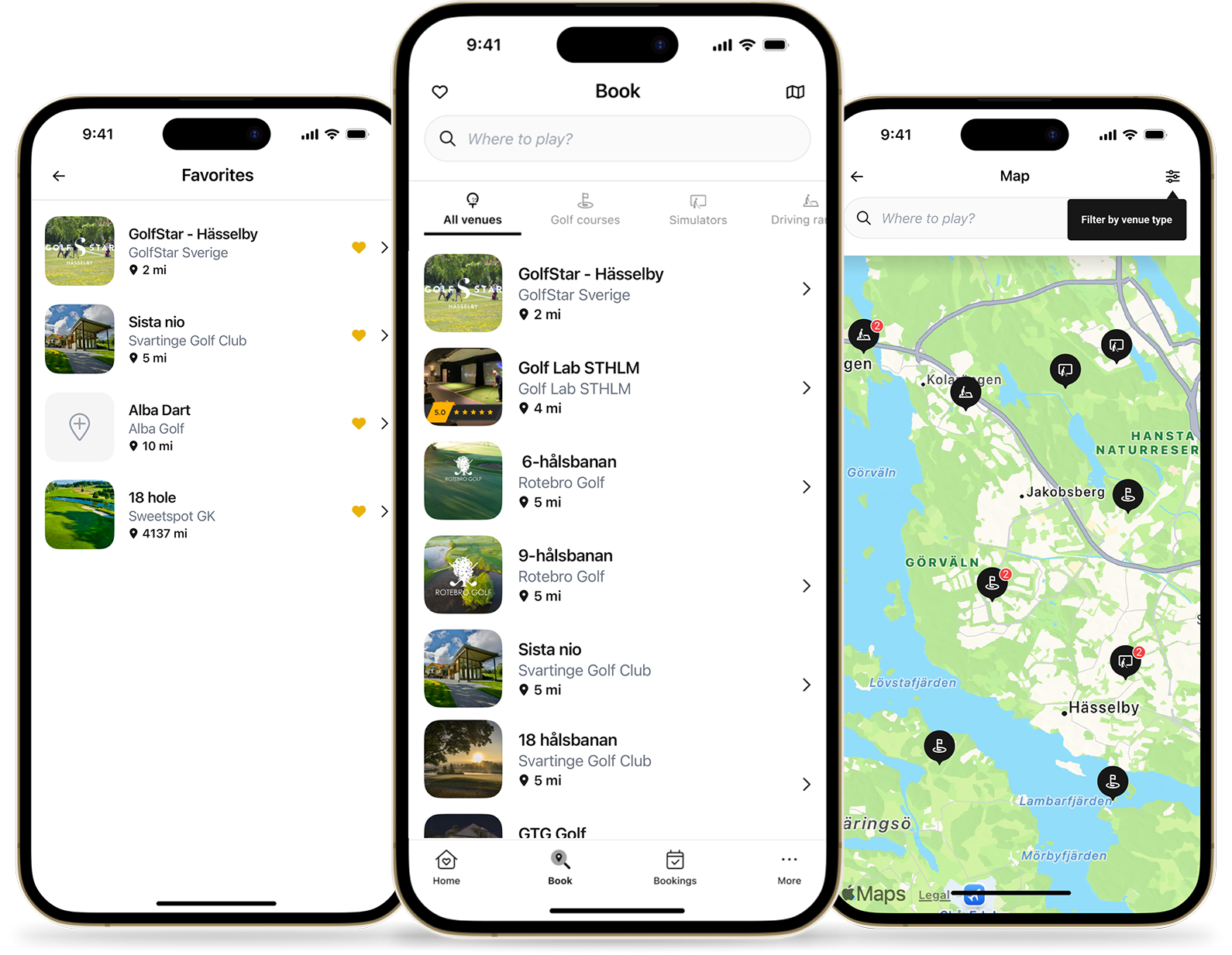
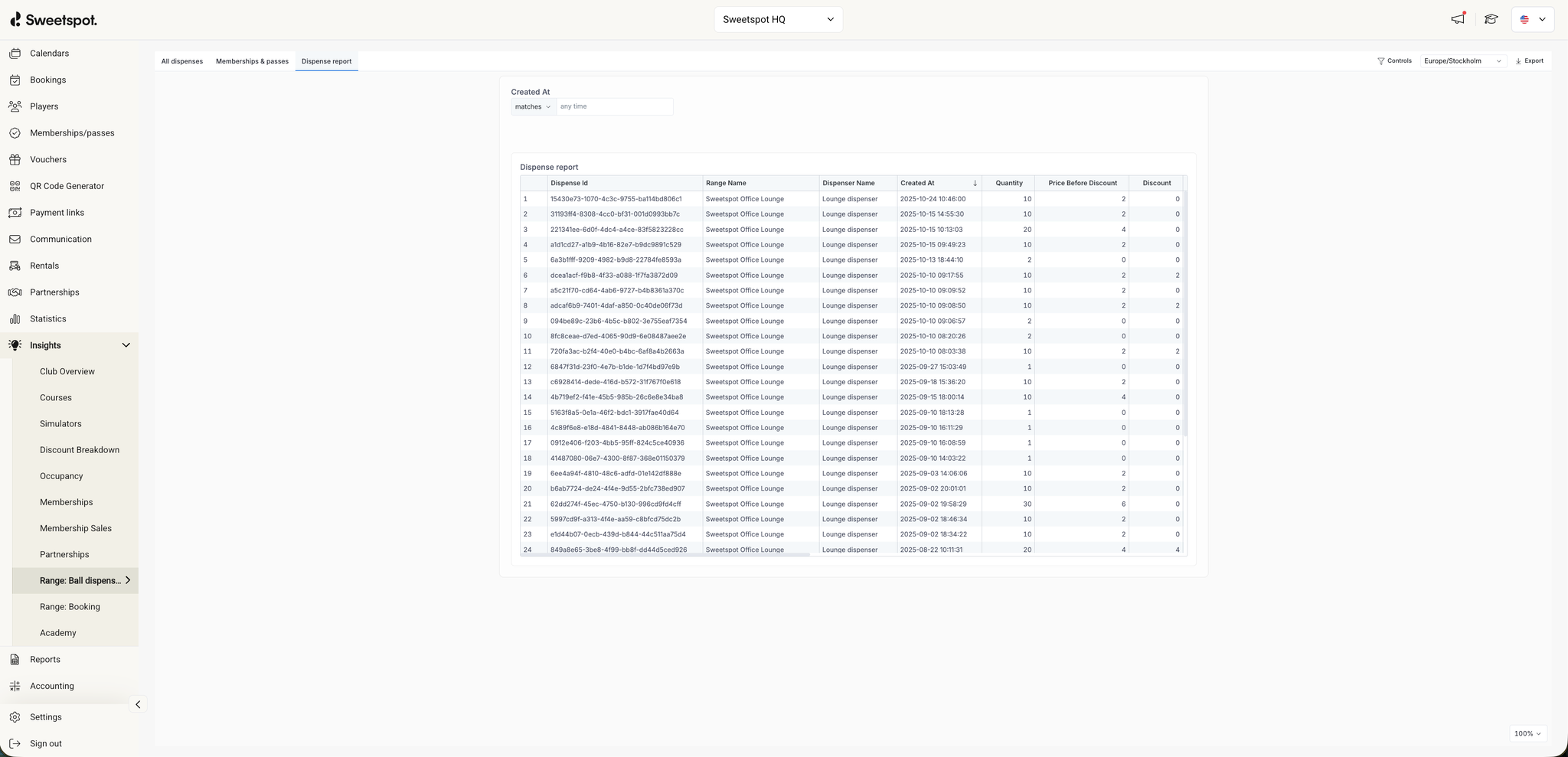
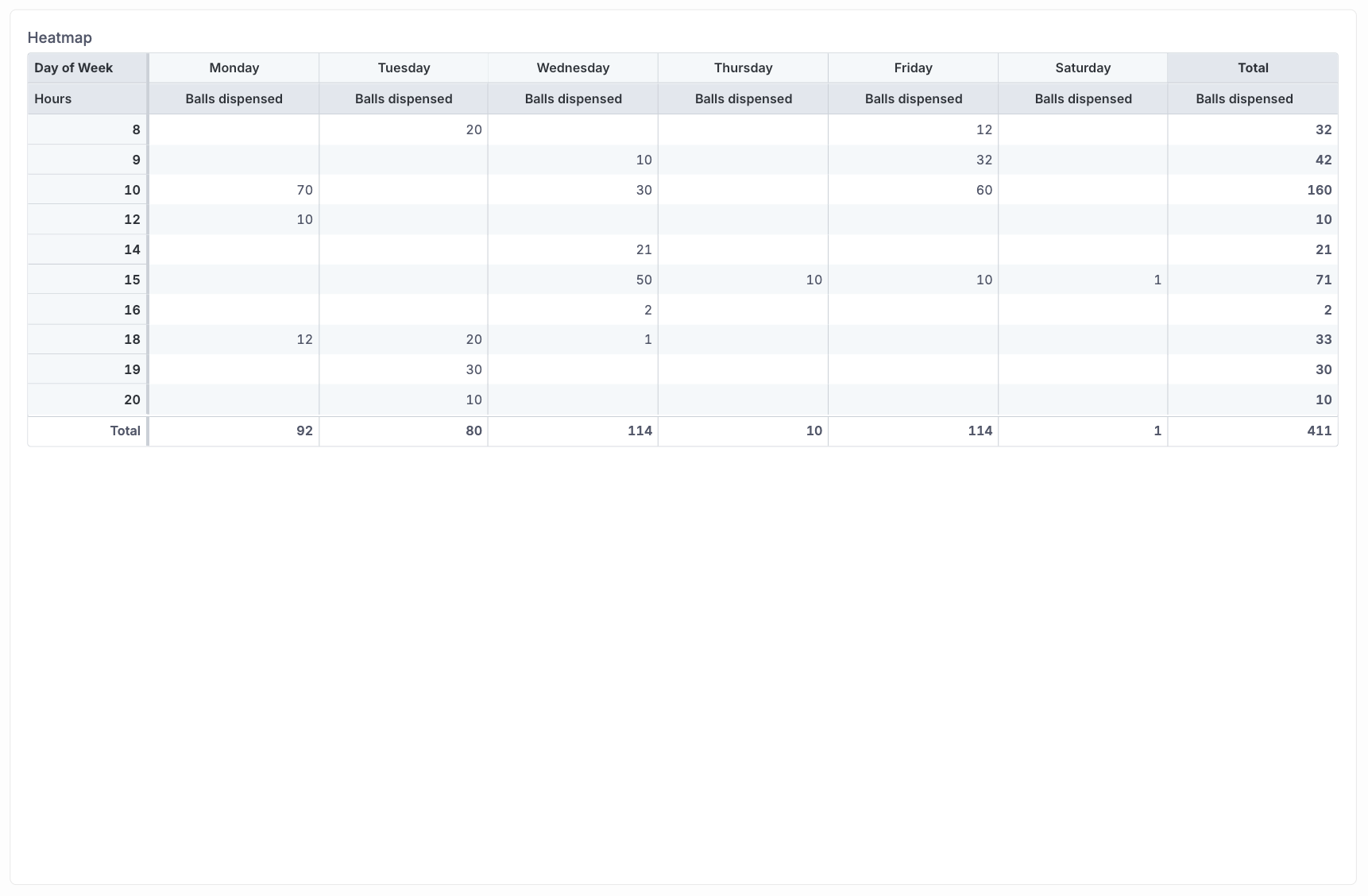
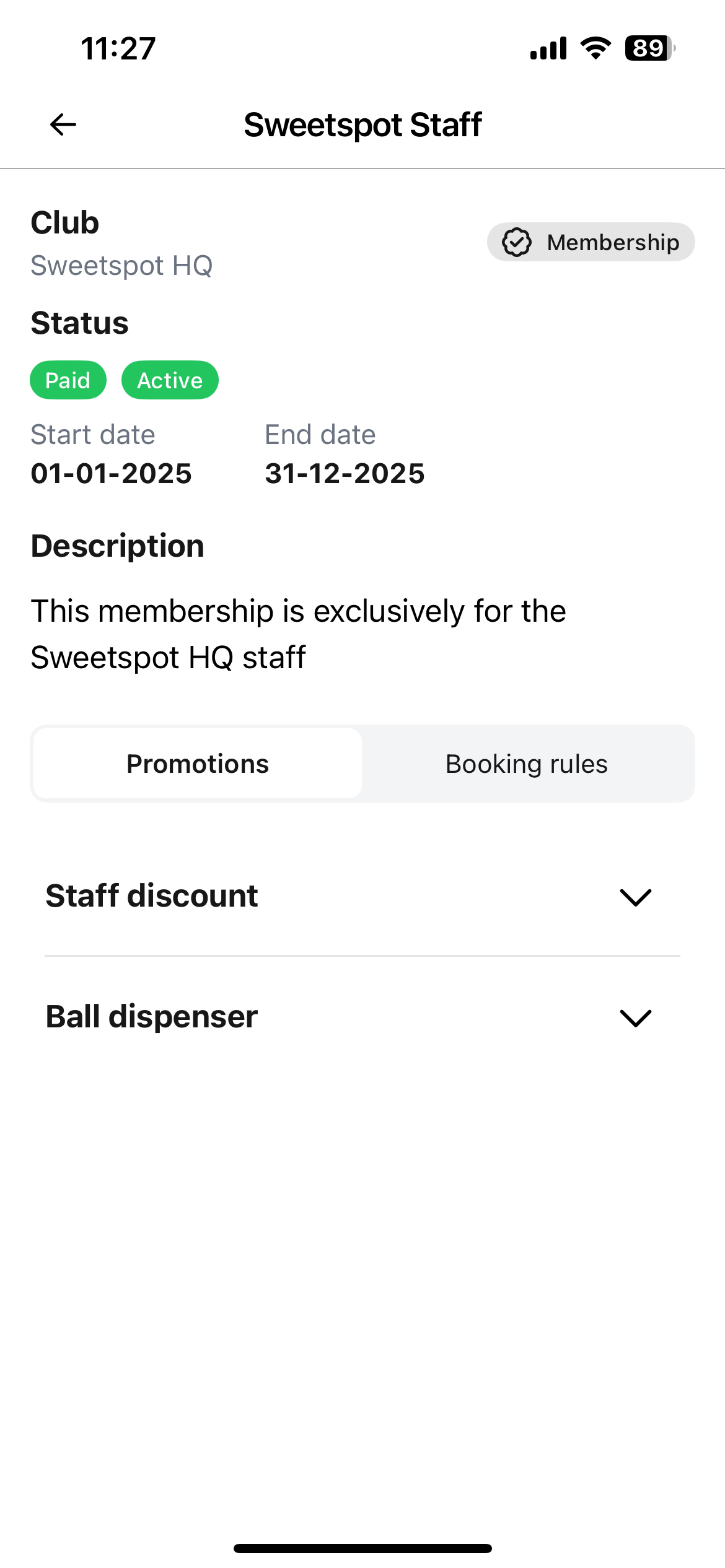
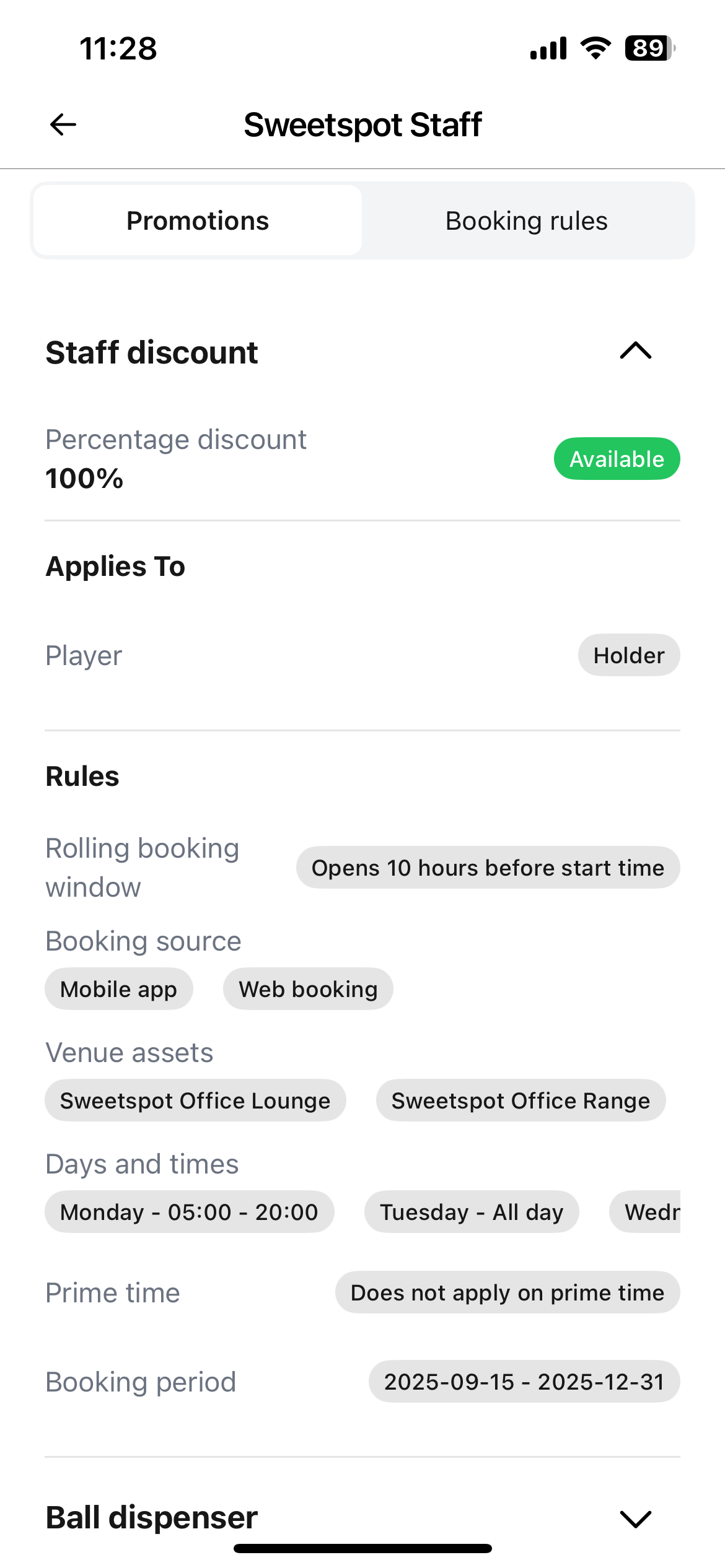
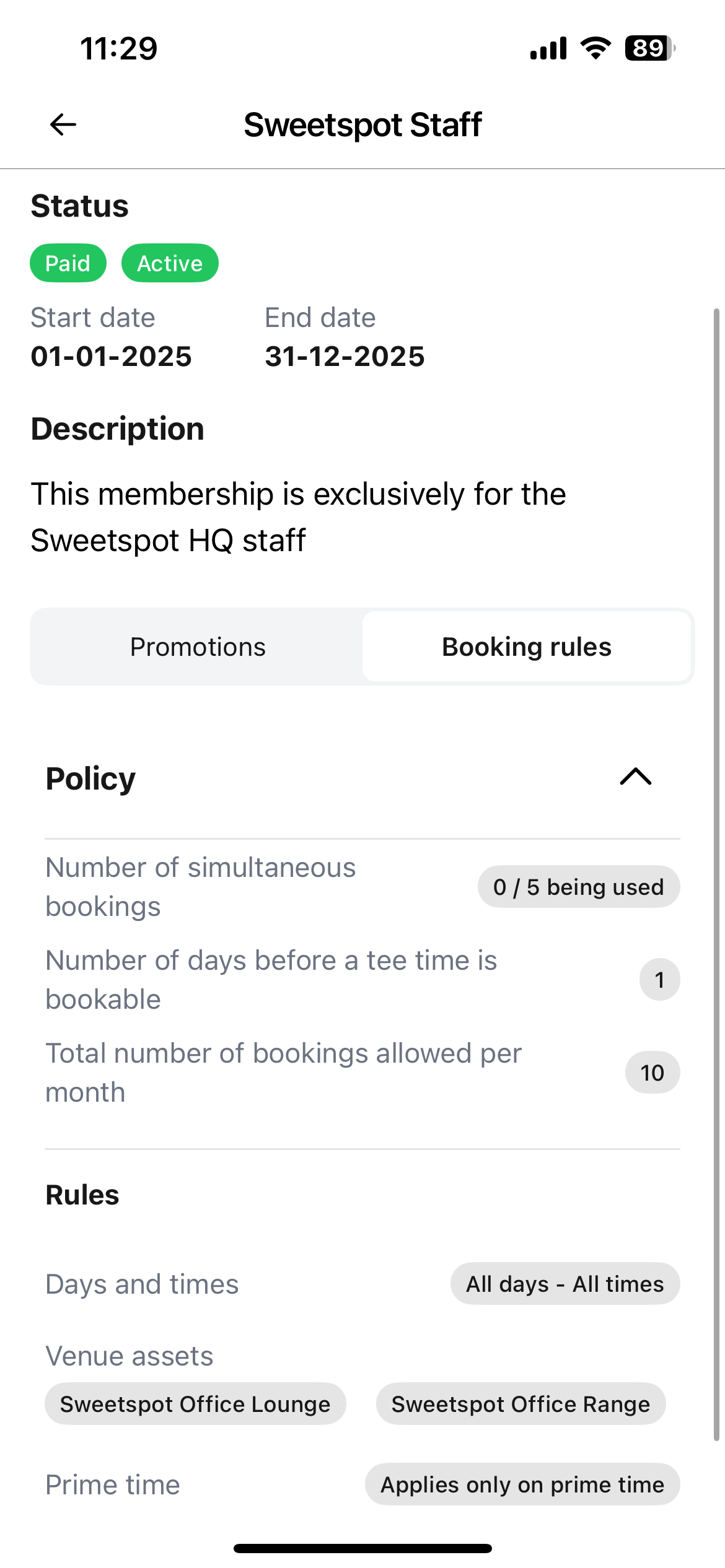
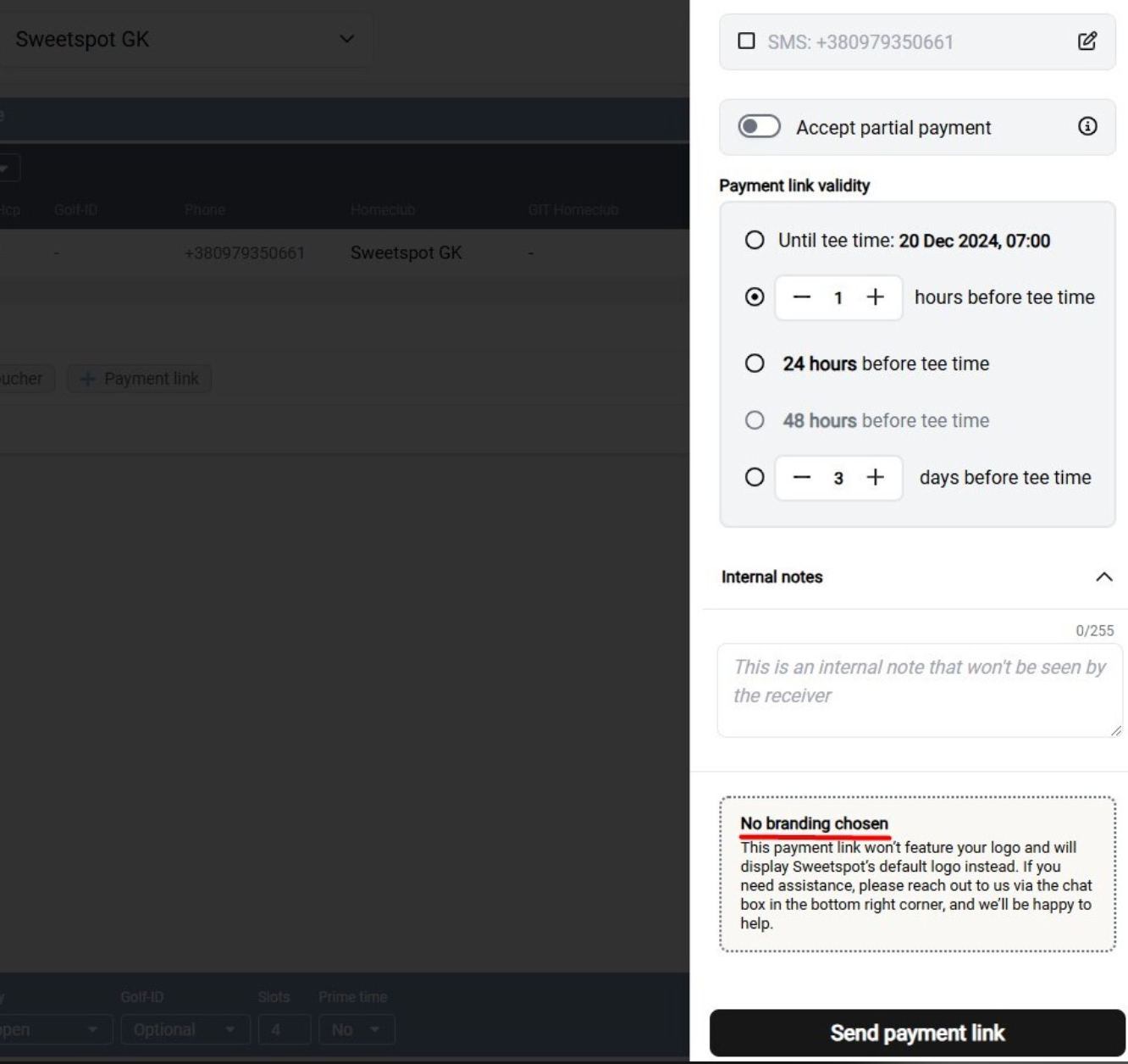
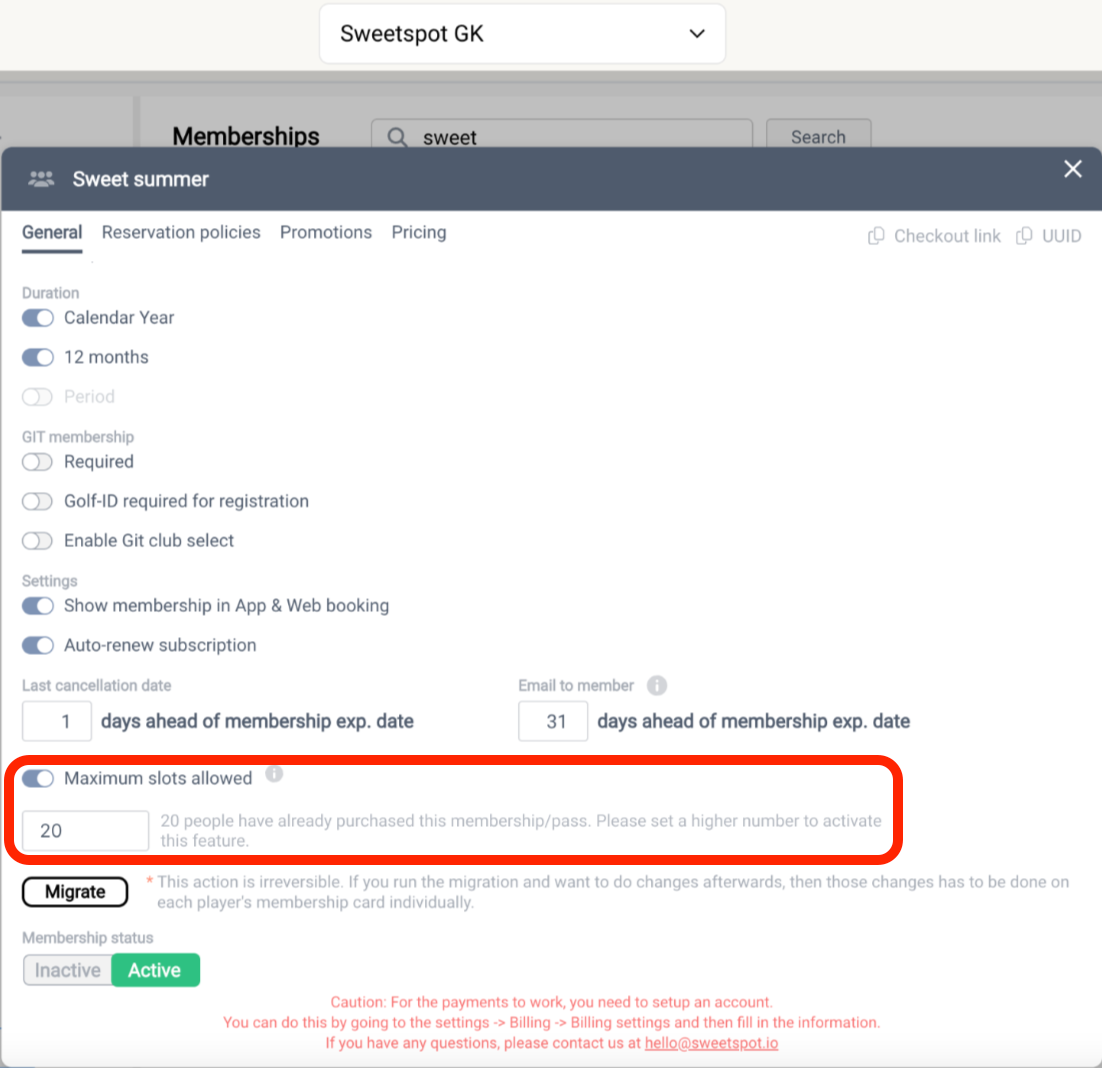
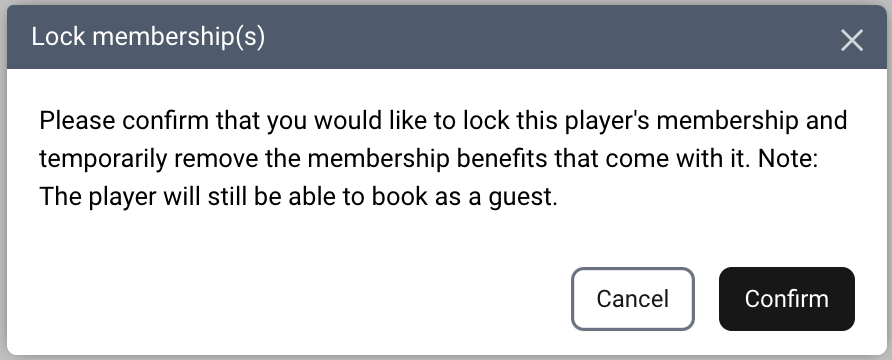
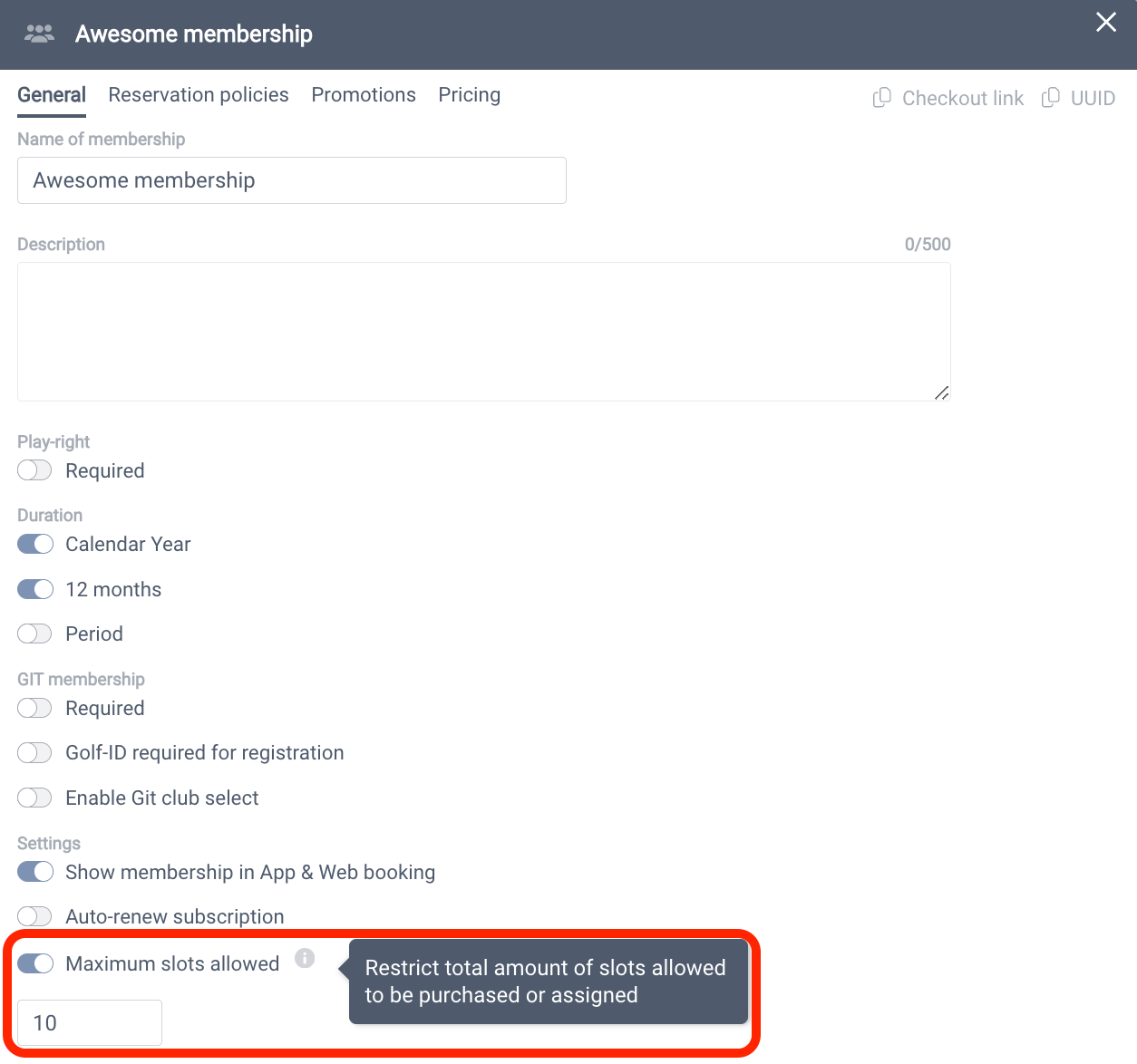
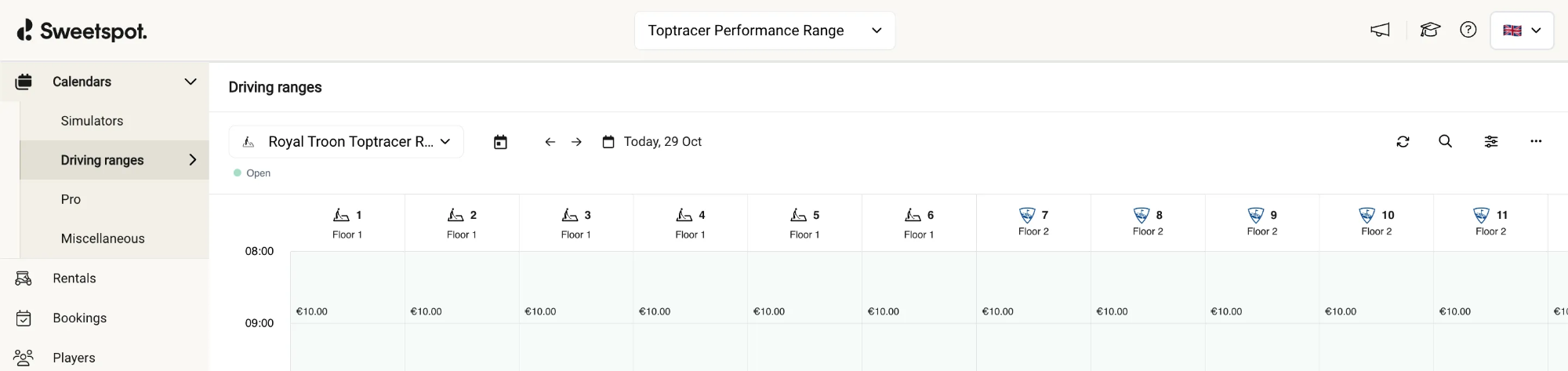
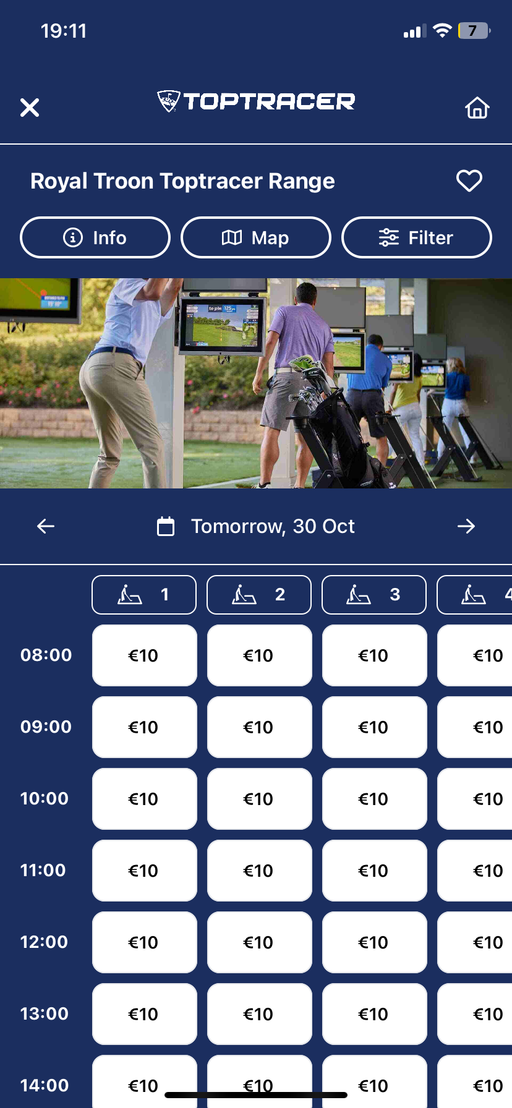
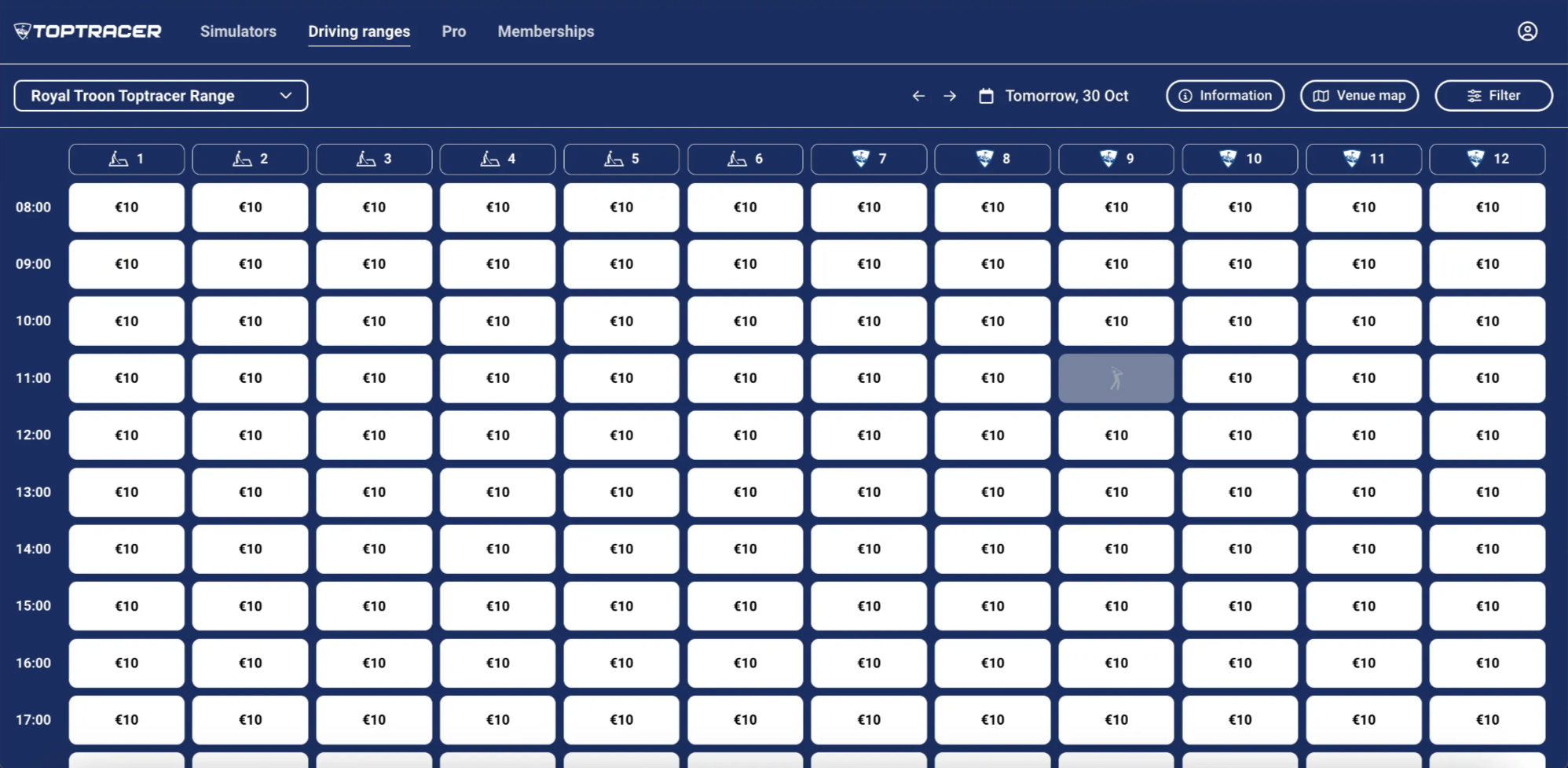
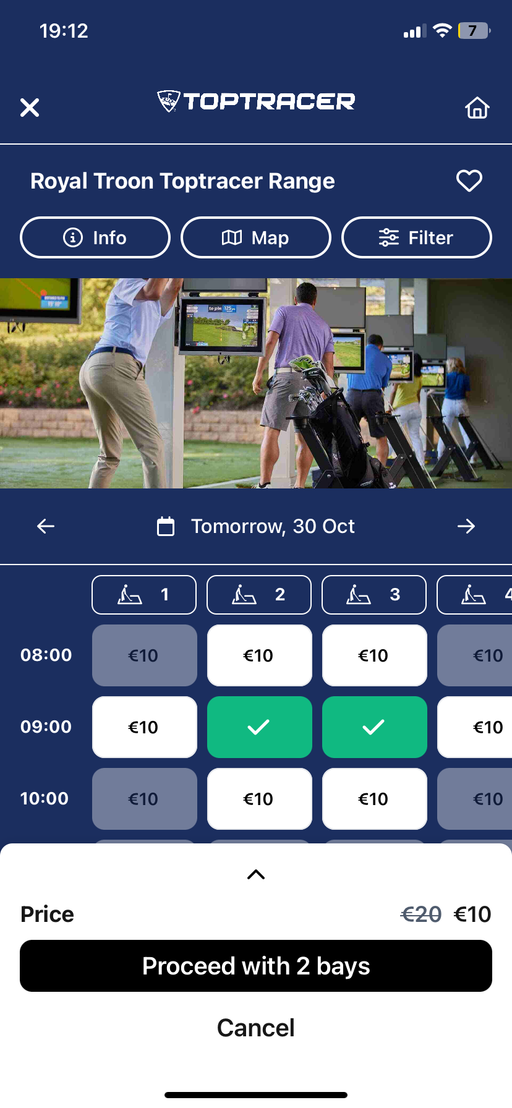
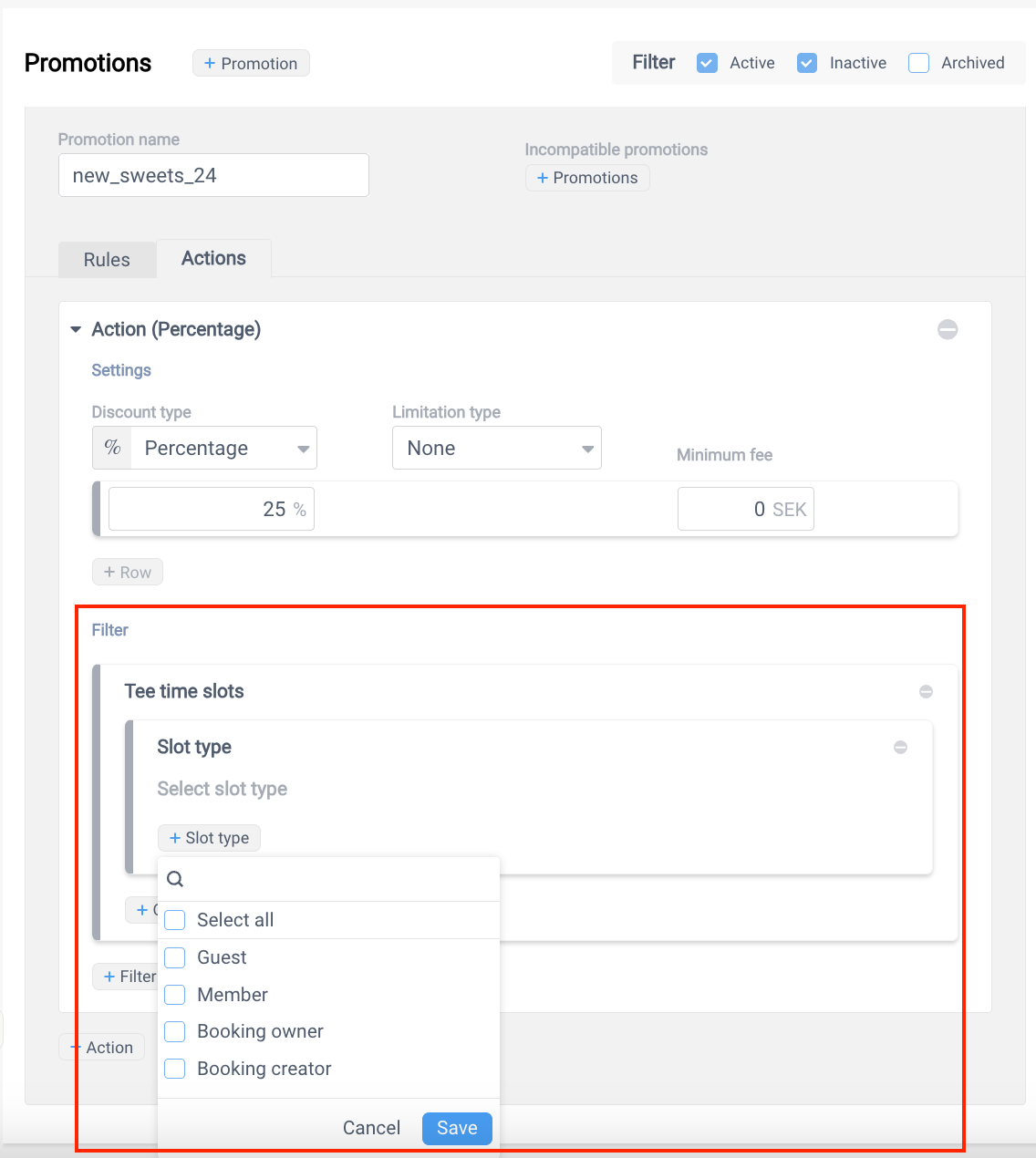
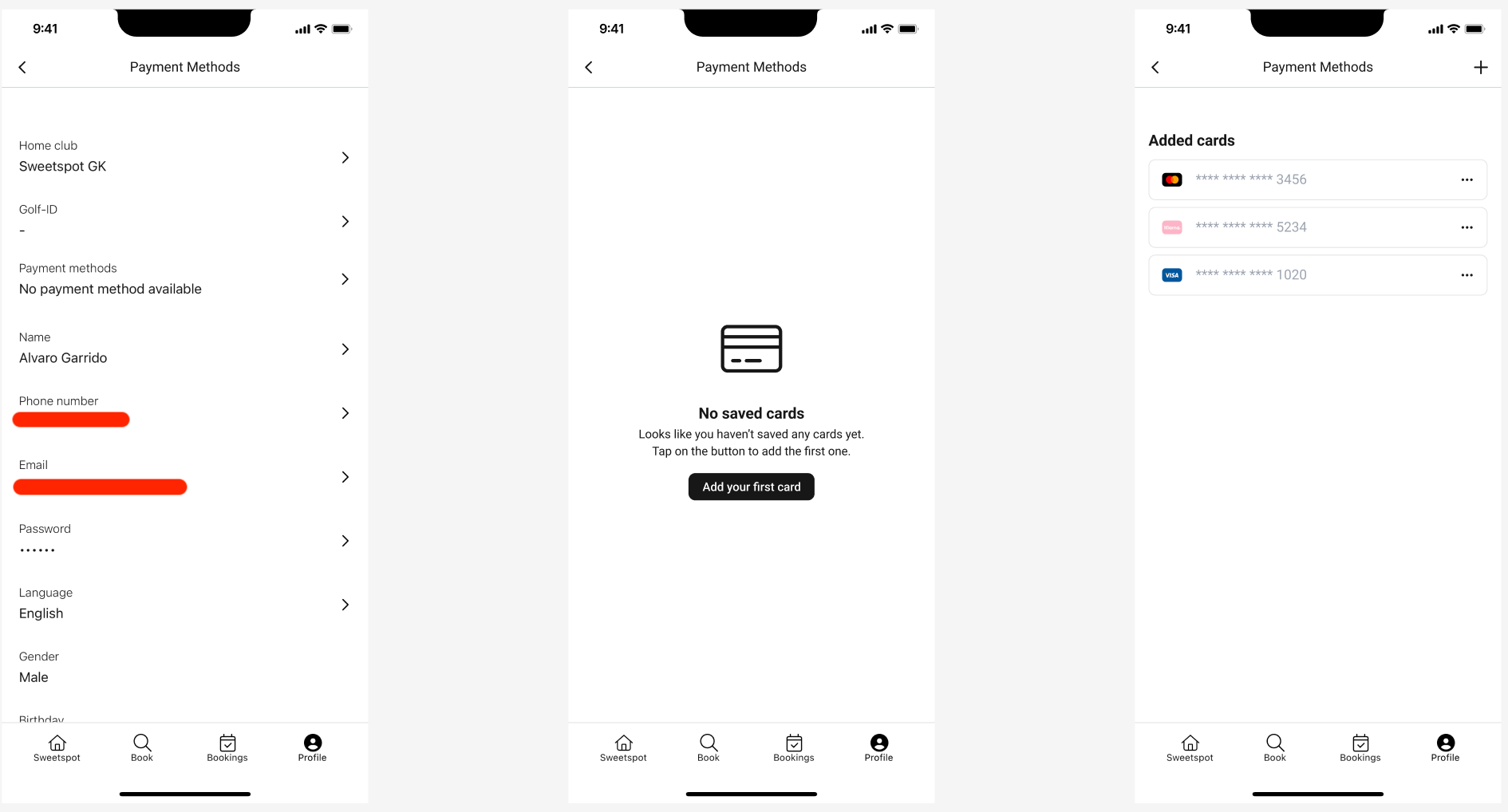
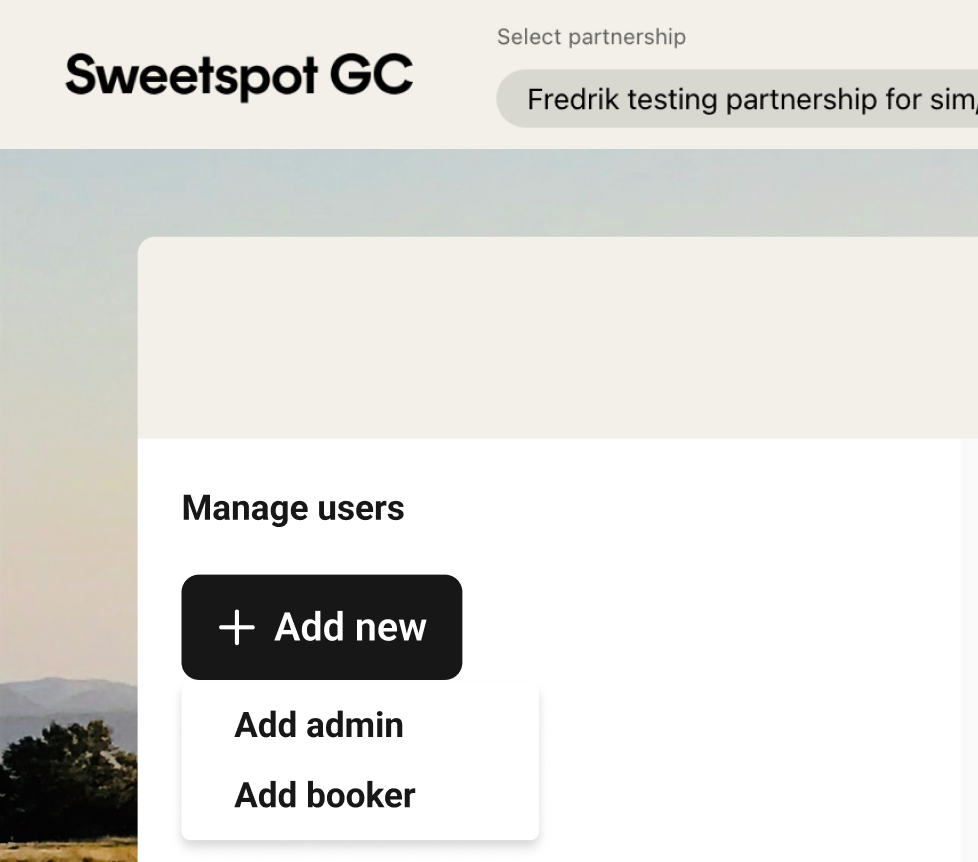
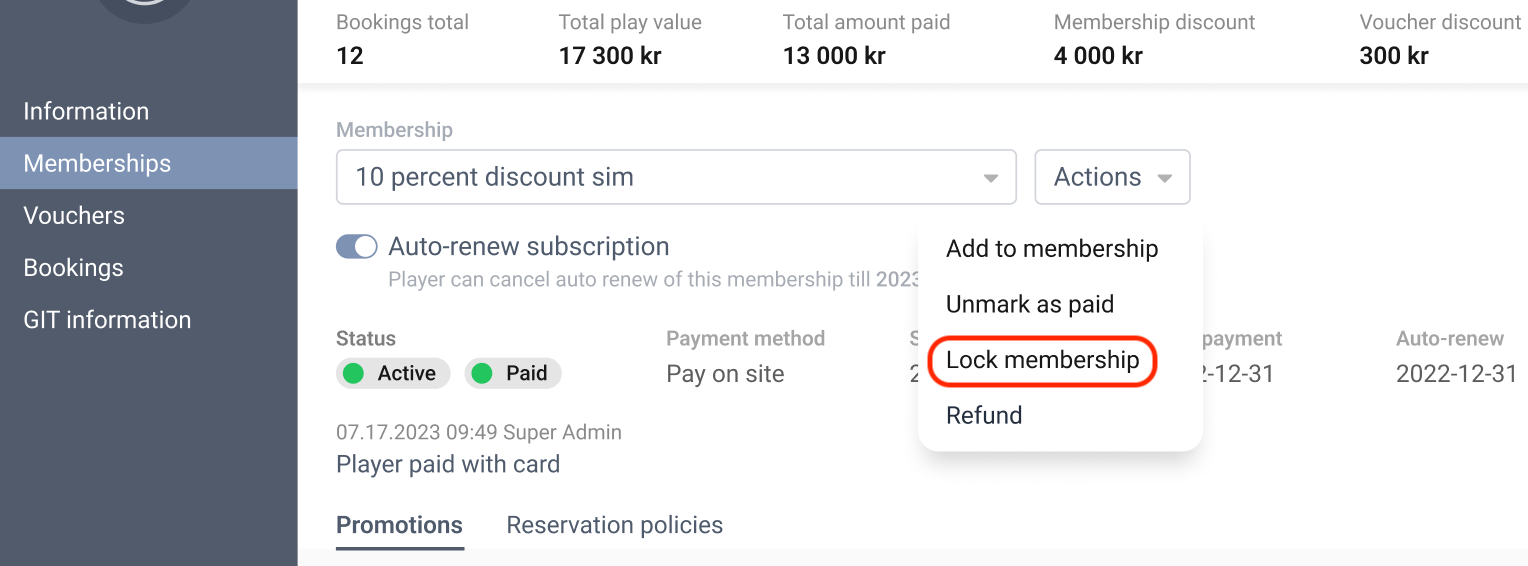
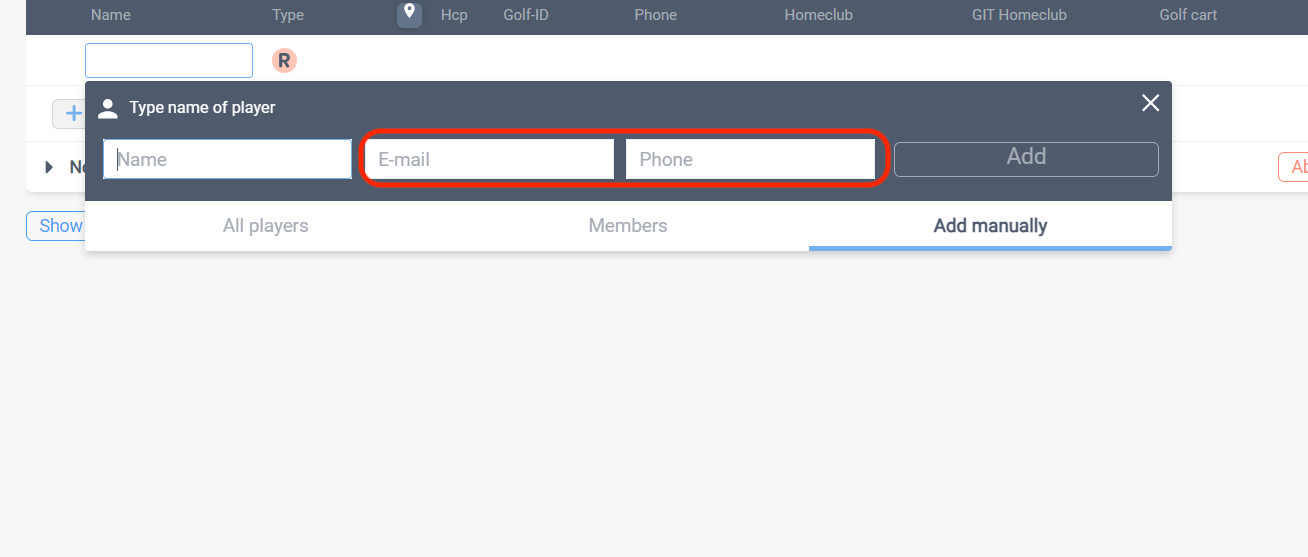
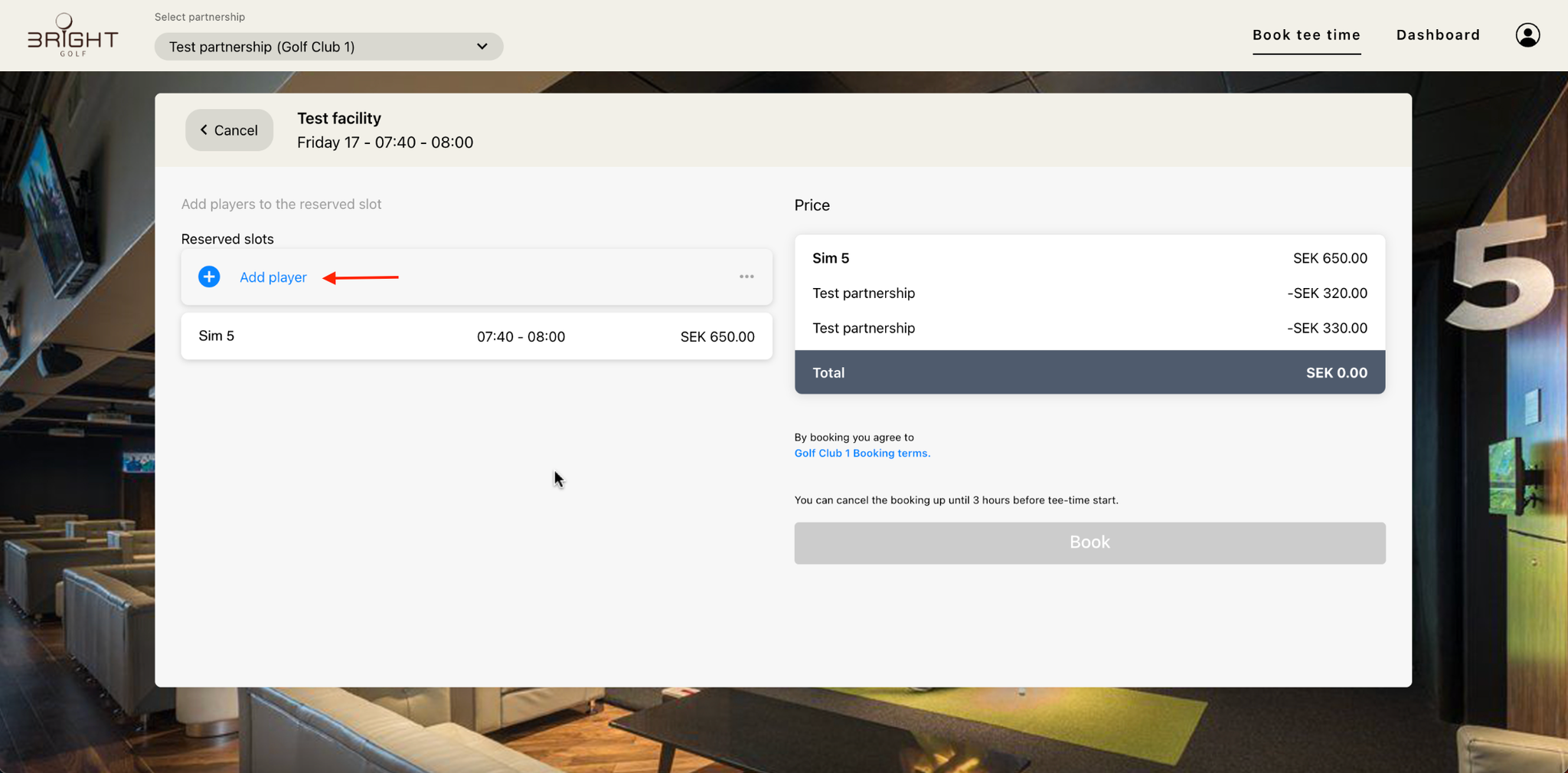
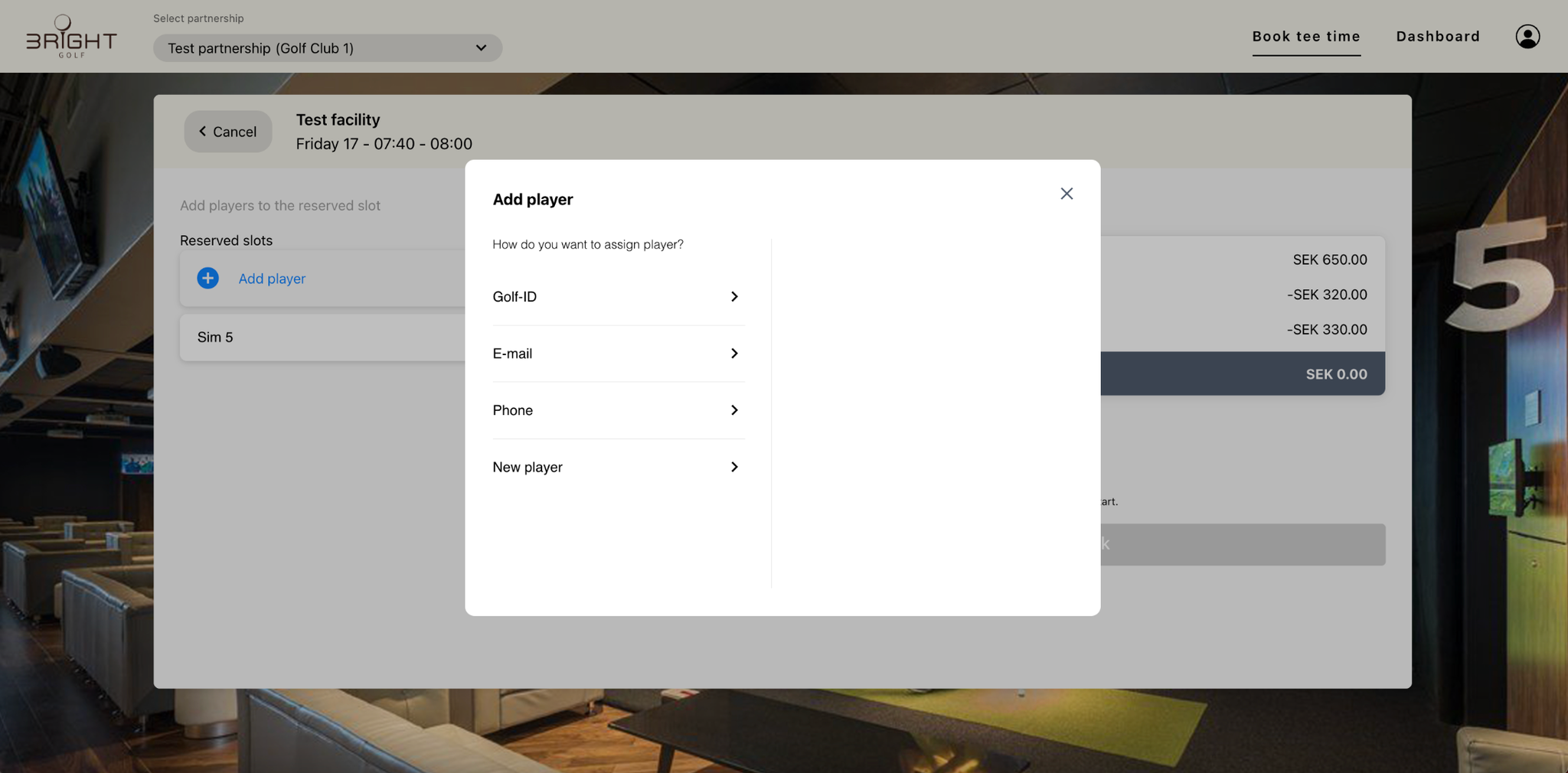
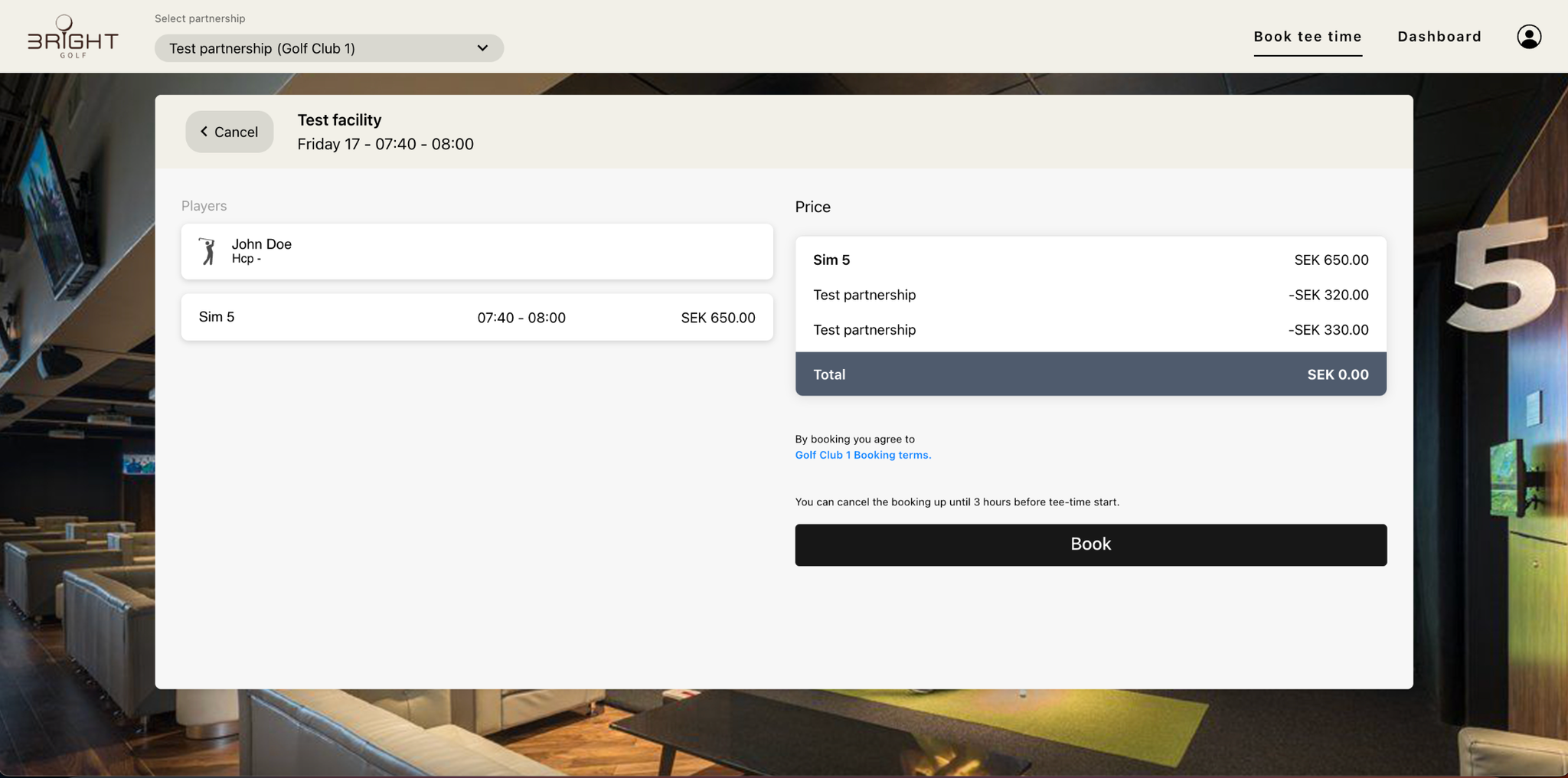
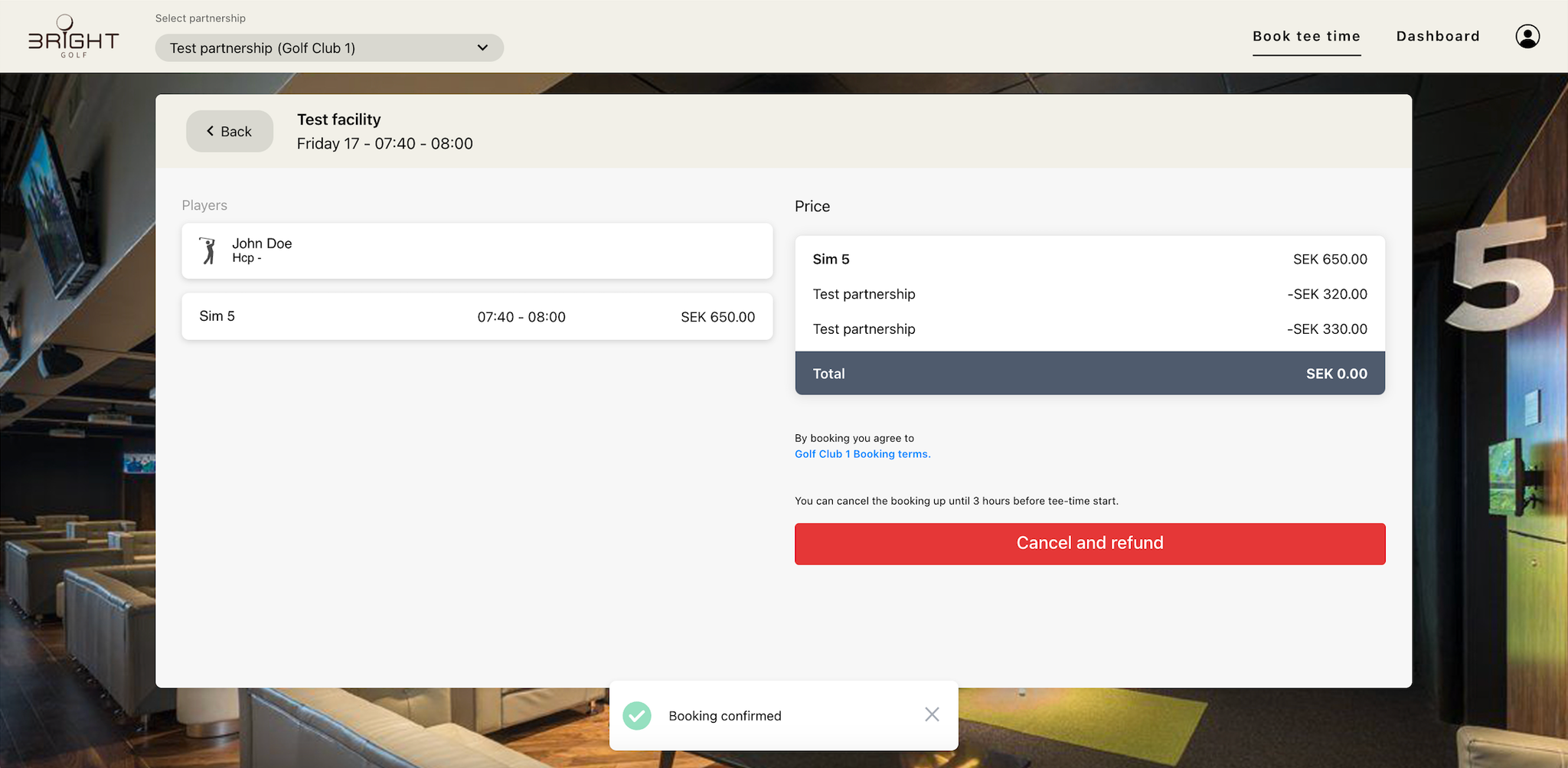
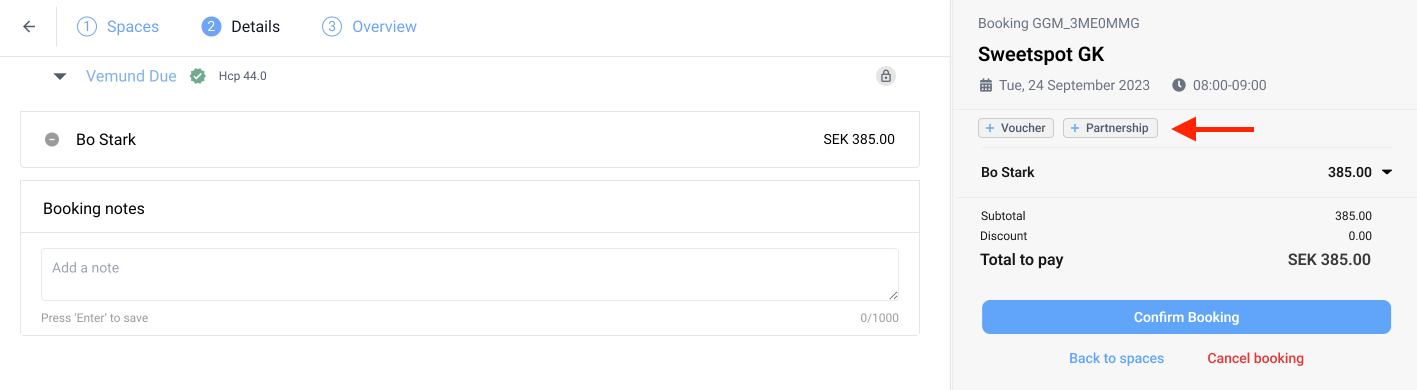
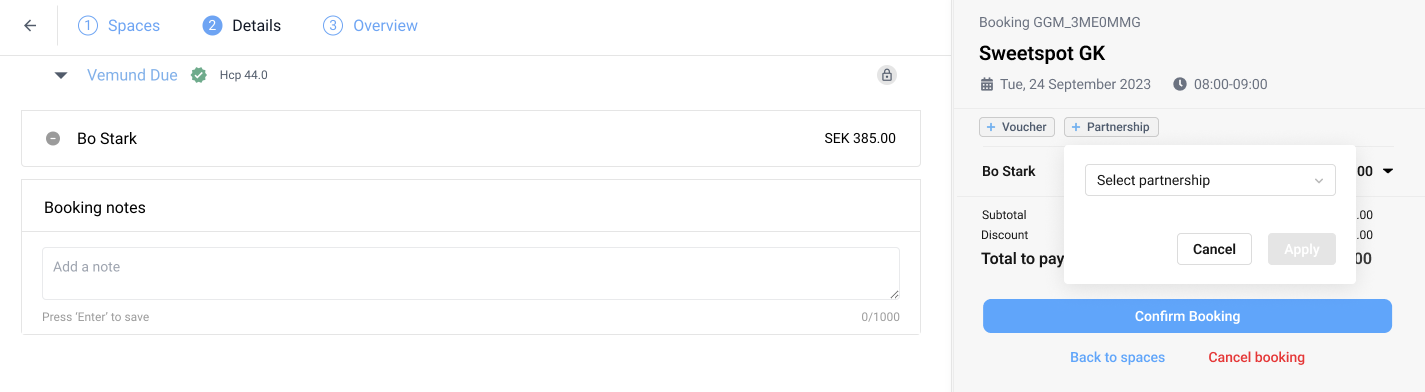
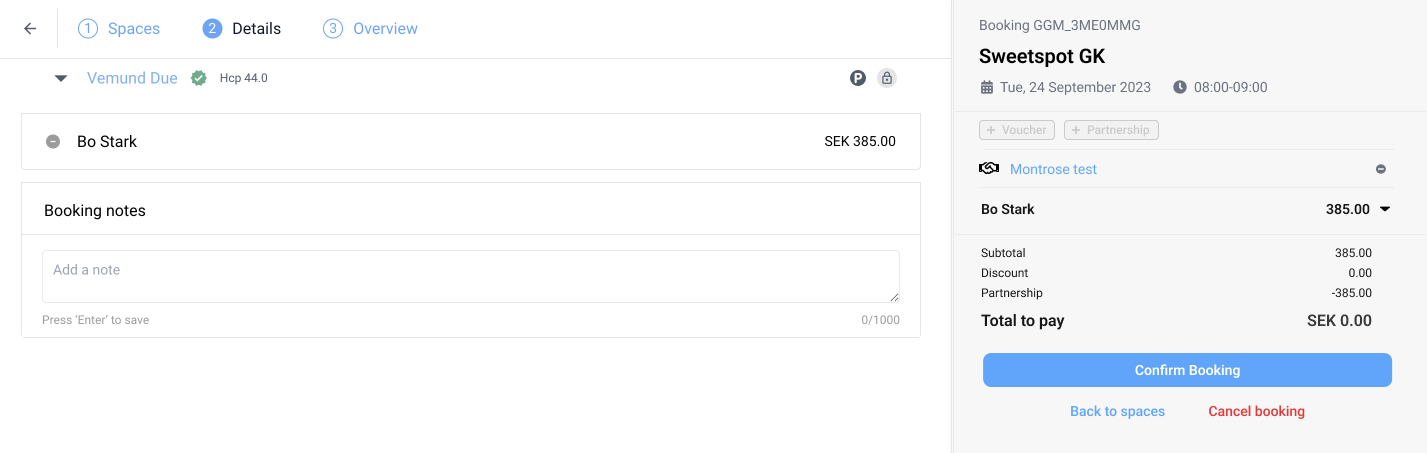
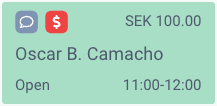
Staff and coaches can now dispense balls with their own PIN — no card, no pass or membership, and nothing charged. Up to 255 balls in one go, instead of a bucket at a time.
How it works
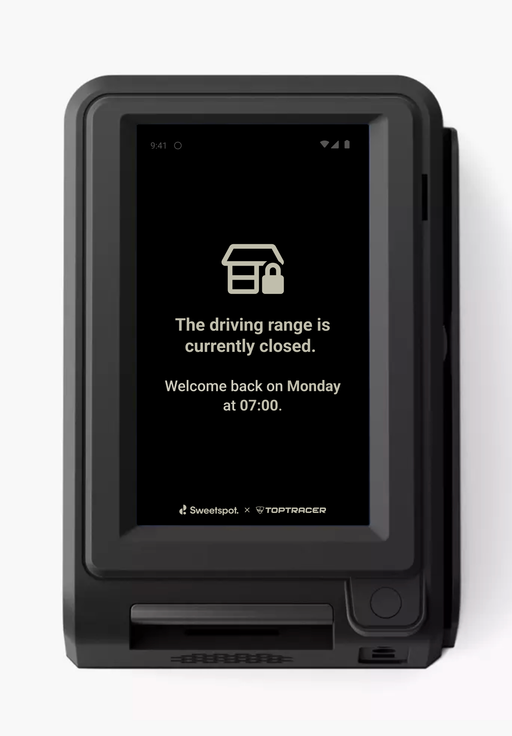
On the terminal, tap Tap to start, then quickly tap the top-right corner of the screen three times. The PIN entry opens. There's no visible button, so players won't stumble on it. Staff type their 6-digit PIN and pick an amount — one of yours, or any number up to 255. No payment step.
Where you set it up
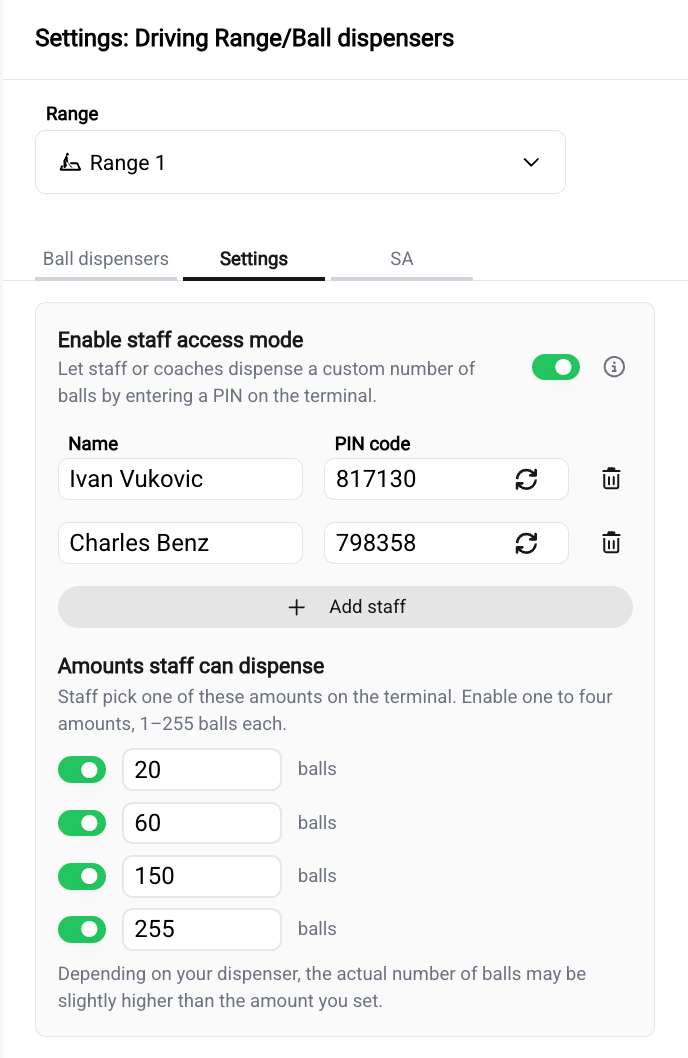
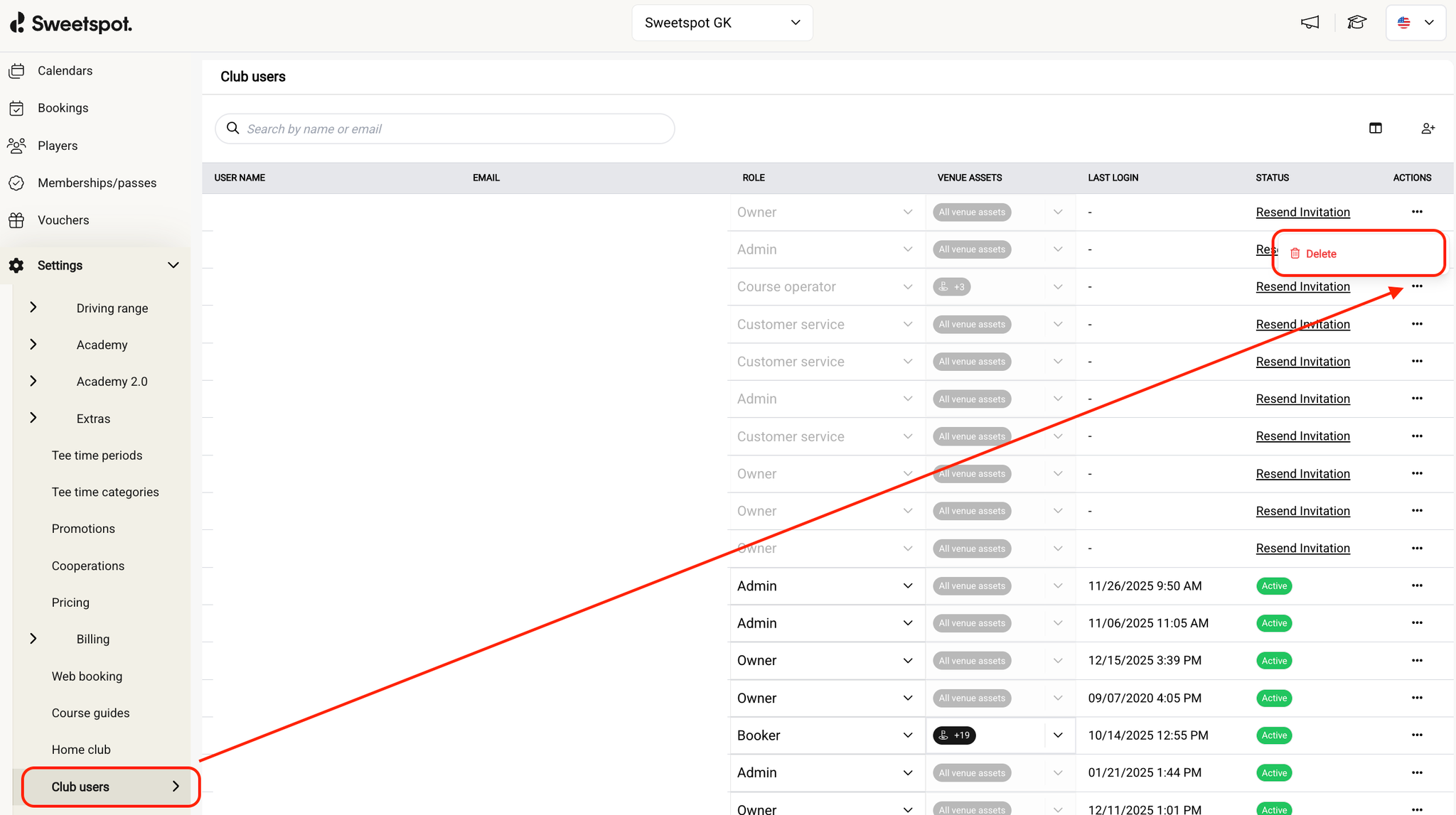
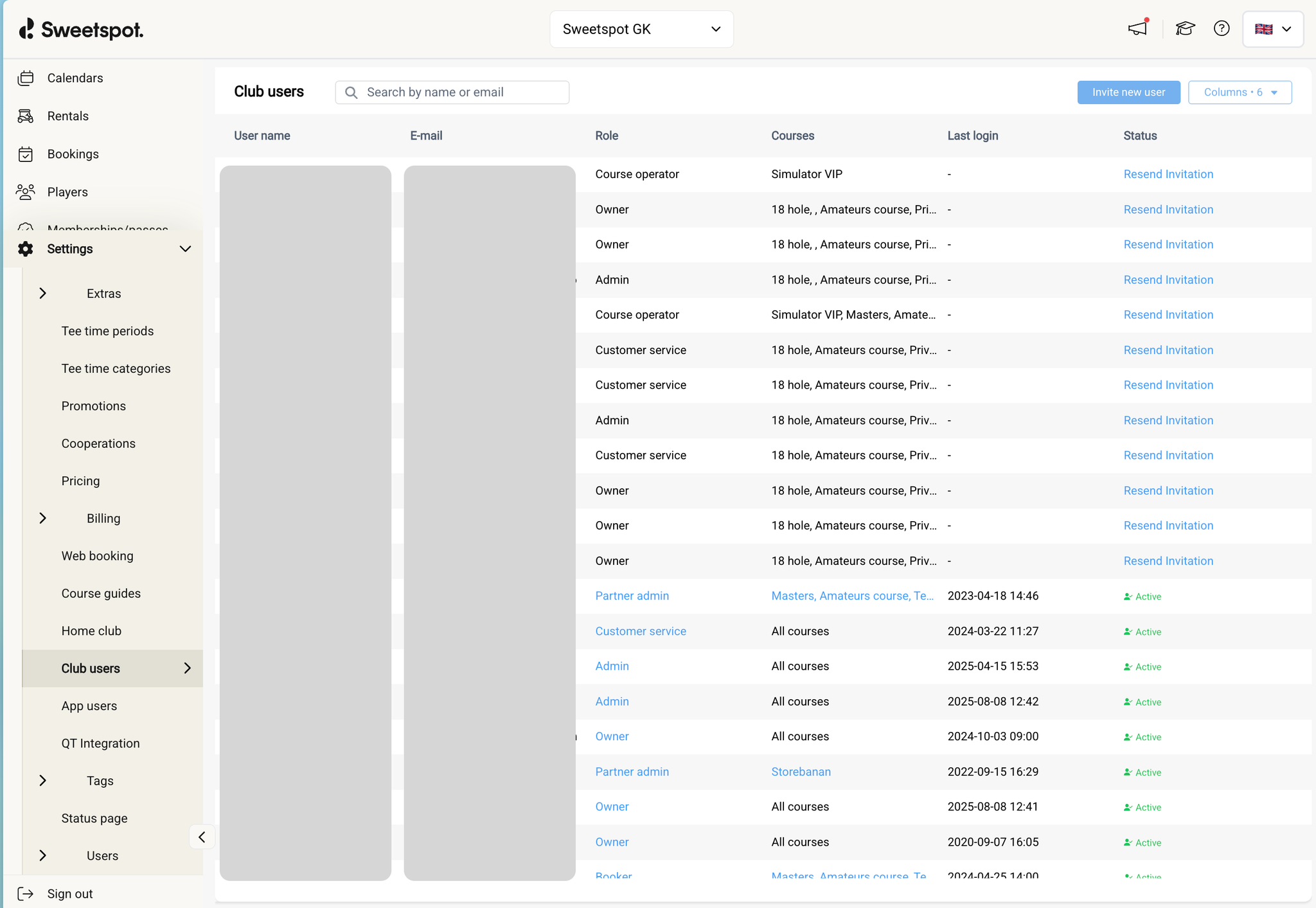
Club Portal, per range: Settings → Driving Range → Ball dispensers → Settings. Switch on staff access mode, add your staff, and enable up to four ball amounts. Everyone gets their own 6-digit PIN.
Good to know
Every staff dispense lands in Dispenses under the staff member's name at zero cost — nothing to reconcile, nothing to refund.
🔑
PIN codes are personal. Regenerate a PIN or remove someone in Club Portal, and the old PIN stops working immediately.
Also in this release
More balls? is gone from the screen shown when a dispense finishes — staff dispense does that job now.
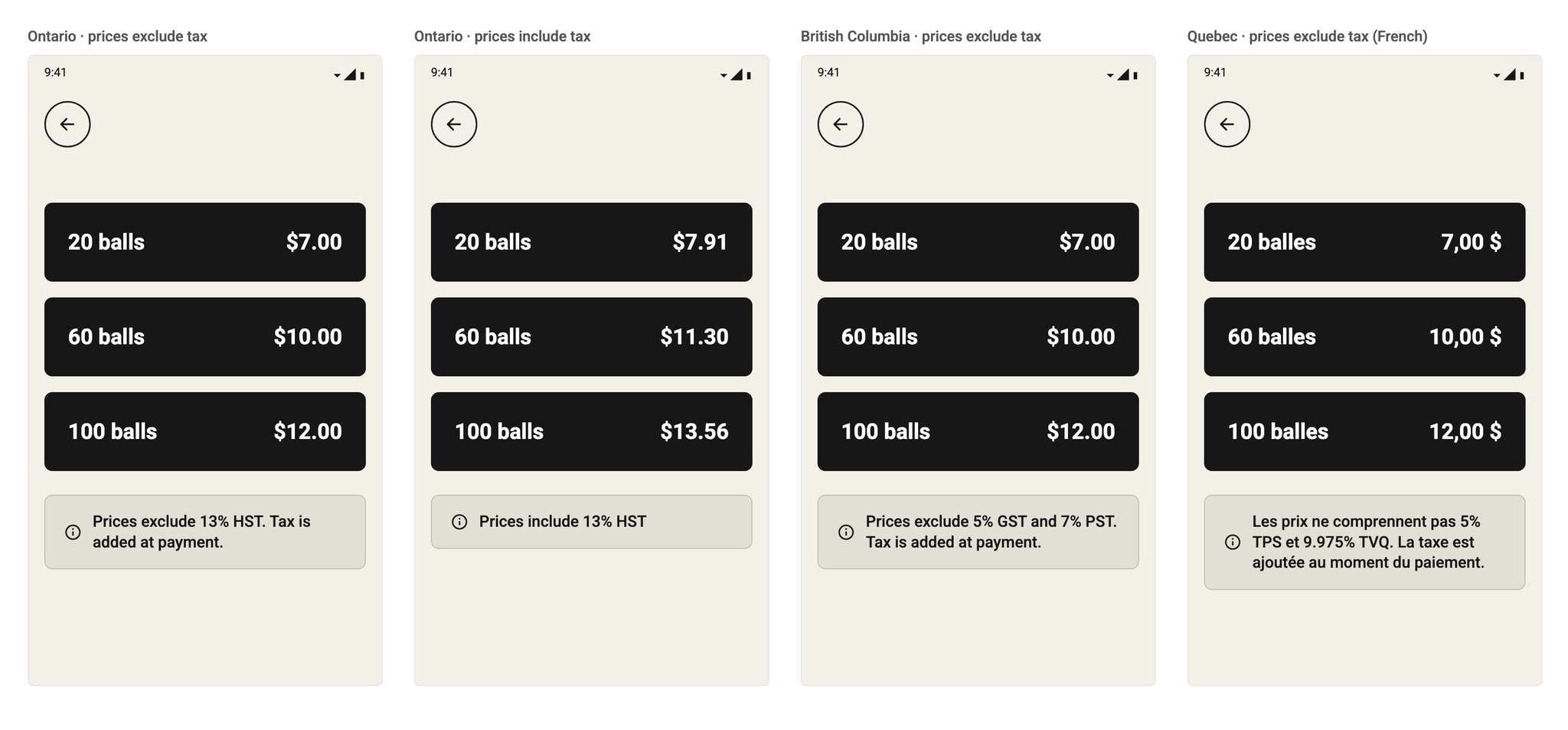
Ranges in the US and Canada can now choose whether the bucket prices they set include or exclude sales tax. With prices excluding tax, the terminal shows the bucket price you set and adds the tax when the player pays.
How it works
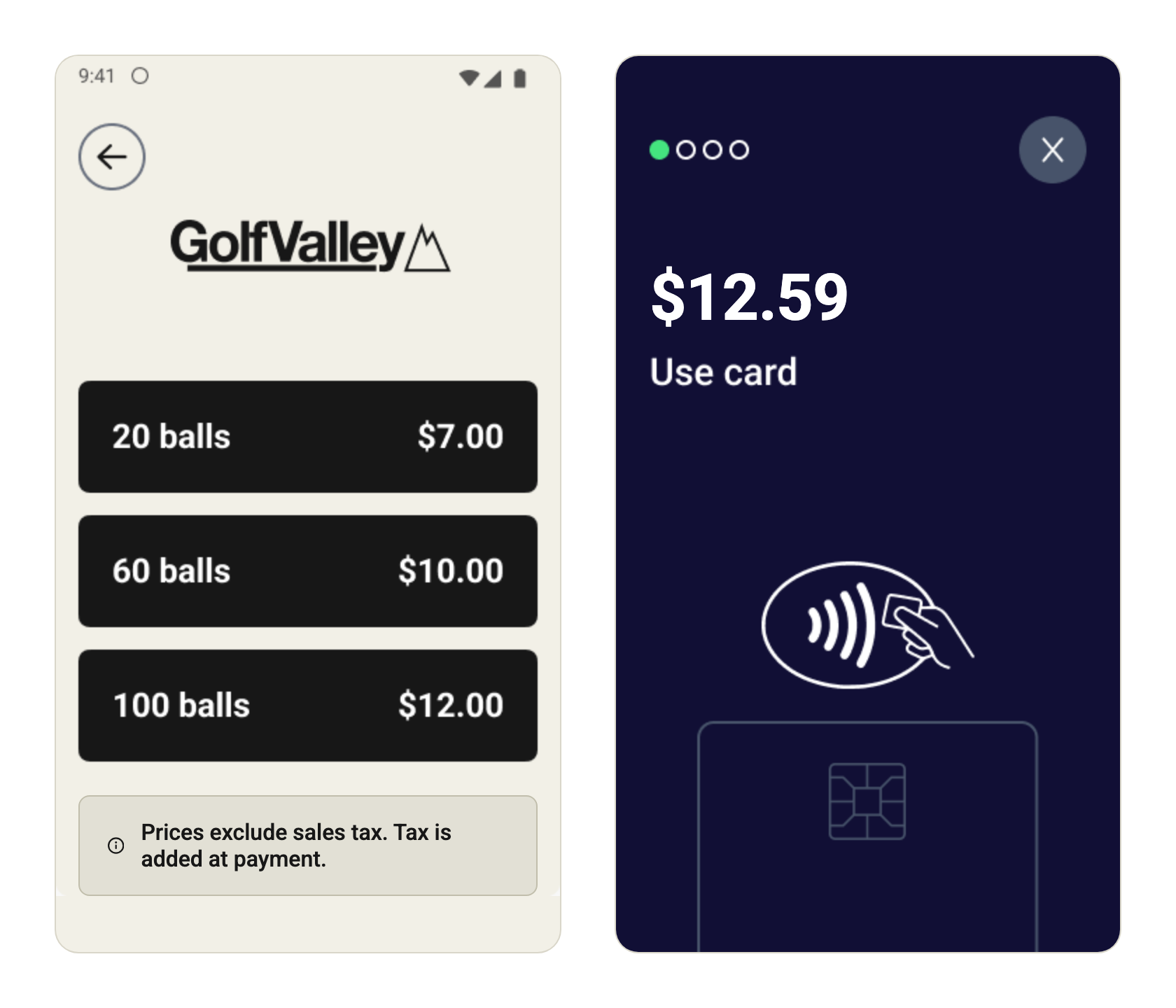
With Excl. sales tax, the bucket screen shows the prices you set with "Prices exclude sales tax. Tax is added at payment." The card prompt then charges the price plus tax, so a $12.00 bucket at 4.875% is charged $12.59.
With Incl. sales tax, the price you set is the price the player pays. The terminal says "All prices include sales tax", or names your taxes in Canada, such as "Prices include 5% GST and 7% PST".
Where you set it up
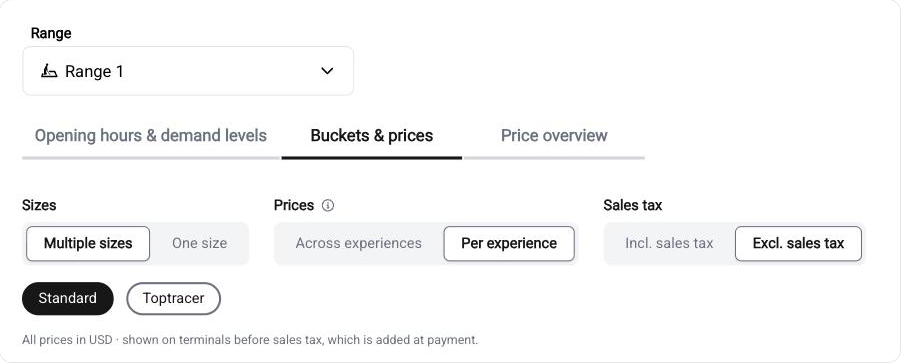
Club Portal, per range: Settings → Bucket pricing → Buckets & prices, under Sales tax. The caption under the toggle shows what players will see.
Good to know
Tax-exempt ranges show no tax line on the terminal at all.
ℹ️
Not available in Maryland and Louisiana. State law there requires self-service and vending prices to include tax, so the option is hidden for ranges with an address in those states.
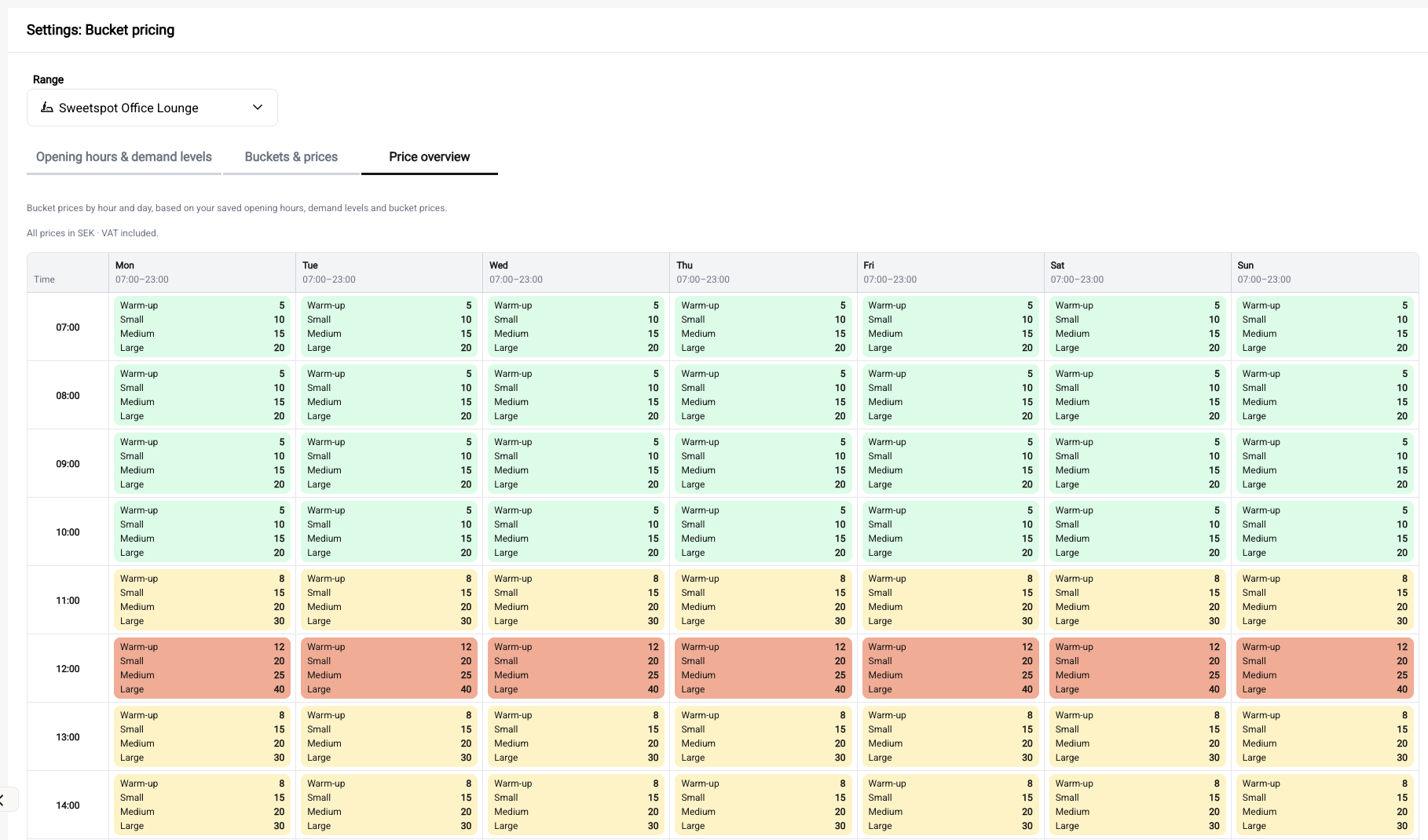
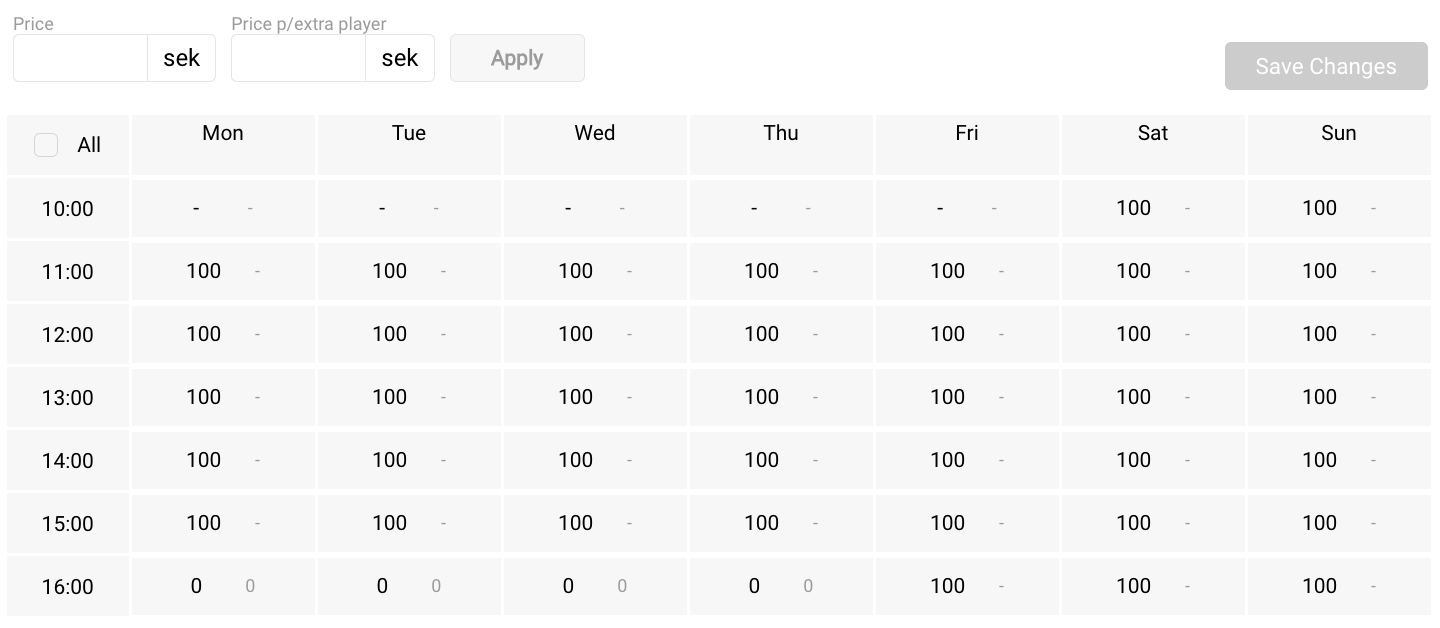
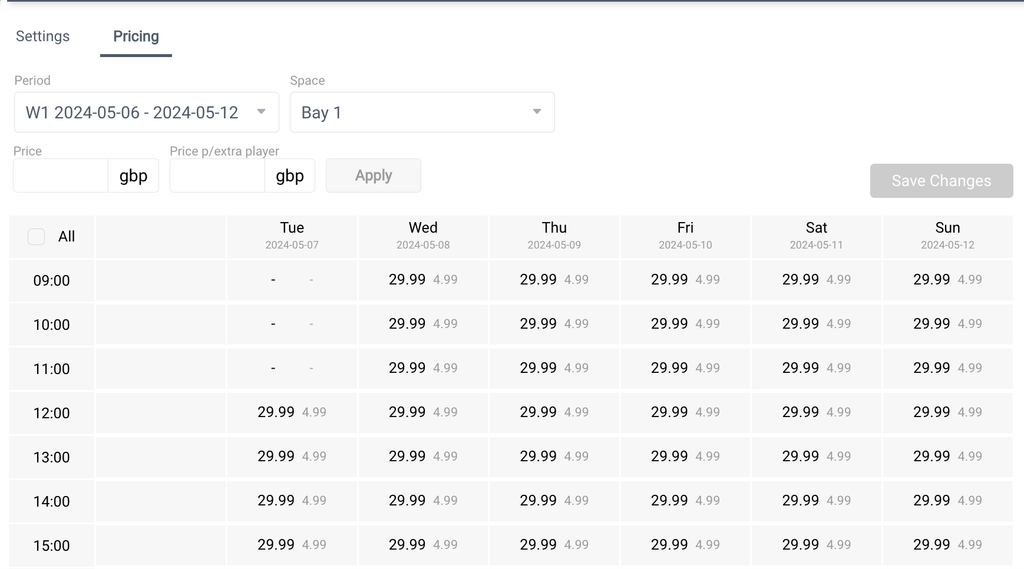
Bucket pricing has a new Price overview tab. It shows every bucket's price for each hour and day, coloured by demand level. Find it under Settings → Bucket pricing → Price overview.
How it works
The overview is read-only and uses your saved opening hours, demand levels and prices. With per-experience pricing, switch between Standard and Toptracer.
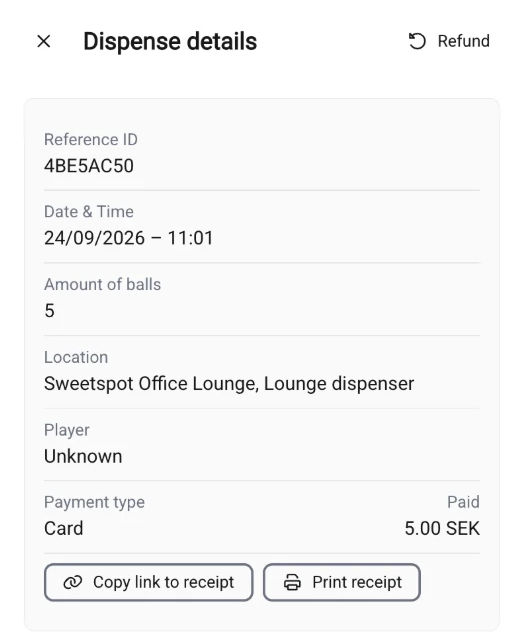
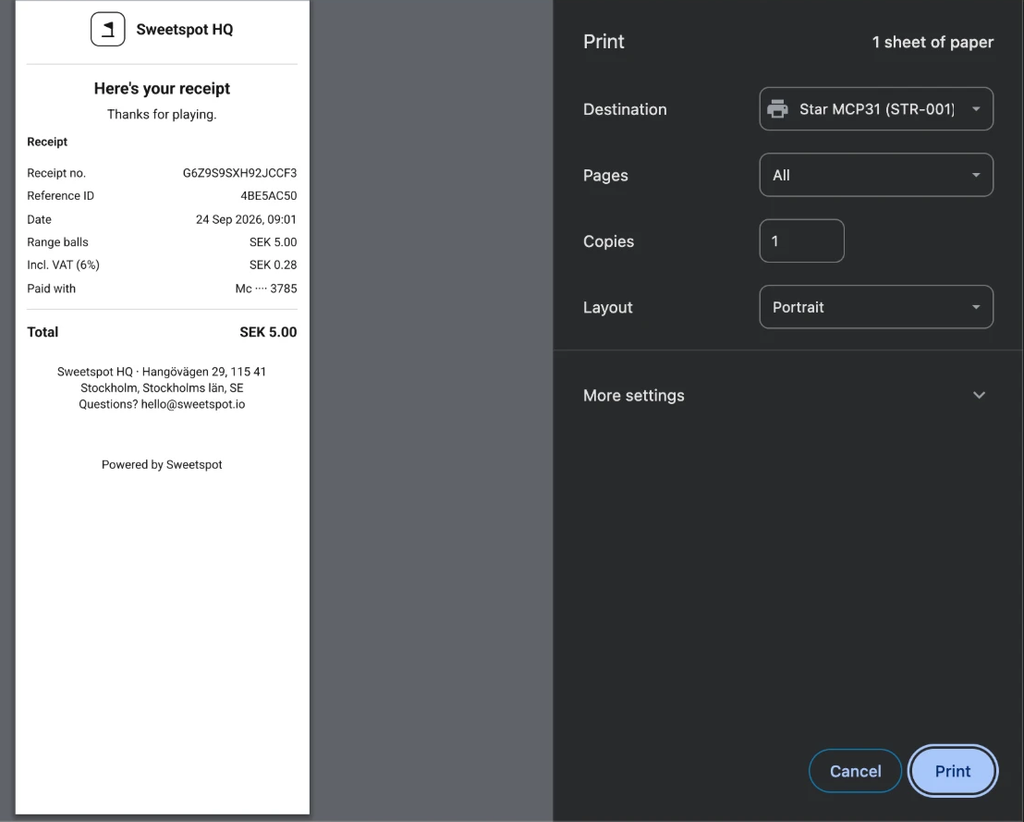
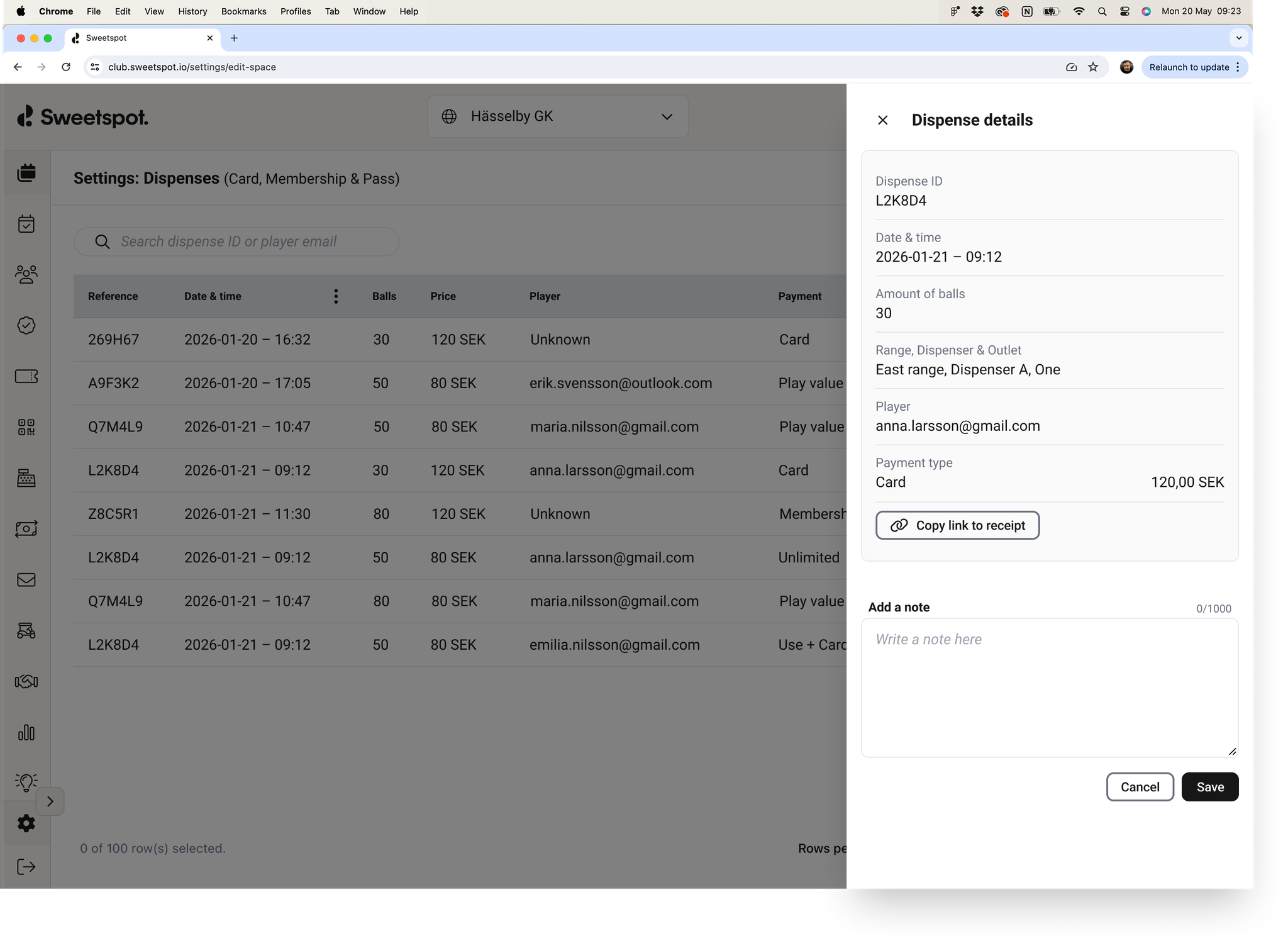
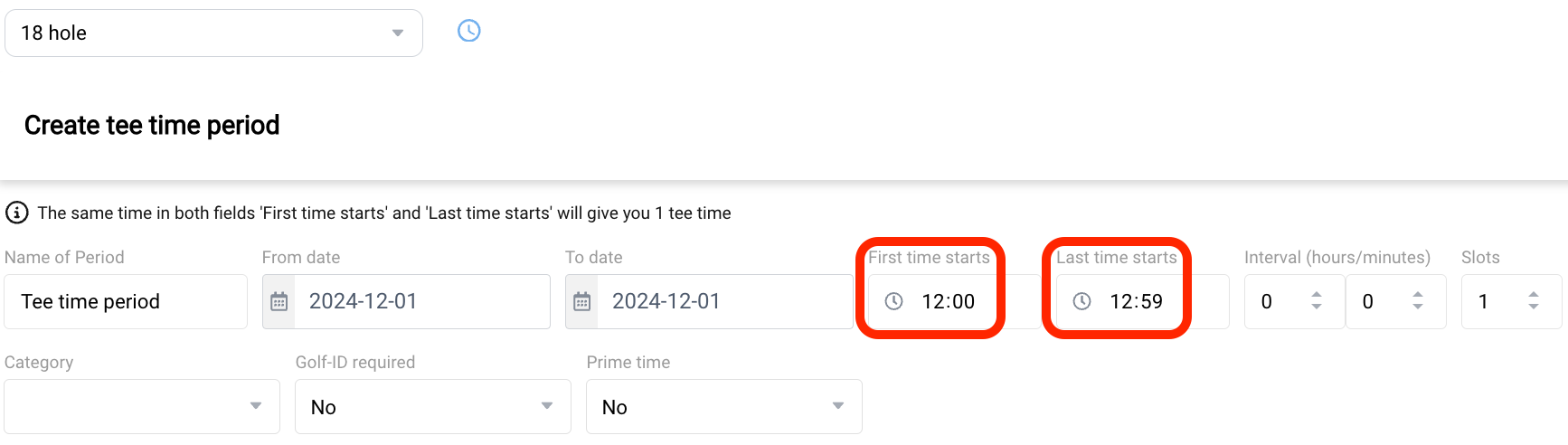
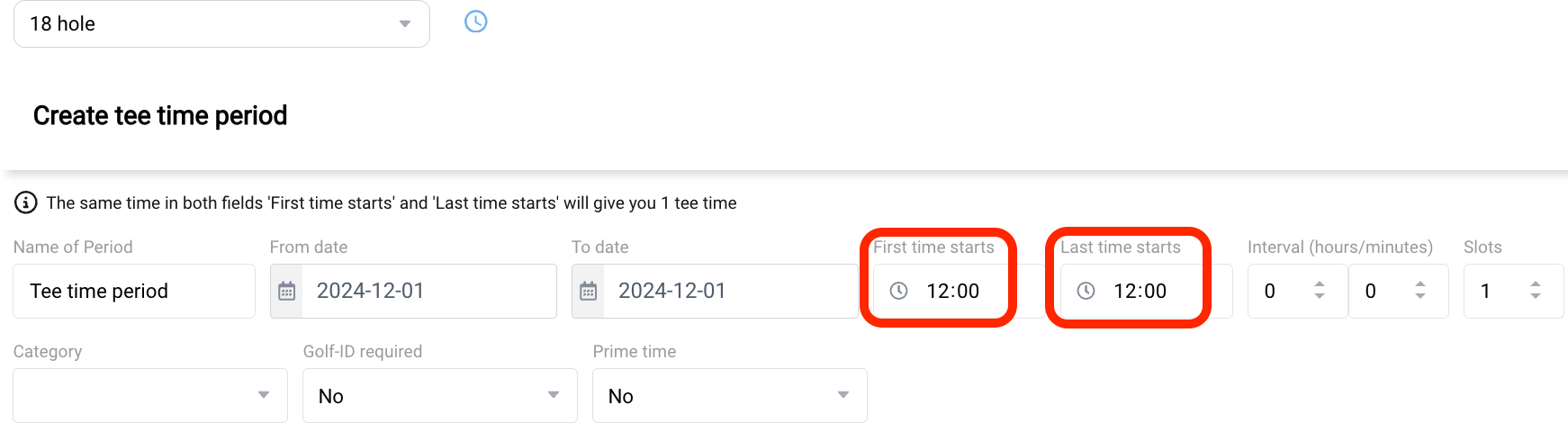
Some players want a receipt on paper rather than a link, and often only ask for it once they are back at the desk. Until now Club Portal could share a receipt link but not print one - you can now print it on the spot, on the receipt printer at the desk.
How it works
Go to Settings → Driving Range → Dispenses and click a row to open the details sidebar. Next to Copy link to receipt, a Print receipt button opens the receipt and goes straight to the print dialog, laid out for a receipt printer rather than a sheet of paper.
Good to know
The button appears on the same dispenses as the receipt link: those the player paid for by card at the dispenser. There is nothing to print for a dispense covered entirely by a membership or pass, a free dispense, or one opened with a QR code.
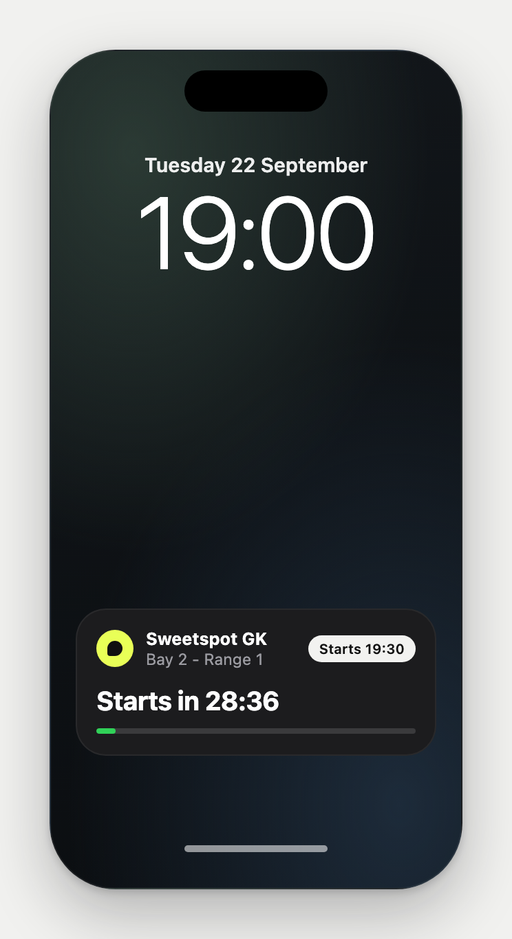
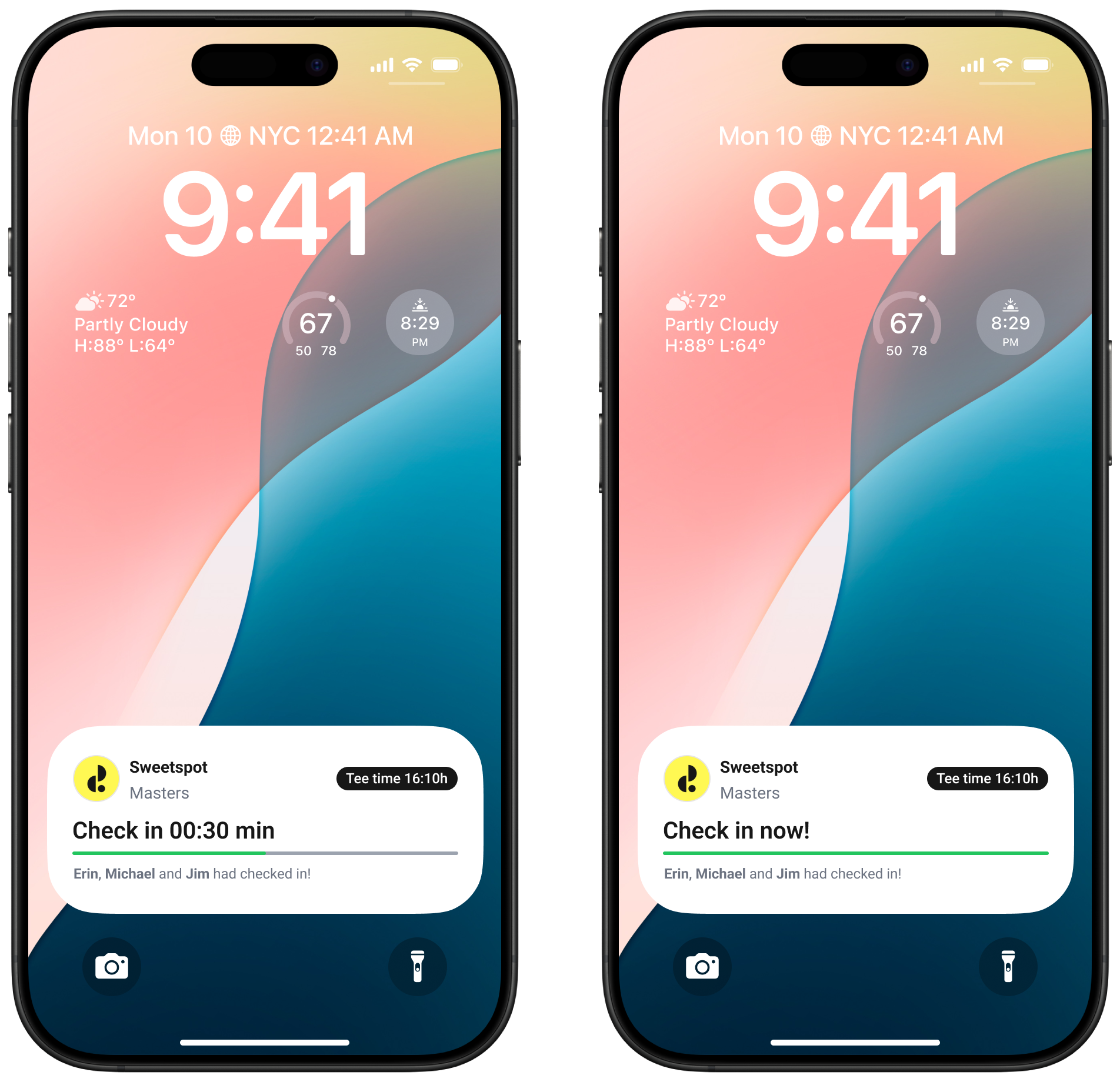
Players with a Range, Simulator, Academy or Extras booking now get a Live Activity on their iPhone: a live countdown on the lock screen, from half an hour before they start until their time is up.
The card carries your club's name and the bays or spaces booked, and it takes your logo and background colour from Home Club settings in Club Portal.
One tap to the booking
Tapping the card opens the booking straight from the lock screen — and on a range, that is where the ball dispenser QR code is. No unlocking, no hunting through the app for it while standing at the dispenser.
📱
iOS only. Live Activities are an iPhone feature — there is no Android version, and Android players will see nothing new. On iPhone it needs the Sweetspot app 8.9.2 or later, with Live Activities switched on for Sweetspot in iOS Settings.
Good to know
Only paid and pay-on-site bookings get a card. Cancelling a booking removes it at once; otherwise iOS clears it about 15 minutes after the booking ends. Golf tee times are unchanged.
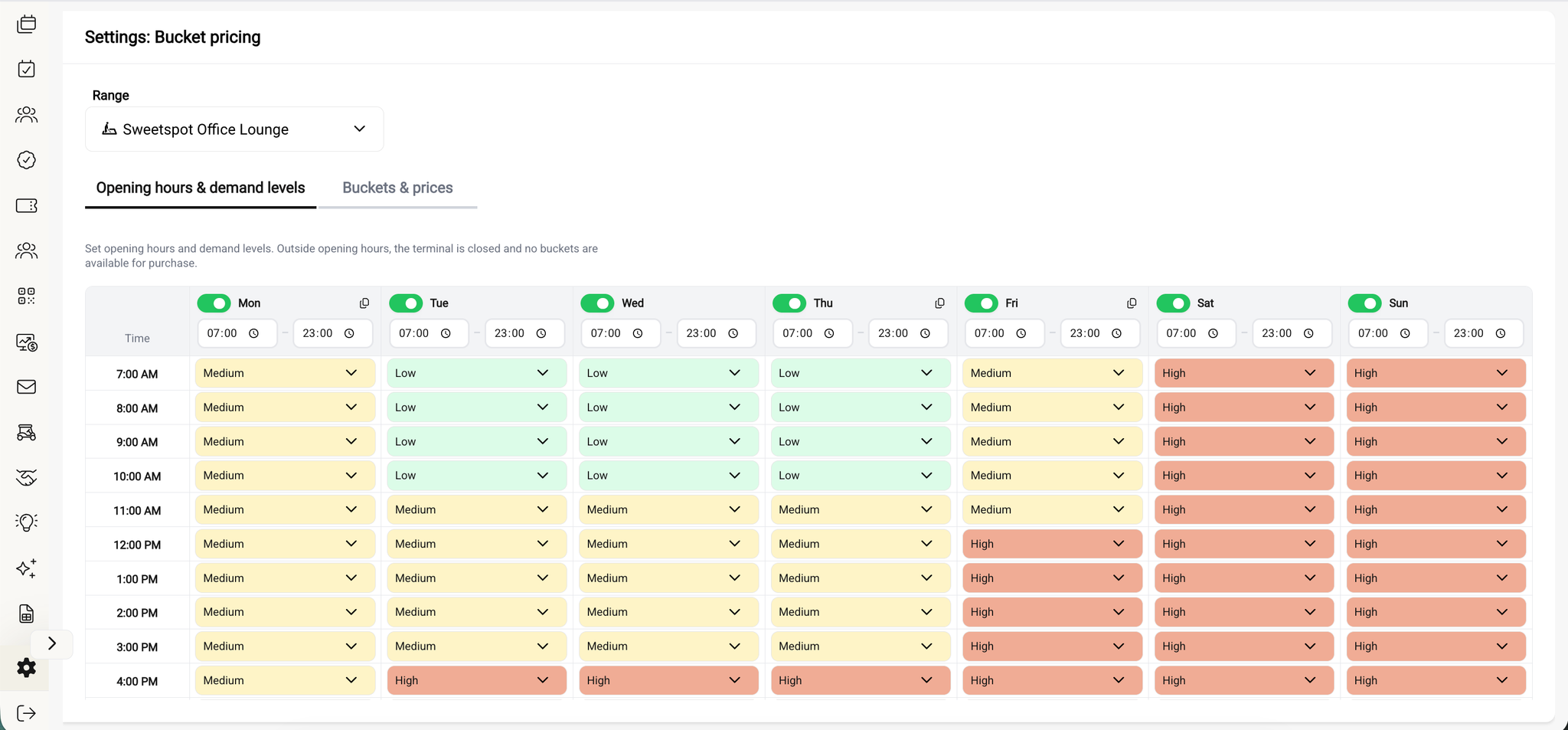
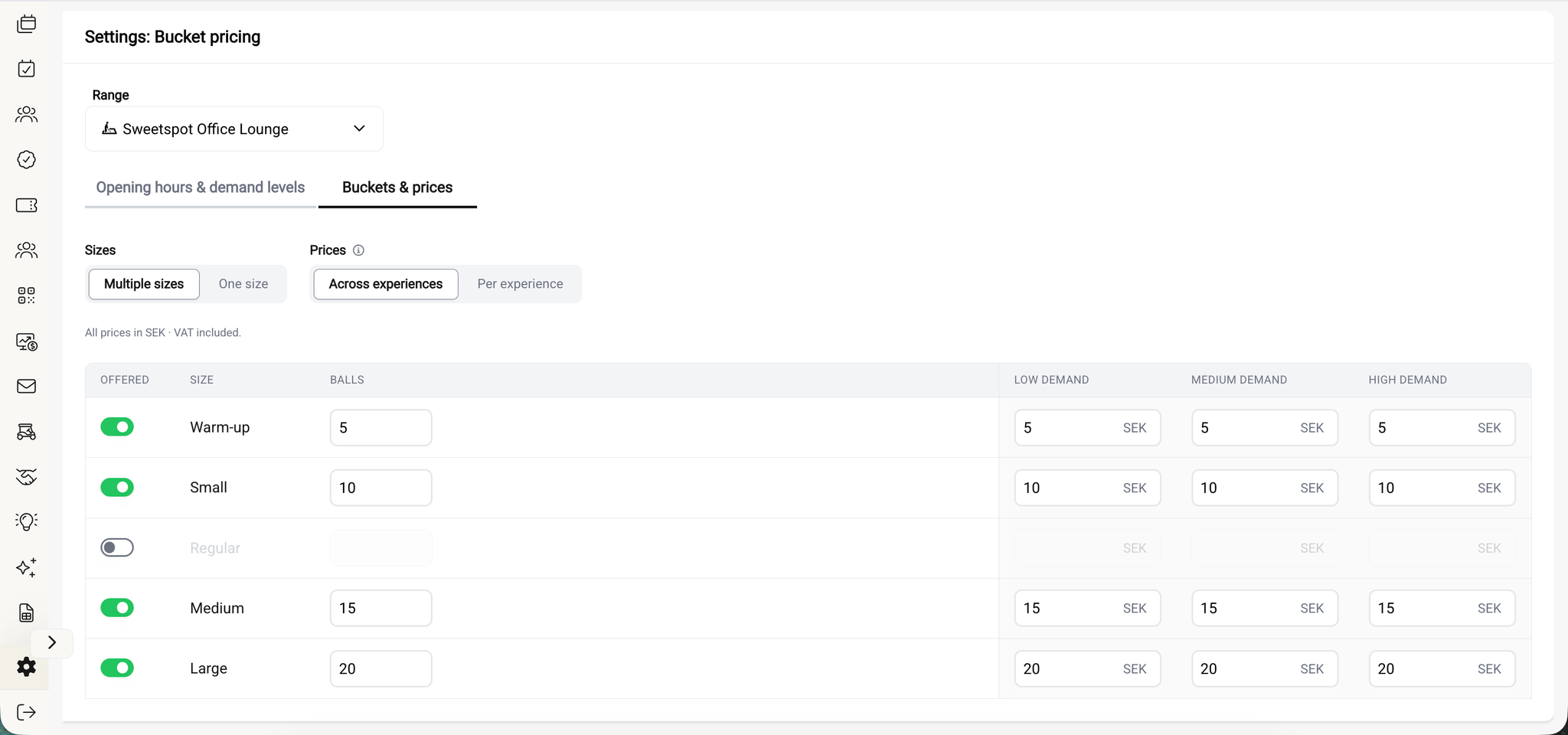
Setting ball prices for a range now happens on a redesigned page, split into two tabs — opening hours and demand levels in one, buckets and prices in the other. It replaces the old bucket pricing page for all clubs.
How it works
Opening hours & demand levels. Opening hours have moved into the table itself, with per-day open and close pickers that follow the club's locale — 12-hour or 24-hour, automatically. Outside opening hours the terminal is closed. Below that, a demand heatmap lets you set Low, Medium or High demand for every open hour of the week.
Each open day also has a copy action in its header that applies its hours and demand levels to the next day, so one pattern can be pushed across the weekdays while the weekend keeps its own. It only appears where it would actually change something.
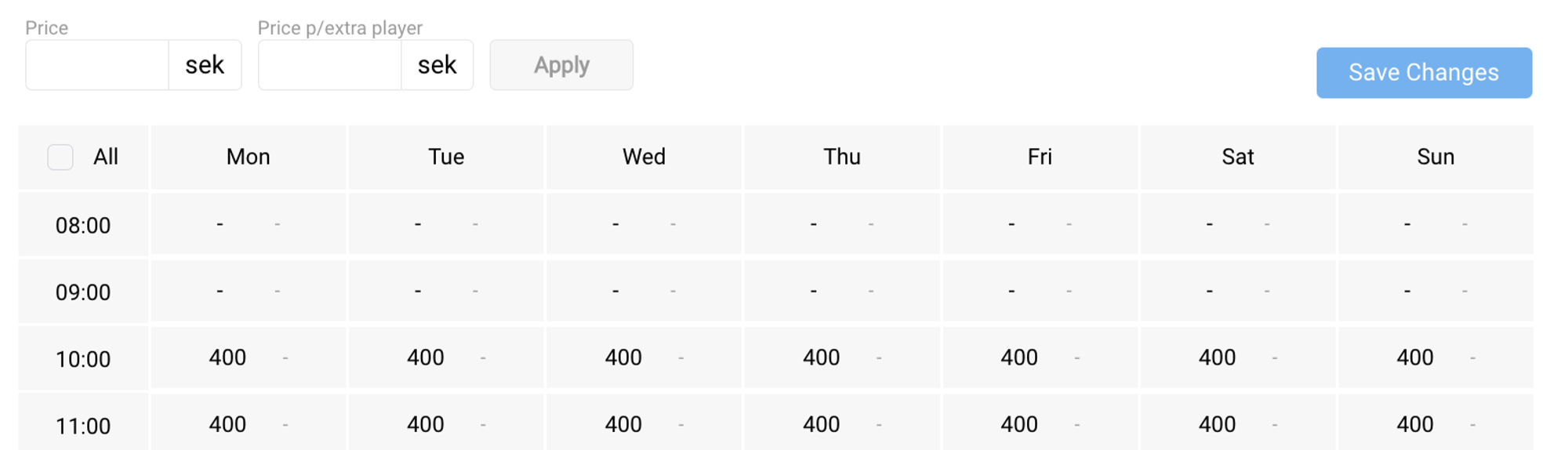
Buckets & prices. Choose whether the range sells several bucket sizes or a single one, and whether pricing is the same for every experience or set per experience. The sizes to choose from are Warm-up, Small, Regular, Medium, Large, X-Large, Supersize and Jumbo, with up to four offered at once. For each size you set the number of balls and a price per demand level — the price columns are headed Low, Medium and High demand — and hovering a price shows what it works out to per ball. A toggle controls whether the prices you enter include or exclude sales tax.
ℹ️
Existing ranges keep their current prices — there is nothing to migrate.
Canadian RS Pay dispensers now take Interac debit. Interac is the most-used card network in Canada, at about 38% of card purchases.
Players whose card runs on Interac only — no Visa or Mastercard logo on it — couldn't pay at the dispenser at all before. Now they can.
Most Canadian debit cards carry both Interac and Visa Debit or Debit Mastercard. Those already worked, running as Visa/Mastercard.
Interac is its own payment network and handles payments differently from Visa and Mastercard, so it needed a separate integration with Adyen, our payment provider. Two things follow from that:
⚠️
With Interac the player is charged the moment they tap, and the payment can't be refunded in Sweetspot. If a dispense fails, the club settles with the player directly.
📶
Interac doesn't work offline. If the terminal loses its connection, debit cards fall back to Visa/Mastercard and keep working — but a card that only runs on Interac is declined until the connection is back.
Clubs in Canada now see their configured tax lines — GST, PST, HST — named and itemised on ball dispenser purchases, and the terminal shows the matching tax wording for their province.
How it works
Each club gets named tax lines — for example GST 5% and PST 7%. Each line is stored with the dispense and rendered separately with its rate, on the receipt, the hosted receipt page and the PDF.
On the terminal, the disclaimer shown before payment names the applicable taxes and rates for the club's province. Where bucket prices exclude tax it reads "Prices exclude 5% GST and 7% PST. Tax is added at payment."; where they include it, "Prices include 13% HST". French-Canadian terminals use TPS, TVH, TVP and TVQ.
Good to know
🇨🇦
Canadian tax lines already appear on bookings, memberships and passes across player-facing Sweetspot apps and emails.
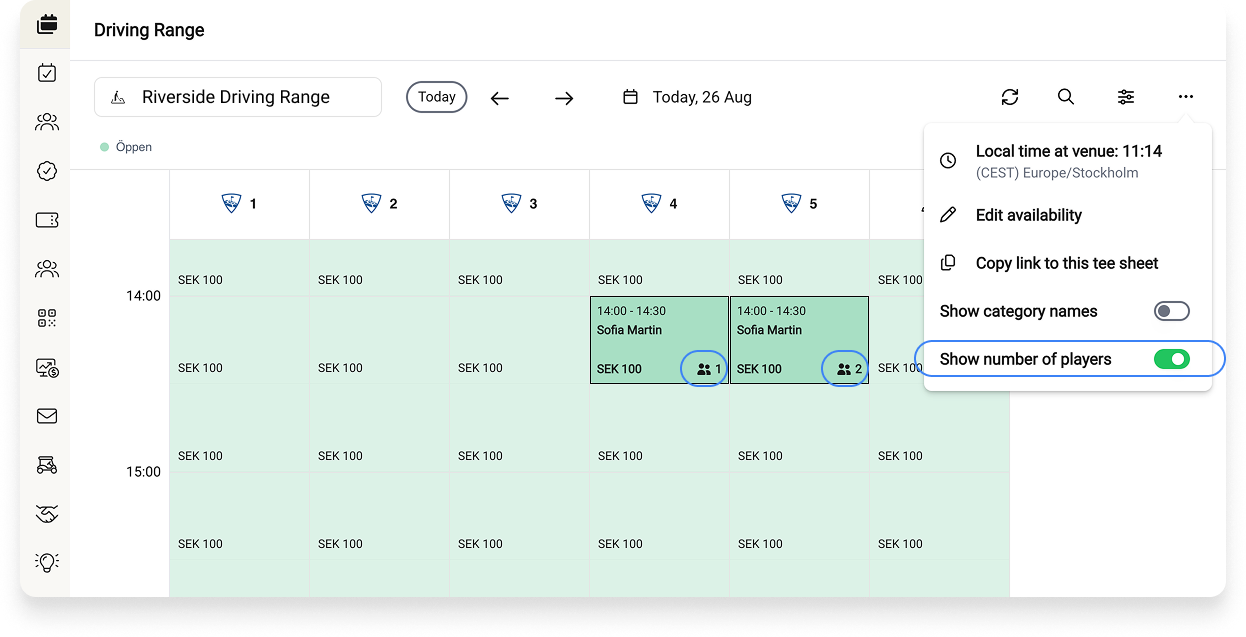
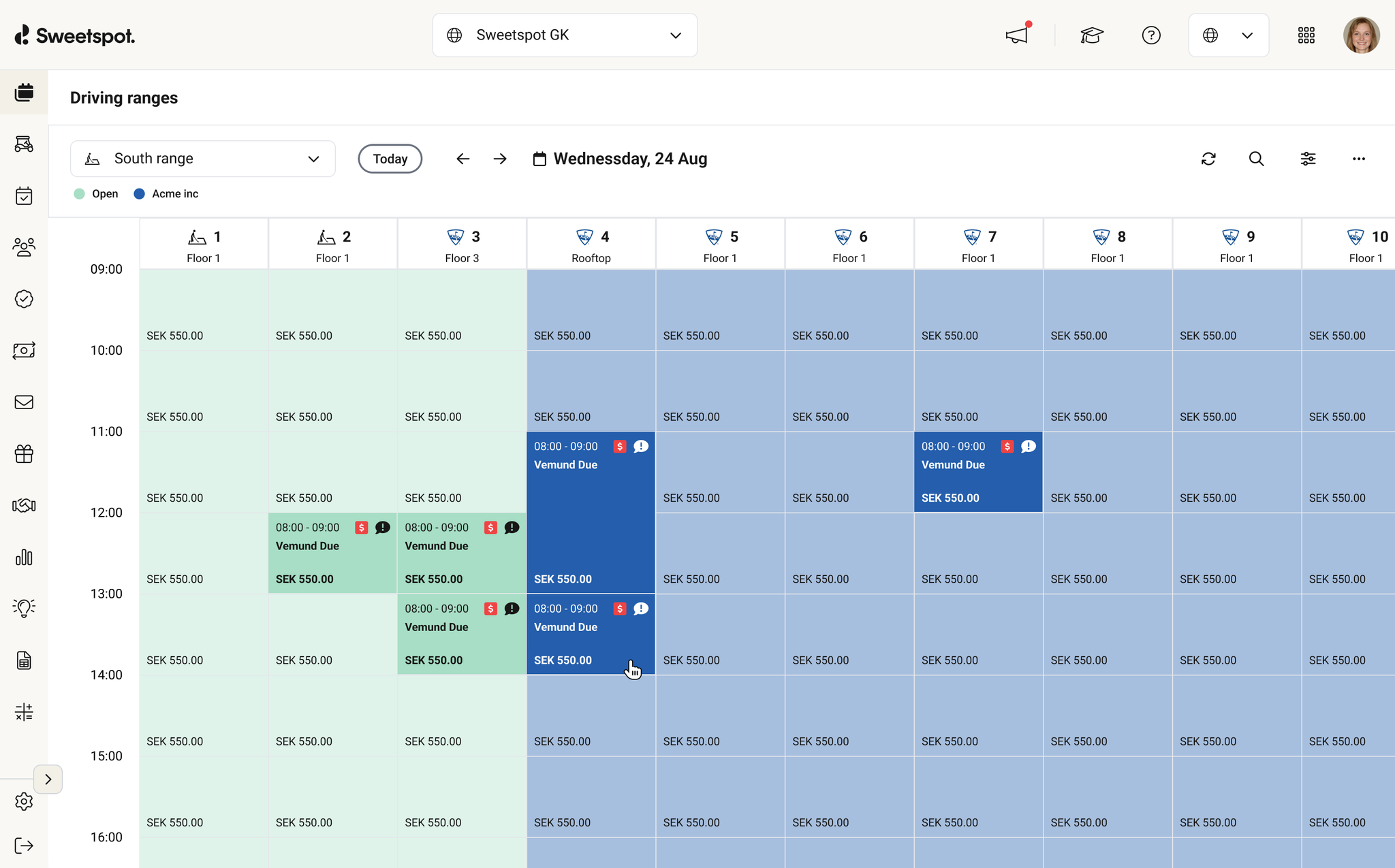
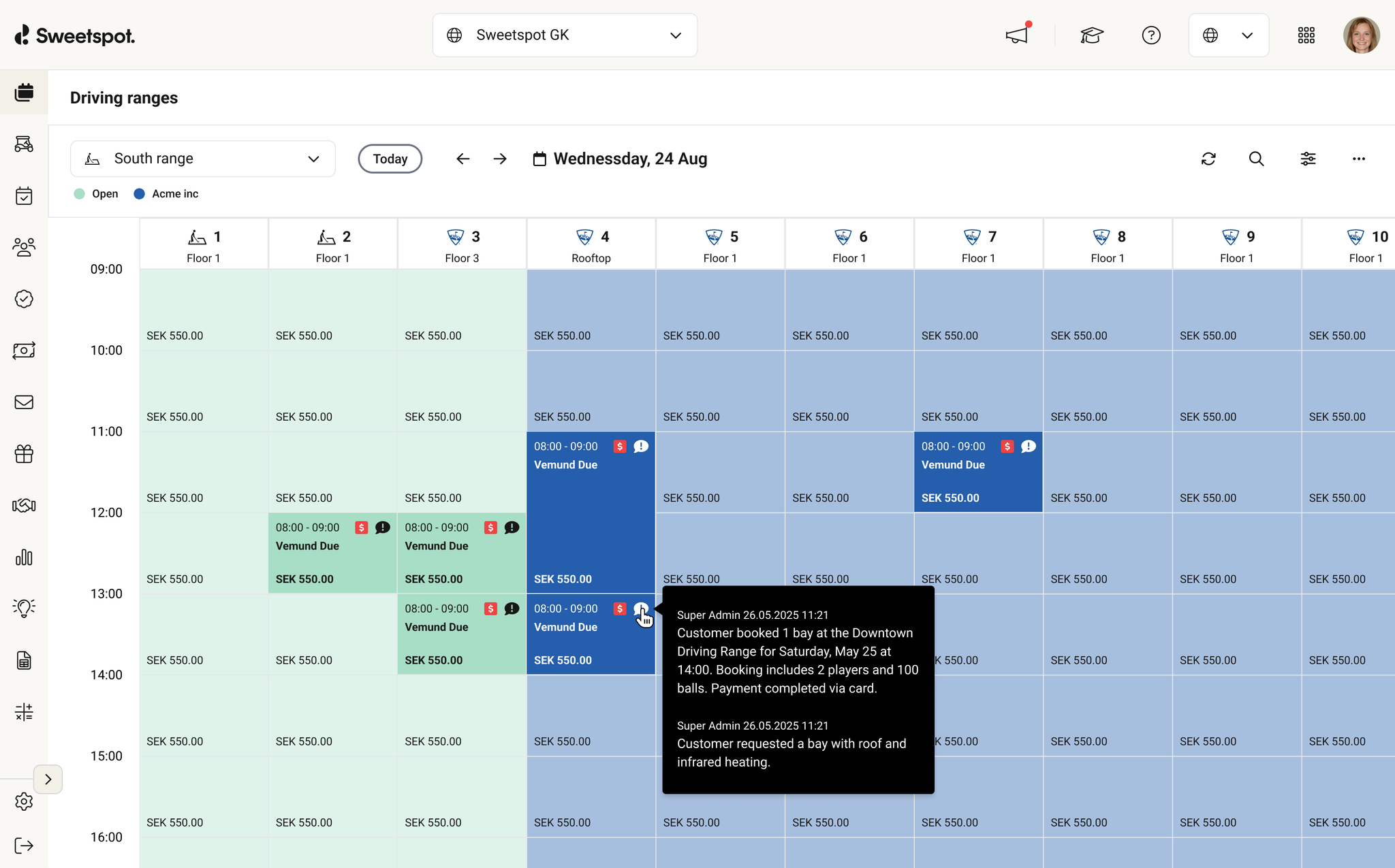
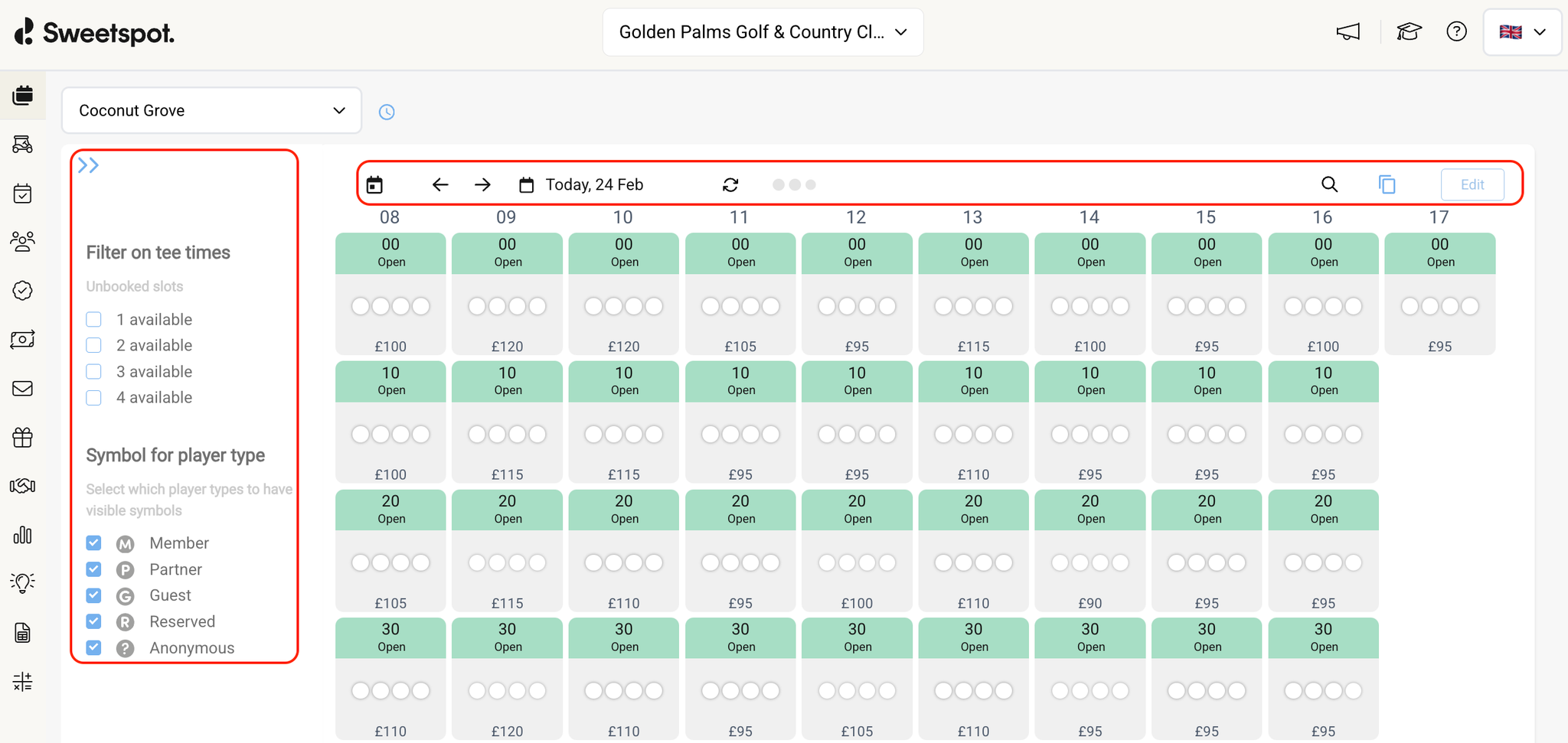
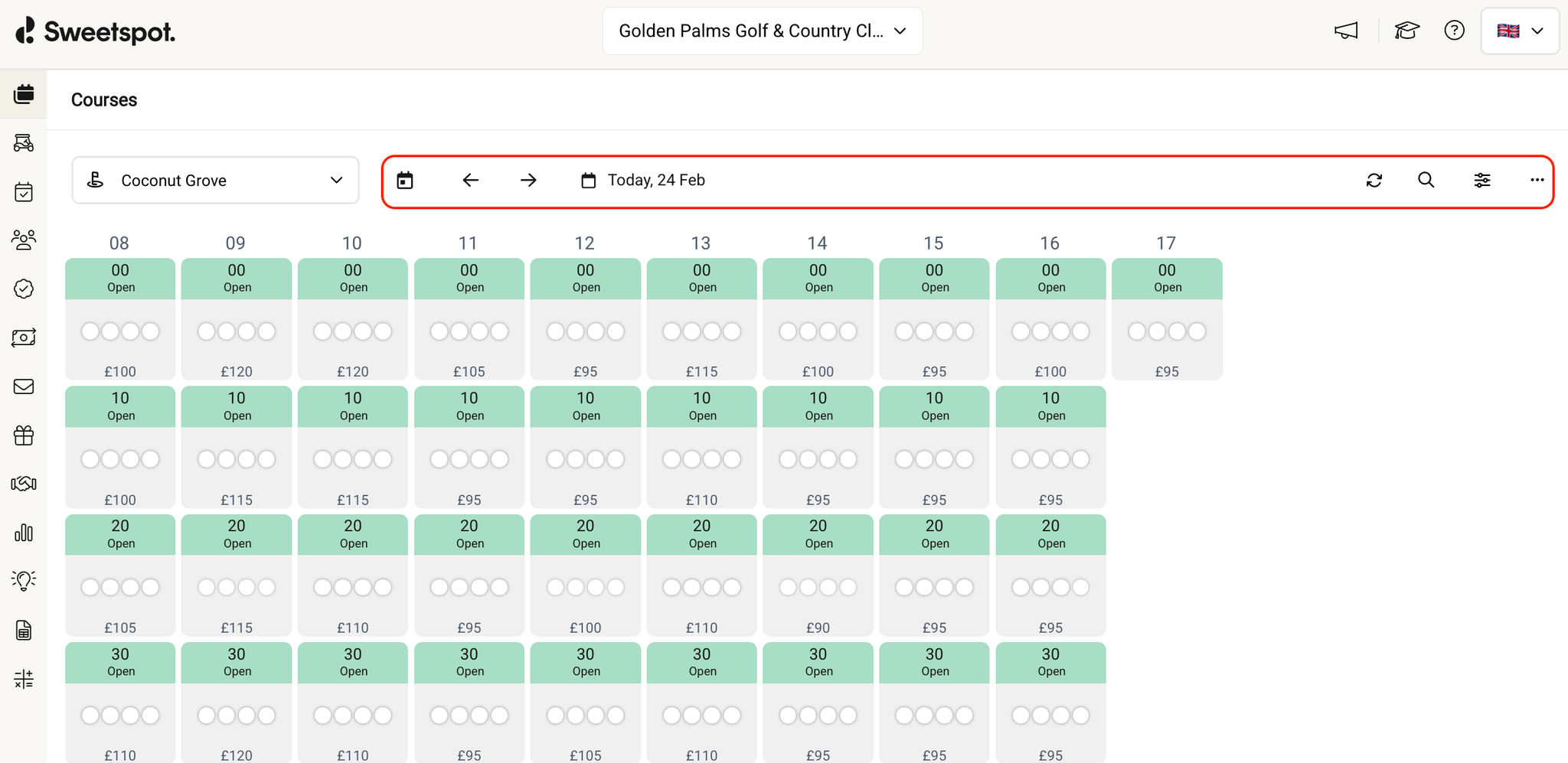
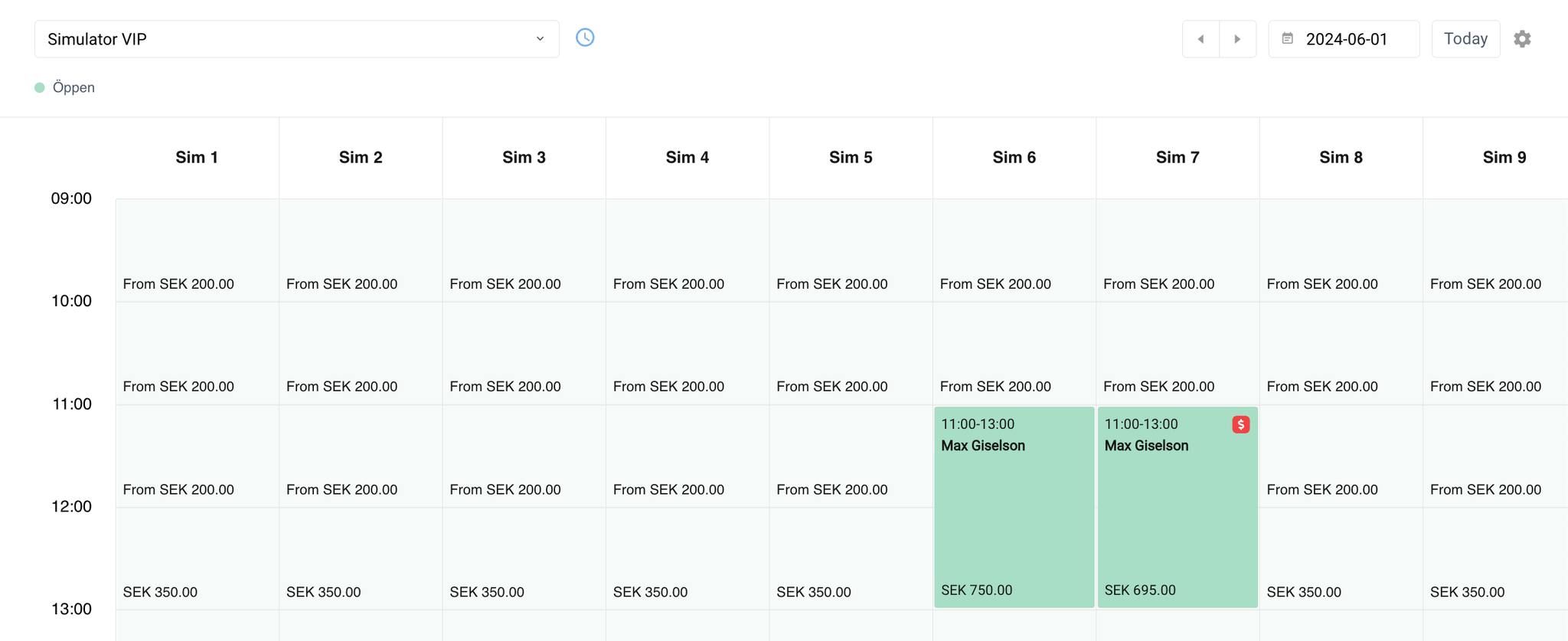
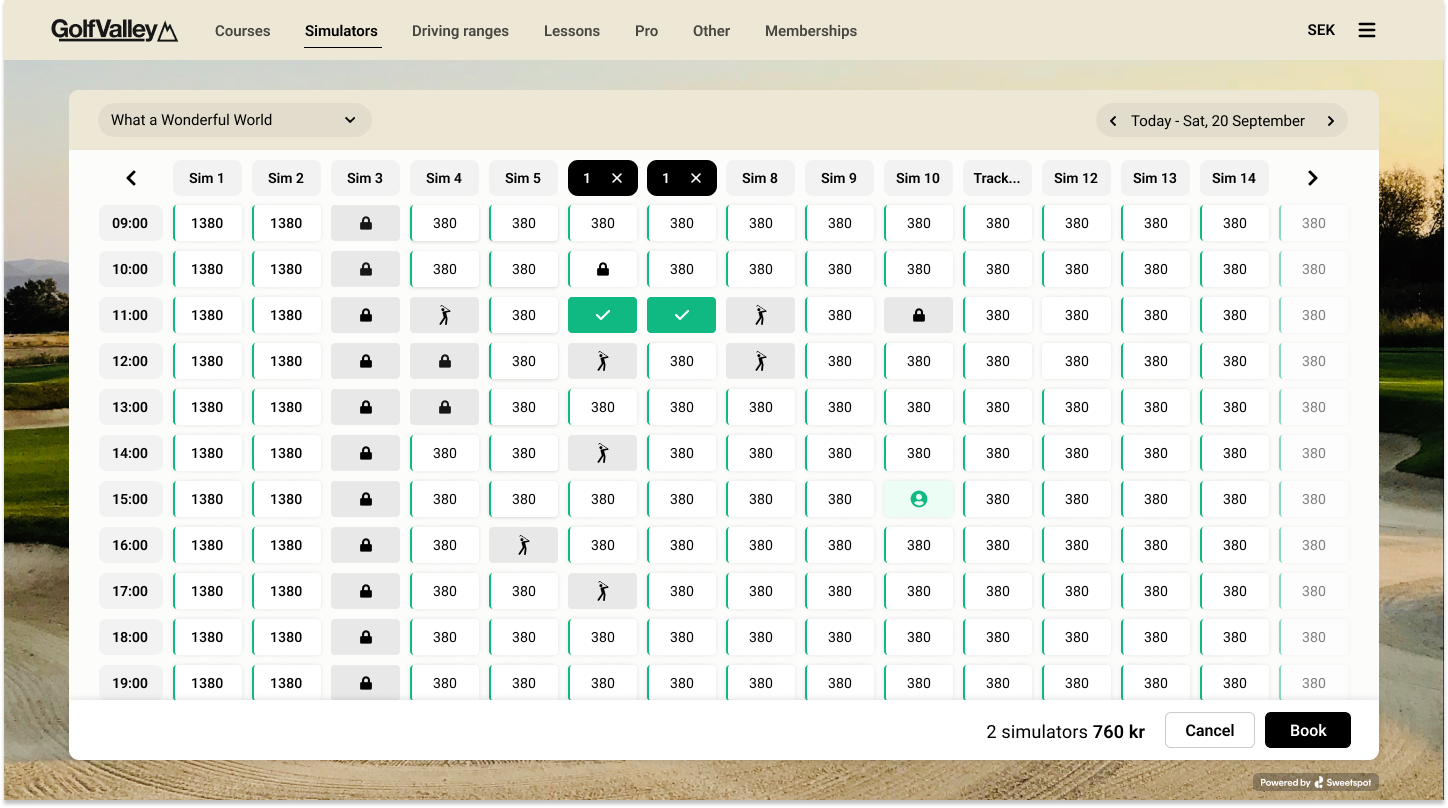
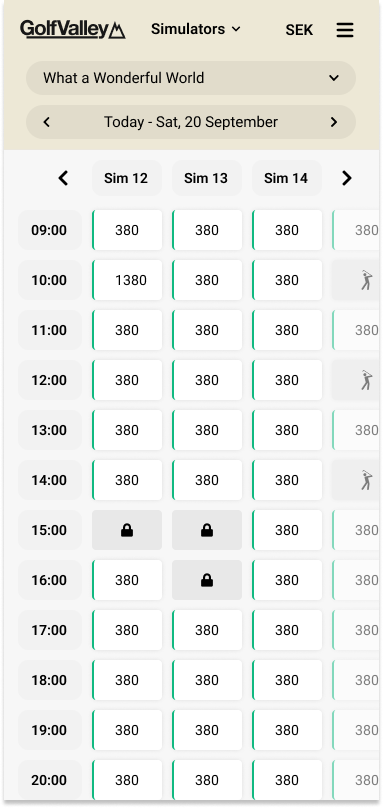
Booked slots on the Range, Simulator and Academy tee sheets now show how many players are in each bay, right in the calendar cell — next to the price, marked with a player icon.
📍 Where to find it:
Ranges: Calendars → Driving Range → select a range
Simulators: Calendars → Simulator → select a simulator
Academy: Calendars → Academy → select a venue
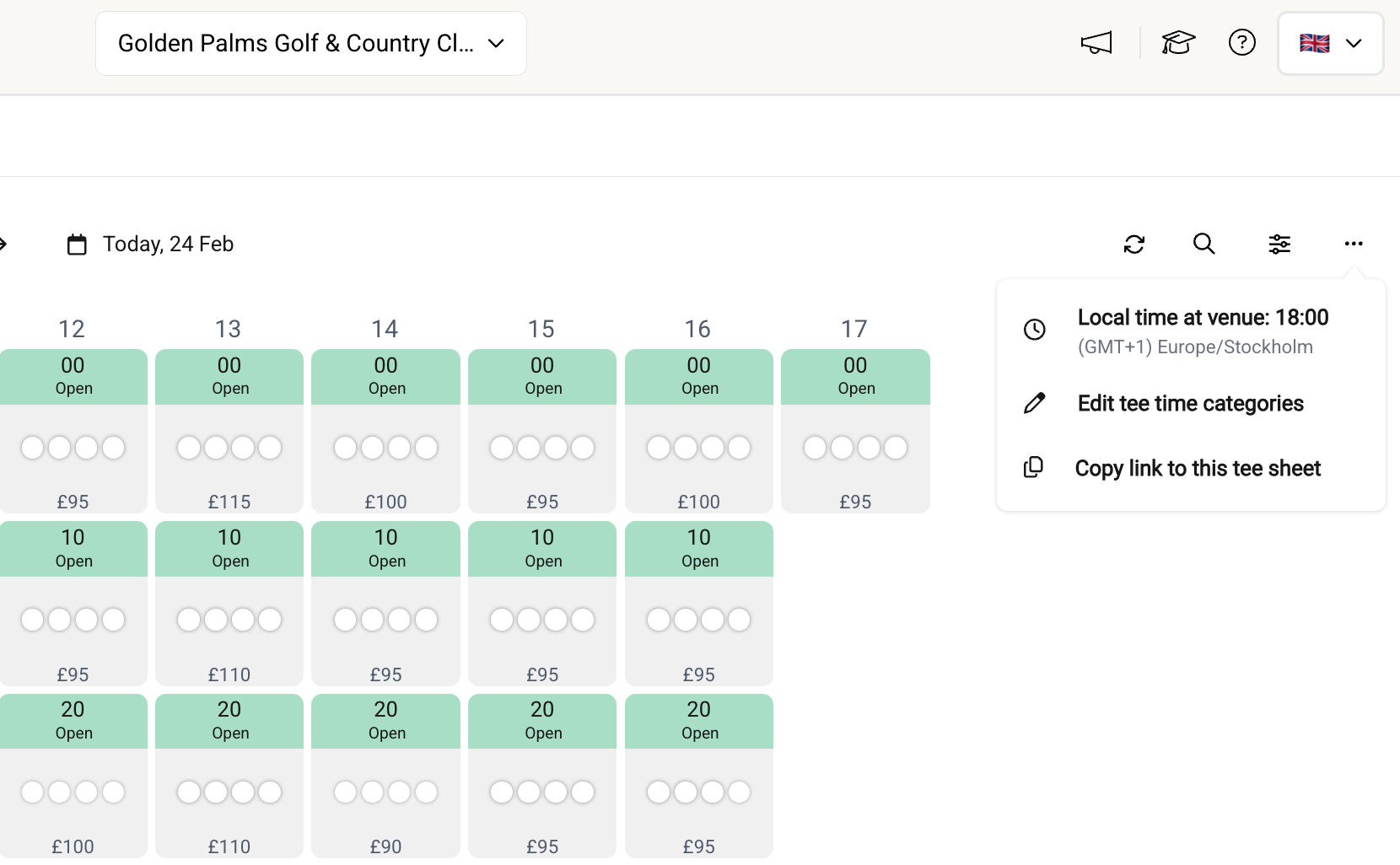
Toggle it on or off under the ⋯ menu → "Show number of players"
What's Changed
Player count in every booked cell — each bay shows the number of players in that slot, so a two-bay booking shows the players per bay
Accurate counts — extra players added to a booking are included, matching the total you see in the booking popover
On by default, easy to turn off — the setting is remembered per venue, so each tee sheet can be set up the way you like it. Academy venues are used in many different ways — if the count isn't relevant for yours, just toggle it off
Why It Matters
The booking popover already tells you how many players a booking has — but only one booking at a time. Now the count sits right in each cell, per bay, so you can read group sizes across the whole sheet at a glance: spot big groups before they arrive, and get a quicker feel for how busy the day actually is.
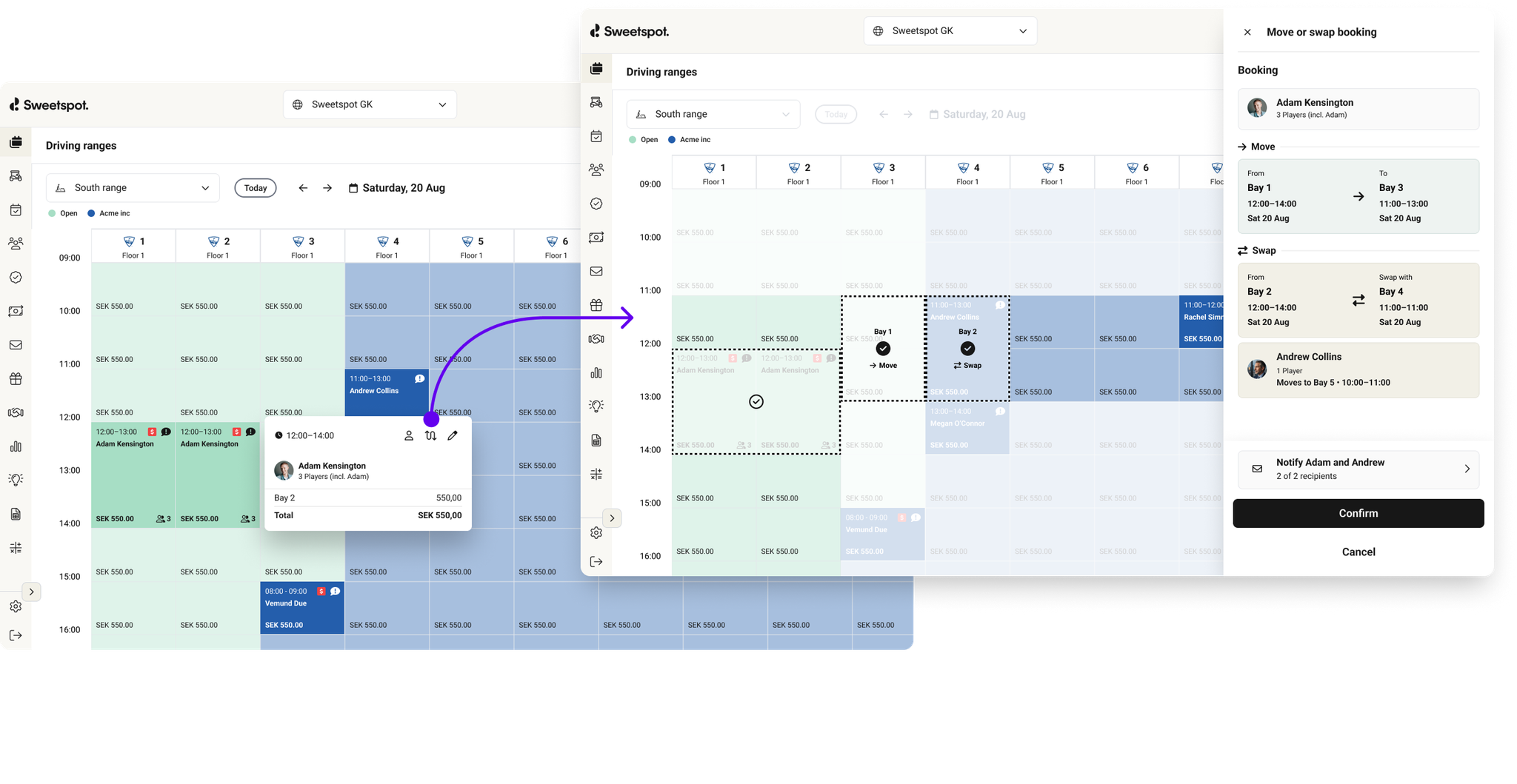
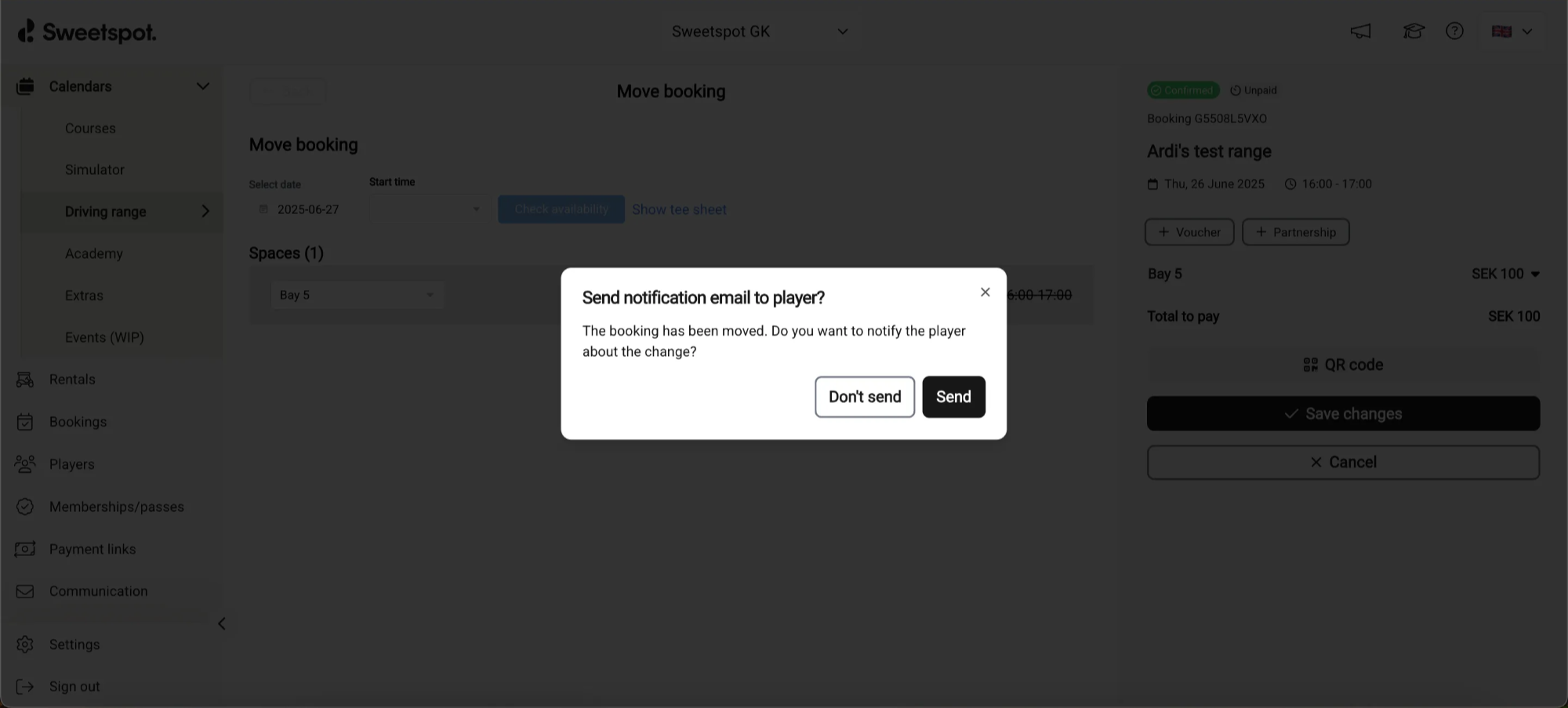
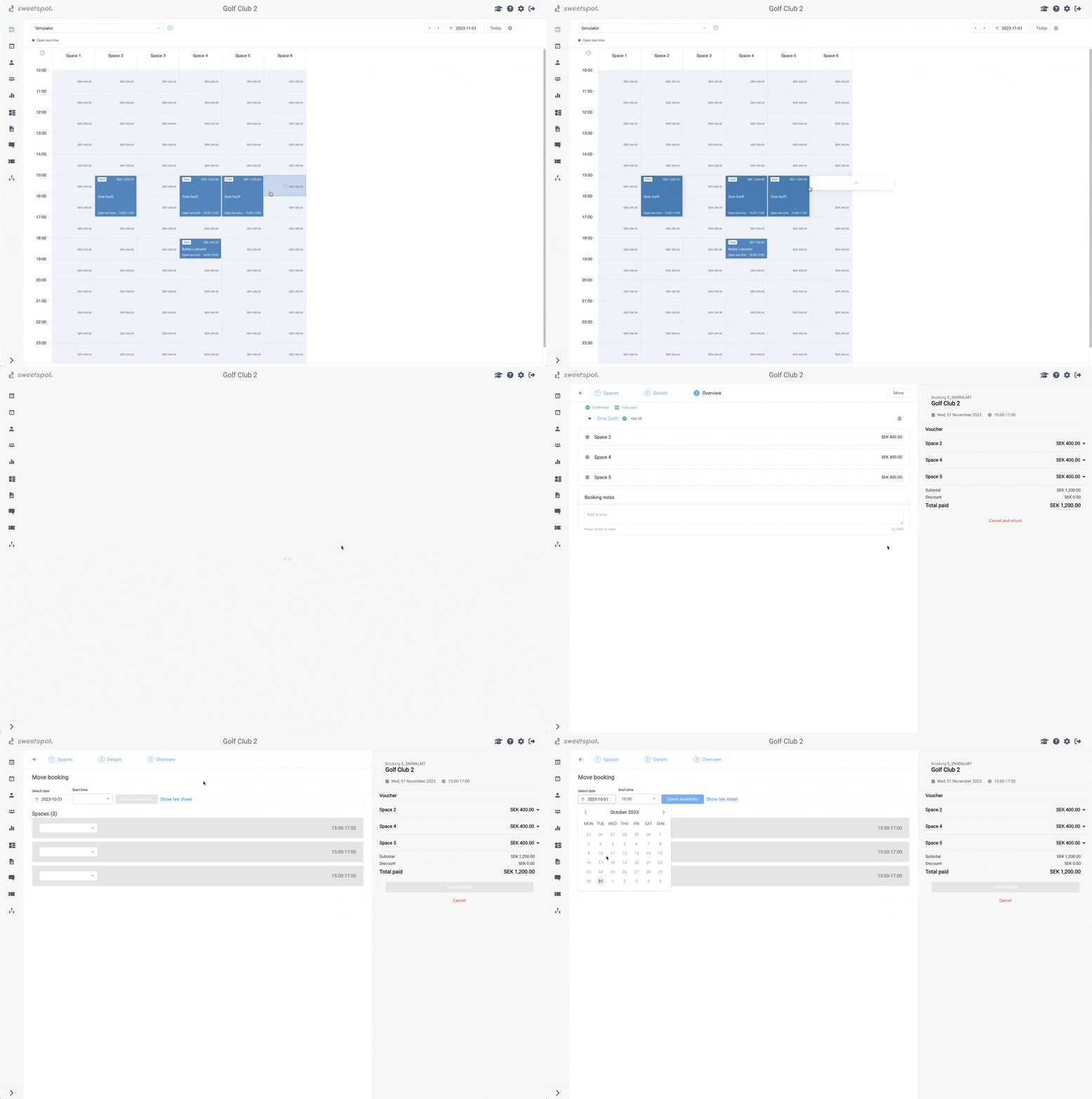
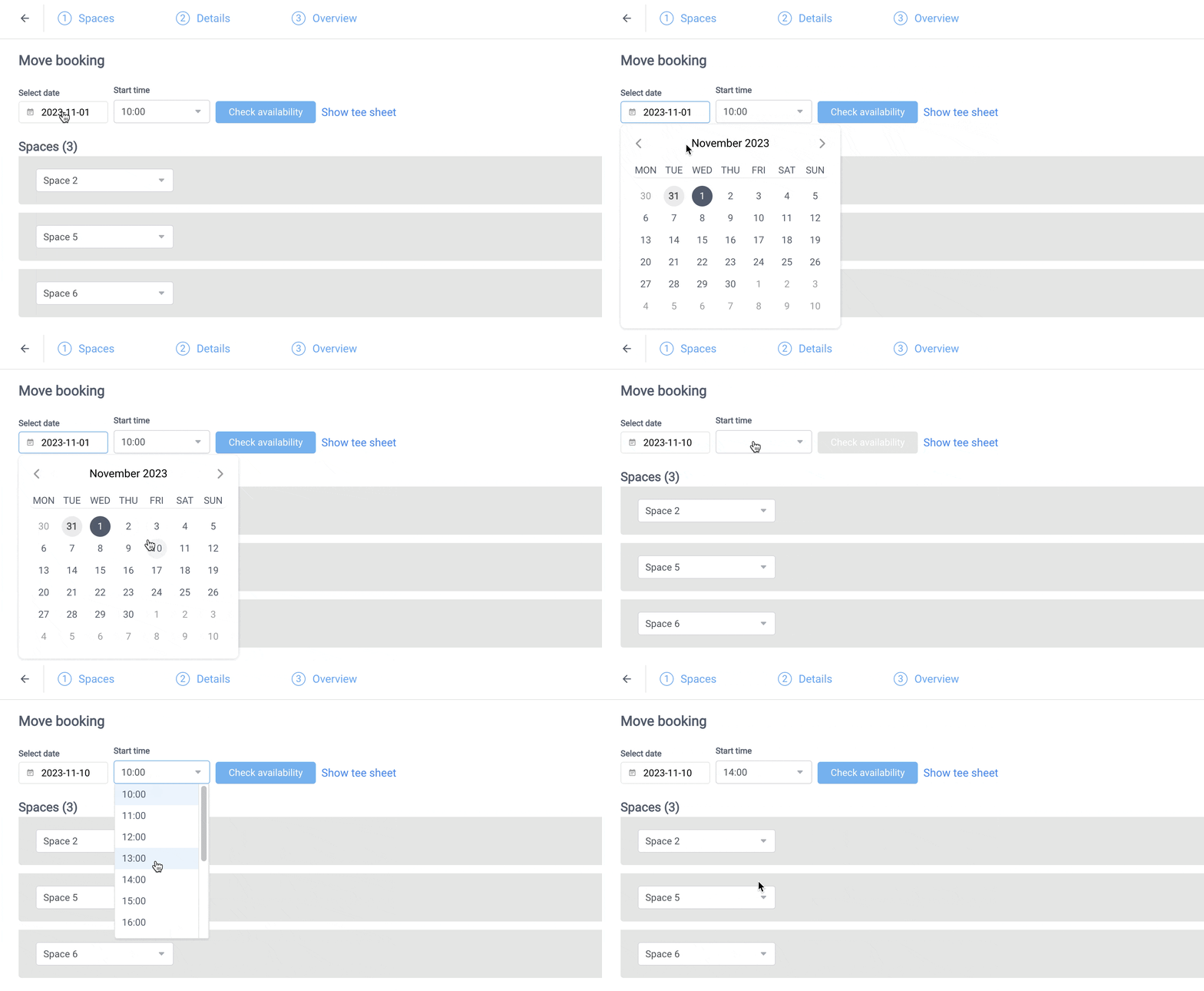
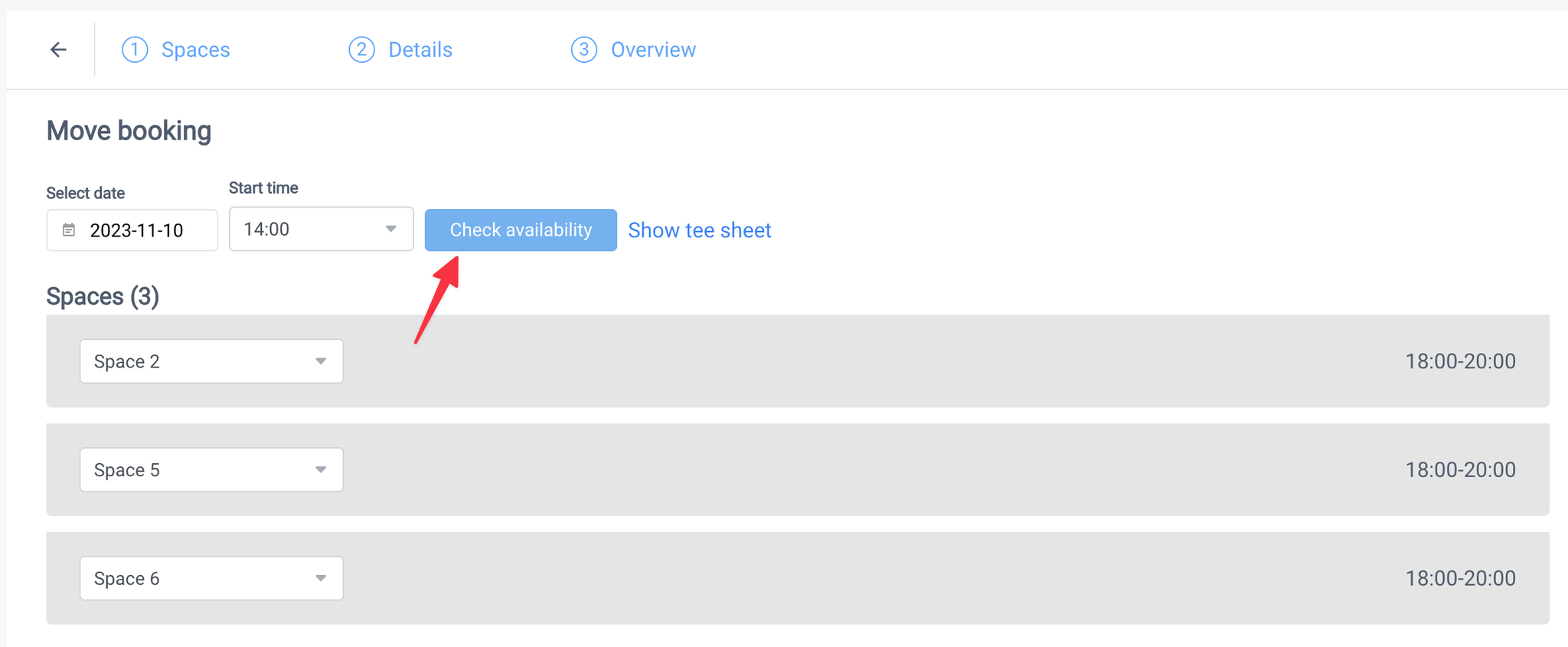
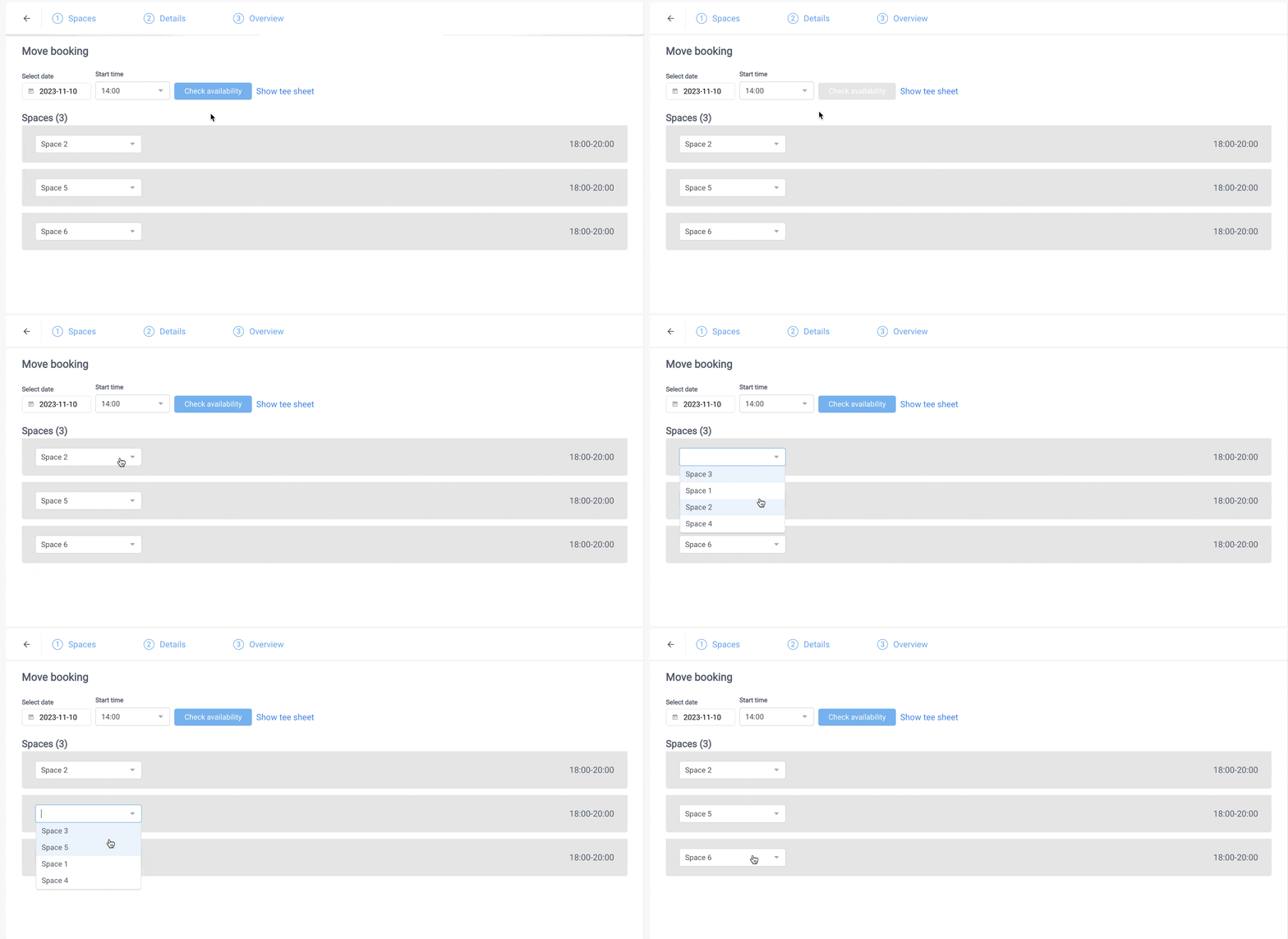
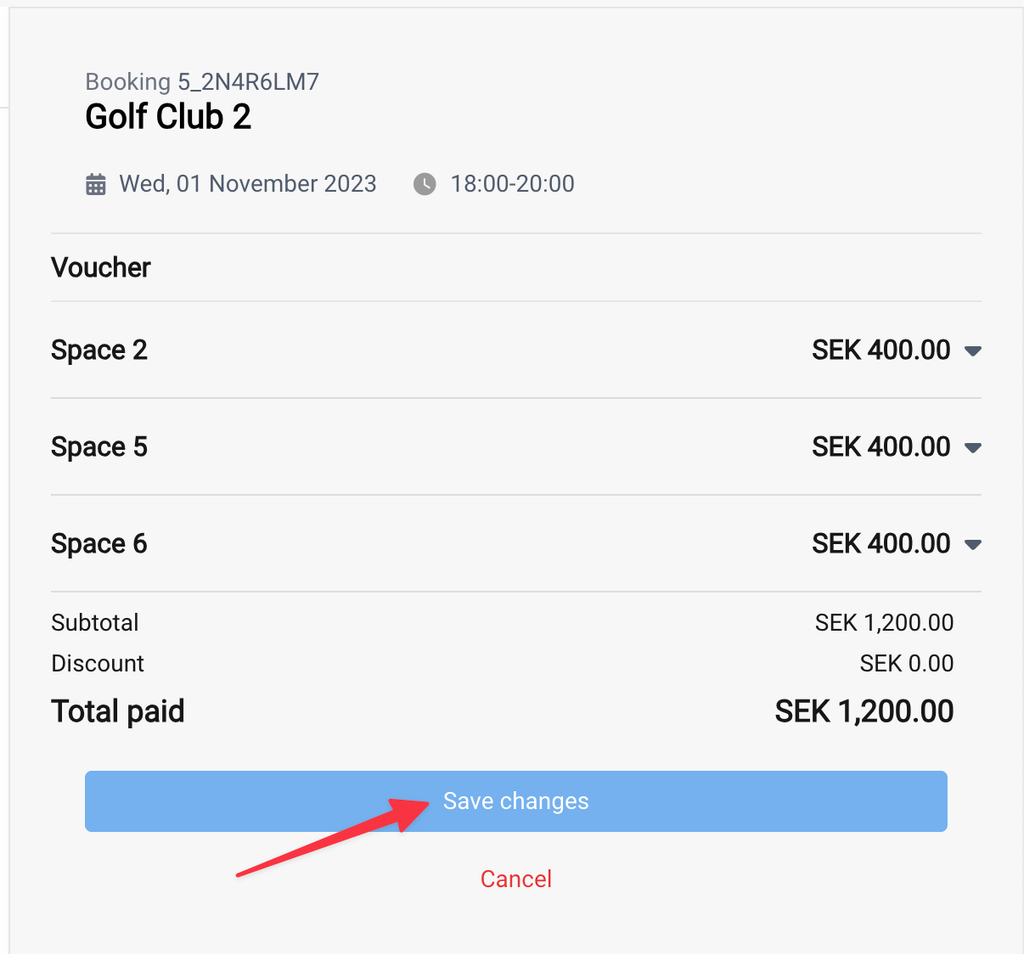
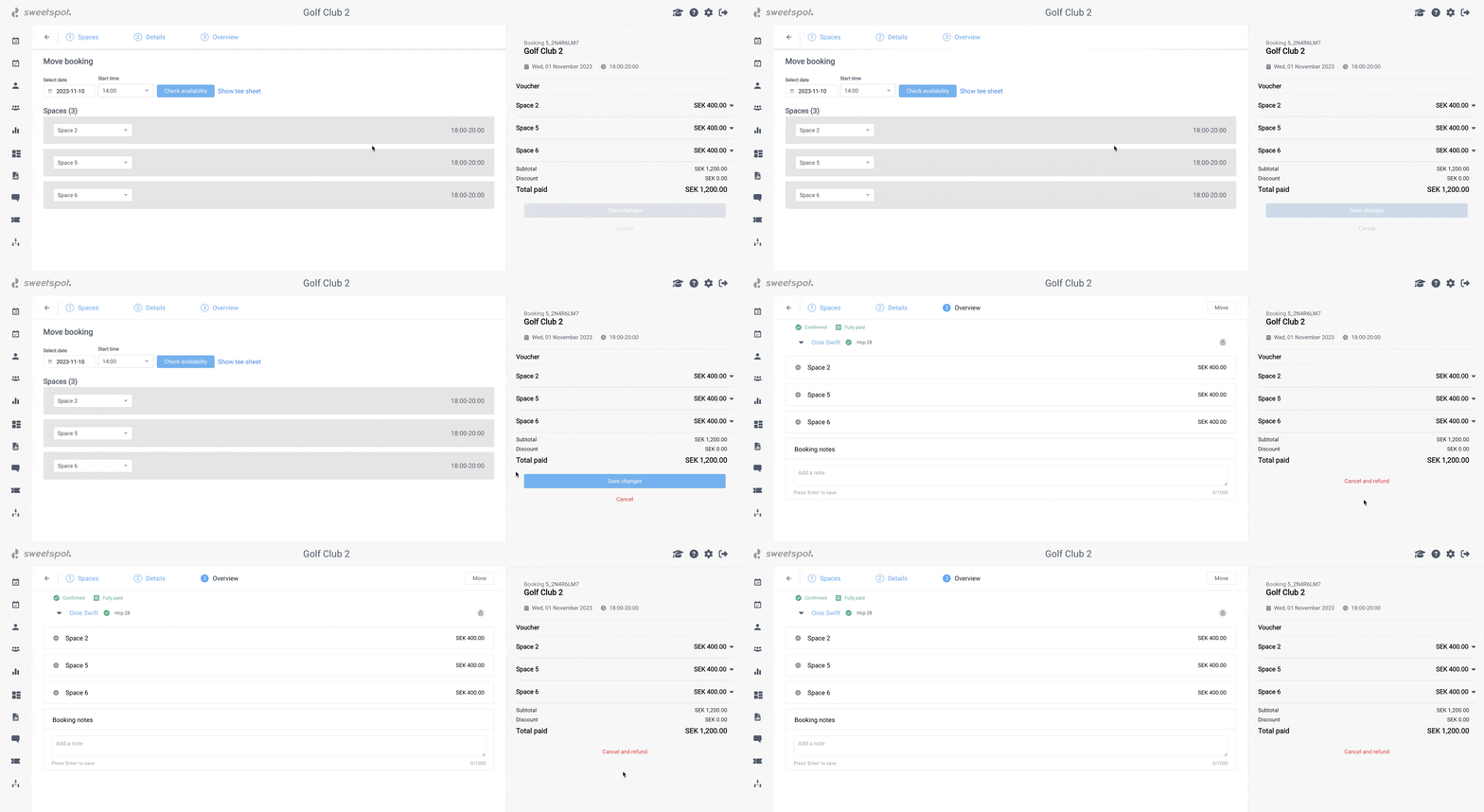
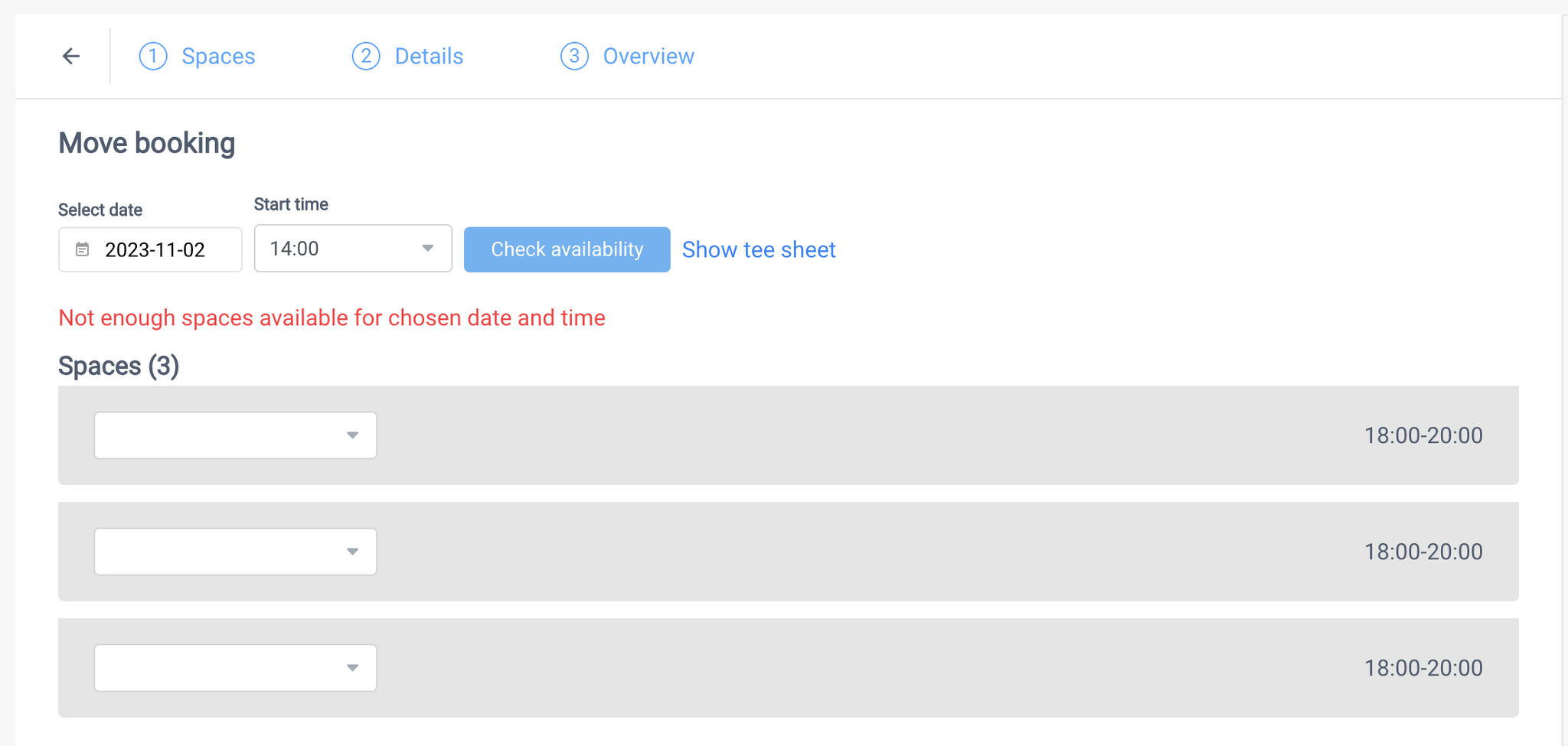
We've rebuilt Move booking from the ground up for a much faster, more intuitive experience. Moving a booking is now a quick action right inside the booking popover — no more leaving the tee sheet or schedule for a separate page — and it works much like rearranging a calendar. If the slot you're moving to is already taken, the two bookings simply swap places.
📍 Where to find it:
Ranges: Calendars → Driving Range → select a range → click a booking → move icon
Simulators: Calendars → Simulator → select a simulator → click a booking → move icon
What's Changed
All in-context on the schedule — open a booking and move it straight from the popover, without navigating away
Move single or multi-bay bookings — relocate a whole booking, or just some of its bays (bays from the same booking always keep the same start and end time — they can't be split across different times)
Swap two bookings — move onto an occupied slot and the two bookings swap places in a single step. Previously you had to shuffle one booking out to a free slot first
Cross-day moves — move a booking to another day, not only another time on the same day
Clear visual feedback — see source and target slots, conflict warnings, and a confirmation step before anything changes
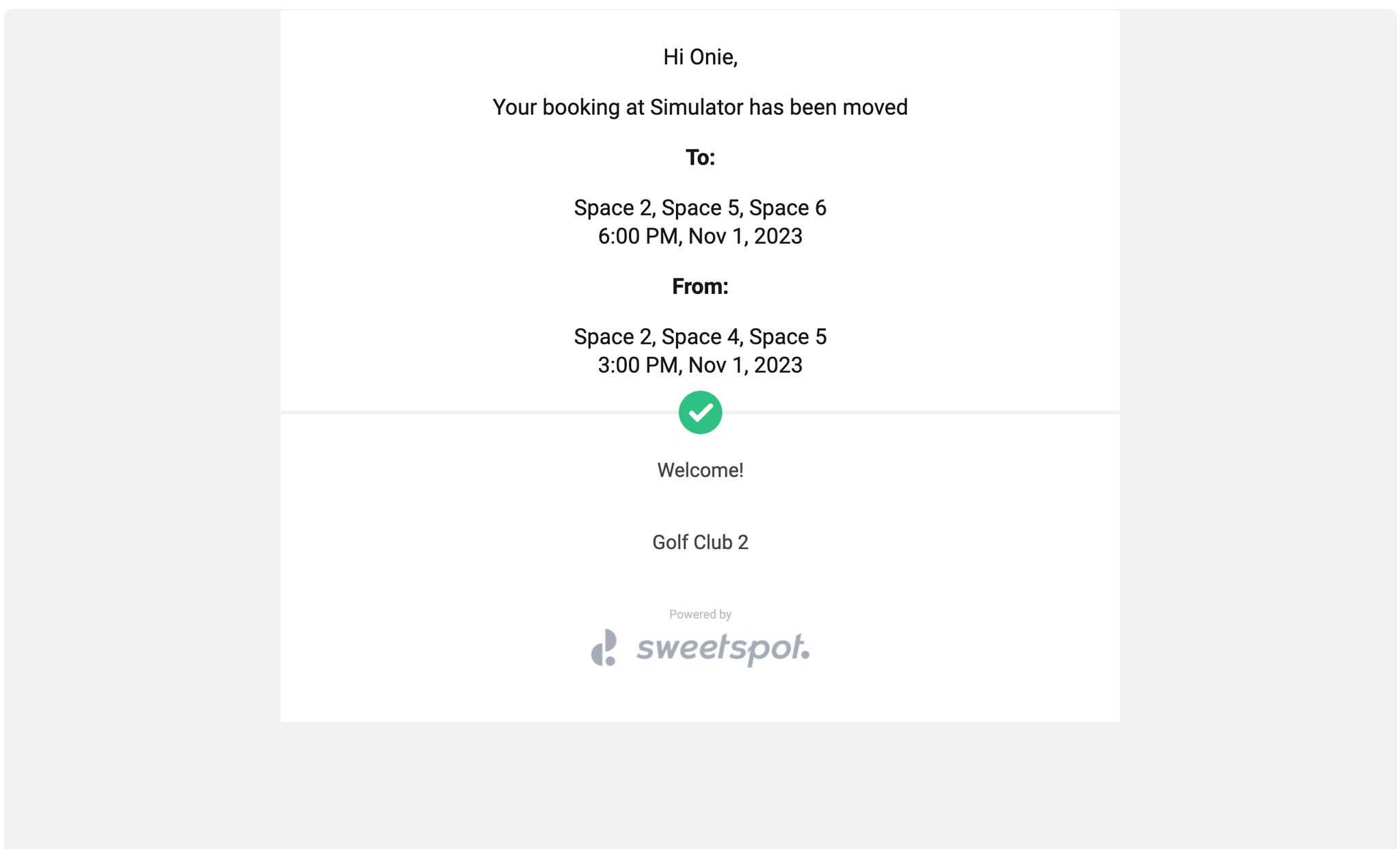
Notify the player — an optional toggle emails the booking owner their old and new time
Why It Matters
Schedules shift constantly, especially at busy venues. We've taken move booking from a basic early feature to a fast, modern flow that lives right where you work — you can see exactly where a booking is going, swap two bookings directly, and rearrange your day in seconds.
ℹ️
Now available for all driving range and simulator bookings, following a pilot with one venue earlier this summer. Not yet available for Academy.
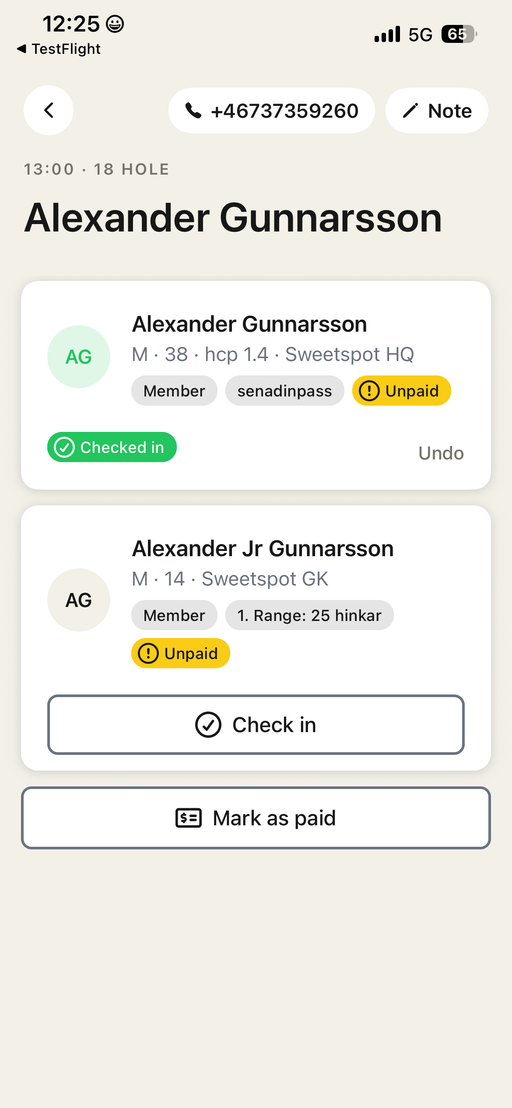
Meet the new Sweetspot Check-In App — a mobile app that lets club staff manage player arrivals right from the phone. Sign in with your regular Club Portal credentials on iOS or Android, pick your course, and today's tee sheet is ready to work through.
What you can do
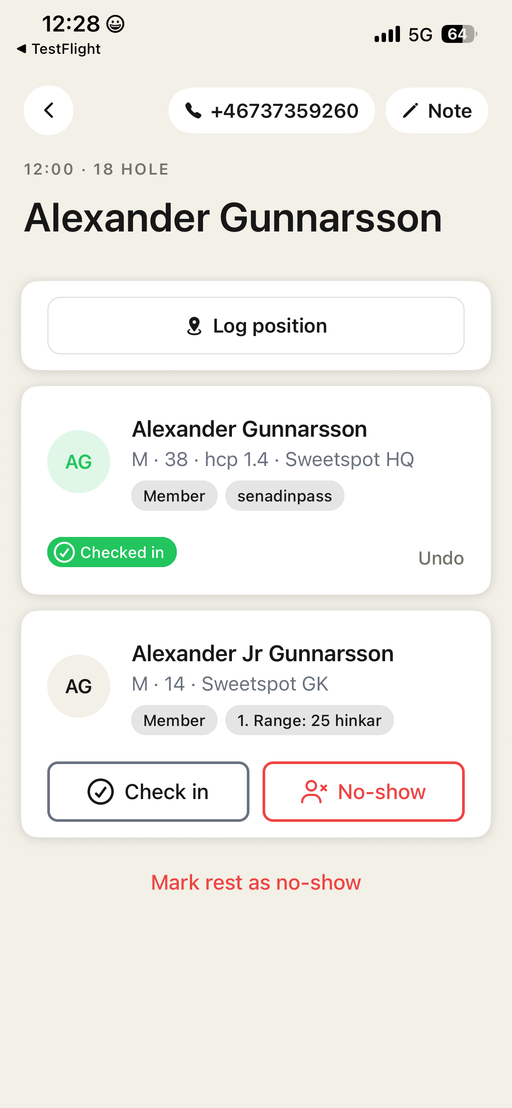
Check in players — individually or a whole group at once, with undo if you tap the wrong player.
Mark no-shows — flag players who never arrived (and undo), and export the no-show list at the end of the day if needed.
Mark as paid — notice if a player has not yet paid and settle a booking on the spot if needed. If you have enabled online payments you just tell the player to open the mobile player app and finalize the payment there.
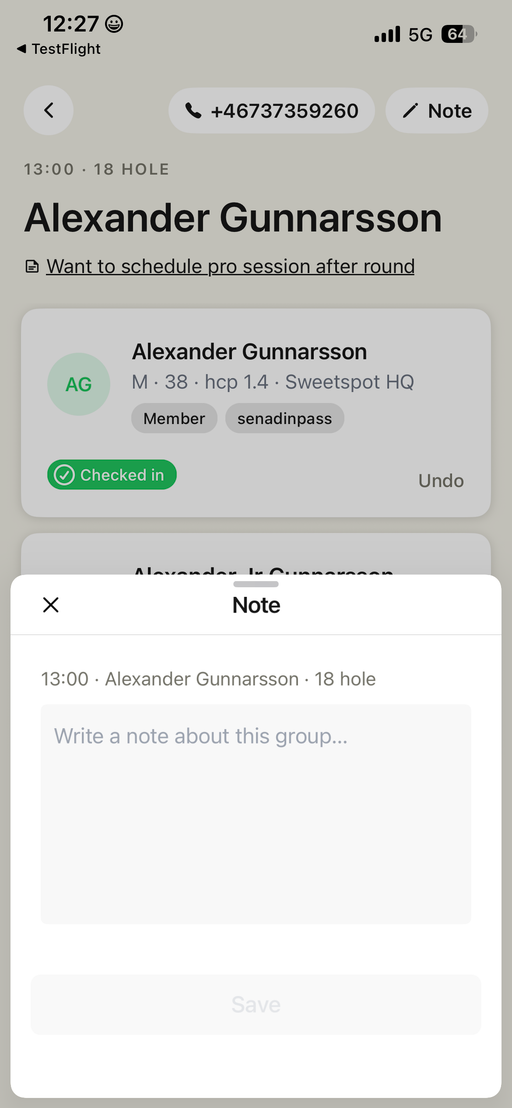
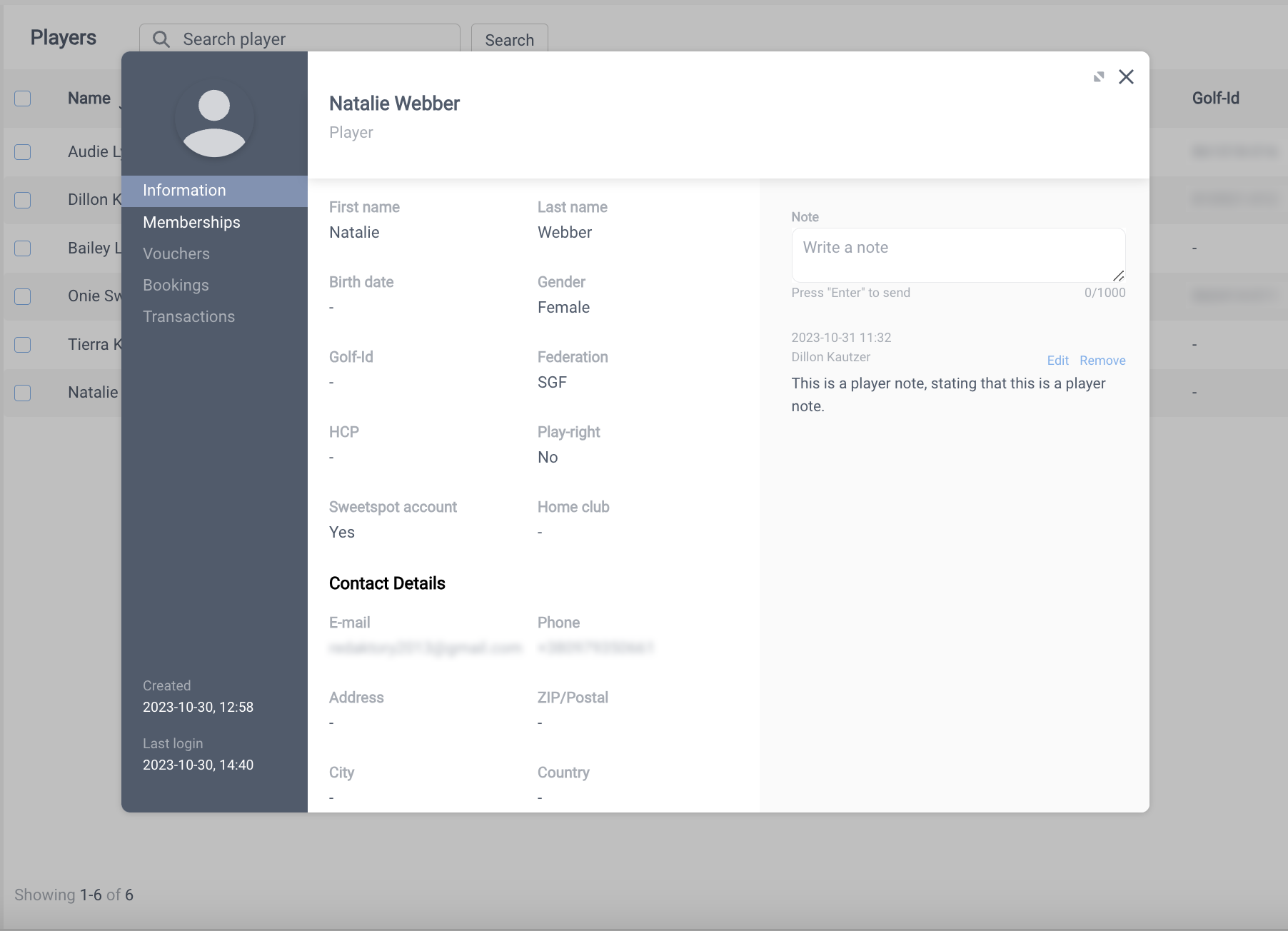
Add player notes — added notes are visible to staff colleagues in real time, with author and time stamp visible in the club portal.
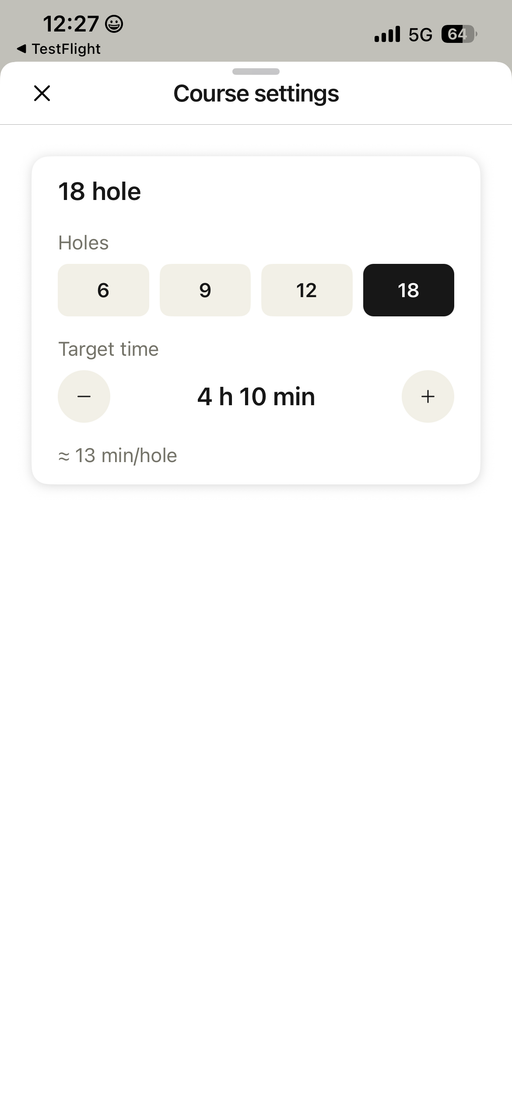
Track play pace — set a target pace per course and log player positions on the course to see which groups are on time and which are trailing behind.
All languages supported — the app is available in every language the player app supports.
How it works
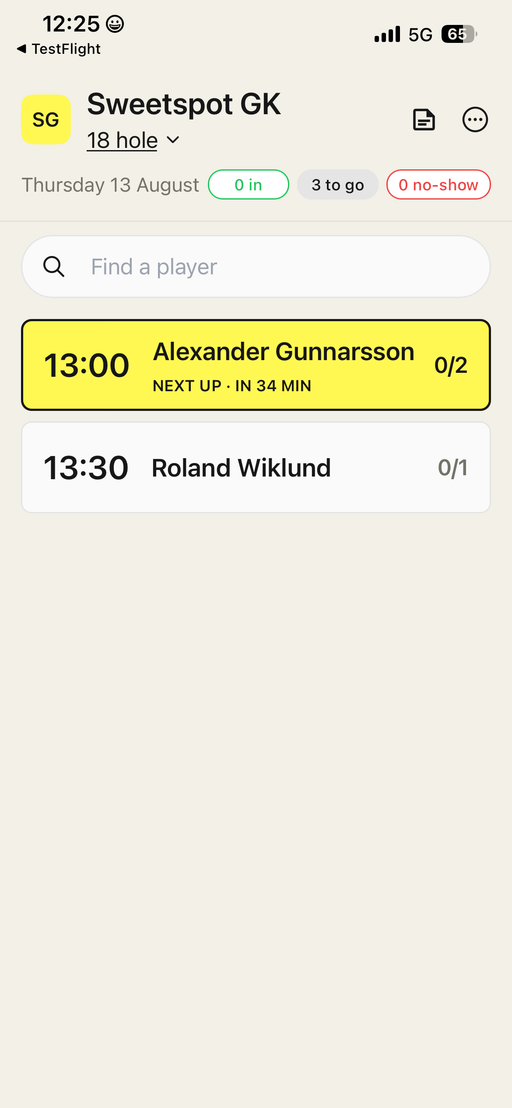
The tee sheet gives you the day at a glance — how many players are checked in, still to come, or marked as no-shows — with the next tee time highlighted. Search finds any player instantly.
Tap a tee time to see who's playing. Each tee time shows the booking owner (lead player). Each group show player details such as, name, gender, age, handicap and membership name and wether the tee time is unpaid. You can check in the whole group with one tap, call the booking owner, or leave a note.
Players don't always take a receipt at the terminal. Staff can now open any paid dispense in Club Portal and copy a link to its receipt to send over.
How it works
Click a row in the dispense table to open the details sidebar. For dispenses with a settled payment, a Copy receipt link button copies the receipt URL, ready to share with the customer.
The customer opens the link in their browser and can download the receipt as a PDF.
Good to know
The link only appears for dispenses with a captured payment — free dispenses, QR code dispenses and failed payments don't show it.
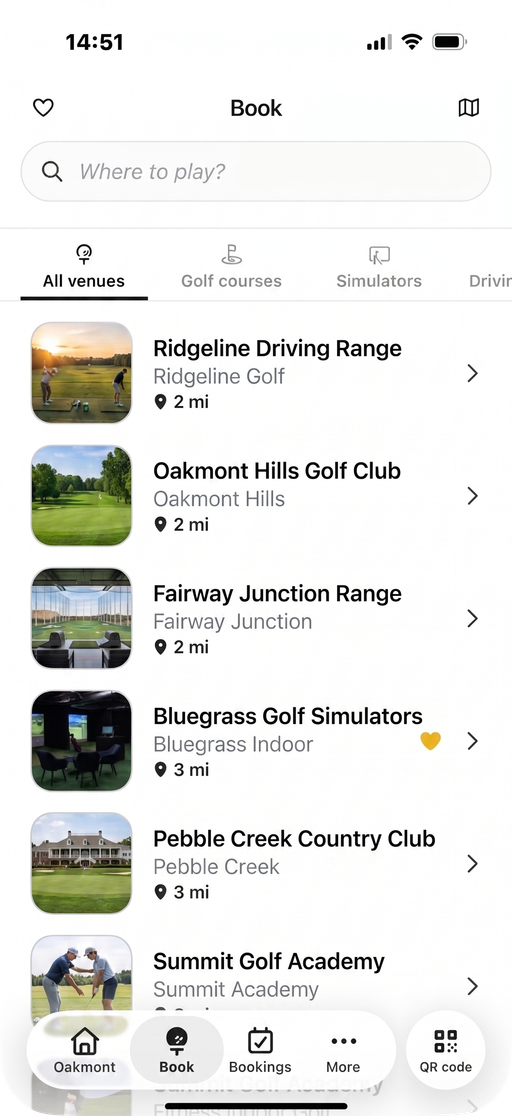
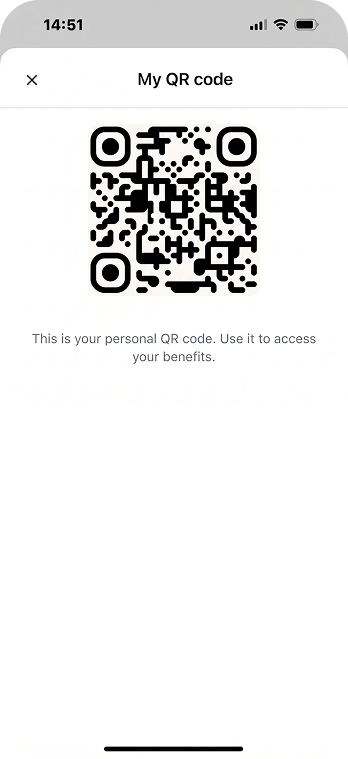
The player app has a rebuilt main navigation on both iOS and Android, with four primary tabs and a dedicated QR code launcher — players reach their code in one tap instead of digging through the profile area.
How it works
The tab bar now holds four primary tabs, with the QR code as its own entry point. Tapping it opens the same QR sheet that previously lived under Profile — same code, same behavior, just reachable from anywhere in the app. On iOS the navigation is rebuilt in the Liquid Glass style; on Android it follows the platform's own navigation patterns.
Good to know
Players need to update to a recent app version to see the new navigation.
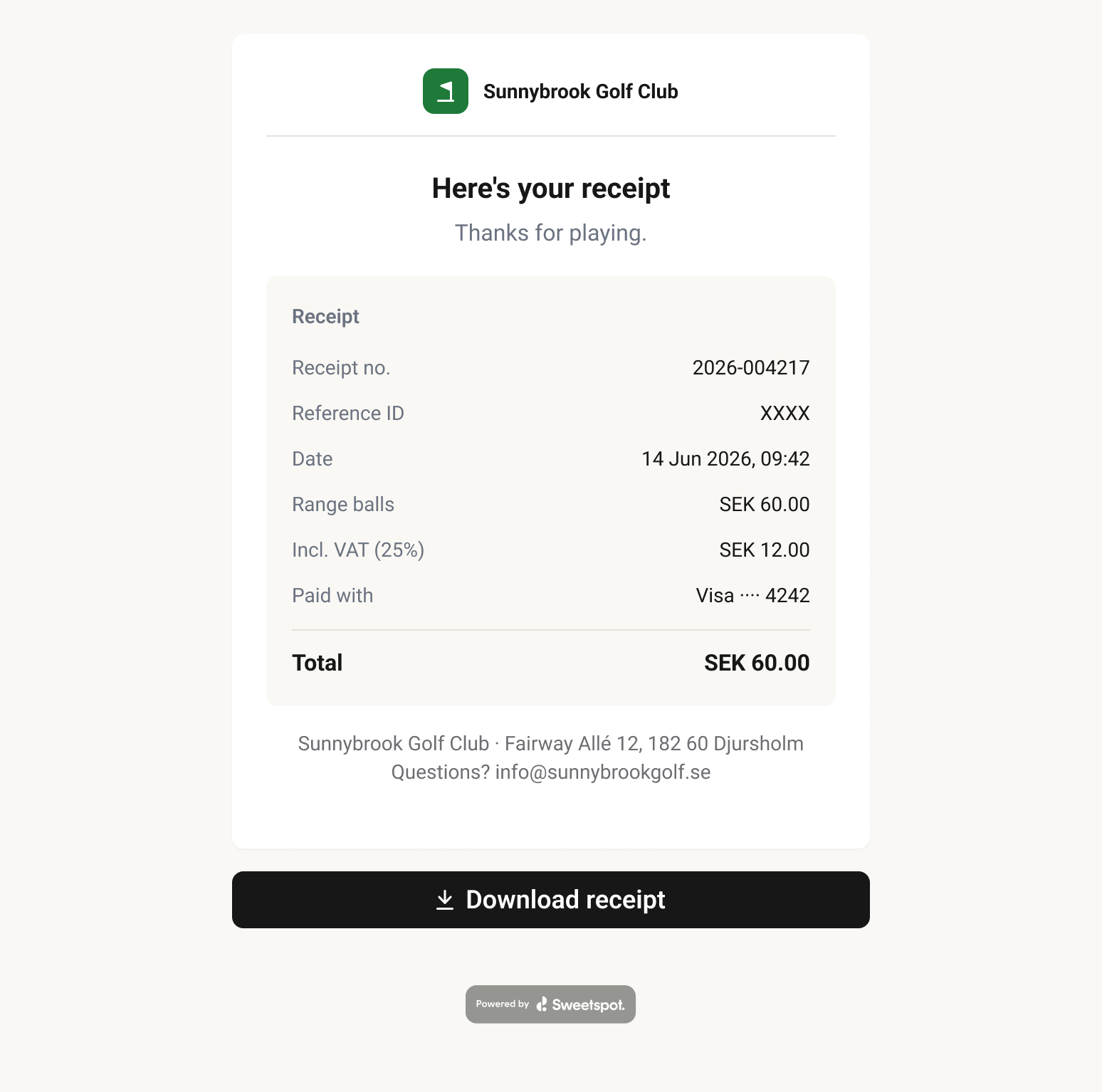
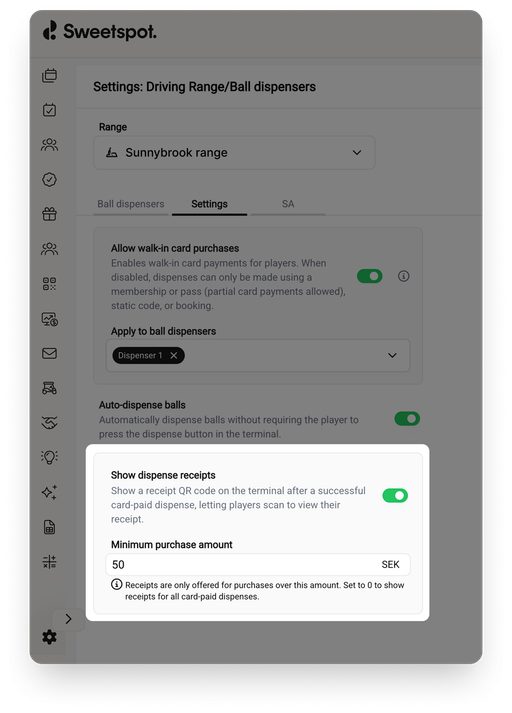
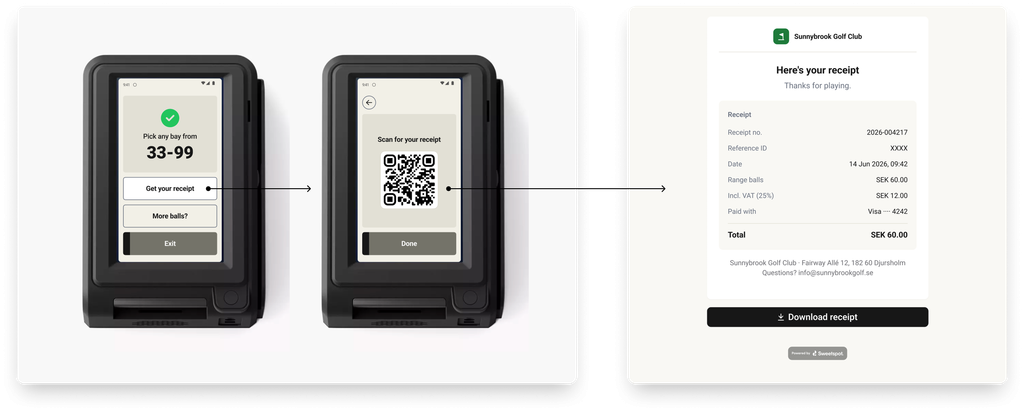
Players can now get a digital receipt for their ball purchases at RS Pay terminals. After paying by card, the player taps Get your receipt on the terminal and scans a QR code — the receipt opens right in their phone browser, with the option to download it as a PDF. No app, no email address, no staff involvement needed.
How it works
When a player buys balls with their card, the terminal's confirmation screen shows a Get your receipt button. Tapping it brings up a QR code, and scanning it opens the receipt with the full purchase details — amount, VAT, card used, receipt number and reference ID — and a PDF download for anyone who needs it for expense reporting.
You decide when receipts are offered
A new Show dispense receipts switch is available under Settings → Driving Range → Ball dispensers, alongside the other range-level toggles. Turn it on and set a minimum purchase amount — receipts are then offered for purchases over that amount. Set it to 0 to offer receipts on all card-paid dispenses.
Good to know
ℹ️
Card network rules or local laws require unattended terminals to be able to provide a receipt above a certain purchase amount. The terminal therefore always offers a receipt above the required amount for your country, regardless of the setting: $25 (USD), €20 (EUR), £20 (GBP), 200 kr (SEK), 250 kr (NOK), 150 kr (DKK), $30 (CAD).
What's next
Coming up: send and print receipts directly from the dispense view in the Club Portal, so staff can help any player who asks for a receipt afterwards.
Offline payments now always sell buckets at the correct price — whether it's a brief connection drop or longer downtime. RS Pay terminals keep a full week of your ball prices on the device and apply the right price for the current day and time while offline.
Previously, when a terminal lost connection it used the prices that were active at the moment the connection dropped. For ranges using demand levels — where prices vary by low / mid / high demand across the hours and days of the week — even a short drop or longer period offline could mean buckets kept selling at the previous price after a demand level had changed, for example past a peak / off-peak switch or rolling into a new day. Now the terminal stores your full weekly schedule, so the right demand level is applied throughout, no matter how long the connection is down.
What's Changed
Full weekly price schedule cached — terminals store your complete Monday–Sunday ball prices, refreshed automatically while online
Correct price by day and time — while offline, the terminal applies the right price for the current weekday and time-of-day window, just as it would online
Holds through any downtime — pricing stays correct whether the connection drops briefly or stays down longer, even if it crosses a pricing window or rolls into a new day
Why It Matters
If you use demand levels to vary your ball prices across the week, this makes sure you're never under- or over-charging when the connection drops — buckets are always sold at the price set for the active demand level, with nothing to configure. Ranges using a single flat price are unaffected.
More precise control over simultaneous bookings.
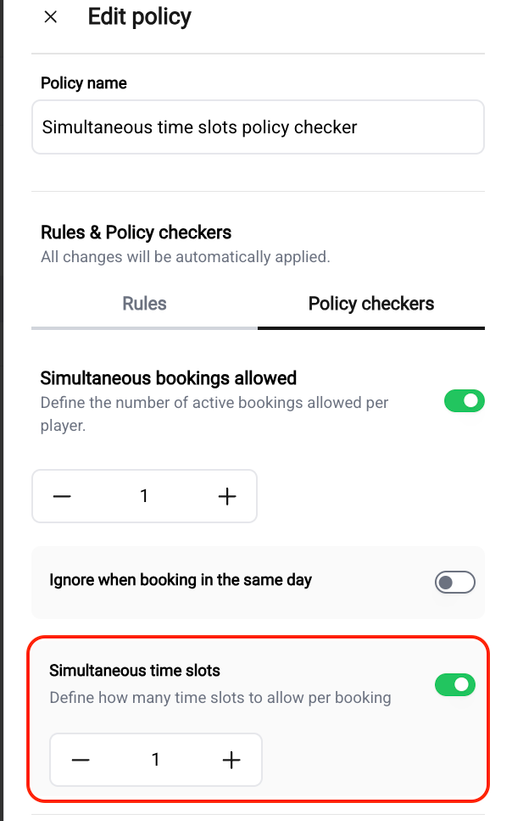
The simultaneous bookings policy checker was built for golf course tee sheets. When applied to other tee sheets, such as a driving range where a booking can span multiple time slots, it didn't behave correctly. This improvement fixes that: limiting how many slots a player can hold at once now works the way you'd expect for simulators and ranges, not just golf courses.
The setting now counts a venue's actual booking slots, so you can stop players from tying up too much time in a single long booking. You'll find Simultaneous time slots as a sub-option under Simultaneous bookings allowed in your booking policy. Just set the maximum number of slots a player may hold, and it will be checked against the slot configuration defined in your tee sheet. For example, if your tee sheet uses 30-minute slots, that becomes the unit for the limit. Members can also read the policy details in the app.
A few examples with a limit of 4 slots:
A single simulator booking spanning 4 slots is allowed; spanning 5 is blocked.
A player already holding 4 future slots can't add another.
A golf tee time with an owner plus three guests counts as one slot.
When importing scanned items into your POS, using the stock-in feature, you can now select the correct VAT rate for each item before pushing it through instead of everything defaulting to a single rate.
This means items are mapped to the right VAT rate from the start, removing the need to open each product and correct it manually afterward, and giving you cleaner, more accurate sales and accounting reports. Items you don't set explicitly continue to use the existing default, so nothing changes unless you want it to.
For Swedish clubs connected to GIT, activating memberships across both platforms are now far less manual.
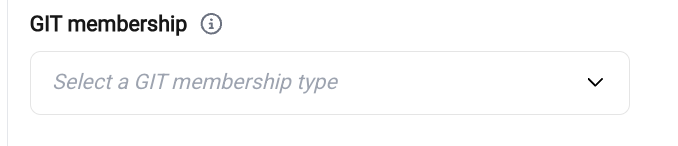
First, you can map each Sweetspot membership to the matching GIT membership type directly on the membership preference screen, using a dropdown of your GIT types. (This field appears only for Swedish clubs with active GIT credentials.) Matching by GIT's stable type ID, rather than by name makes the connection reliable and prevents the sync errors clubs have run into before.
Once mapped, memberships activate in GIT automatically when a player completes an online purchase or when you mark a membership as paid in the Club Portal. No more looking players up in GIT and activating them one at a time. Start and end dates follow the membership's configuration in Sweetspot, and if a membership can't be activated you'll see the reason surfaced in the Club Portal so you can act on it.
Members can now receive their POS discounts automatically — no more manually creating discount groups and assigning each player one by one.
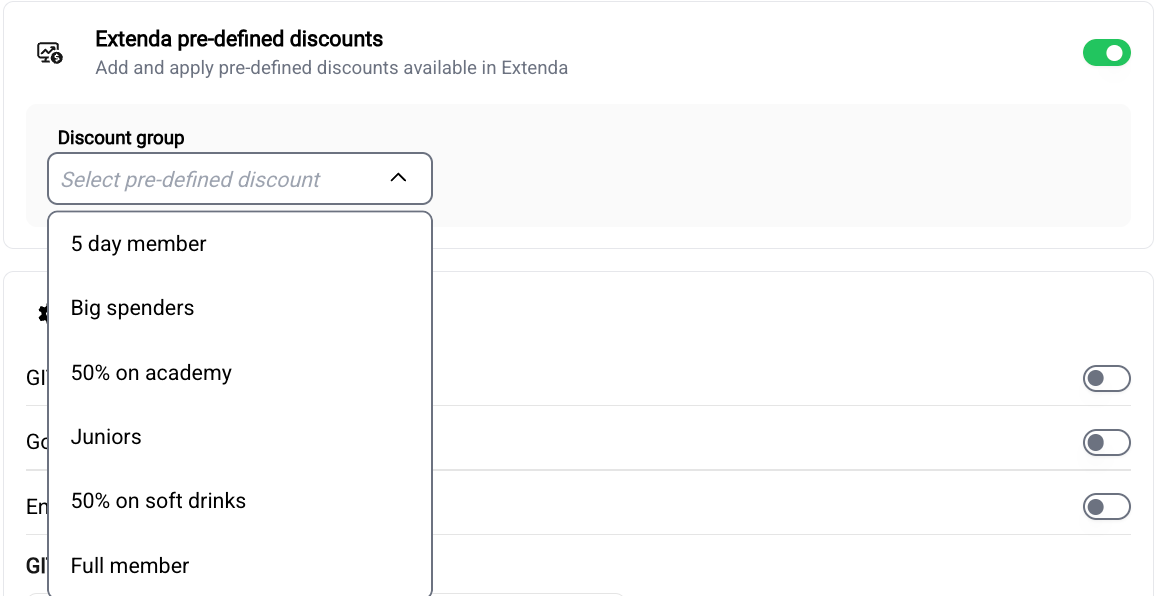
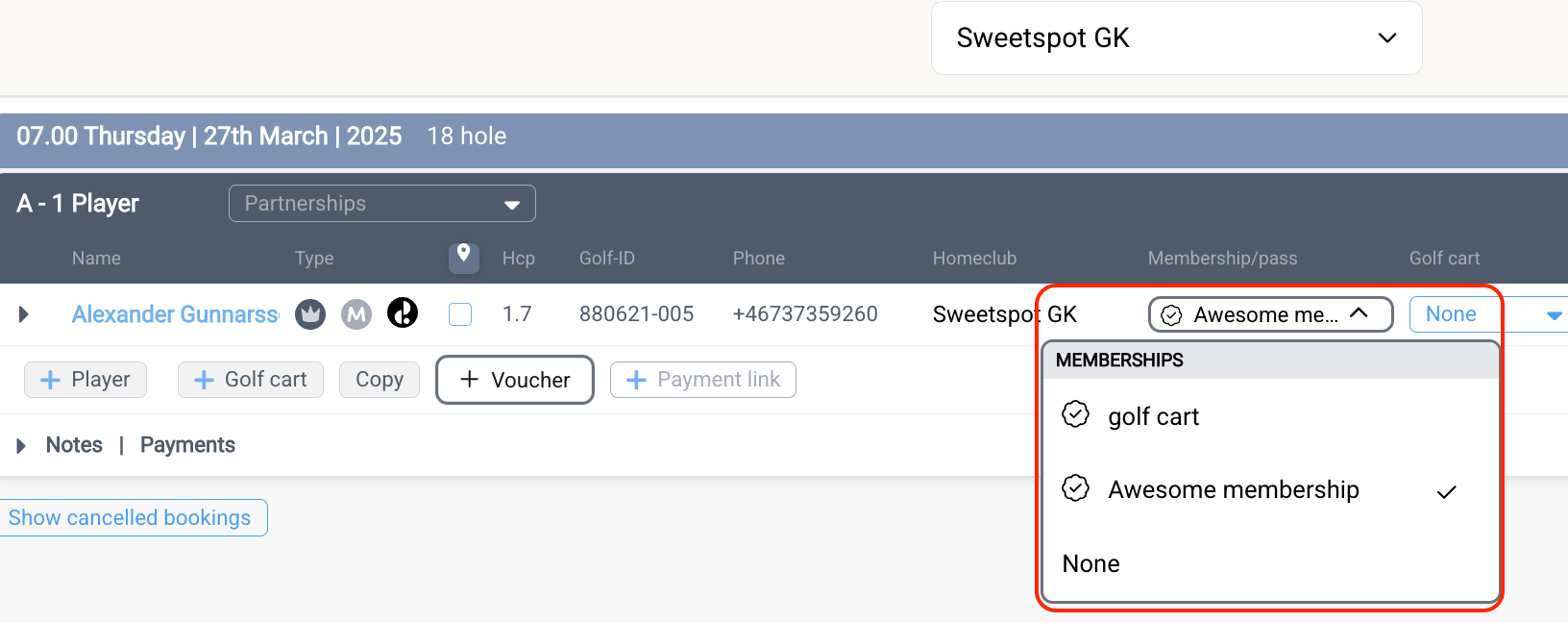
In your membership and pass settings you'll find a new toggle (shown only if your club has Extenda connected) that lets you link a membership or pass to one of your pre-defined Extenda discount groups. Pick the group from a dropdown that's pulled live from Extenda, and from then on members get the correct discount automatically on the next POS customer sync.
The interface will let you know if Extenda can't be reached, if a linked discount group no longer exists (so you can re-select it), and when a change will take effect on the next sync.
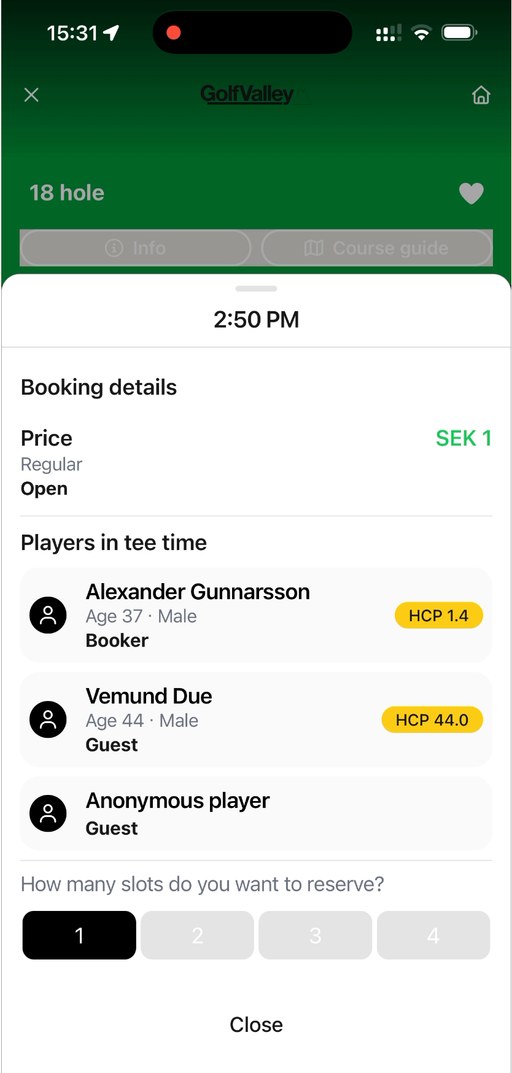
Players can now see each player's age and gender on a booking even after it has been confirmed — not just while booking. This makes it easier for players to know who they'll be playing with, so they can pick the games and groups that suit them best.
Available in the latest version of the player app.
Venue maps are now available for Simulator venues, bringing them in line with how the feature already works for Driving Ranges. You can upload a facility image that shows players an overview layout of the venue, so they can orient themselves before and during their visit.
📍 Where to find it:
Club Portal → Settings → Simulator → Settings
What's New
Upload a venue map for any simulator venue from the simulator settings. For best results, use a portrait image (1080 × 1920 px, max 10 MB) — sized to display well on mobile
Displayed automatically to players in the mobile app and web booking, via a venue map button on the Simulator tee sheet page
Highlight key areas of your facility, such as simulator locations, bays, entrances, restrooms, or the front desk
💡
Course guides were originally designed for golf courses, but some simulator venues had been using them to display facility maps. Those existing course guide images have already been migrated to the new venue map feature, so there's nothing you need to move over manually.
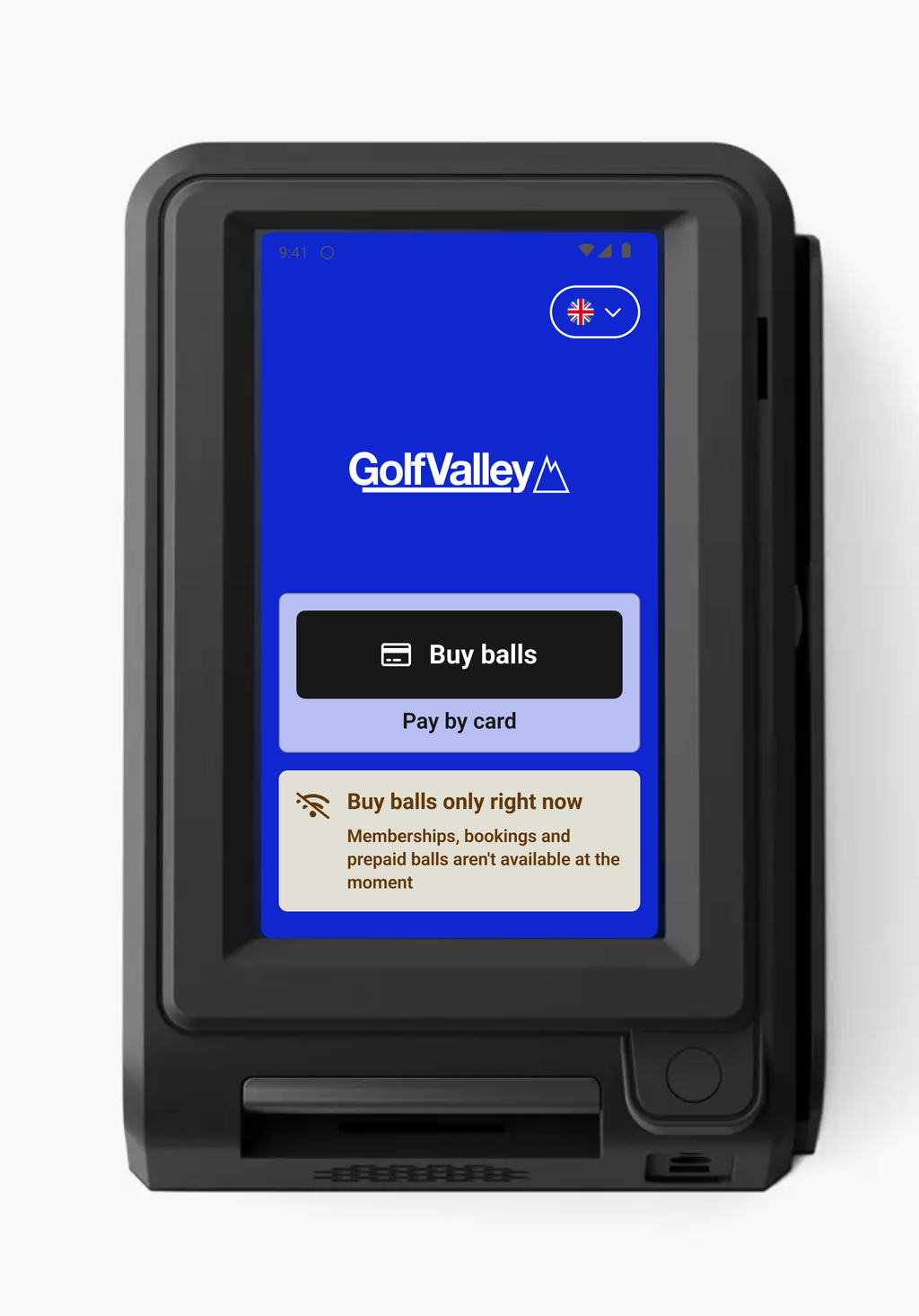
RS Pay now supports offline payments. If a terminal loses its internet connection — or its connection to Sweetspot — it can keep taking card payments and dispensing balls, so your range stays operational and you don't lose sales during an outage.
When a terminal goes offline, players can still buy a bucket and pay by card at the terminal. The payment is taken securely on the card reader and the order is stored on the device, then synced to Sweetspot automatically as soon as the connection returns. For the player, paying by card works just as it always does — they tap, pay, and start hitting balls.
Faster payments day-to-day
As part of this work, card payments are now handled directly on the terminal instead of being routed through the cloud for every transaction. The result is quicker, more reliable checkouts all the time — not only when offline.
What works offline
Buy Balls with card payment keeps working even without an internet or Sweetspot connection.
Memberships and passes, booking dispenses, printed QR codes and member cards still require a connection, as these depend on live data from Sweetspot.
Good to know
Offline mode kicks in automatically — there's nothing for staff to switch on. While offline, the terminal uses the most recent ball prices it synced, so it needs to have been online beforehand to have up-to-date pricing.
⚠️
Offline payments are available on the newer relay-powered dispenser doors (installed from Fall 2025 onwards). A small number of doors still connect to the dispenser via API — replacements for these are ongoing.
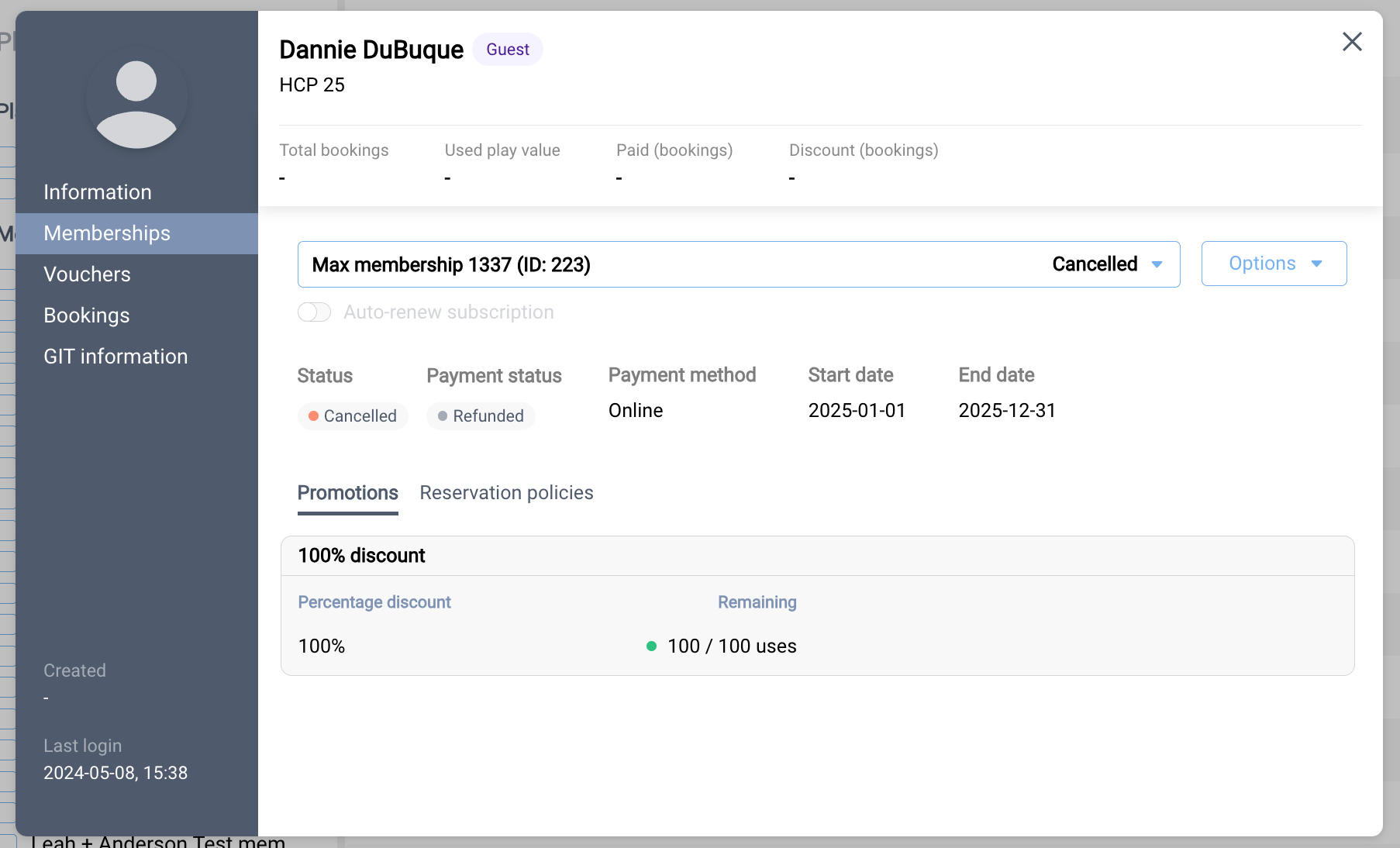
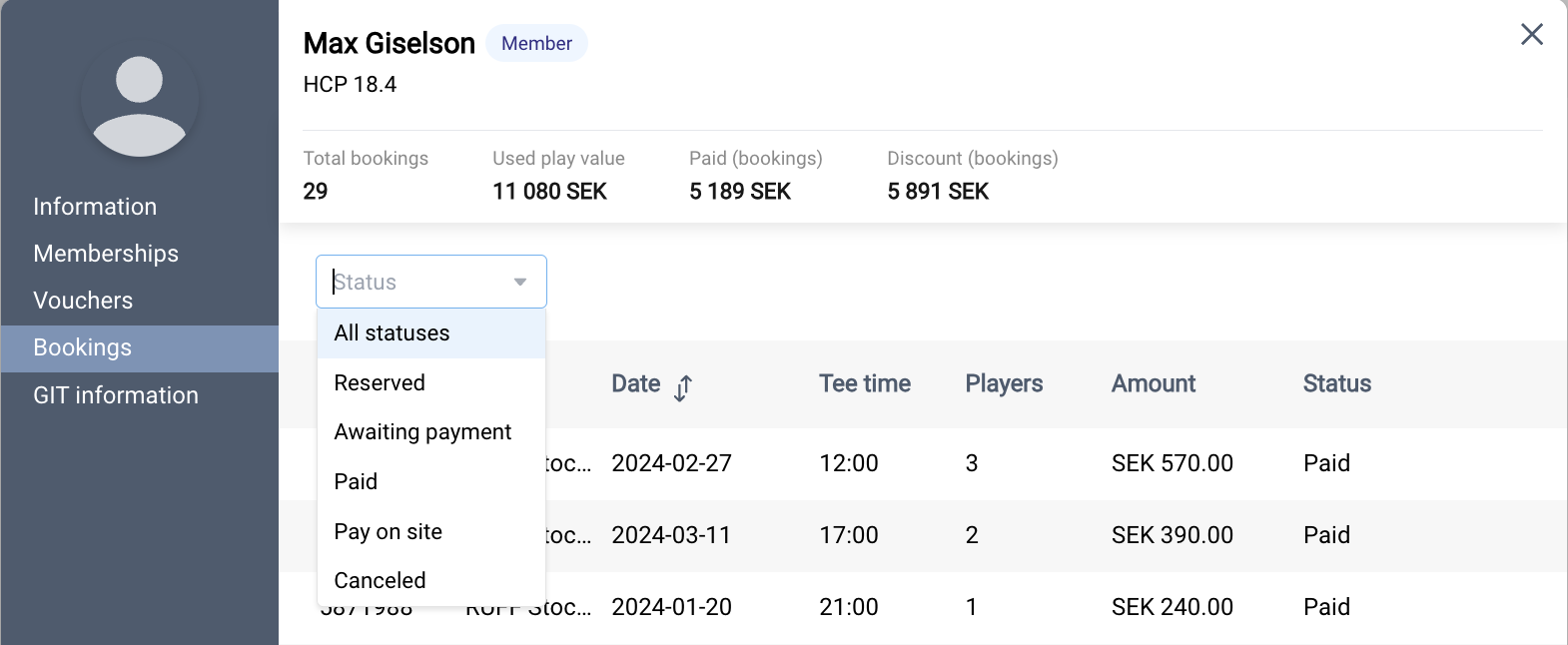
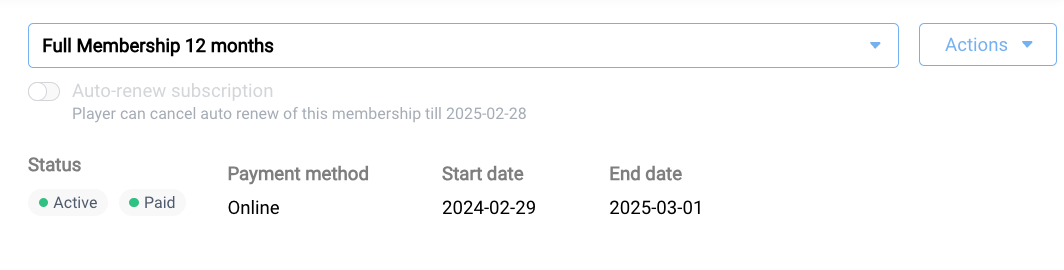
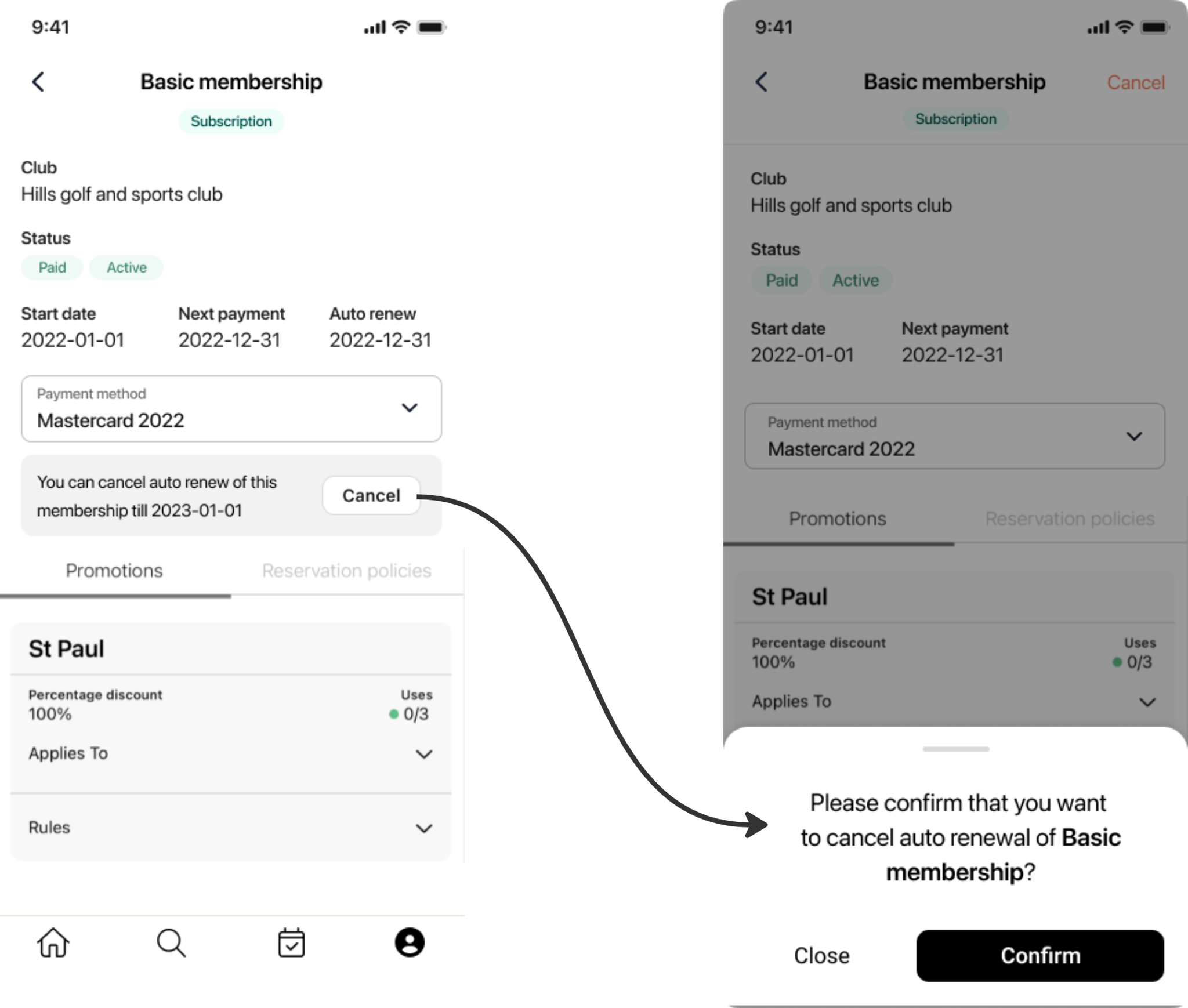
Players can now reactivate automatic renewal on a membership or pass that had renewal cancelled — without waiting for it to expire and repurchasing.
How it works
In the mobile app, when a member opens a membership/pass that supports auto-renewal but has it currently cancelled, they'll see:
A "Renewal was cancelled on …" message
A new Re-activate renewal button
Tapping the button opens the standard payment flow to re-authenticate a card. Once completed, auto-renewal is re-enabled on the existing membership and the Auto-renew tag appears in Membership Details.
Notes for admins
Only available on memberships/passes that have auto-renewal enabled in their configuration. If auto-renewal isn't enabled for the membership type, the re-activation option will not appear.
Not available once the cancellation window has closed or the membership has expired.
No changes to existing auto-renewing memberships, payment method updates, or pending payment retries — those flows behave as before.
We've overhauled the QR code generator to make it faster for staff to use day-to-day and easier to manage at scale. Here's what's new.
Streamlined print flow
The separate "Generate QR codes" step has been removed. QR codes are now auto-generated at the point of printing, cutting the number of steps from template creation to delivery.
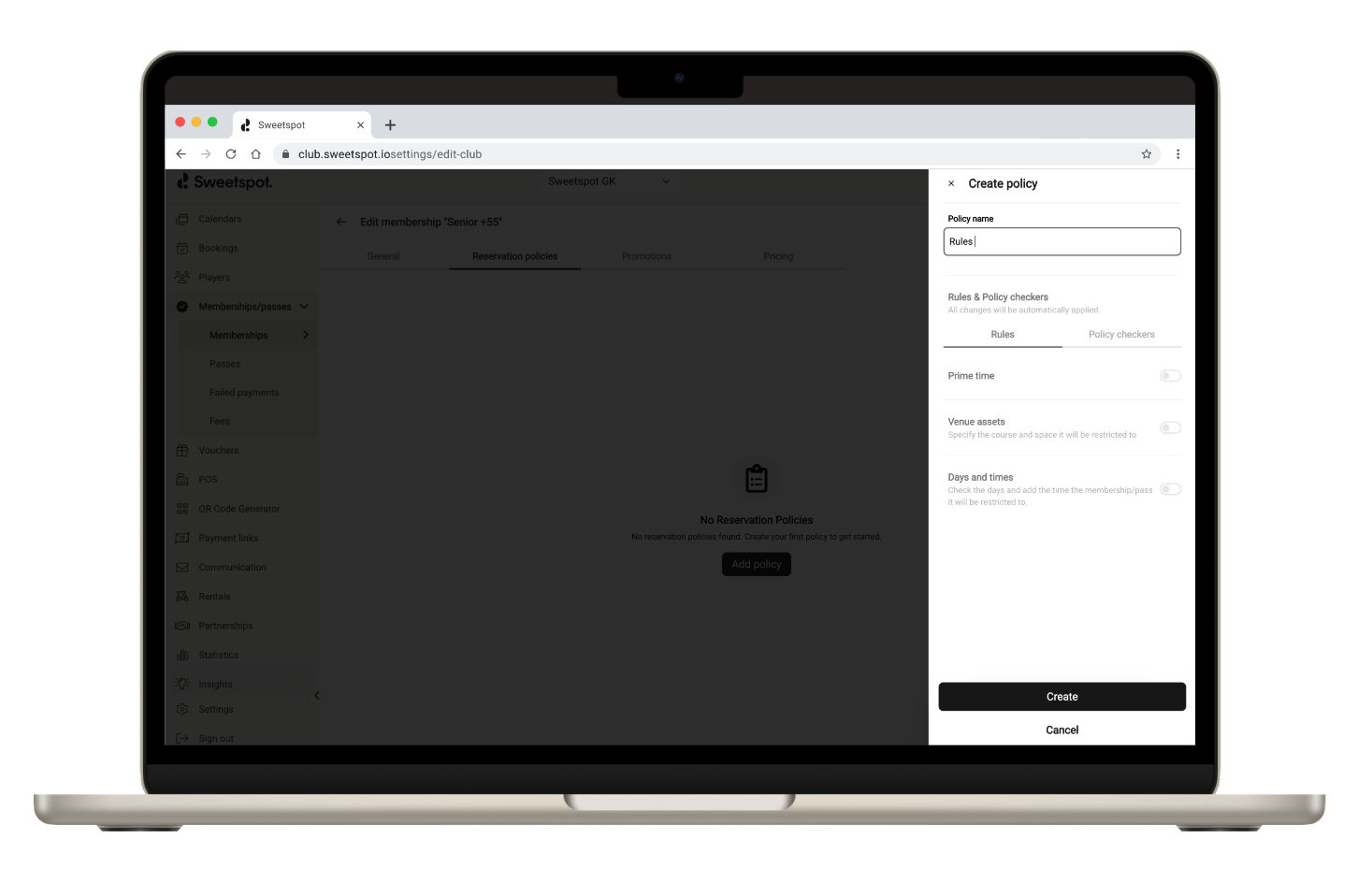
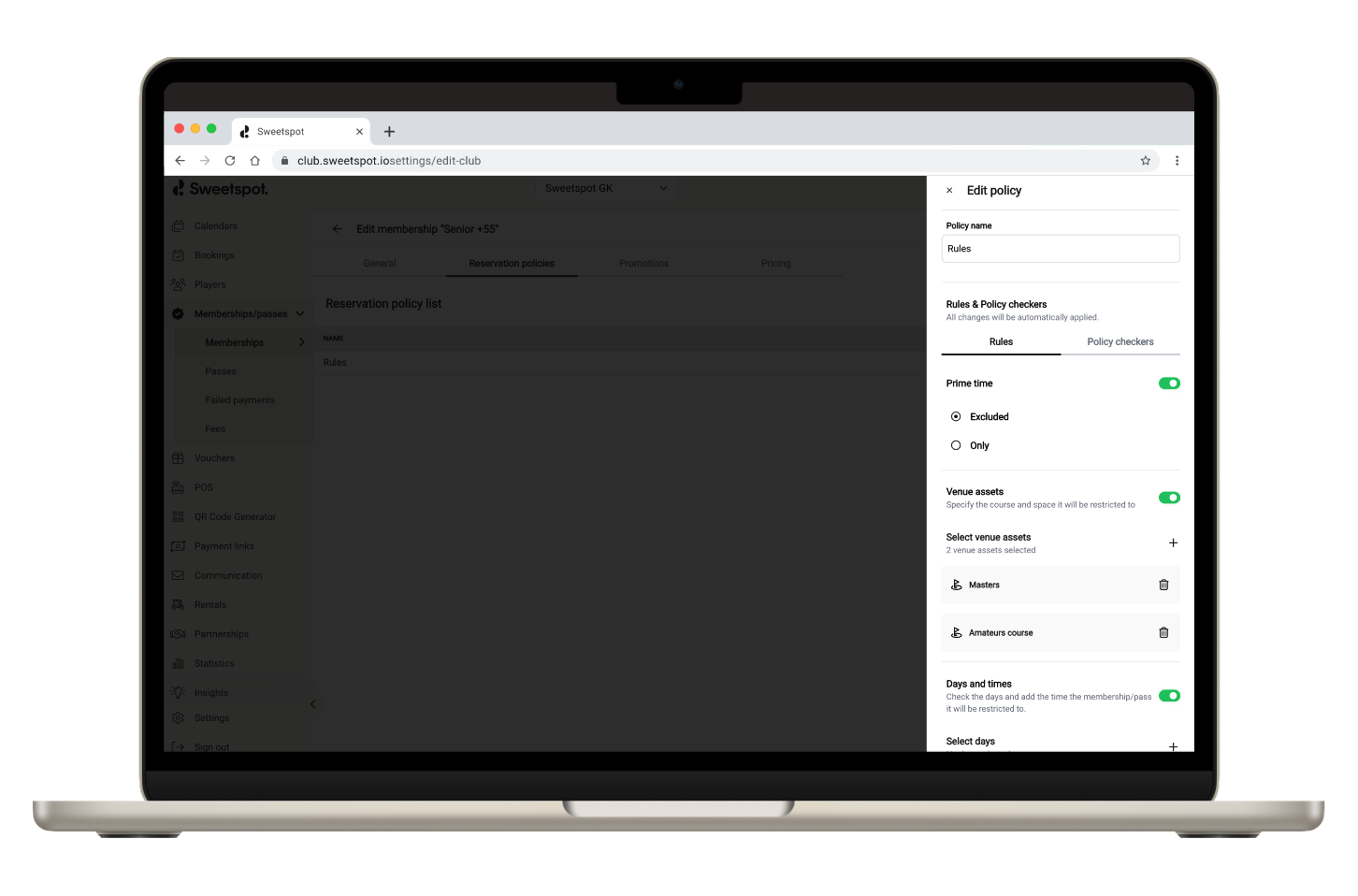
Quick Print tab
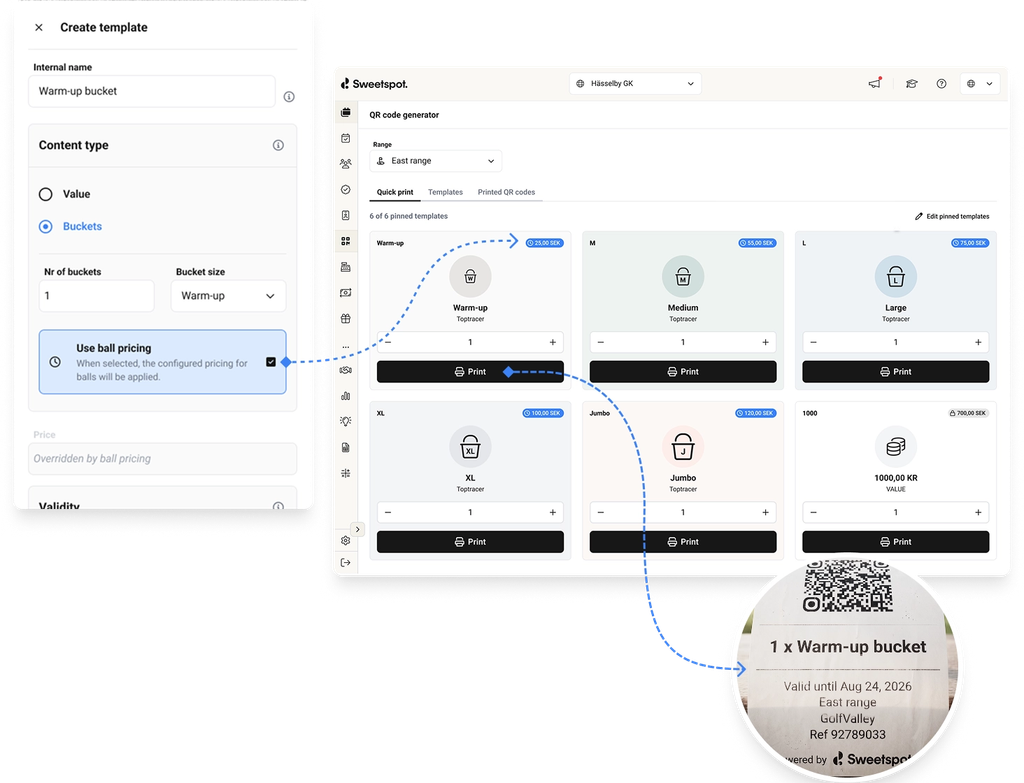
A new Quick Print tab lets staff pin up to 6 templates as shortcut buttons. One click sends a QR code straight to the print queue — no need to navigate to a template first. Cards are color-coded by bucket size and value, with distinct icons and labels for each bucket type, making them easy to tell apart at a glance.
Demand-level pricing for printed QR codes
Templates can now be configured to use dynamic ball pricing, so the price printed on a QR code reflects the active demand tier at the time of printing — the same pricing logic used for bucket prices.
"Printed" status and printed-by tracking
The QR codes table now tracks whether each code has been printed and by whom (shown as staff email). This makes it easier to manage codes at scale and supports more accurate reporting going forward.
Dynamic validity from print date
For templates with a dynamic validity period, the clock now starts when the code is printed, not when it's first scanned. Re-printing a code does not reset the validity window.
Updated role-based template access
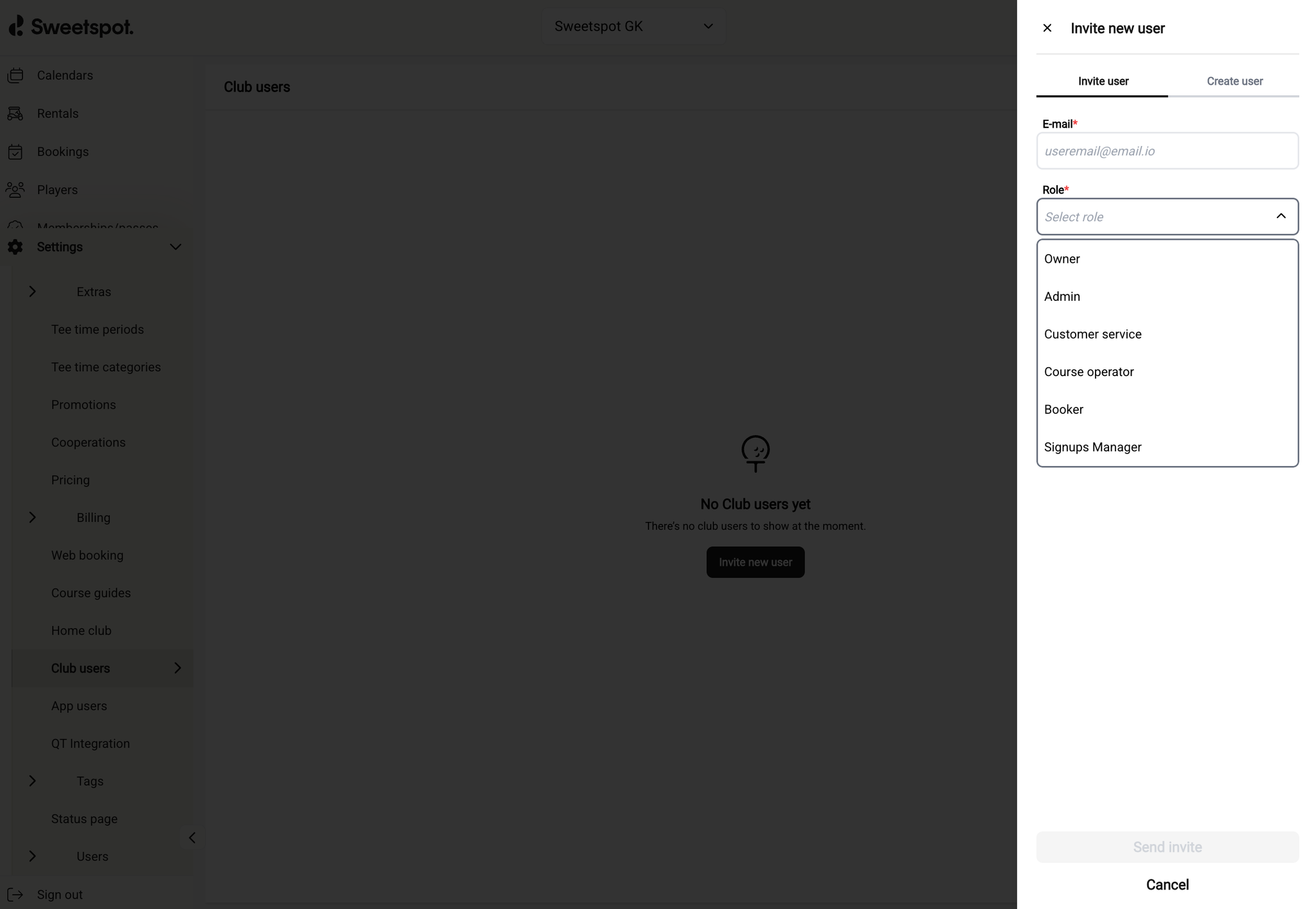
Creating and editing templates is now restricted to Owner, Admin, and Course Operator roles. Staff with Customer Support or Booker roles can still access the Quick Print tab and print QR codes.
Shorter receipts
Printed QR code receipts have been redesigned to be more compact, reducing paper usage per print.
More flexible booking cancellation and refund handling
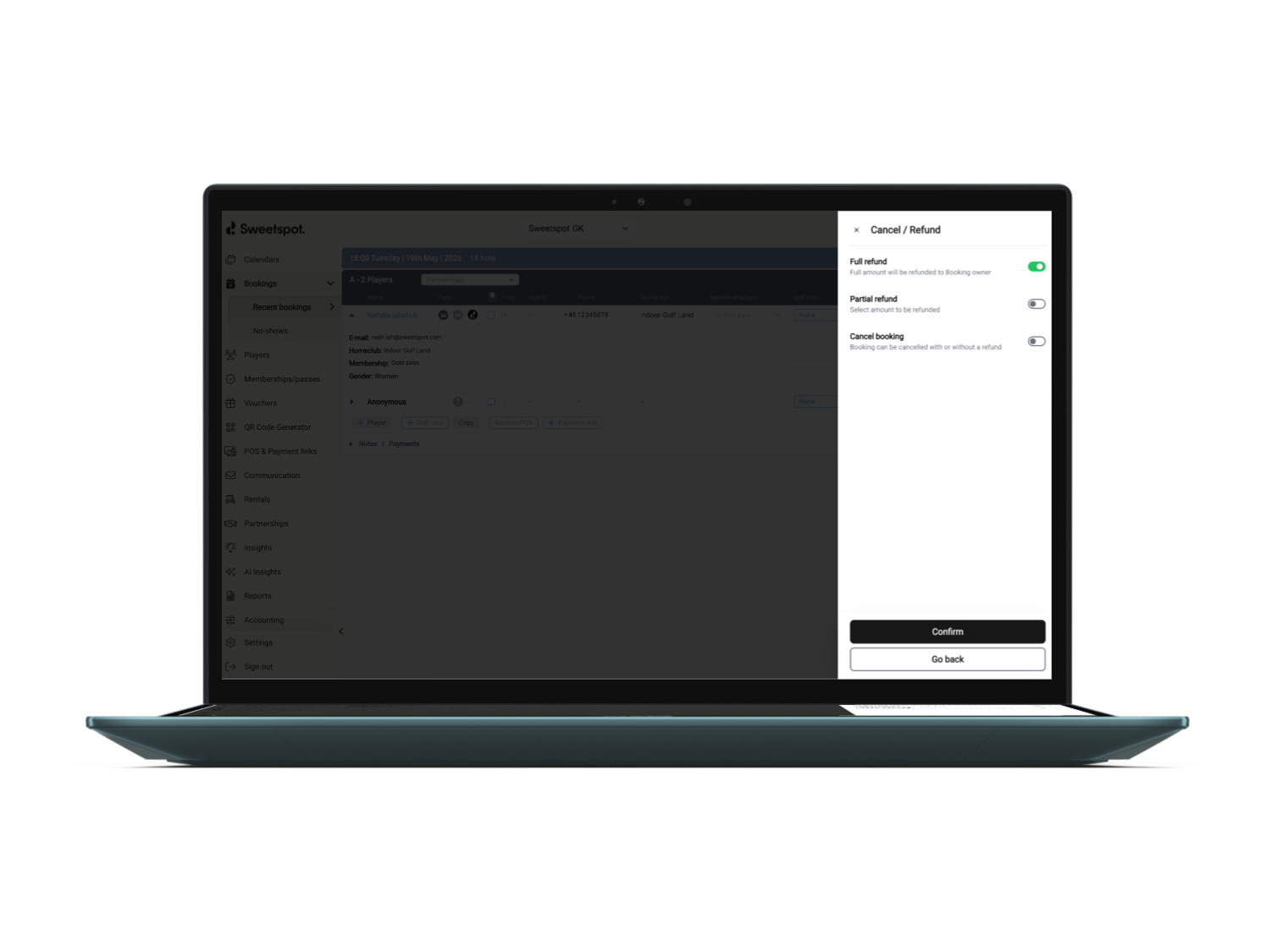
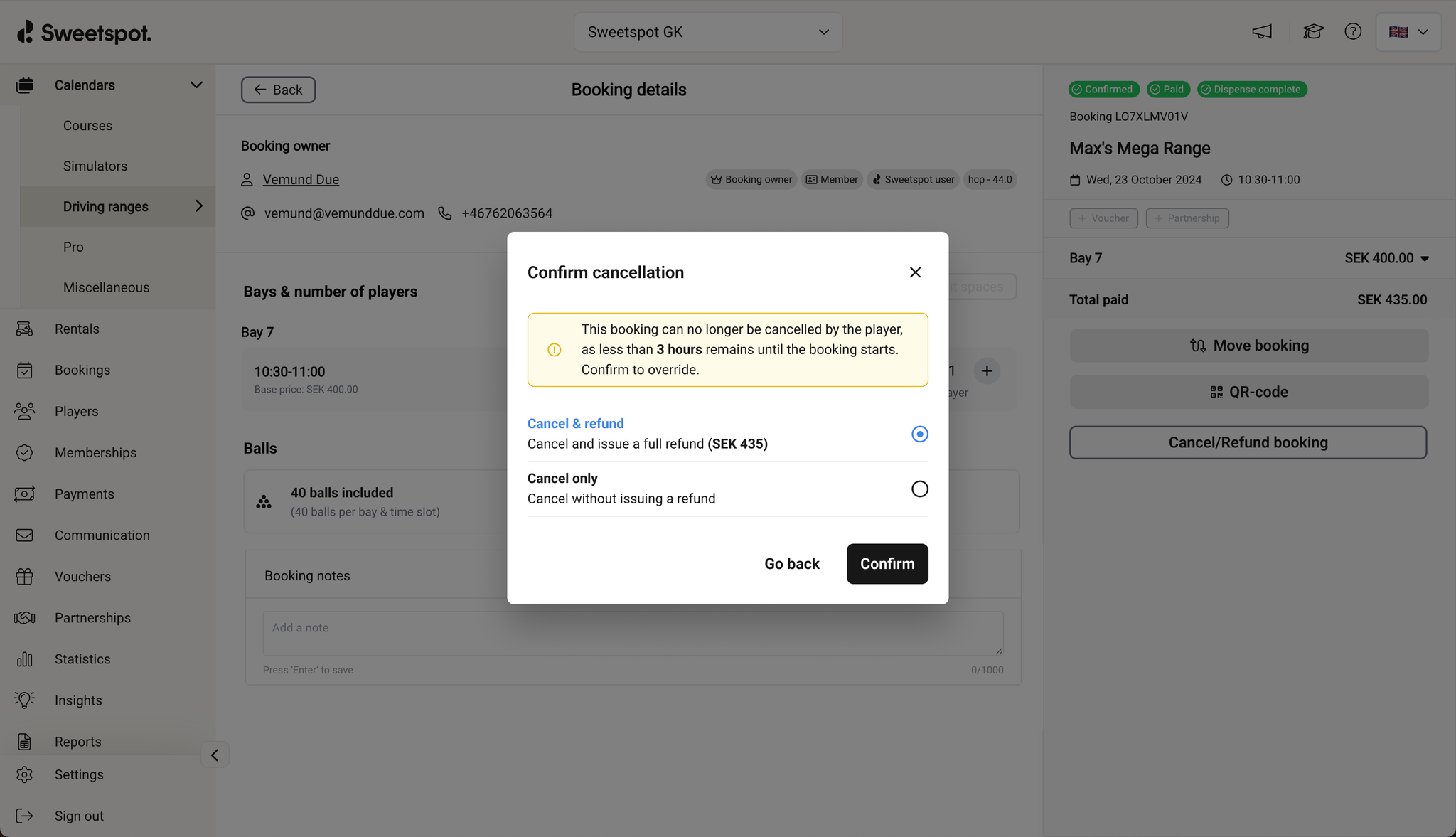
Admins can now manage golf course booking cancellations with more flexibility. Instead of cancellation always implying a full refund, staff can now choose how to handle the refund separately depending on the situation.
Previously, cancelling a booking would also trigger a refund, which made it harder to handle no-shows, late cancellations, and bookings that fall outside a facility’s refund policy. With this update, admins can now decide whether to cancel only, cancel and refund, or issue a refund without cancelling the booking.
Why it matters
This gives facilities more control over how cancellations and refunds are handled in day-to-day operations. Staff can now apply local policy and commercial judgment more directly, without relying on manual workarounds.
It also improves handling for more complex golf course bookings, including bookings with multiple participants and rentals where partial refund scenarios may apply.
How it works
When managing an eligible paid booking, admins can now choose whether to:
Cancel and fully refund
Cancel and partially refund
Cancel without refund
Refund without cancelling
This makes it easier to handle different operational scenarios consistently from the booking flow.
Important notes
Availability of refund options depends on the booking and payment setup.
Promotions applied to a booking are not reinstated when cancelling without a refund.
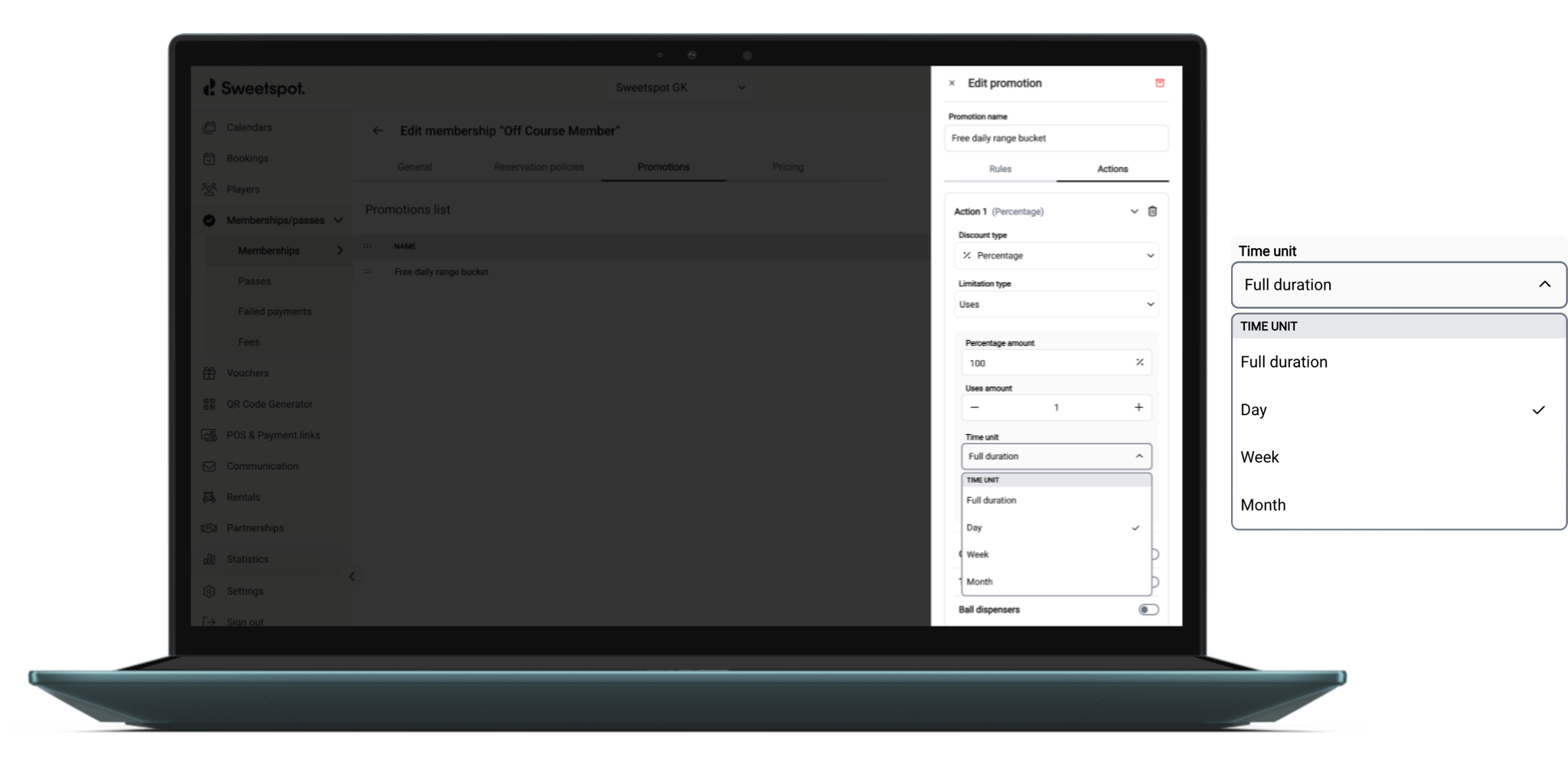
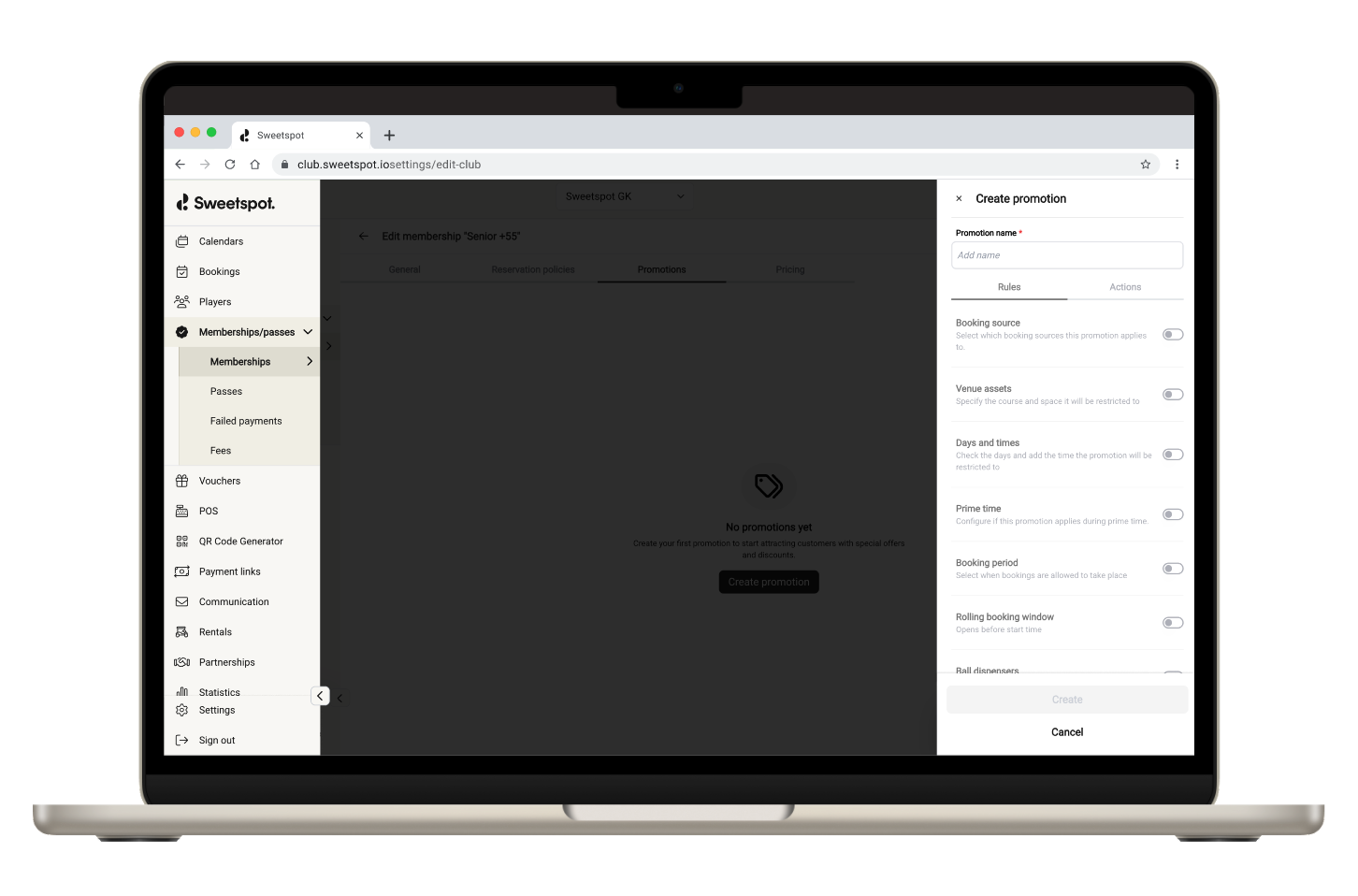
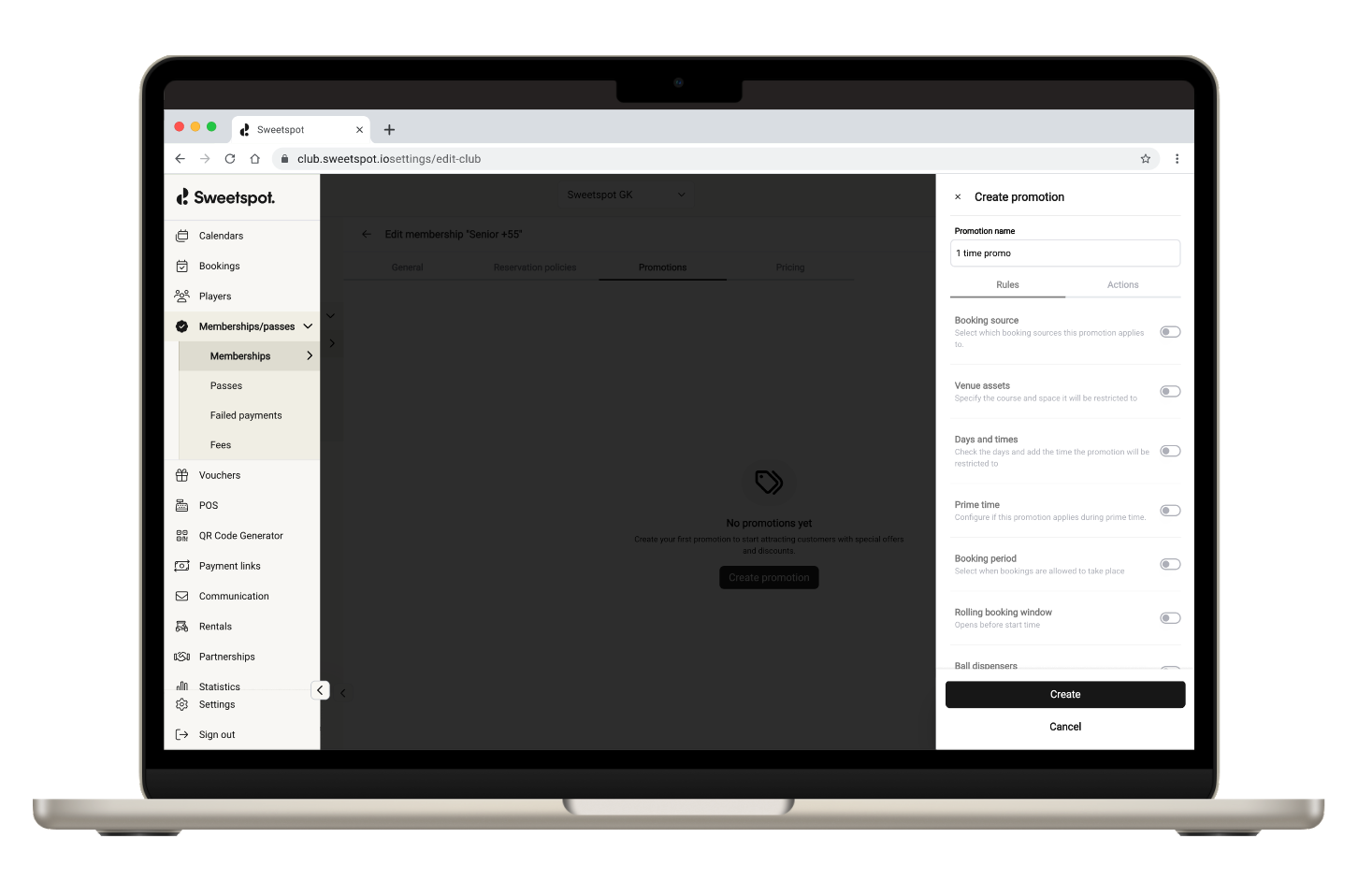
We’re introducing a smarter, more flexible way to manage promotions. With time-based promotion limits, you can now automate how and when offers reset. No manual interventions or workarounds. Just clear, predictable control over usage and discount spend per time unit.
What’s new
Promotion limits can now renew automatically based on time:
full duration (existing behaviour)
per day
per week
per month
This applies to both:
usage limits (e.g. number of redemptions)
discount value limits (e.g. total discount amount)
Why it matters
Promotions are no longer static. They now adapt to your operational rhythm—helping you:
drive consistent demand with recurring offers
control discount exposure with precision
reduce admin time with automated resets
In short: more control, less manual work, and better commercial outcomes.
Example use cases
“1 use per day” – encourage repeat visits without overuse
“5 uses per week” – balance demand across peak periods
“200 discount per month” – cap promotional spend while staying competitive
How it works
Limits are now evaluated within a defined time window instead of across the full promotion lifetime.
Reset timing follows the venue’s timezone:
day – resets at midnight
week – resets Monday at 00:00
month – resets on the 1st at 00:00
This ensures consistency across operations, reporting, and customer experience.
UI updates
A new time unit setting is available within promotion actions:
full duration – no reset (default, as today)
day / week / month – recurring limits
Backward compatibility
No disruption to existing setups:
promotions without a time unit will continue to behave as before
limits will still apply across the full duration unless updated
The bigger picture
This update brings promotions closer to how modern golf facilities operate—dynamic, data-driven, and aligned with real demand patterns. It’s another step towards giving you tighter control over revenue, smarter use of incentives, and a better experience for your players.
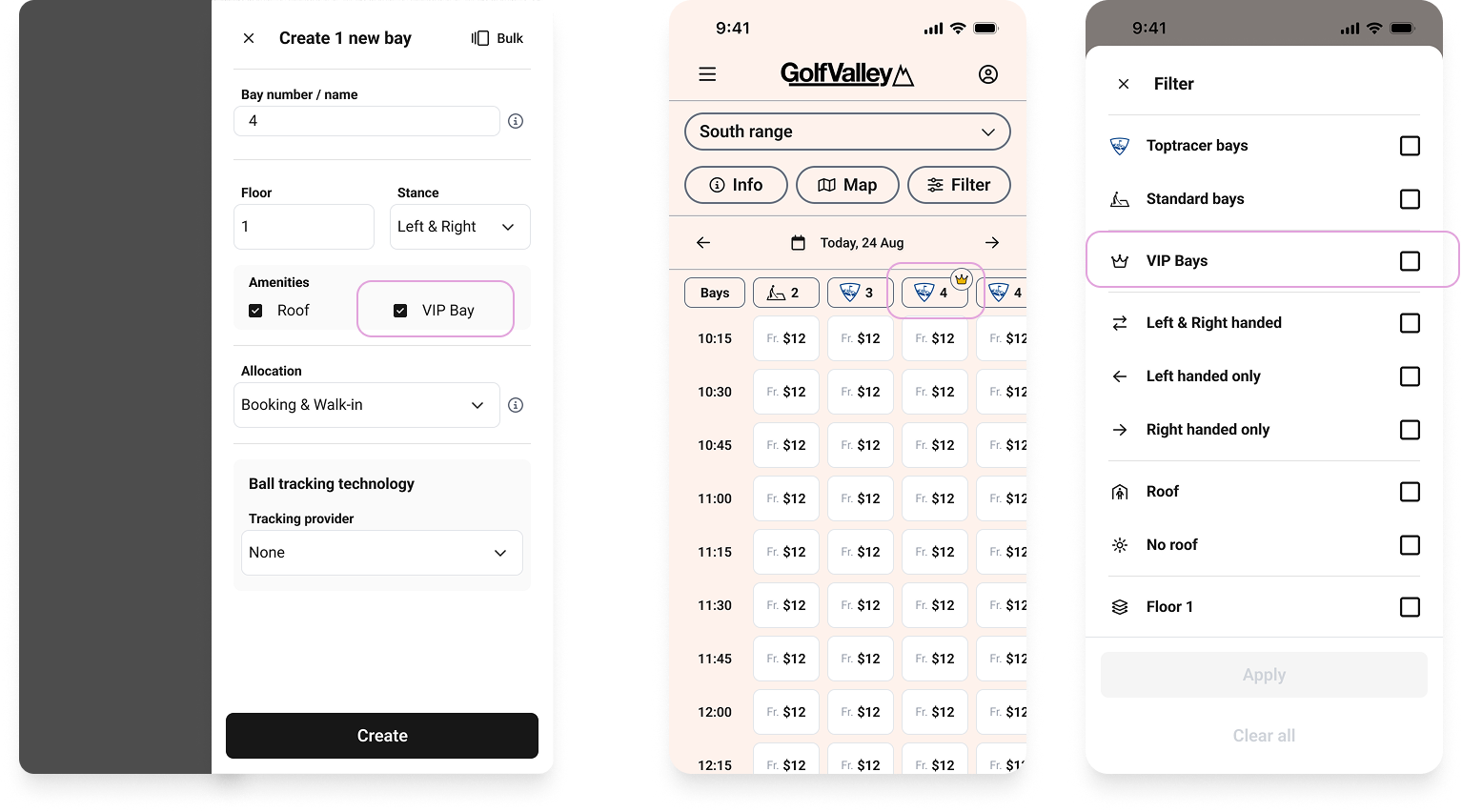
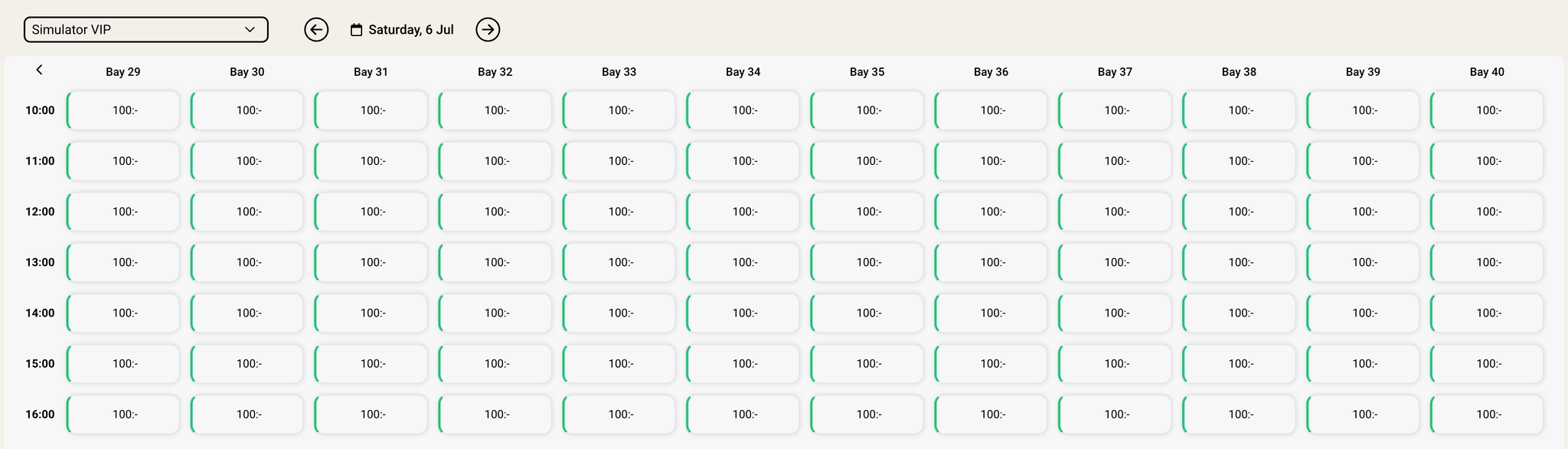
You can now configure Range bays as VIP, and surface that distinction to players across the entire booking experience — from the tee sheet to confirmation emails.
📍 Where to configure it:
Settings → Driving Range → Bays → Select a bay → Edit bay
What's Changed
VIP badge on the tee sheet — A crown badge now appears next to VIP bays on the tee sheet in both the web booking experience and the mobile app, making it easy for players to spot premium options at a glance
VIP filter — Players can filter the tee sheet to show only VIP bays, so finding and booking a premium spot is quick and effortless
Guided filter discovery — On desktop, the filter panel opens automatically 600ms after a player enters the tee sheet (only when relevant filters are available). On mobile, a tooltip nudges players to explore filters — shown once per 24-hour period and auto-dismissed after 4 seconds
VIP labels in the booking flow — Bay containers and booking summaries now display the VIP tag throughout the booking process
Club Portal visibility — Staff see VIP badges in the tee sheet, bay details sheet, and the dynamic dock when bays are selected, as well as a VIP filter in the filter sheet
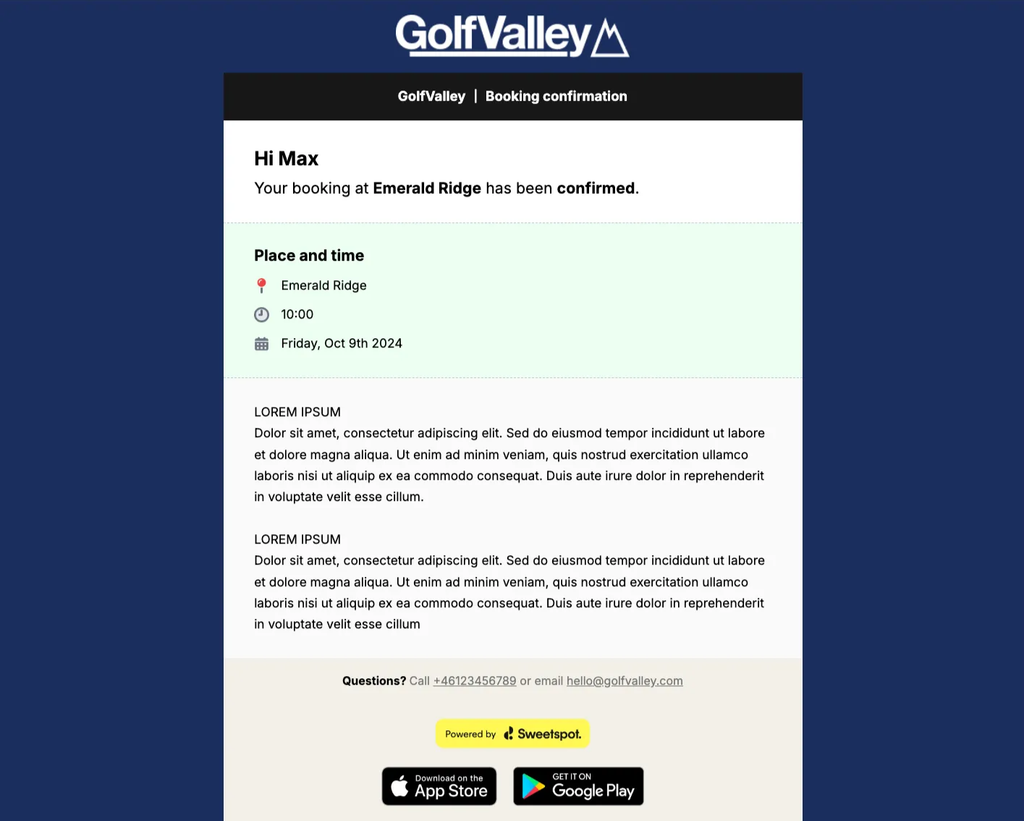
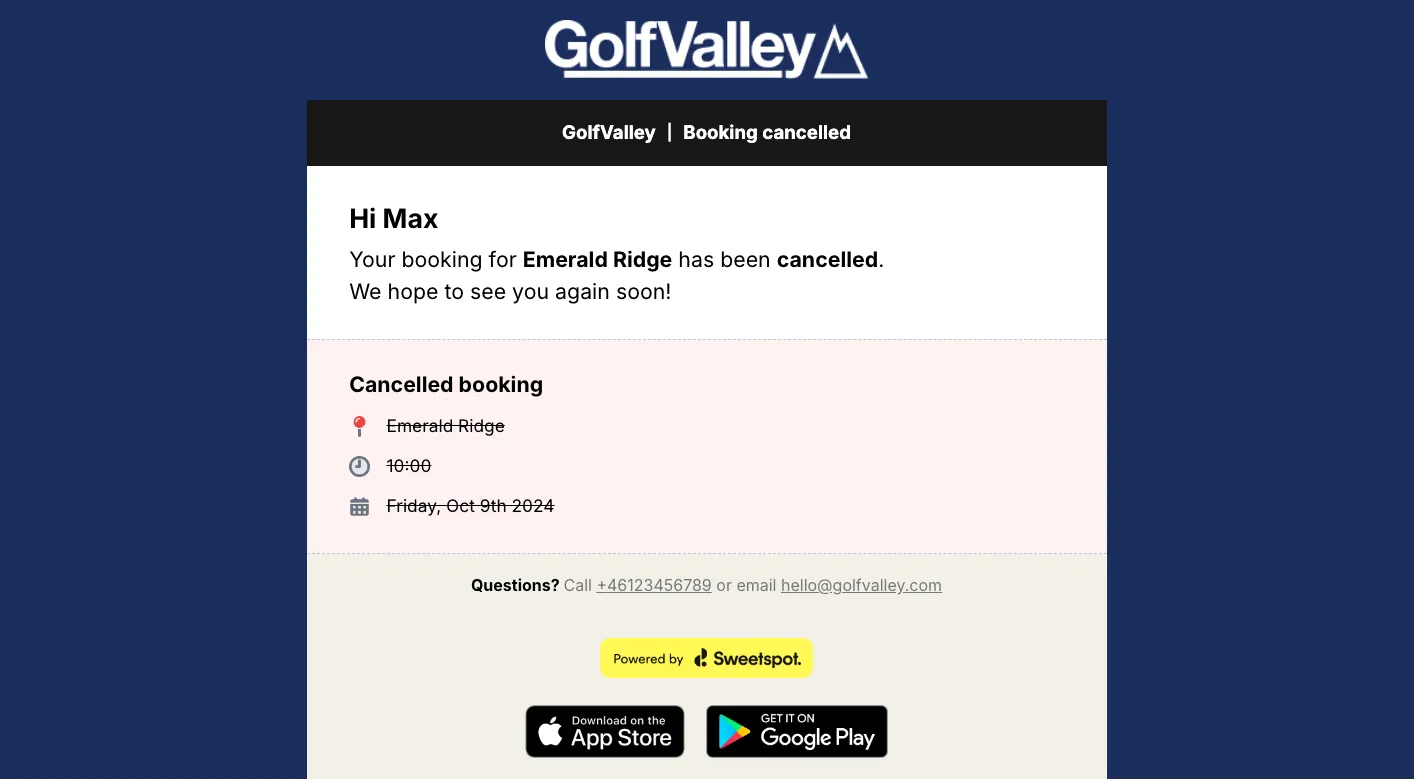
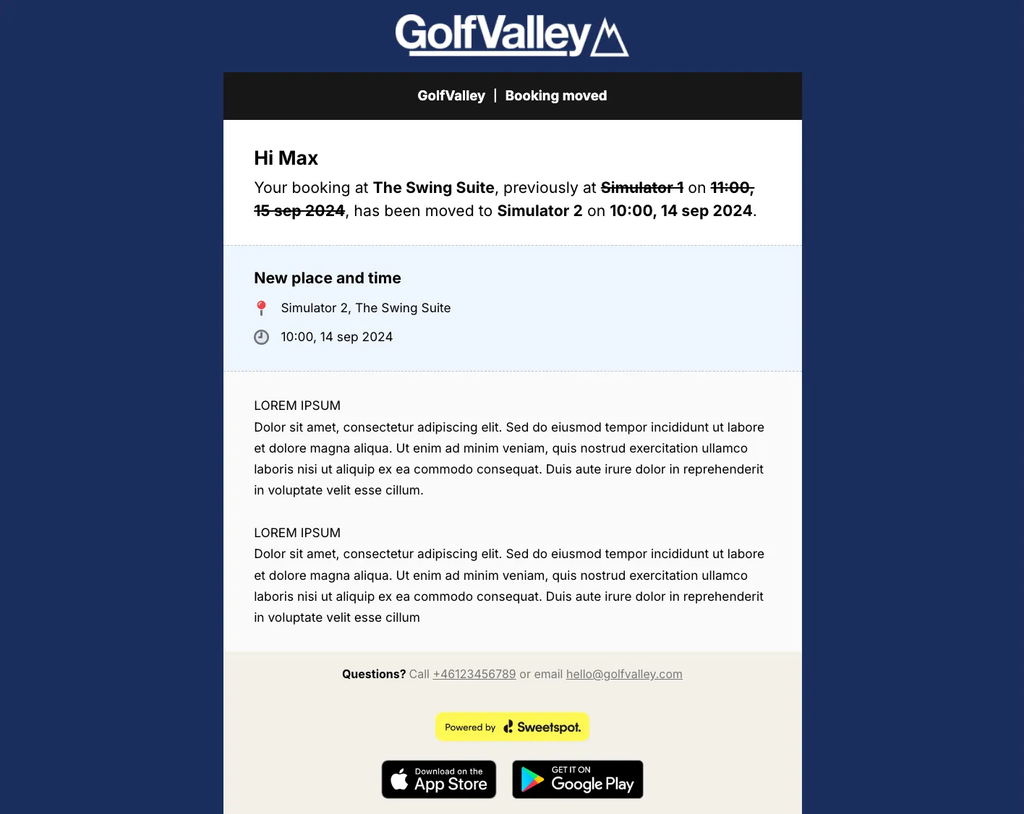
Email updates — Booking confirmation, move, and cancellation emails now include VIP bay references where relevant
Why It Matters
Not all bays are created equal. Premium bays — whether larger, better positioned, or packed with extras — deserve visibility in the booking flow. With VIP Bays, venues can highlight their best offerings directly where players are making decisions, making it easier to fill premium inventory and helping players find exactly what they're looking for.
You can now use the same Toptracer Site ID across multiple ranges on the same club. This lets you split bays across ranges to offer different booking intervals, start times, or availability — for example, 1-hour slots on one range and 2-hour slots on another, or staggered start times where one group begins on the hour and the other at :30.
📍 Where to find it:
Settings → Driving Range → Bays → Select a bay → Site ID field
What's Changed
Shared Site ID — Multiple ranges on the same club can now use the same Toptracer Site ID
Flexible booking configurations — Split bays across ranges to set different intervals, start times, and pricing for each group
Built-in validation — The system ensures TRMS bay numbers stay unique across ranges sharing a Site ID, with clear guidance if adjustments are needed
Why It Matters
For larger ranges, this can also improve the player booking experience. For example, a multi-floor venue can set up one range per floor, making it easier for players to find and book a bay on the floor they want — rather than scrolling through all bays on a single range.
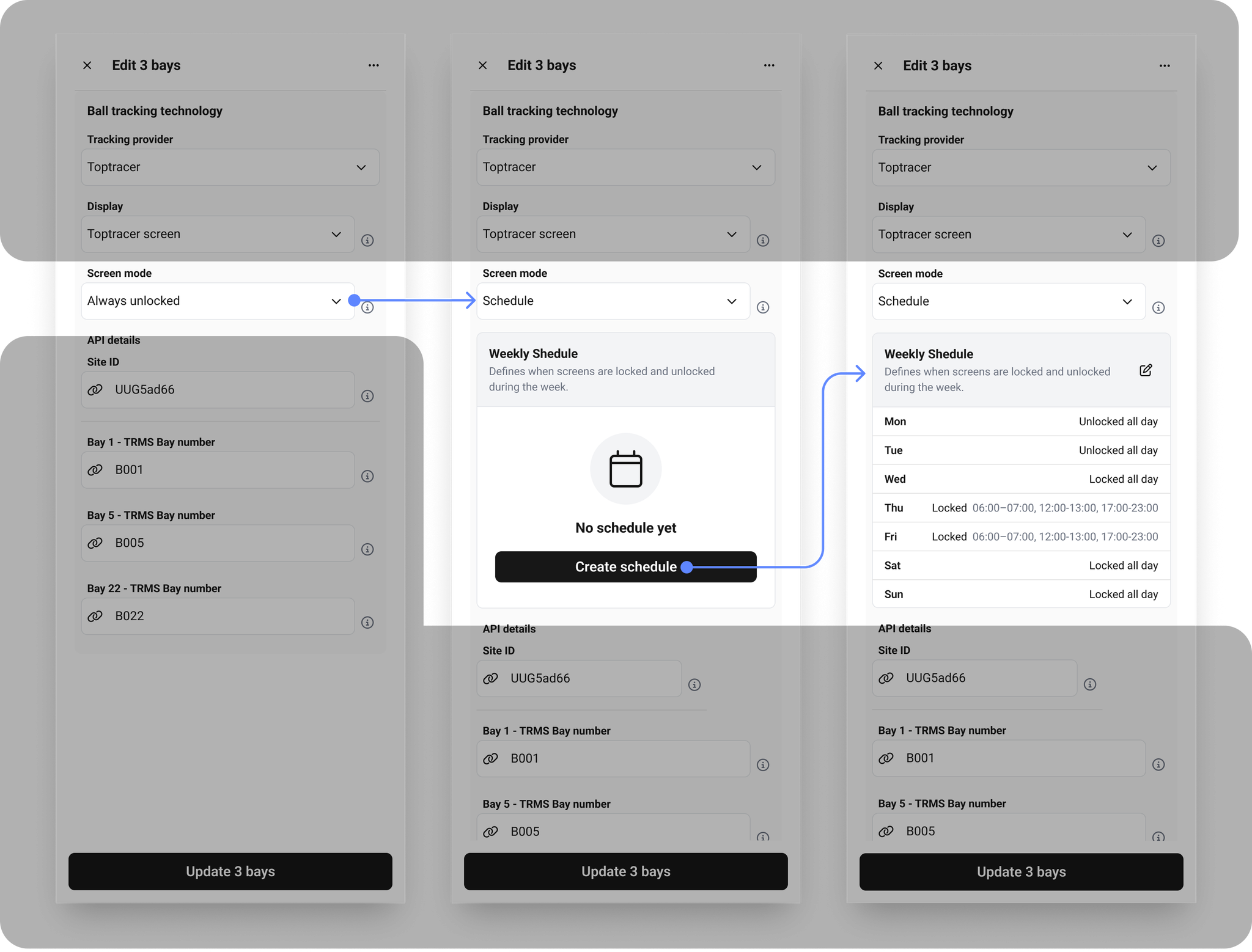
You can now schedule screen modes for your Toptracer bays. The screen mode setting now has three options: Unlocked, Locked, and Schedule. When Schedule is selected, you define weekly time windows for when screens should be locked or unlocked — for example, open for walk-ins during the morning and locked for bookings during busy evening hours.
📍 Where to find it:
Settings → Driving Range → Bays → Select a bay → Screen mode setting
What's Changed
Three screen mode options — Unlocked, Locked, and Schedule replace the old Locked/Unlocked toggle
Weekly schedule configuration — Define locked time periods per day of the week, with bays defaulting to unlocked outside those windows
Bulk editing support — Apply the same screen mode and schedule across multiple bays at once
Smart session handling — Active booking sessions complete before a schedule mode change takes effect; walk-in sessions follow the configured timeout setting
Why It Matters
Demand isn't uniform across the day. Peak evening hours might call for bookings-only access, while quiet mornings are better left open for walk-ins. Previously you had to commit to one mode per bay — now you can do both, just at different times. Set the schedule once and the system handles the transitions automatically.
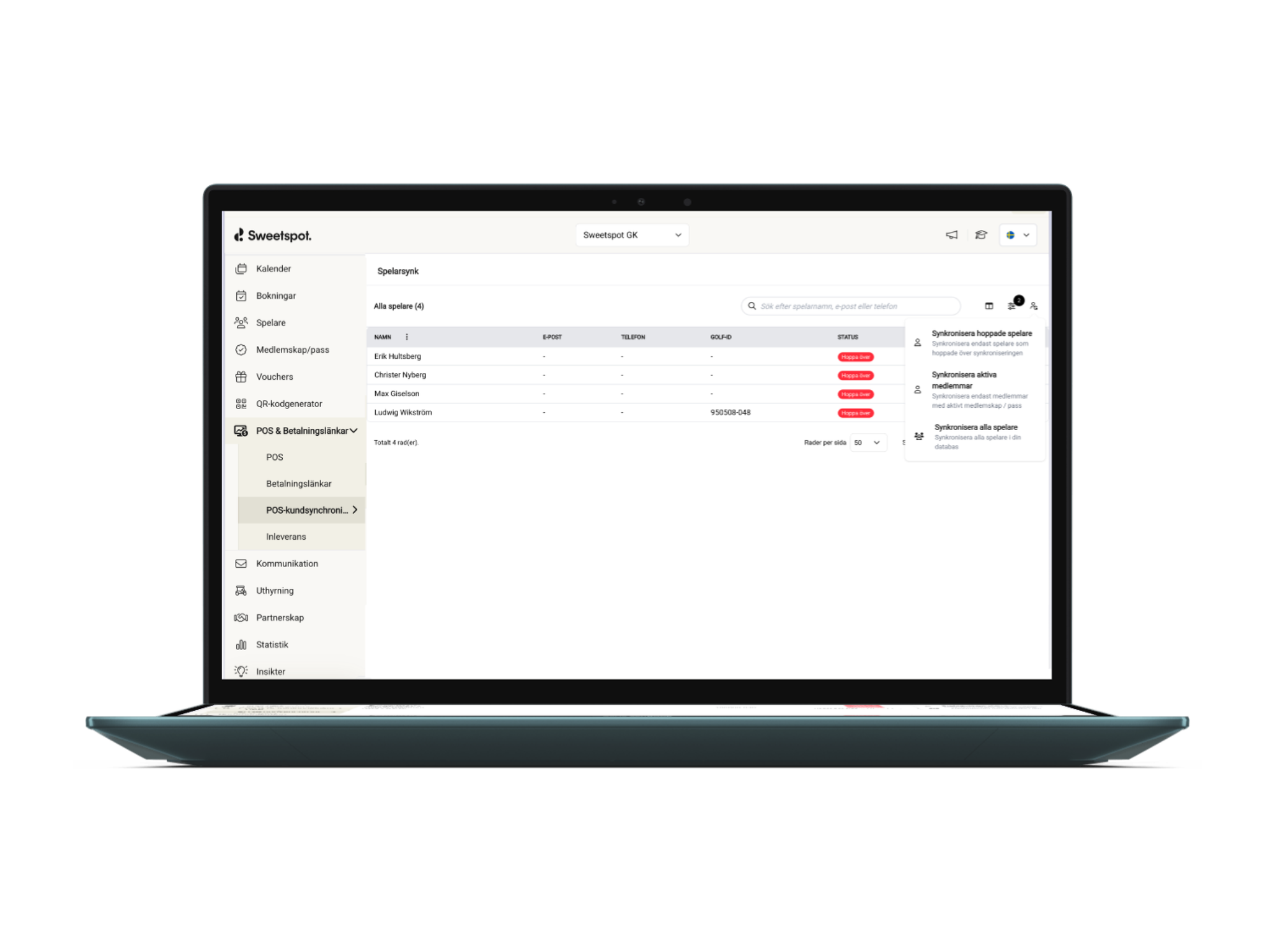
Keep your POS customer list in sync with your club data.
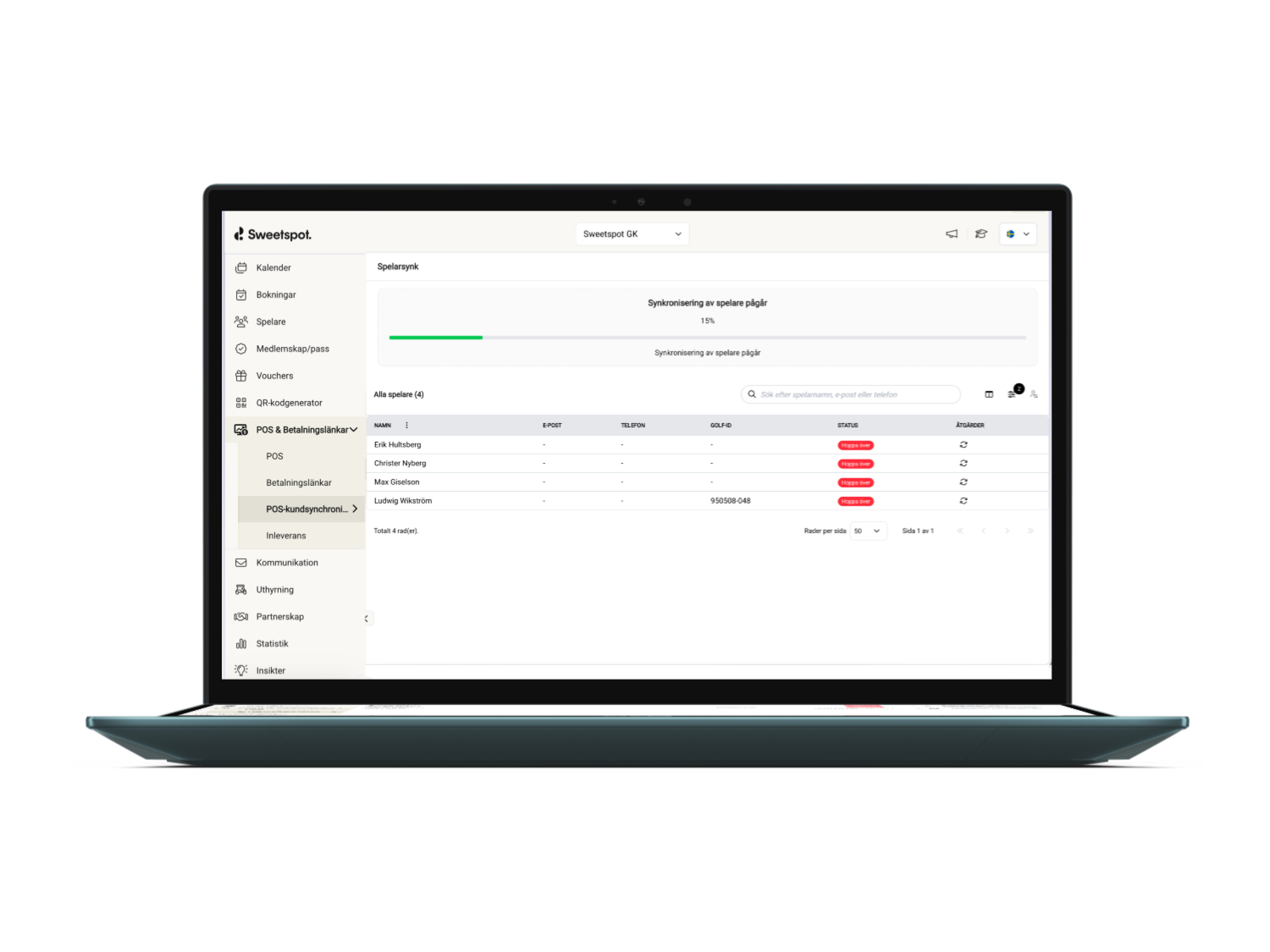
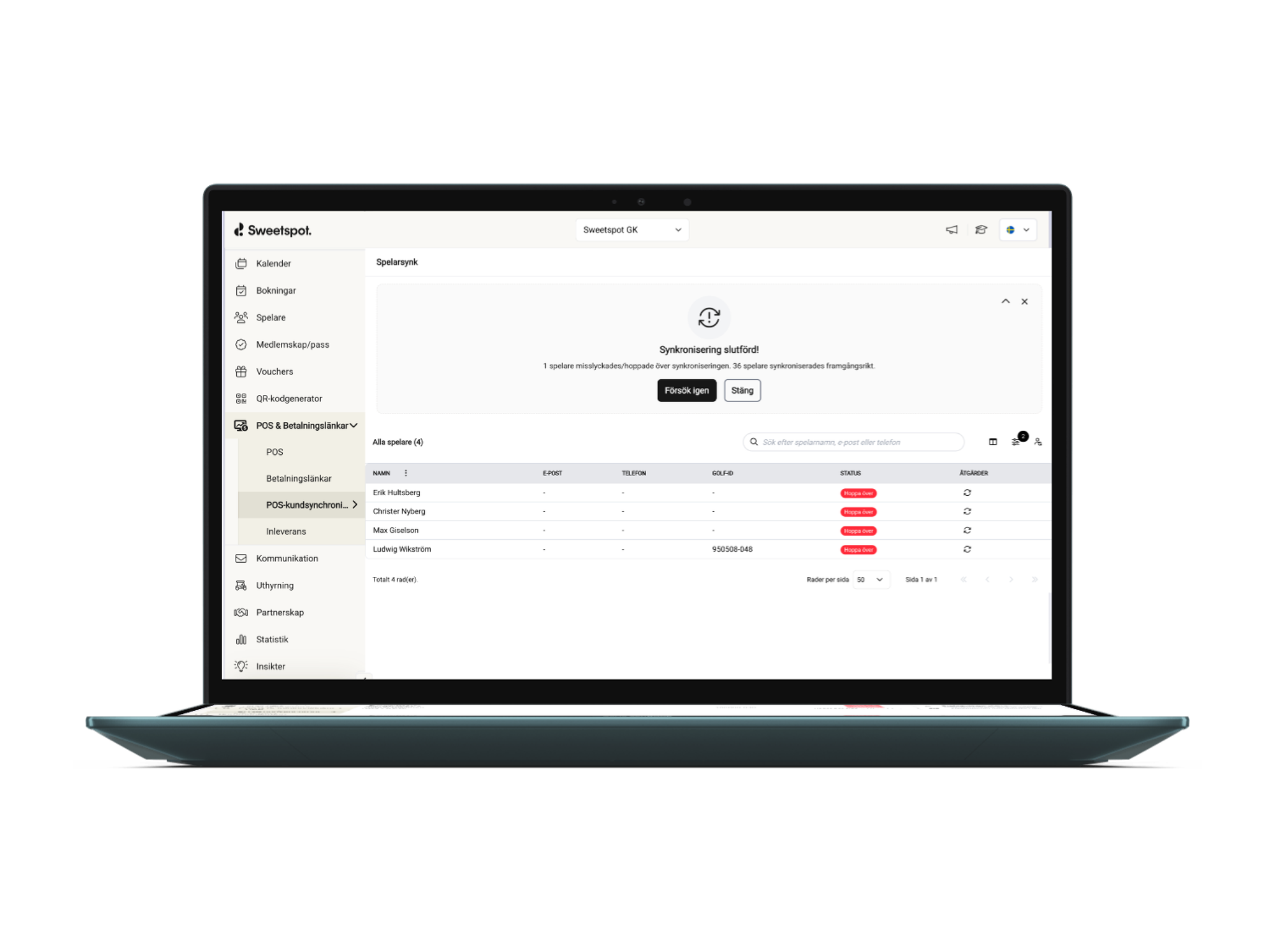
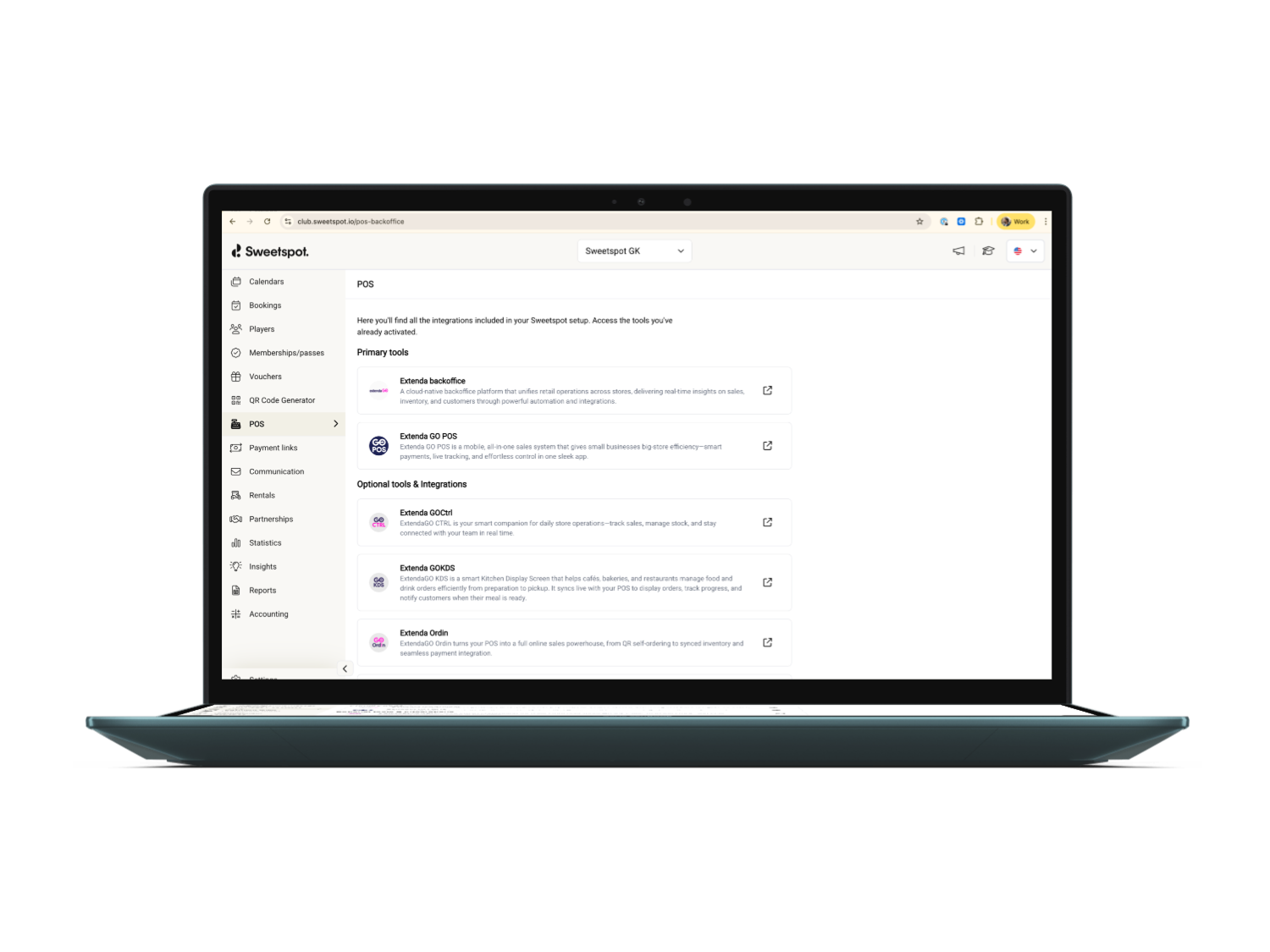
You can now sync all customers or active members directly into the POS, making it easy to recognize members at checkout and apply pre-defined discounts. After the initial sync, customer data is kept up to date automatically on a regular cadence.
Your club data and POS — finally in sync
Today, we are excited to share news about our latest Sweetspot POS release.
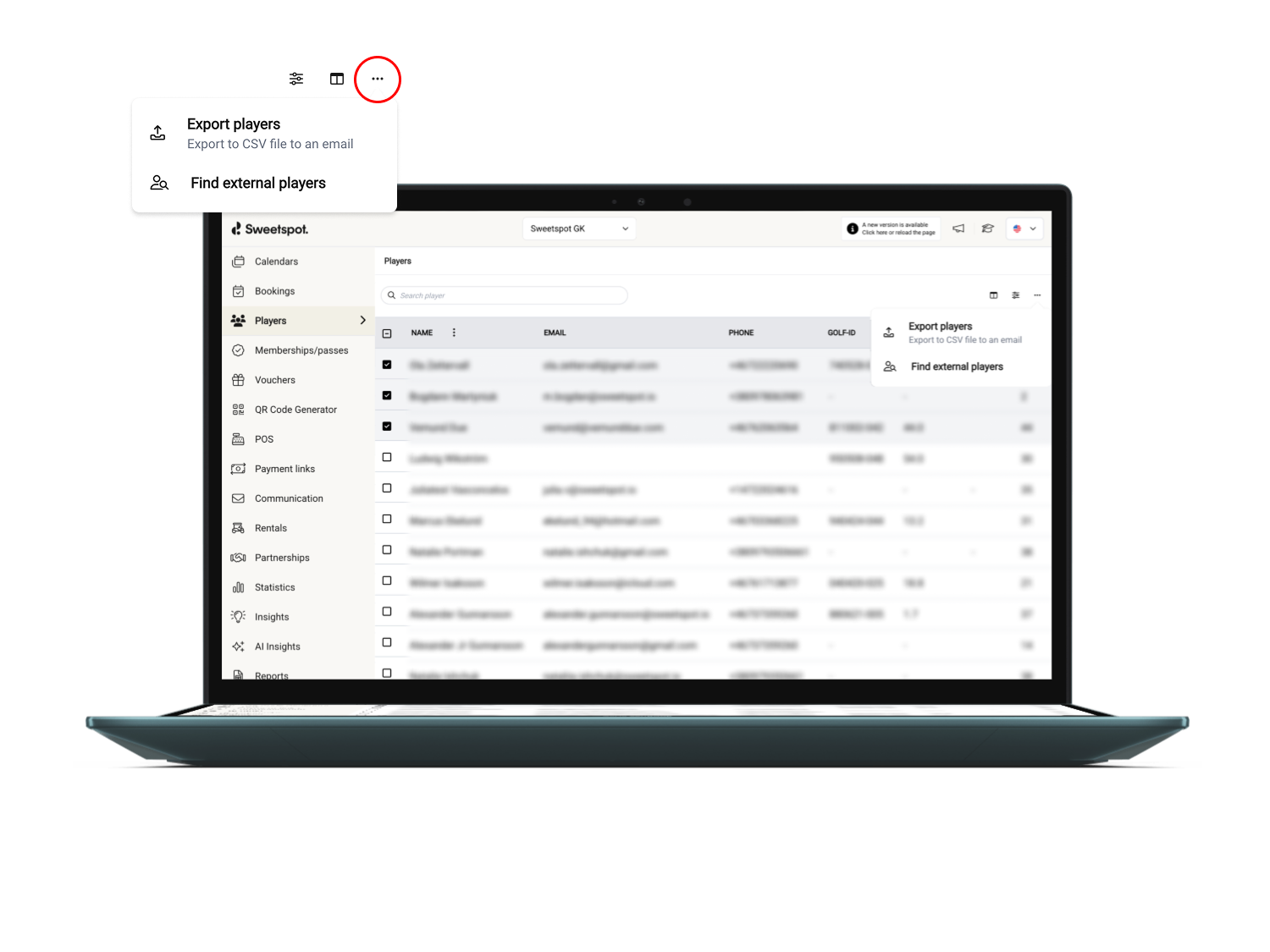
From today, you can sync all your players, customers, and active members directly into the POS.
This means you can collect more behavioral and consumption data and recognize members at checkout to apply pre-defined discounts.
This is how you get started:
Reach out to us and ask us to activate the POS customer sync.
We will then fetch your api credentials and establish a bridge between Sweetspot and Extenda.
You will see the new POS customer sync option in the menu in the club portal.
You choose to start the sync either only for members or for all the players lister in your player registry.
Sync is activated and as soon as a new member is registered with a Sweetspot account and gets connected to your club he or she will appear in the POS the following day.
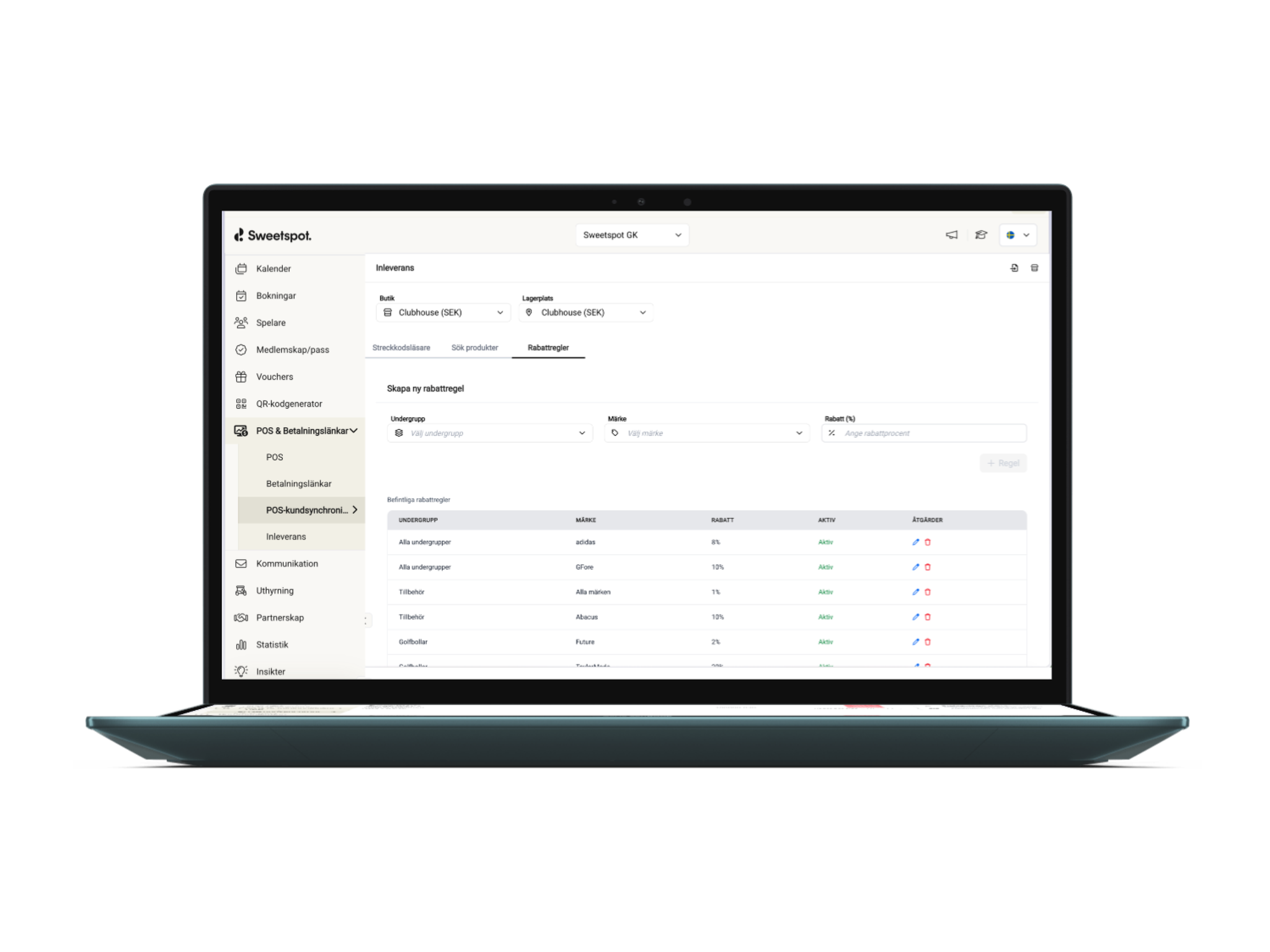
Update your POS inventory faster when new products arrive.
Golfstore retail member clubs can pull product data directly from Akeneo and add items in seconds—no manual setup needed. Perfect for handling frequent retail deliveries with accurate product info.
Imported data includes key details such as product name, size and variants, SKU, EAN, brand, subgroup/category, retail price, and cost price—so everything is ready to sell from the moment it’s added.
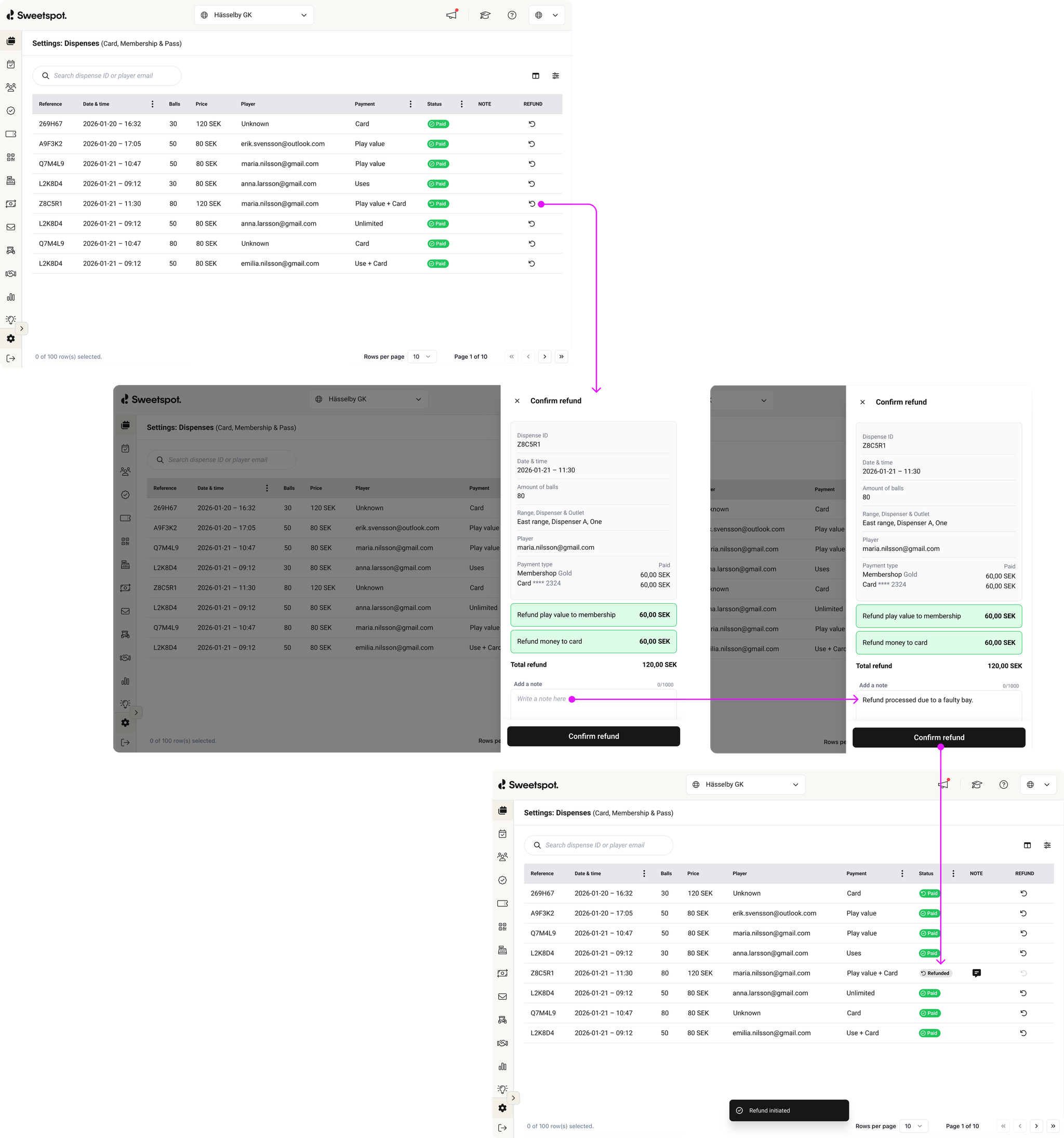
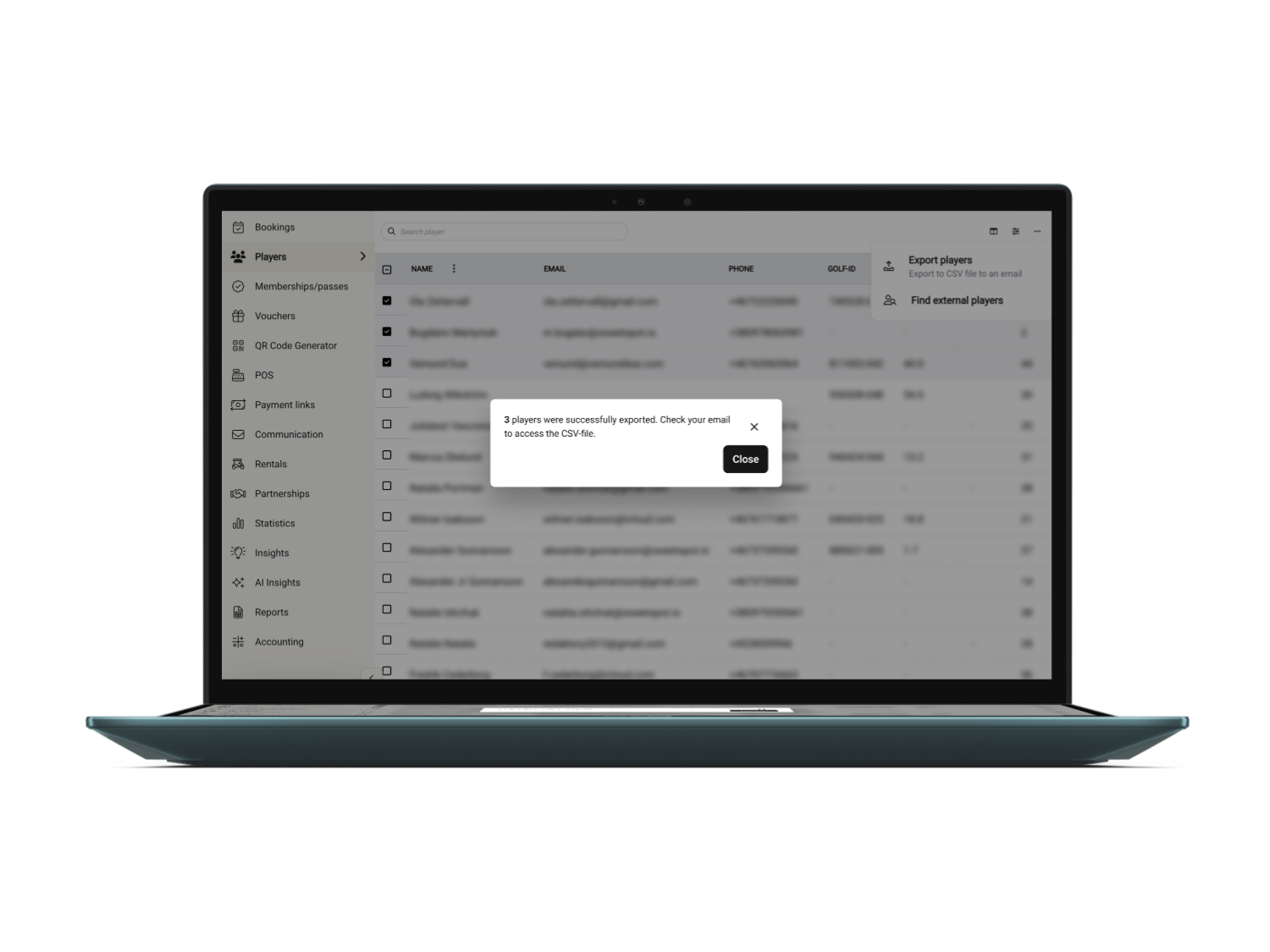
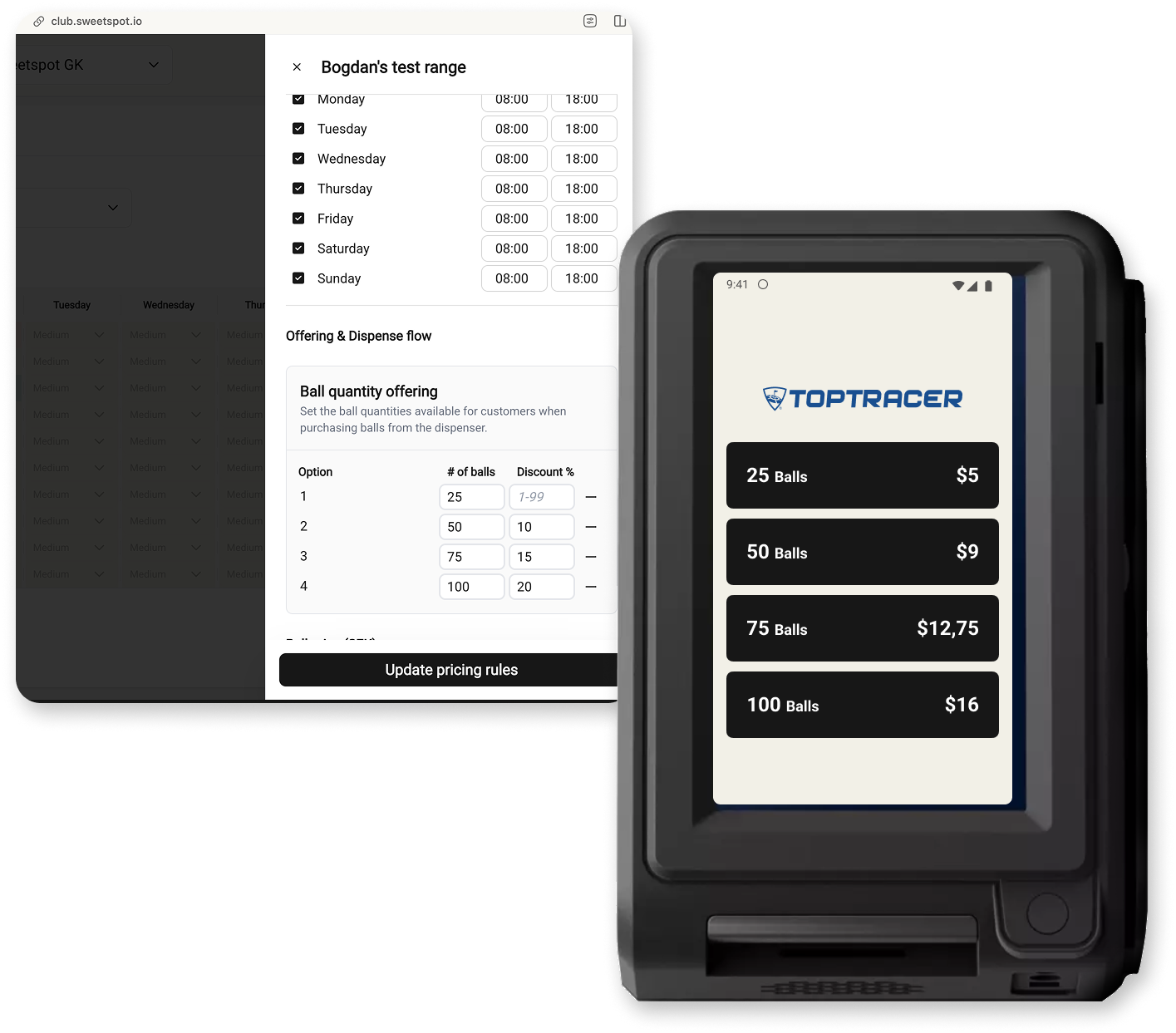
A new Dispenses page is now available in the Club Portal under Settings → Driving Range → Dispenses, giving club staff full visibility into on-site ball dispenses and the ability to issue manual refunds. This applies to all dispenses handled at the terminal — whether paid by card, membership play value, pass uses, or a combination.
What's new
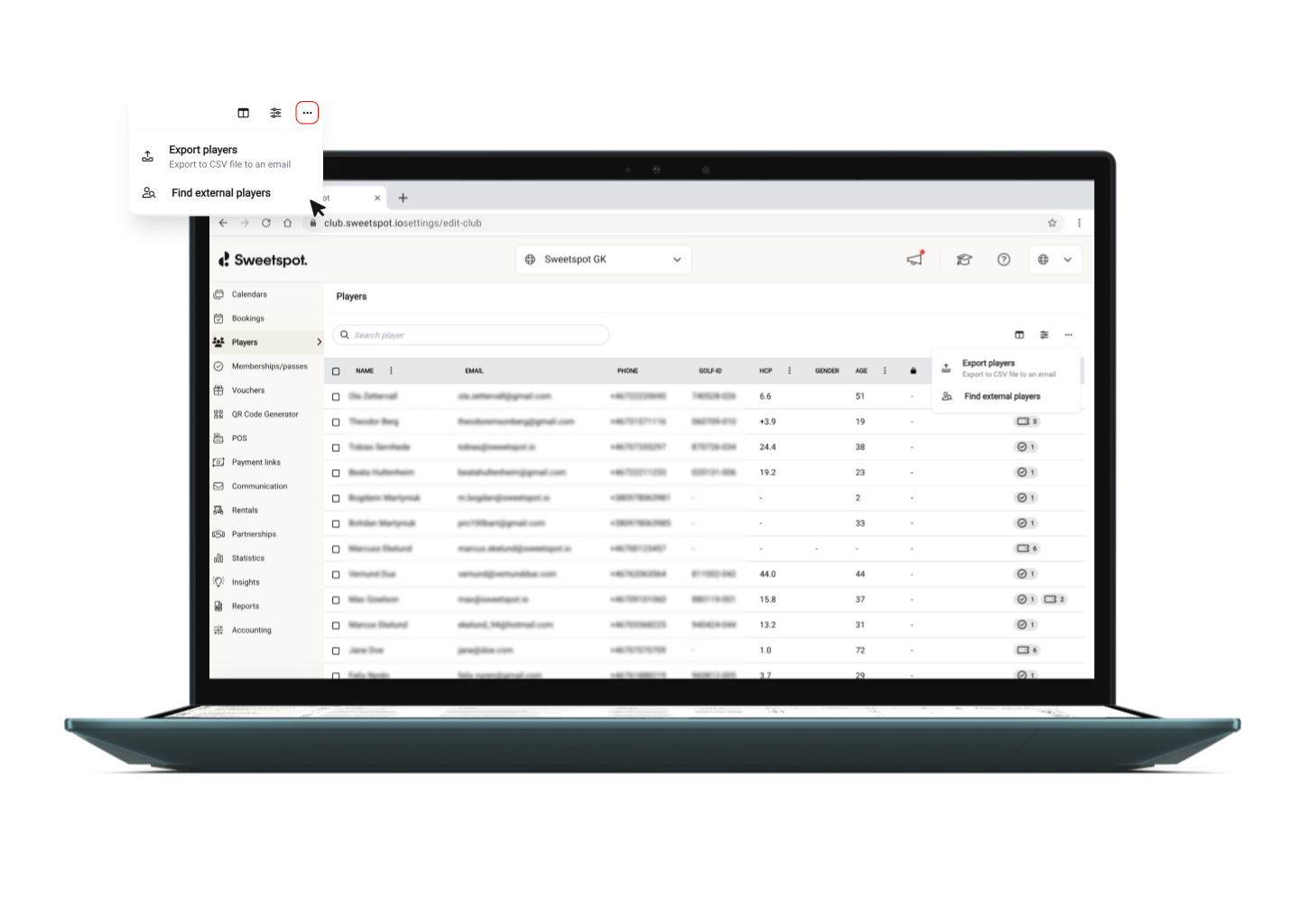
Searchable dispense list — Browse all dispenses made via card, membership, or pass at your venue. Search by player email or Reference ID to quickly locate a specific transaction.
Manual refunds — Select a dispense to see the full payment breakdown, and issue a refund directly from the Club Portal. Card charges are refunded to the card (typically within a few business days), and play value or pass uses are restored instantly. No need to contact Sweetspot support.
Notes — Attach notes to any dispense for internal record-keeping. Notes can also be added directly during the refund flow, so documentation and action stay in one place.
Refund audit trail — Once a refund has been issued, you can see who processed it and when.
How refunds work
Refunds are available for dispenses where actual value was consumed. For unlimited memberships or passes (where no value is deducted), the refund option is disabled since there's nothing to return.
Players can find their Reference ID in the mobile app under the Dispense Log tab on their membership or pass, which they can share with you to quickly look up the transaction. For players who paid by card, the Reference ID also appears on their bank statement in the format: Club Name - Reference ID.
Why this matters
This feature puts refund control in your hands — your team can investigate and resolve dispense issues independently, leading to faster resolution for your customers.
ℹ️
QR code dispenses and booking dispenses are currently not displayed in the Dispenses page, but will be added in a future update.
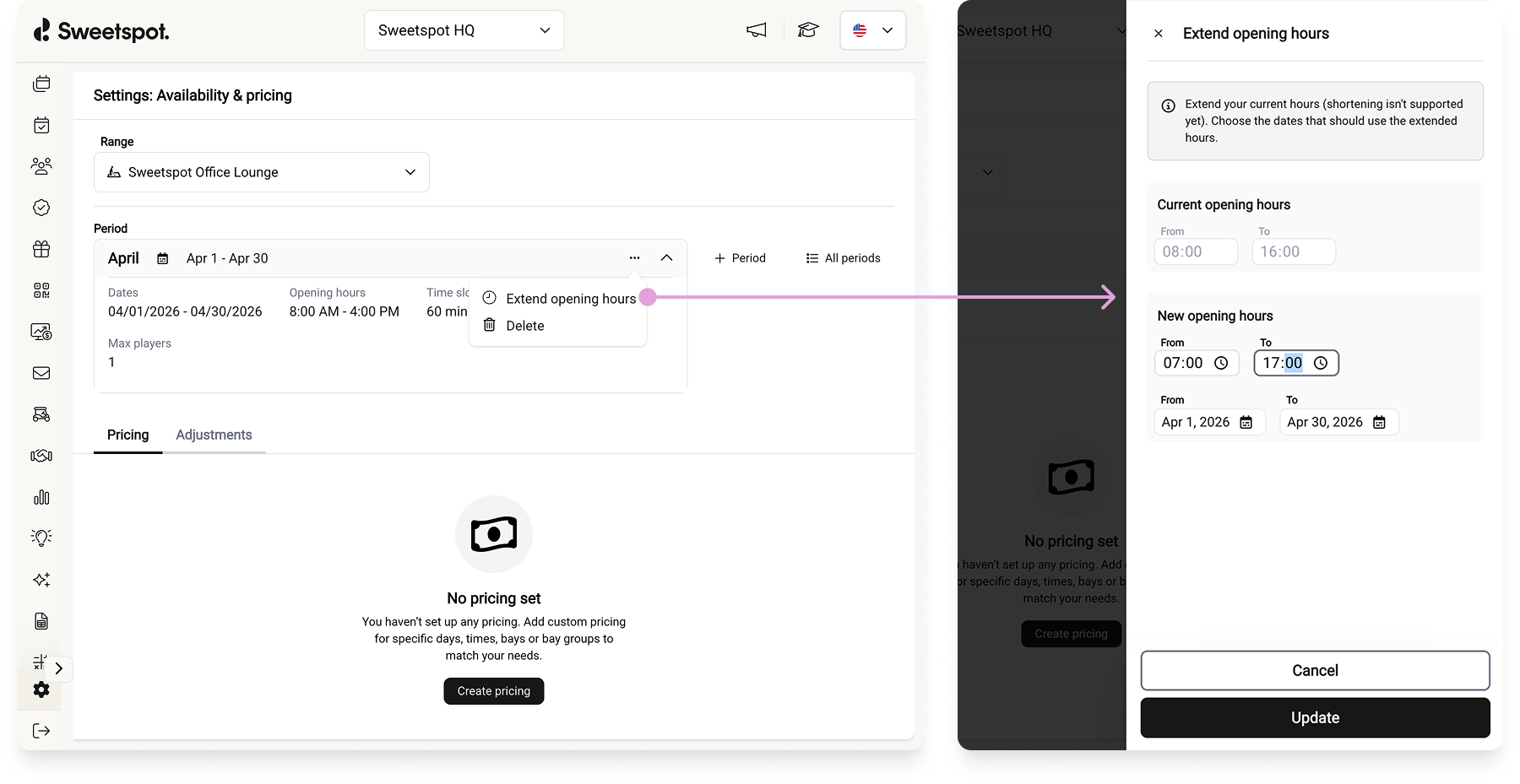
You can now extend opening hours directly from the Availability & Pricing interface — for both Driving Ranges and Simulators.
Previously, extending opening hours for an existing period required contacting Sweetspot support. With this update, you can adjust opening hours yourself in just a few clicks — no waiting needed.
📍 Where to find it:
Settings → Driving Range / Simulator → Availability & Pricing → Select a period → Extend opening hours
What's Changed
Extend opening hours on any existing period — expand your start or end time directly in the UI
Available for both Range and Simulator periods
Tee times are automatically generated for the newly added hours
Why It Matters
As seasons change, your opening hours often need to change with them. Instead of submitting a support request and waiting for the change to be made, you can now handle it instantly — keeping your schedule up to date and your time slots available for players right away.
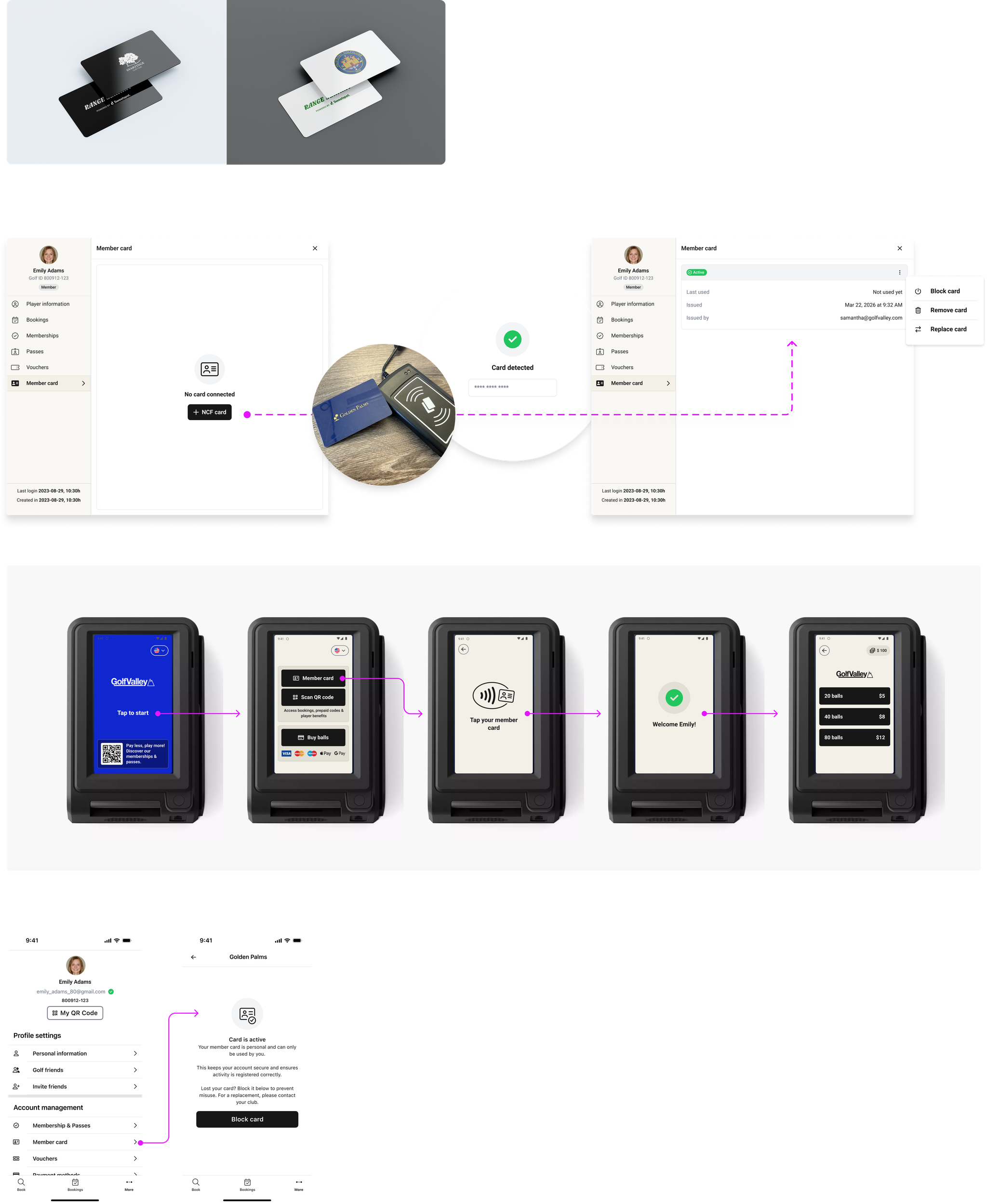
We've introduced Member Cards — physical NFC cards that let players identify themselves at ball dispenser terminals with a simple tap. No need to open an app or scan a QR code; just tap and go.
When a player taps their member card at a terminal, Sweetspot instantly checks who they are and whether they hold a valid pass or membership at that club. The card is linked to the player's passes and memberships, so the dispenser automatically applies the correct pricing logic and entitlements configured for that pass — just like when a player identifies via the app.
What you can do in the Club Portal:
Issue cards to players by tapping a blank NFC card on a USB card reader — assignment takes seconds
Block or unblock a card if it's lost or stolen
Search by card — scan a member card at reception to quickly find the player it belongs to
Unassign a card from one player and reassign it to another
What players can do in the Sweetspot app:
View their card status and which club it's connected to
Block their own card instantly if it's lost or stolen
Getting started:
To get member cards for your club, contact your Range Servant representative to order cards and a USB card reader. Once your cards arrive, Sweetspot will enable the feature for your range and your staff can start issuing cards to players.
Each player can hold one active card per club, and cards are secured via NFC — they can't be duplicated like QR codes.
Note: Member cards currently support NFC cards (MIFARE Ultralight). Players still need a valid pass or membership to dispense balls — the card simply identifies who they are.
We've expanded the configuration options for the QT integration, giving you more control over when door access and lighting activate around bookings.
Previously, the timing options for door access and lights were limited. You can now configure door access start/end times and lights on/off times in 5-minute intervals, up to 60 minutes before and after a booking begins or ends. This means you can, for example, grant door access well ahead of a booking while keeping lights on a shorter schedule — or vice versa.
What's Changed
5-minute interval precision for all door access and lighting timing settings
Up to 60 minutes before or after a booking for both access and lighting
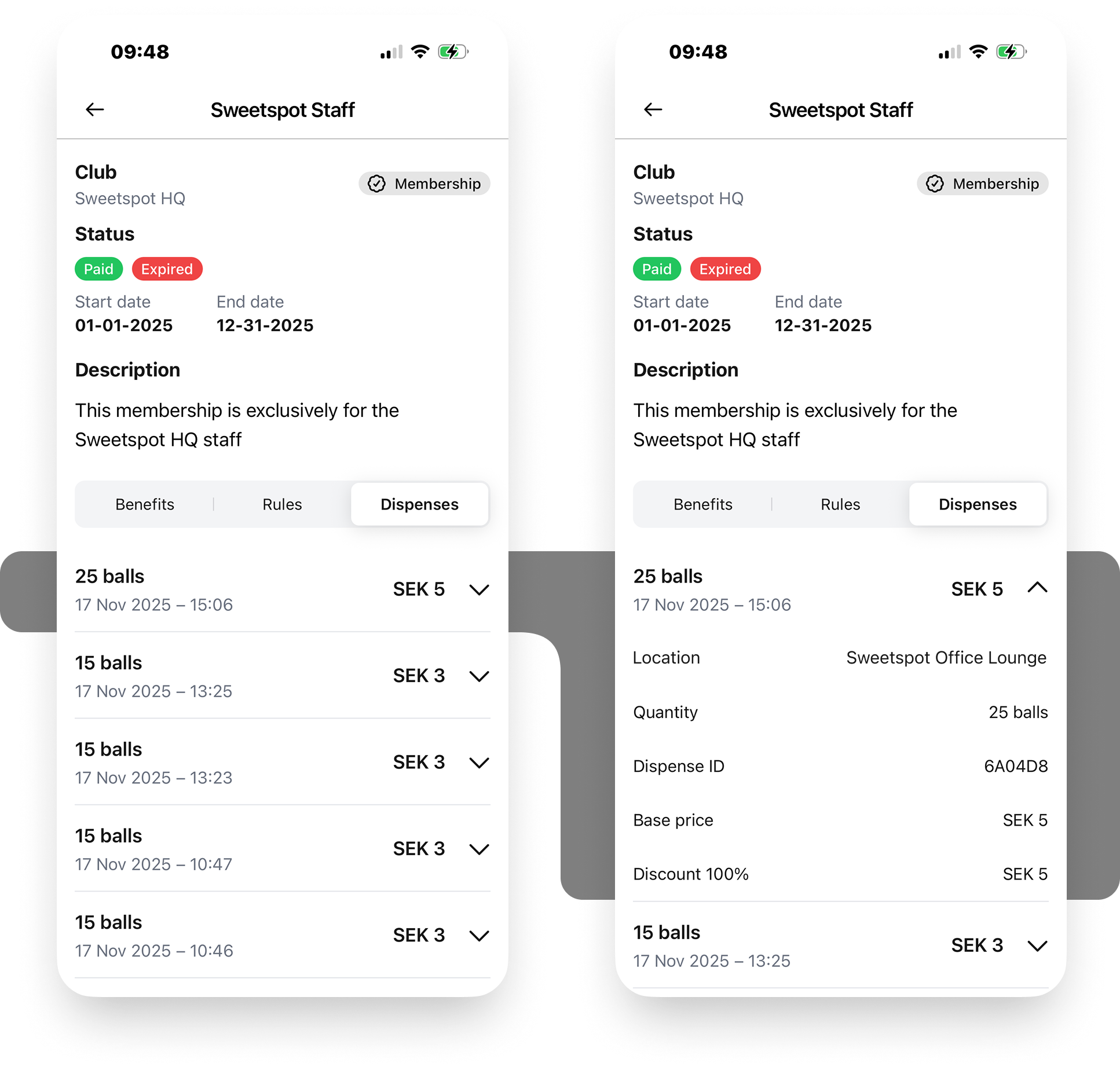
You can now view a complete history of your ball dispenses directly from your membership or pass inside the Sweetspot mobile app. A new Dispense Log tab has been added to the membership and pass detail view, giving you full transparency into how your play value or uses have been spent.
What's new
New Dispense Log tab in the membership and pass detail view, showing a chronological list of all dispenses made using that membership or pass.
Each entry shows the number of balls dispensed, the date and time, and how much was deducted — displayed as either play value (currency) or uses, depending on your membership type.
Tap any entry to expand it and see the full details, including the range location, base price, any discount applied, and the exact amount covered by your membership or pass.
If part of the cost was paid by card at the terminal, that's shown separately so you always know exactly how your balance was used.
Every dispense includes a unique order ID — share this with your club if you ever need help with a dispense issue.
Why this matters
Previously, there was no easy way to review how your membership or pass value had been used for ball dispensing. The Dispense Log gives you that visibility, all in one place, without needing to contact your club.
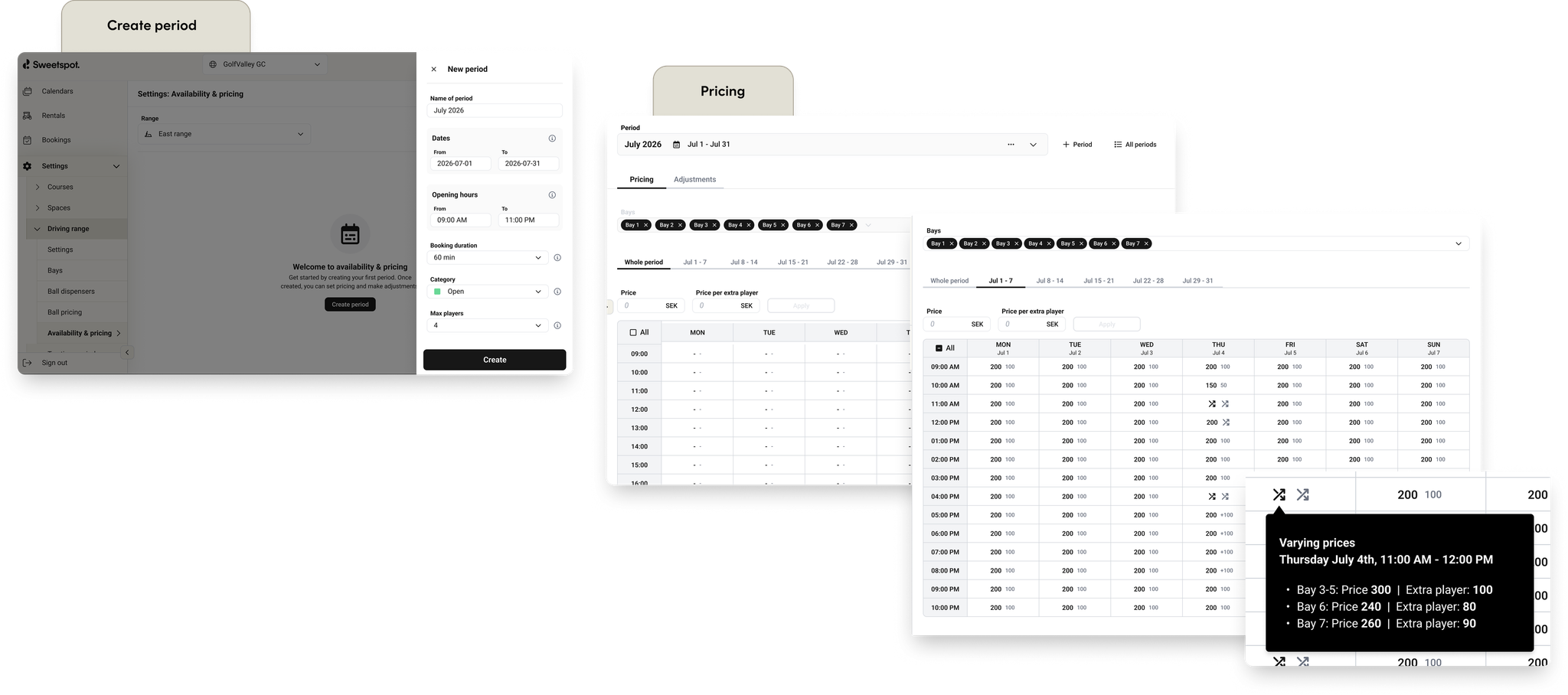
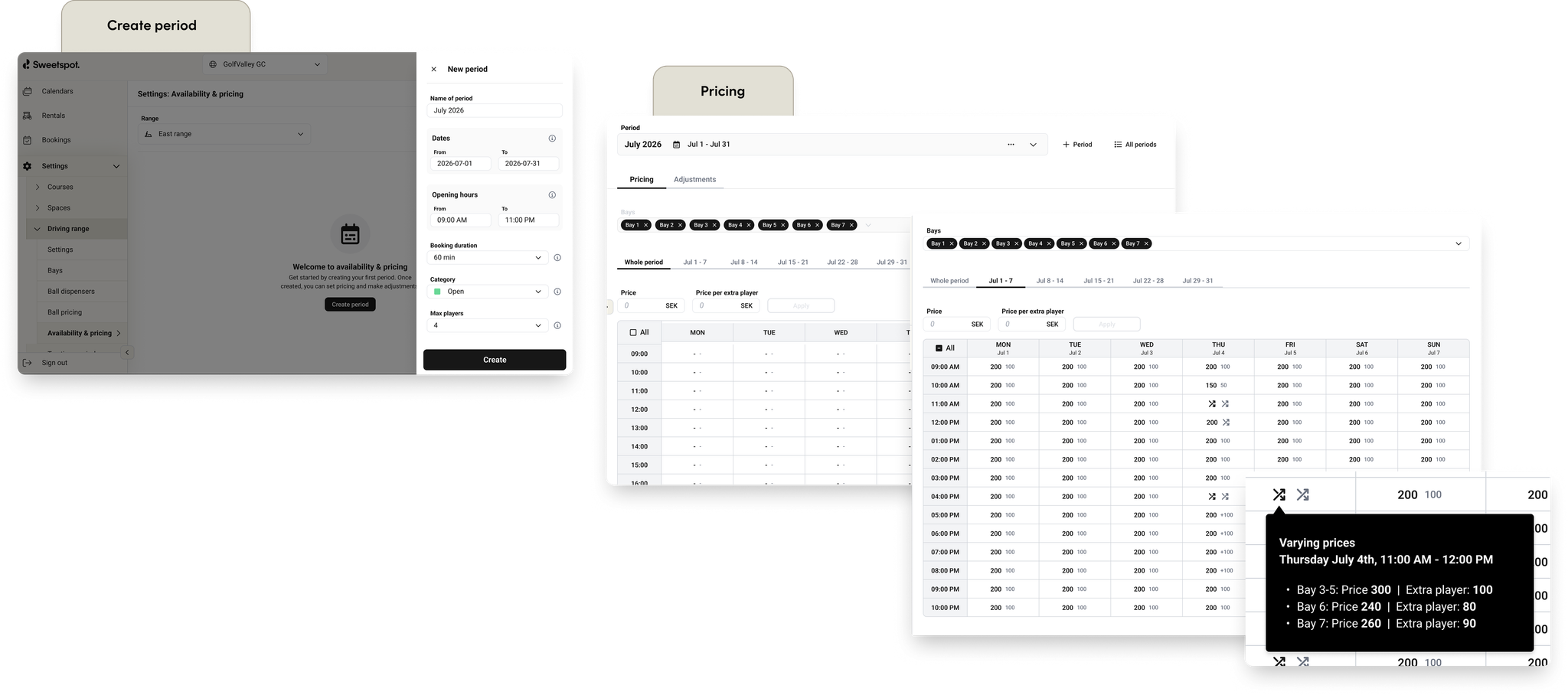
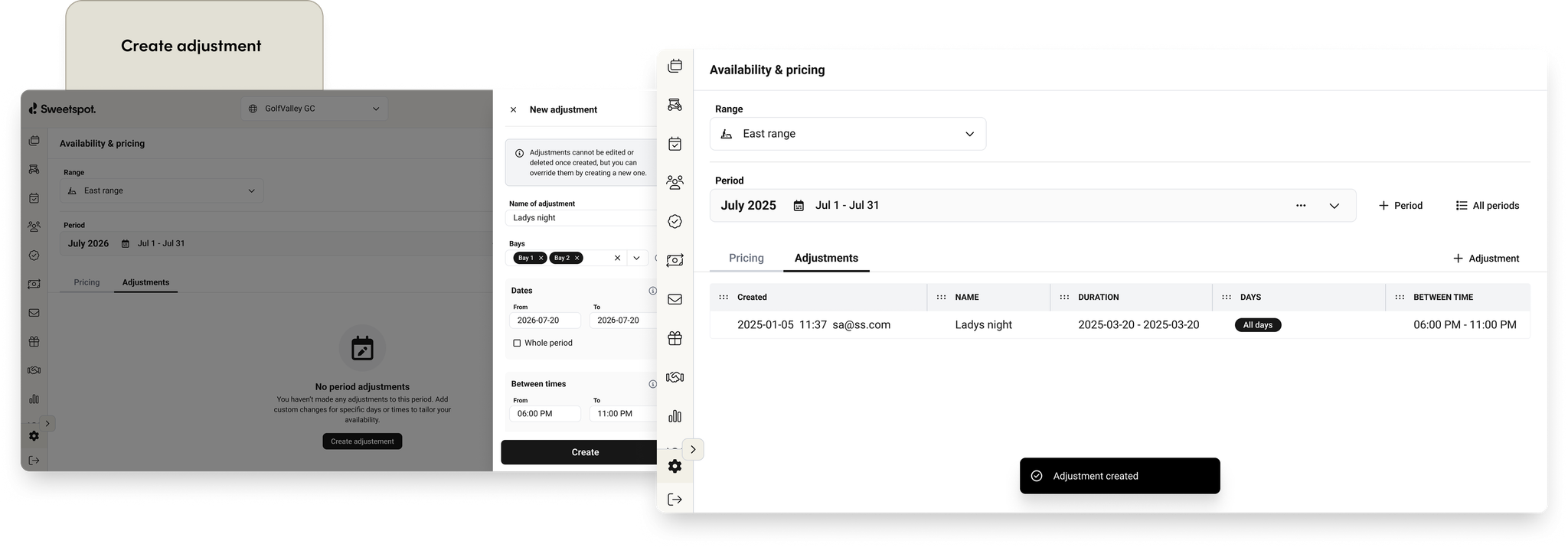
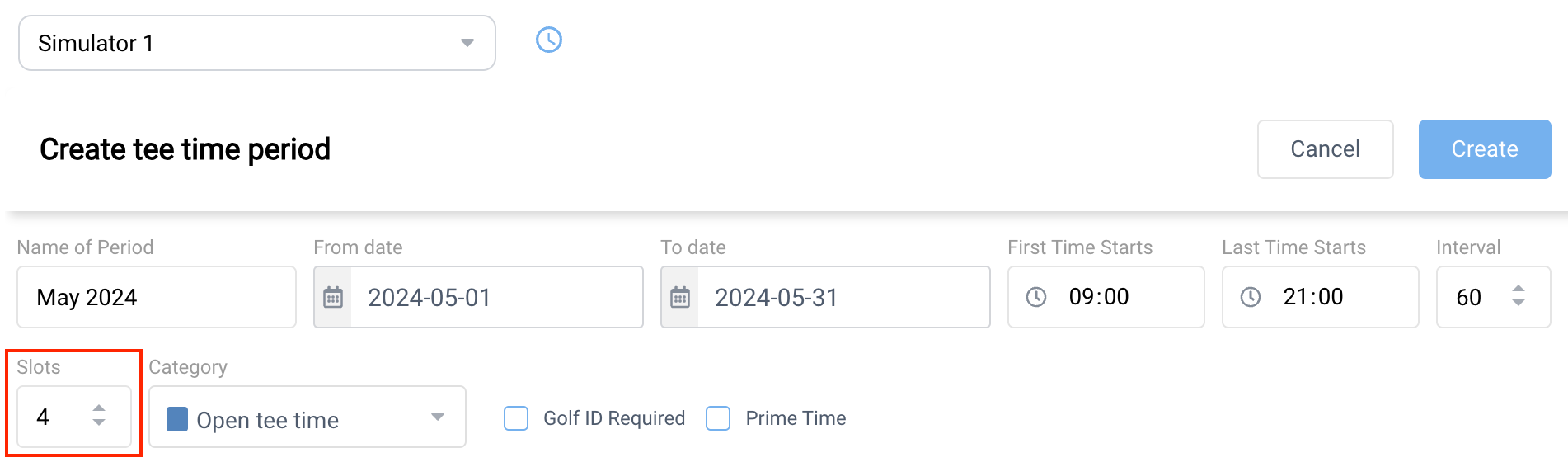
We’ve released a new Availability & Pricing interface for Simulators, which fully replaces the legacy Tee Time Periods UI.
The previous Tee Time Periods experience was originally built for golf clubs and later adapted for other business areas. Over time, this led to a limited, time-consuming workflow—especially when configuring pricing. The new Availability & Pricing UI modernizes this experience, significantly improves flexibility, and provides a strong foundation for future enhancements.
📍 Where to find it:
Settings → Simulator → Availability & Pricing
What’s New
Streamlined UX built with our shared design system components
Consistent look and feel with the rest of the platform
Simulator-specific configuration, with irrelevant settings removed
Pricing Configuration Enhancements
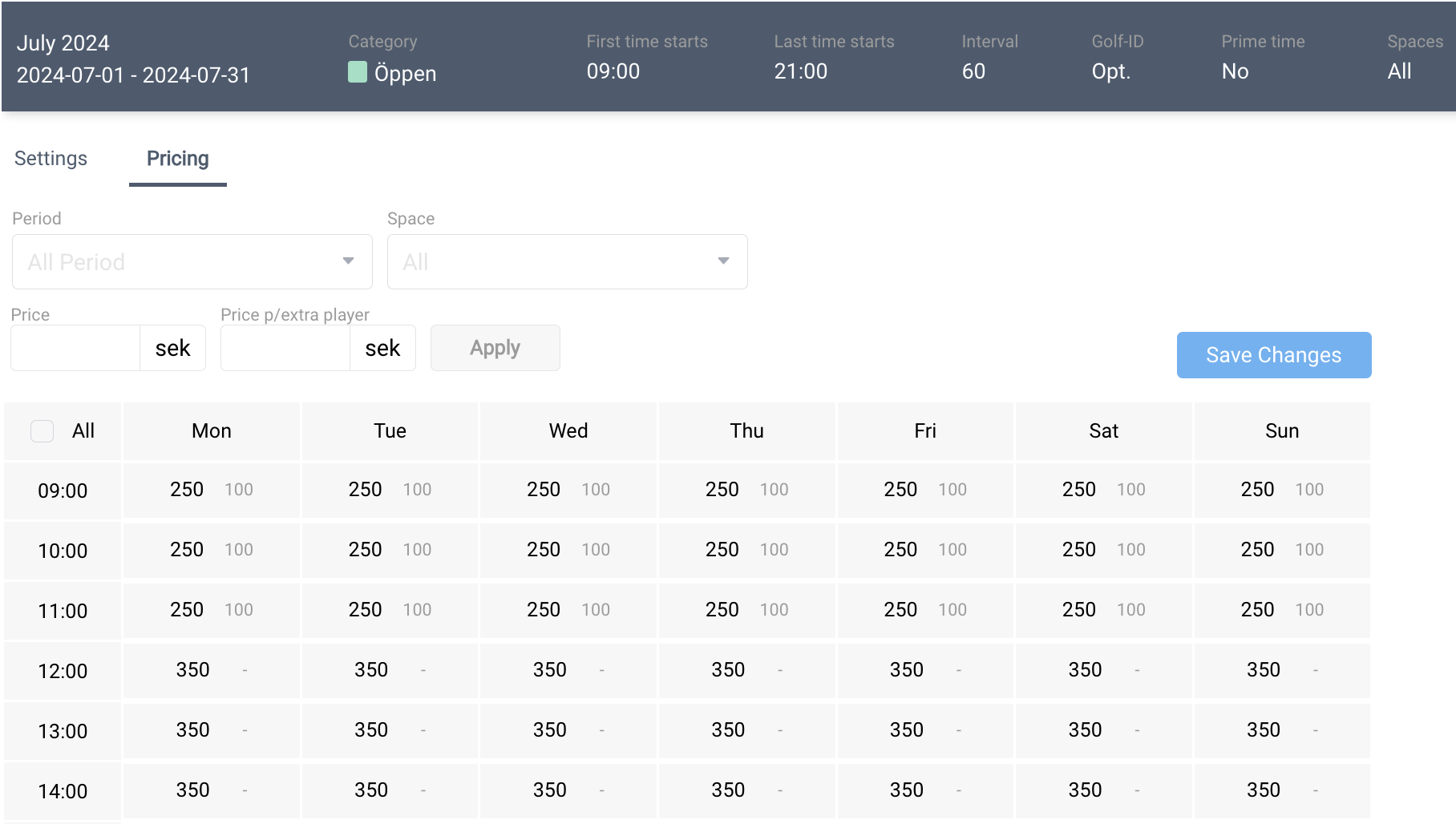
Configure pricing for one, multiple, or all bays at once
(Previously limited to one bay at a time)
Configure pricing across an entire period
(Previously limited to one week at a time)
Improved pricing table clarity:
Varying prices across hours, days, weeks, or bays are clearly displayed
Hover over the “varying prices” indicator to view detailed breakdowns
Period Creation Improvements
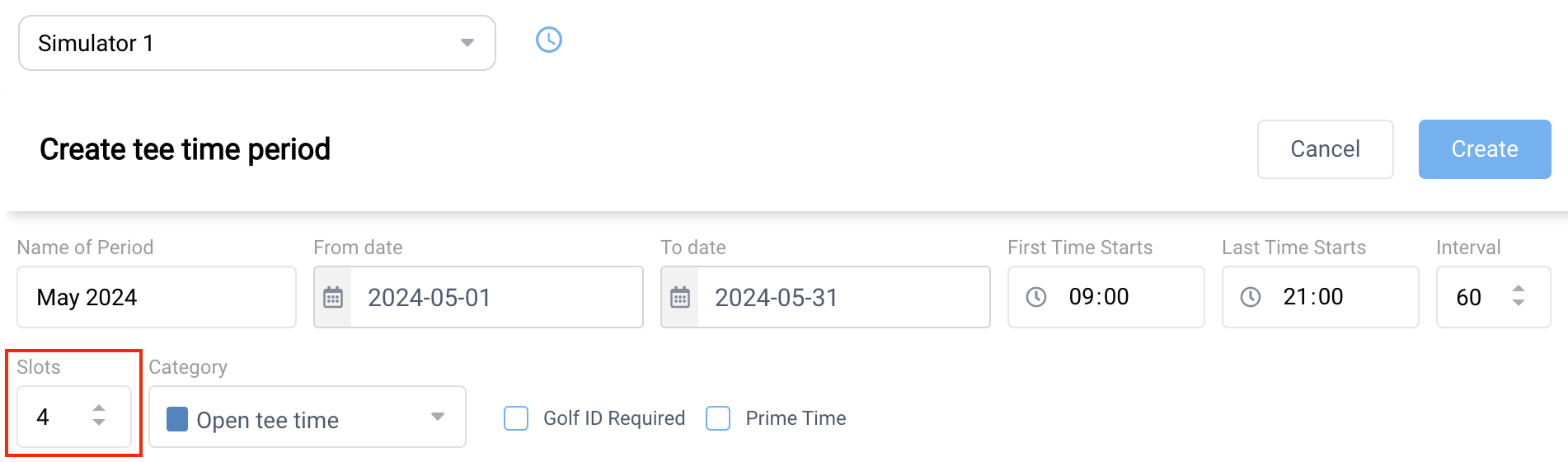
Opening hours–based configuration replaces the old “first start → last start” approach
Faster tee time generation and improved overall performance
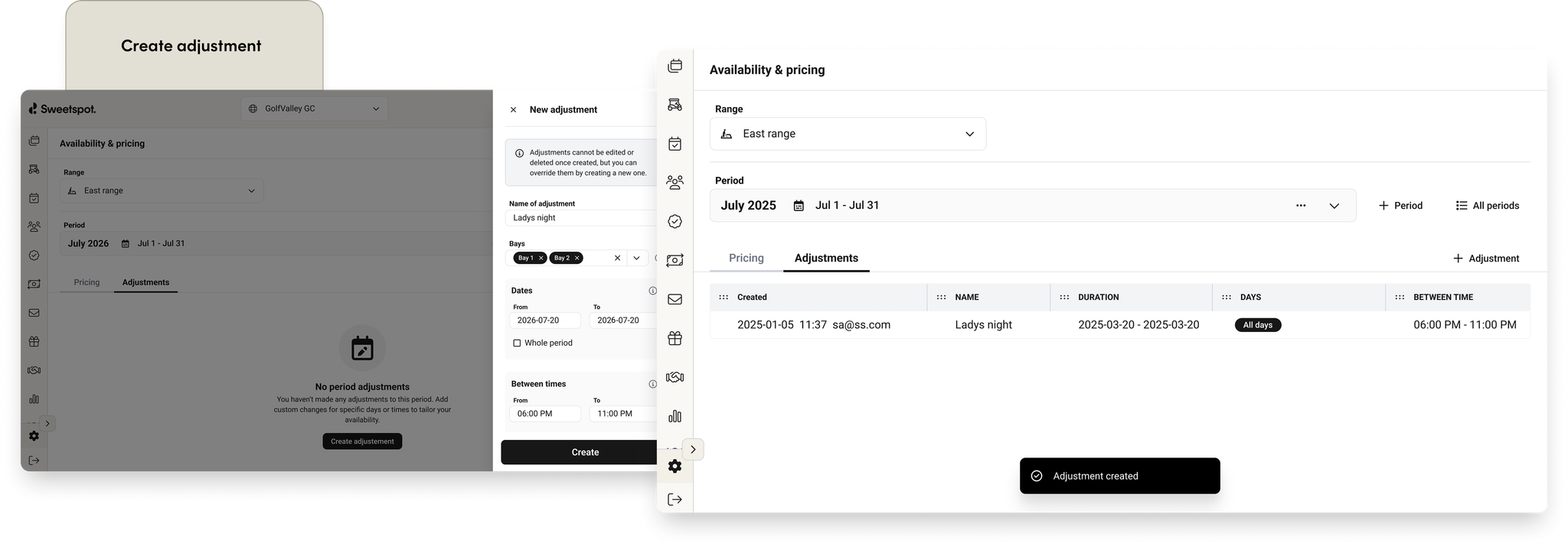
Adjustments (Previously Overrides)
Apply adjustments to multiple bays and multiple days simultaneously
(Previously limited to all days or a single day)
Clearer terminology and a more flexible adjustment workflow
⚠️
Some technical limitations still exist, e.g. periods are still limited to 30 days in length. This and other improvements will be addressed in the future.
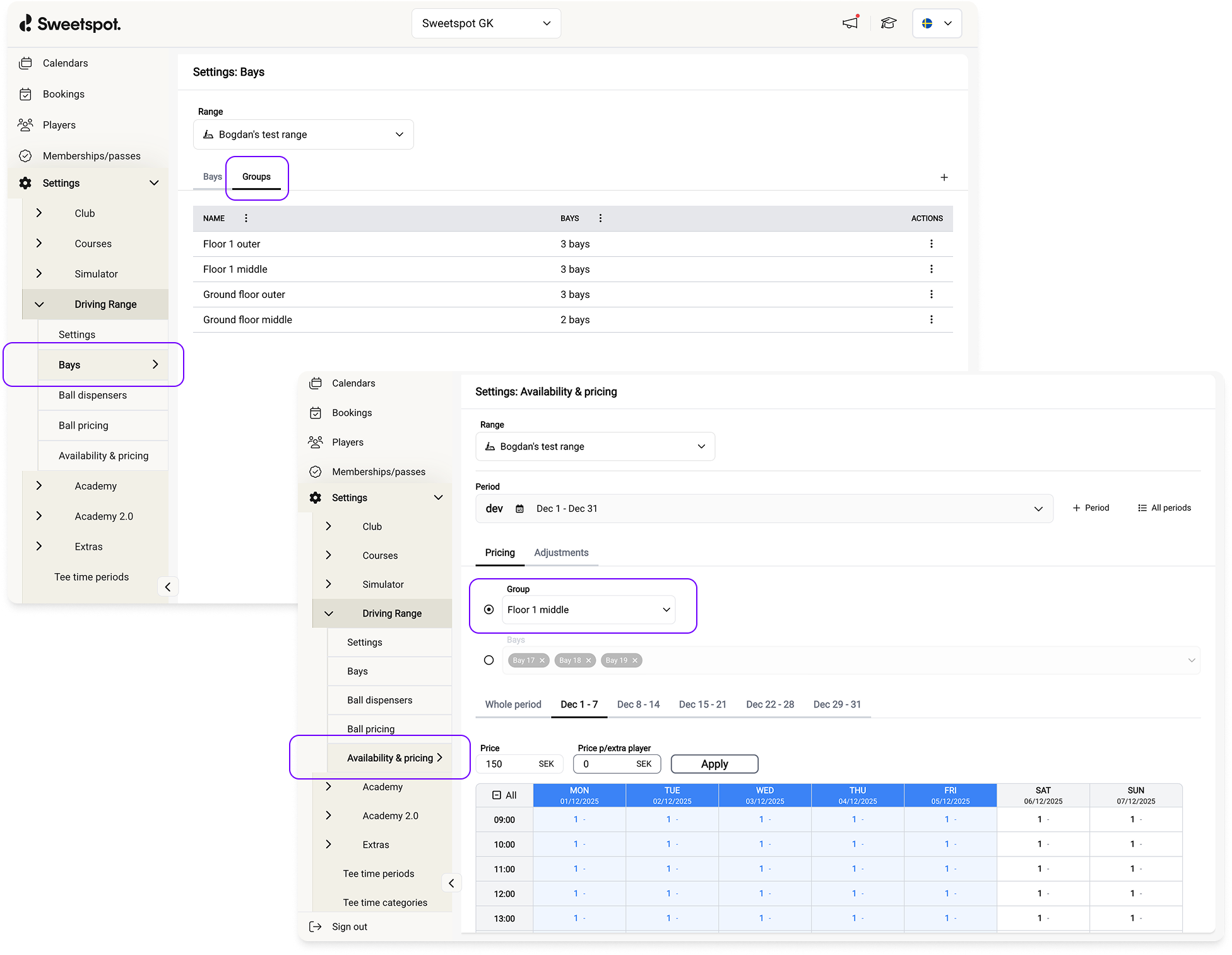
We’ve introduced Bay Groups for ranges to make pricing and configuration easier to manage.
Bay Groups let you group range bays together so you can apply configuration (like pricing) to multiple bays at once, instead of managing them individually.
An example is venues with multiple floors. Each floor might have different pricing, or you may want to go even further and price outer bays differently from inner bays. With Bay Groups, you could create groups like Floor 1 – Outer, Floor 1 – Inner, Floor 2 – Outer, etc., and manage pricing for each group in one place.
This concept is also integrated into the new Availability & Pricing UI, allowing you to configure pricing either on bay level or bay group level. This makes it easier to apply broader changes without editing each bay individually.
You can set up and manage Bay Groups in the Club Portal under:
Settings → Driving Range → Bays → Groups
Note: A bay can only belong to one group at a time.
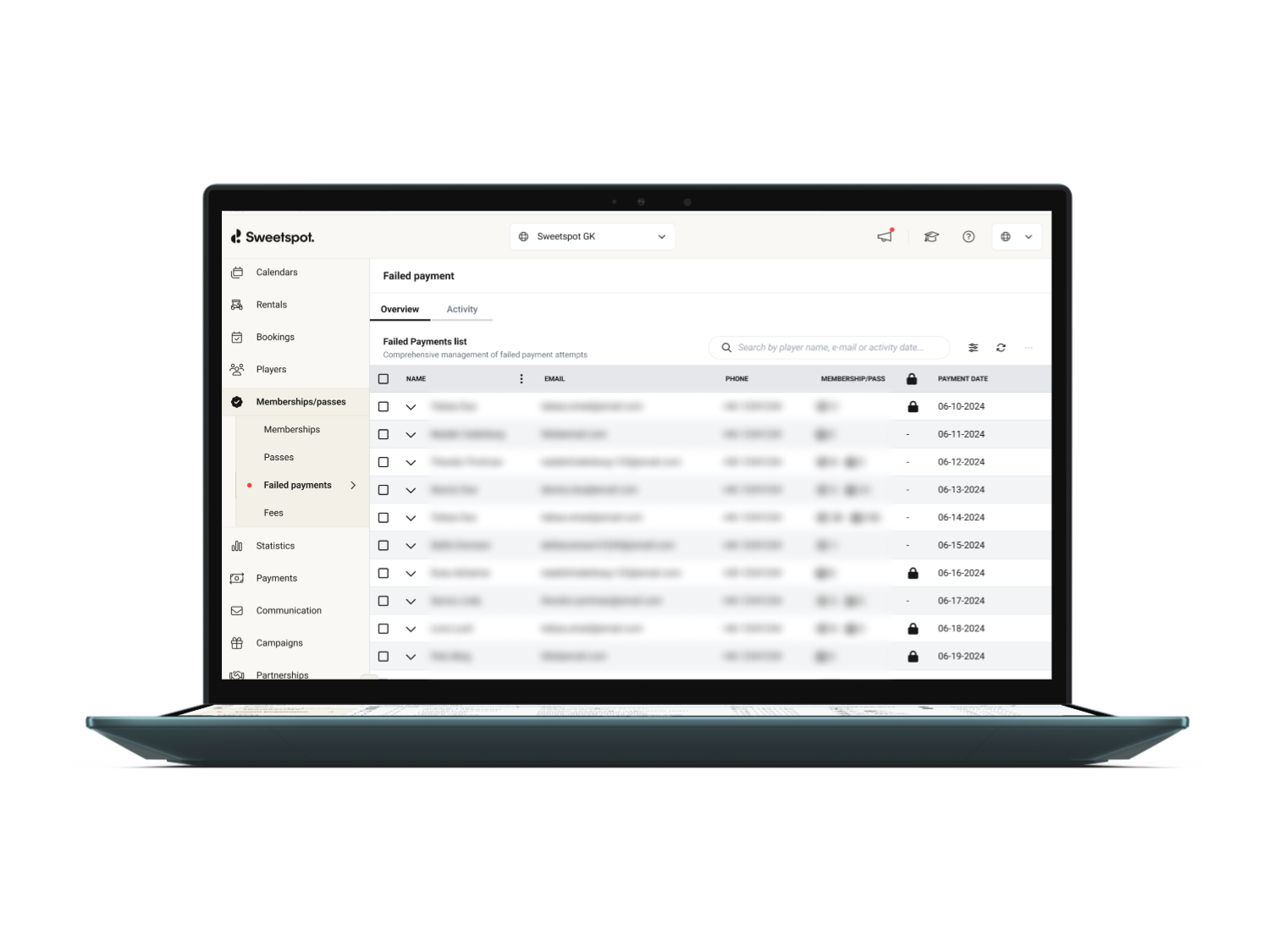
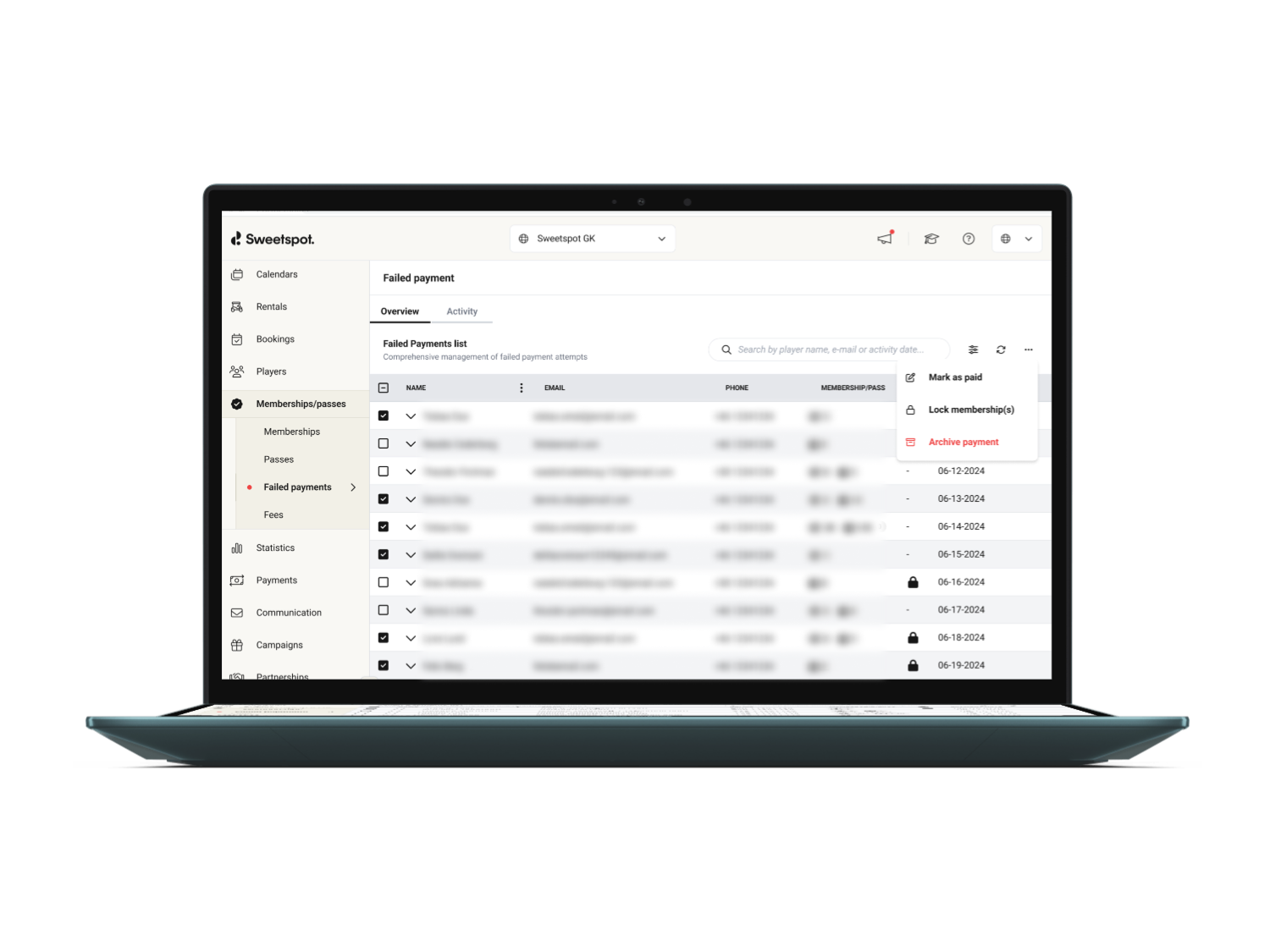
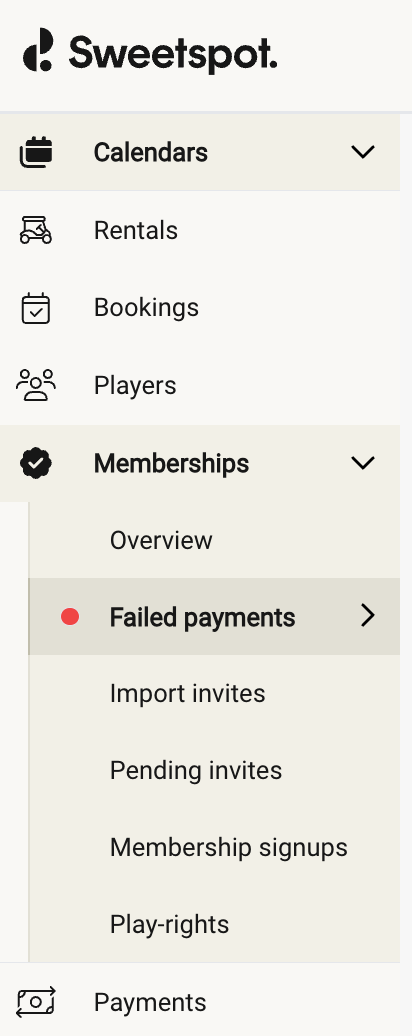
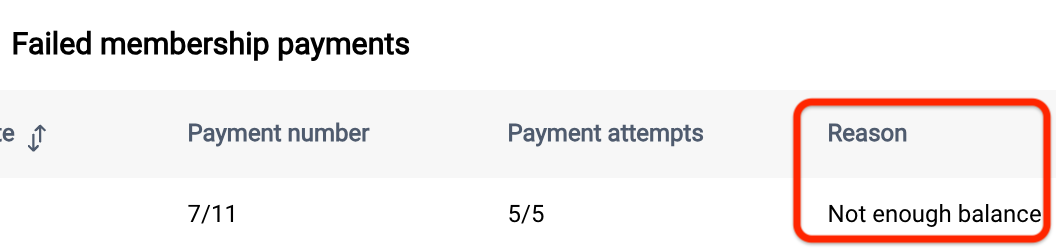
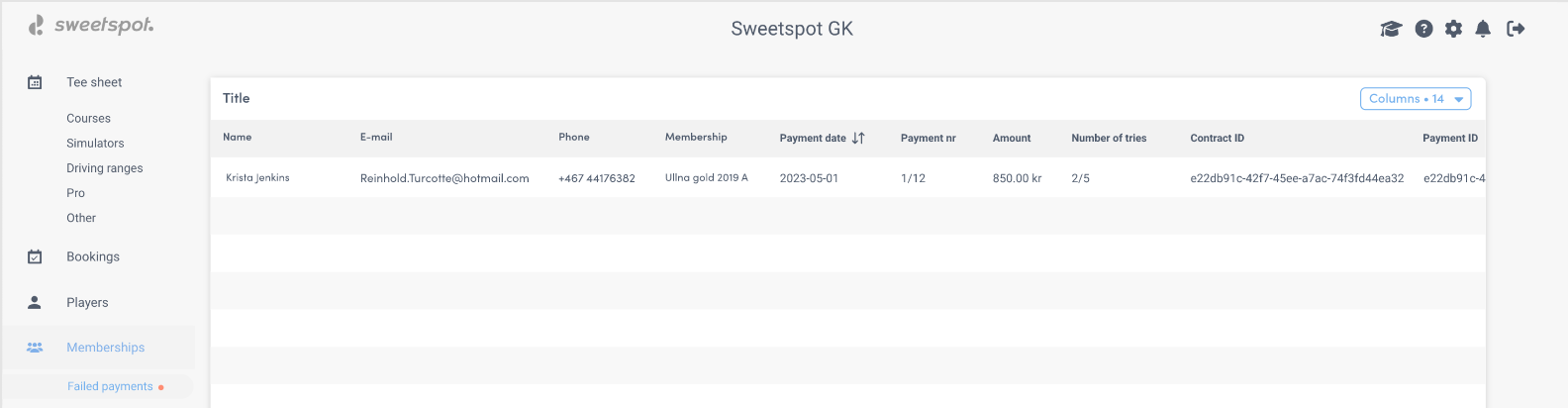
We’ve improved the failed memberships page to give admins better control and visibility when payments don’t go through.
What’s new:
Players now appear once per membership, not once per failed attempt — making the list easier to scan and manage.
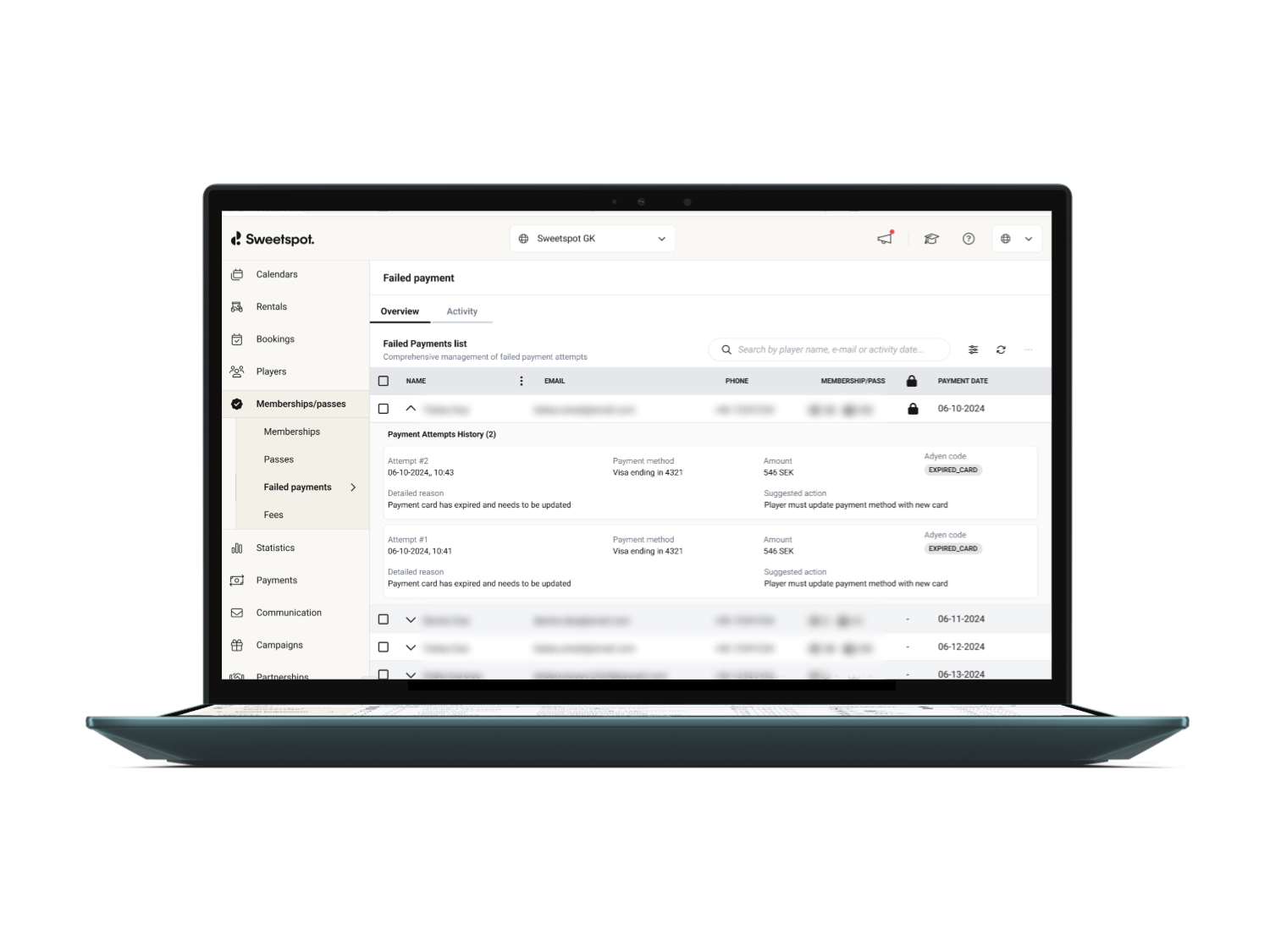
You can view all failed payment attempts per player to understand what’s actually going on.
Admins can manually remove players from the failed memberships list when the issue is resolved (for example, if payment was handled onsite).
Failed payments and upcoming installments can now be archived, helping you keep the list clean when memberships are phased out.
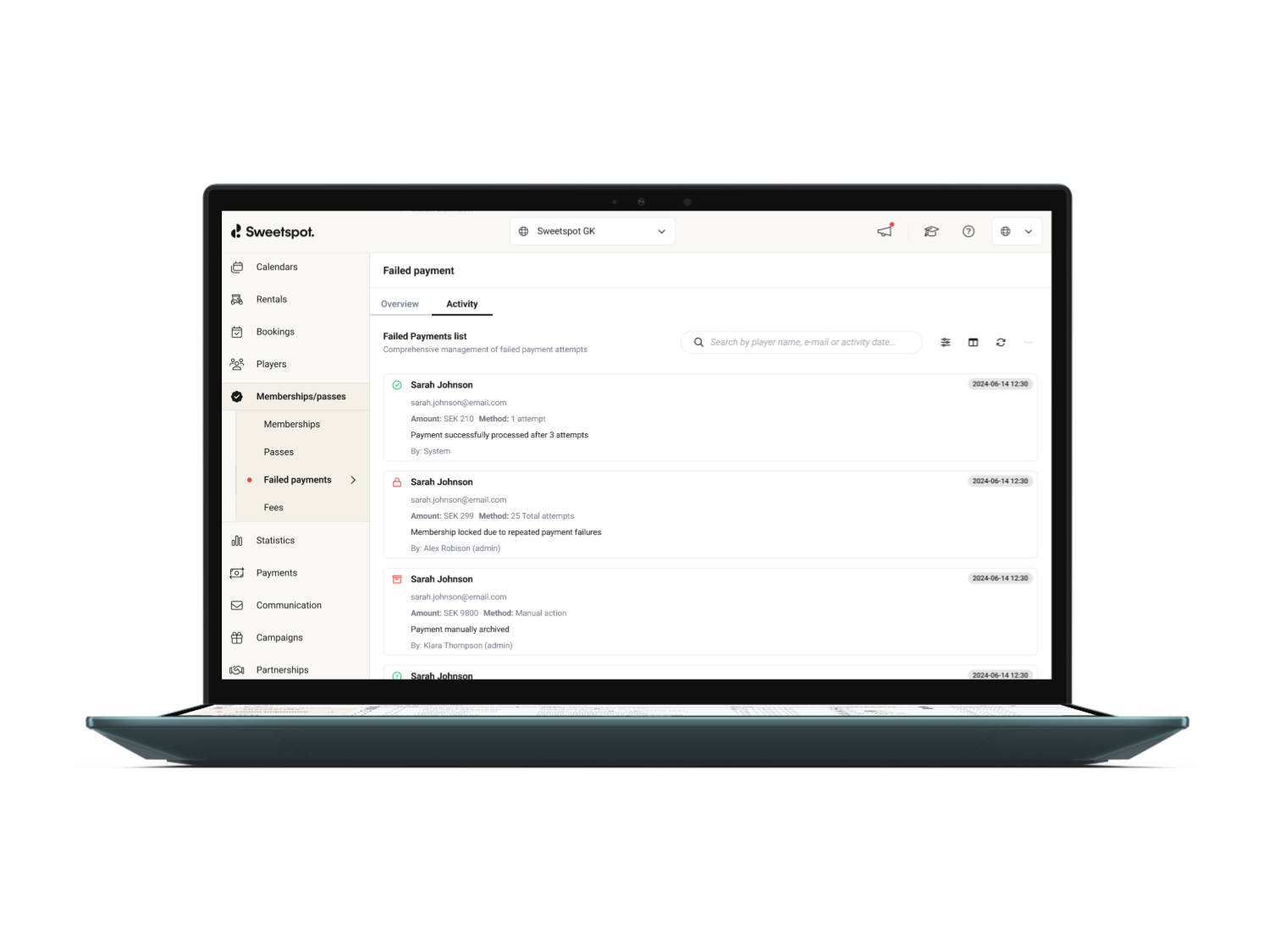
Improved tracking in a new activity log ensures players no longer disappear unexpectedly from the list due to edge cases like cancellations or old retries. Here you will see what happened, why and by whom (system, admin or player).
Players who are locked into an upcoming membership or pass period (meaning the cancellation date has passed) can now book venue assets for that upcoming period in advance.
What’s changed
Previously, players had to wait until the new membership or pass period started — and payment was completed — before they could make bookings.
Now, once the last cancellation date has passed, players can book venue assets included in their upcoming membership or pass, even if the new period hasn’t started yet.
Example
A player has:
A 12-month membership ending June 30
A new membership period starting July 1
A last cancellation date of June 20
From June 20 onward, the player can now book venue assets included in the upcoming membership — instead of waiting until July 1.
We’ve released a new version of the Ball Dispenser Configuration page, with a cleaner layout and improved visibility into dispenser and terminal status.
What’s new
Streamlined configuration experience
Tabs have been reorganized for a clearer, more intuitive configuration flow.
Configuration flows have been updated to align with the latest ball dispenser hardware capabilities.
Additional context
Our physical relay integration for ball dispensers was released separately and improves the reliability of the Pay & Dispense product.
If your ball dispenser has not yet been upgraded to this physical integration, you will continue to see the previous interface until the upgrade is complete.
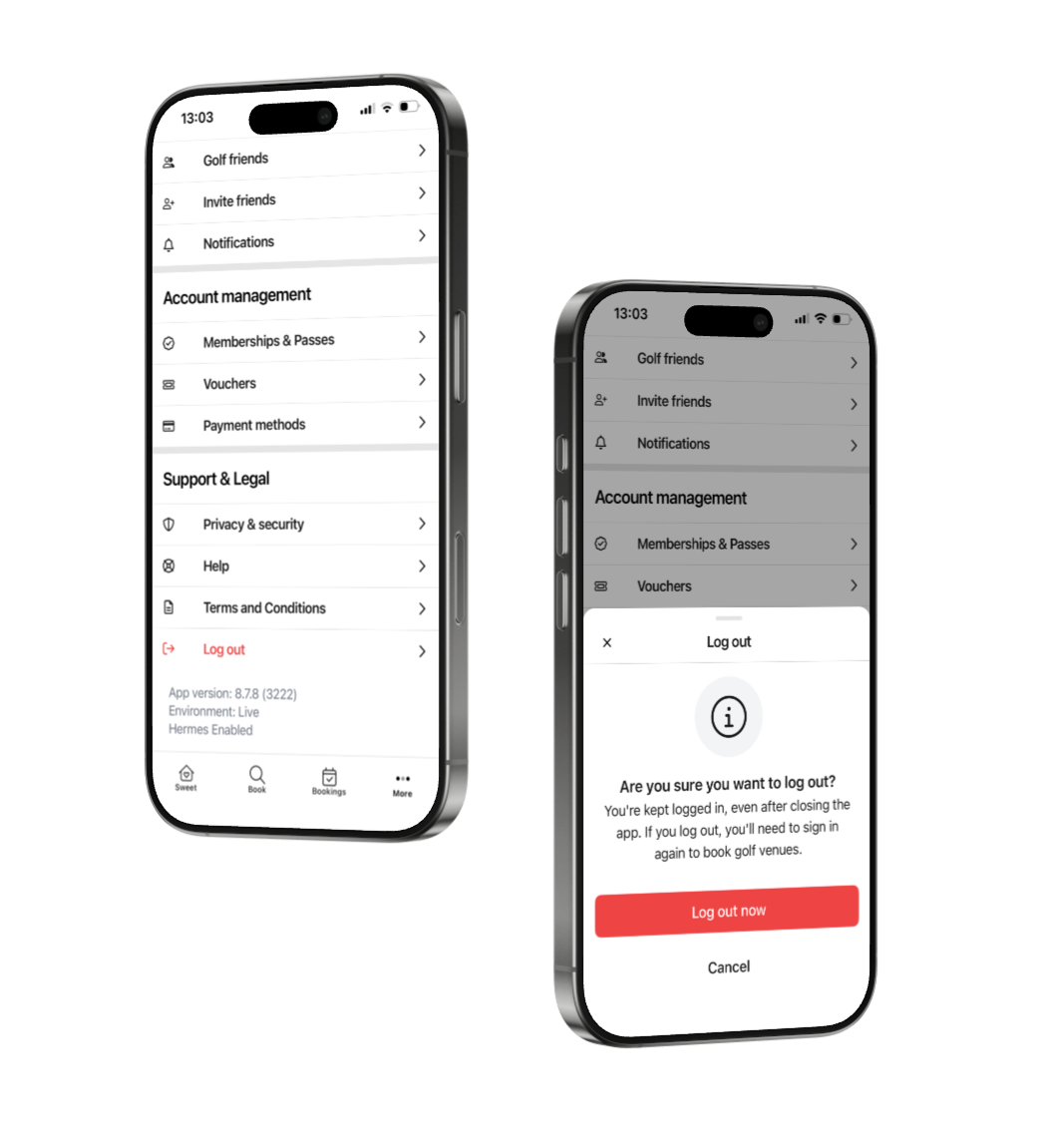
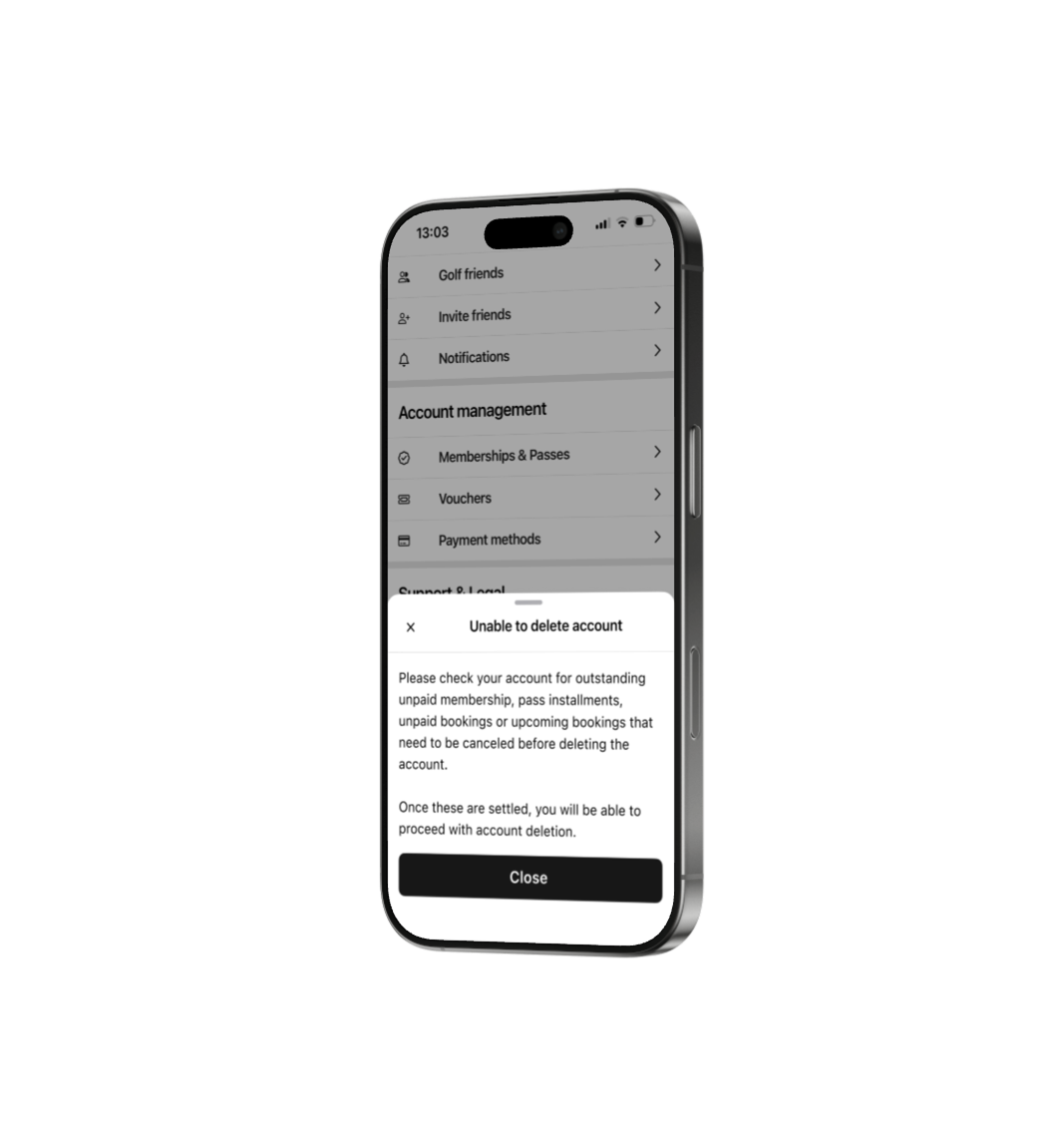
Our old setup with password used as a login method we allowed players to delete their accounts (as this is a requirement by Apple & Google). We have now adjusted this functionality so that it works without entering a password to complete the deletion process.
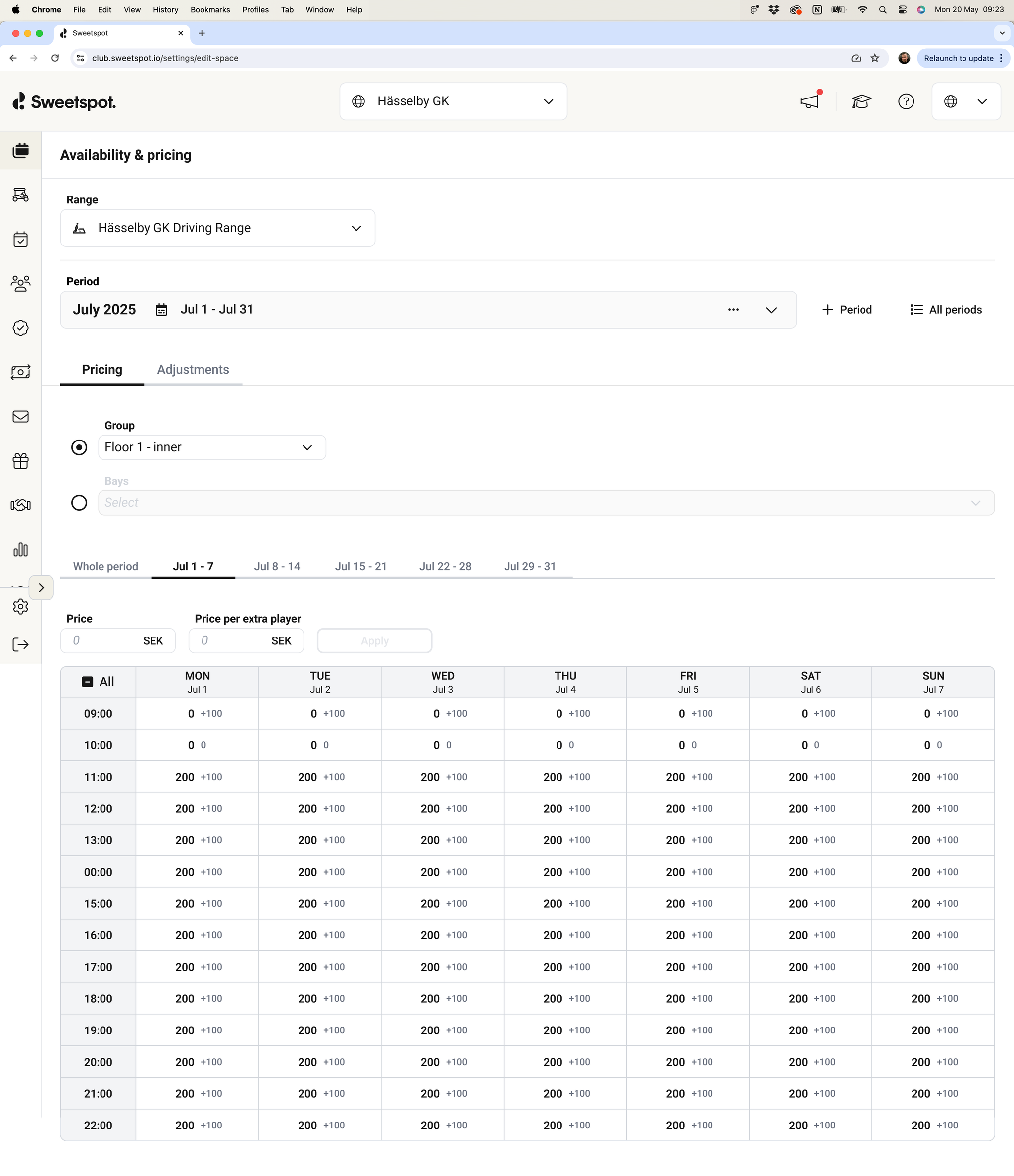
We’ve released a new Availability & Pricing interface for ranges, which fully replaces the legacy Tee Time Periods UI.
The previous Tee Time Periods experience was originally built for golf clubs and later adapted for other business areas. Over time, this led to a limited, time-consuming workflow—especially when configuring pricing. The new Availability & Pricing UI modernizes this experience, significantly improves flexibility, and provides a strong foundation for future enhancements.
📍 Where to find it:
Settings → Driving Range → Availability & Pricing
What’s New
Streamlined UX built with our shared design system components
Consistent look and feel with the rest of the platform
Range-specific configuration, with irrelevant settings removed
Pricing Configuration Enhancements
Configure pricing for one, multiple, or all bays at once
(Previously limited to one bay at a time)
Configure pricing across an entire period
(Previously limited to one week at a time)
Improved pricing table clarity:
Varying prices across hours, days, weeks, or bays are clearly displayed
Hover over the “varying prices” indicator to view detailed breakdowns
Period Creation Improvements
Opening hours–based configuration replaces the old “first start → last start” approach
Faster tee time generation and improved overall performance
Adjustments (Previously Overrides)
Apply adjustments to multiple bays and multiple days simultaneously
(Previously limited to all days or a single day)
Clearer terminology and a more flexible adjustment workflow
⚠️
Some technical limitations still exist, e.g. periods are still limited to 30 days in length. This and other improvements will be addressed in the future.
What’s Coming Next
The new Availability & Pricing experience will be extended to Simulators
The ability to create Bay Groups is coming soon and will integrate directly into Availability & Pricing, making configuration even simpler for larger and more complex ranges
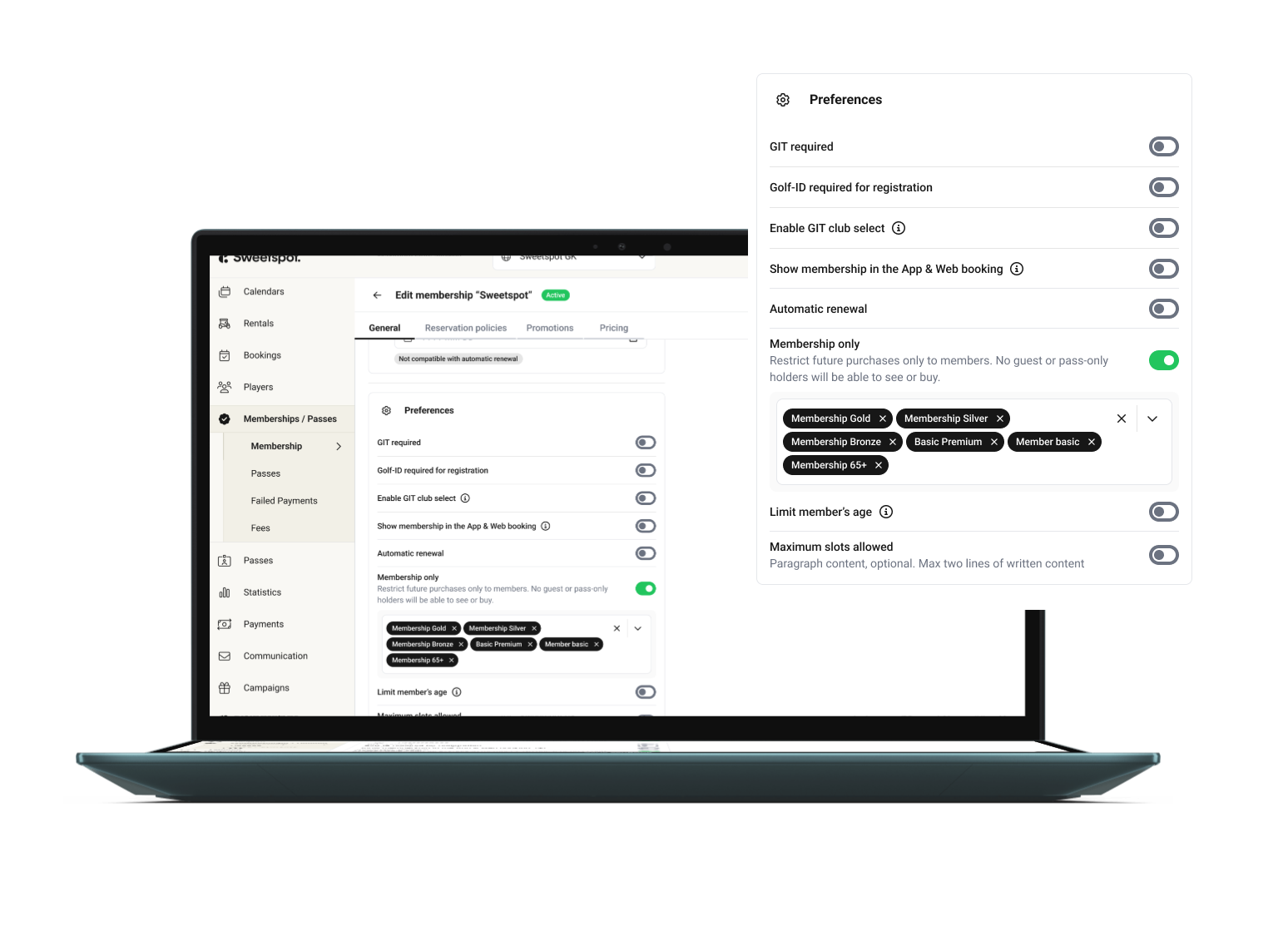
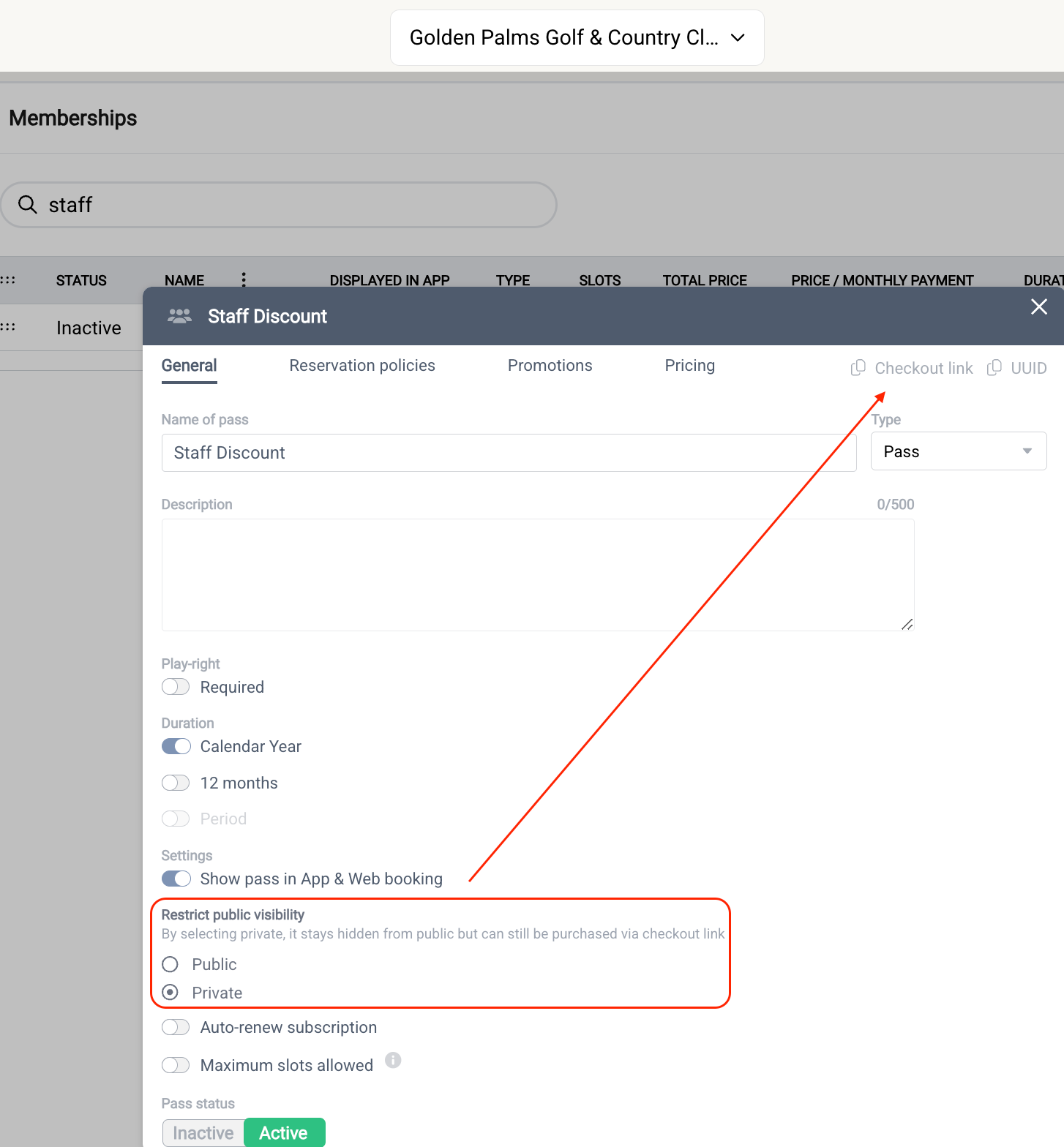
We’re introducing membership-only visibility for memberships and passes. You can now choose to make them available only to logged-in members — either all members or specific membership groups.
Example of useful scenarios:
You configure a Pass for group lessons that only your Gold members can purchase.
You configure a Pass for an event that only you Junior members can purchase.
When a booking is about to start, the Toptracer monitor displays a “Welcome {first name}” message.
Previously, this personalized message was only shown for players with a Sweetspot account. Players who were manually added to a booking were shown a generic “Welcome golfer” message instead.
We’ve now improved this experience by sending the name for manually added players as well, allowing their name to appear on the Toptracer screen. This also supports group bookings - such as those made by golf academies or companies - where a group or company name can be entered as the player’s name and displayed across all associated screens.
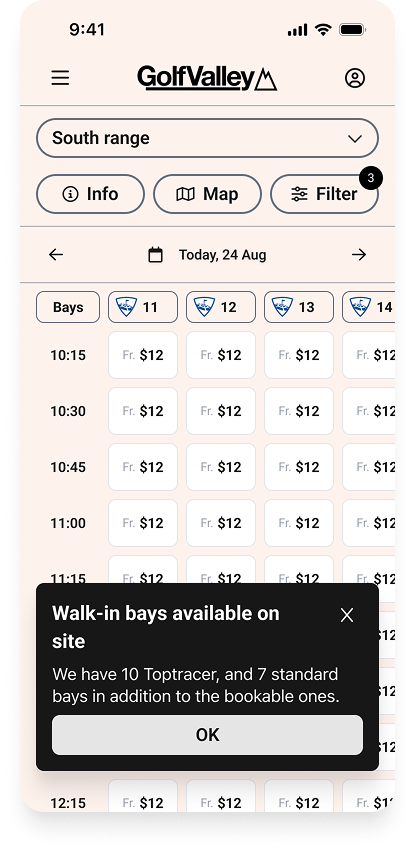
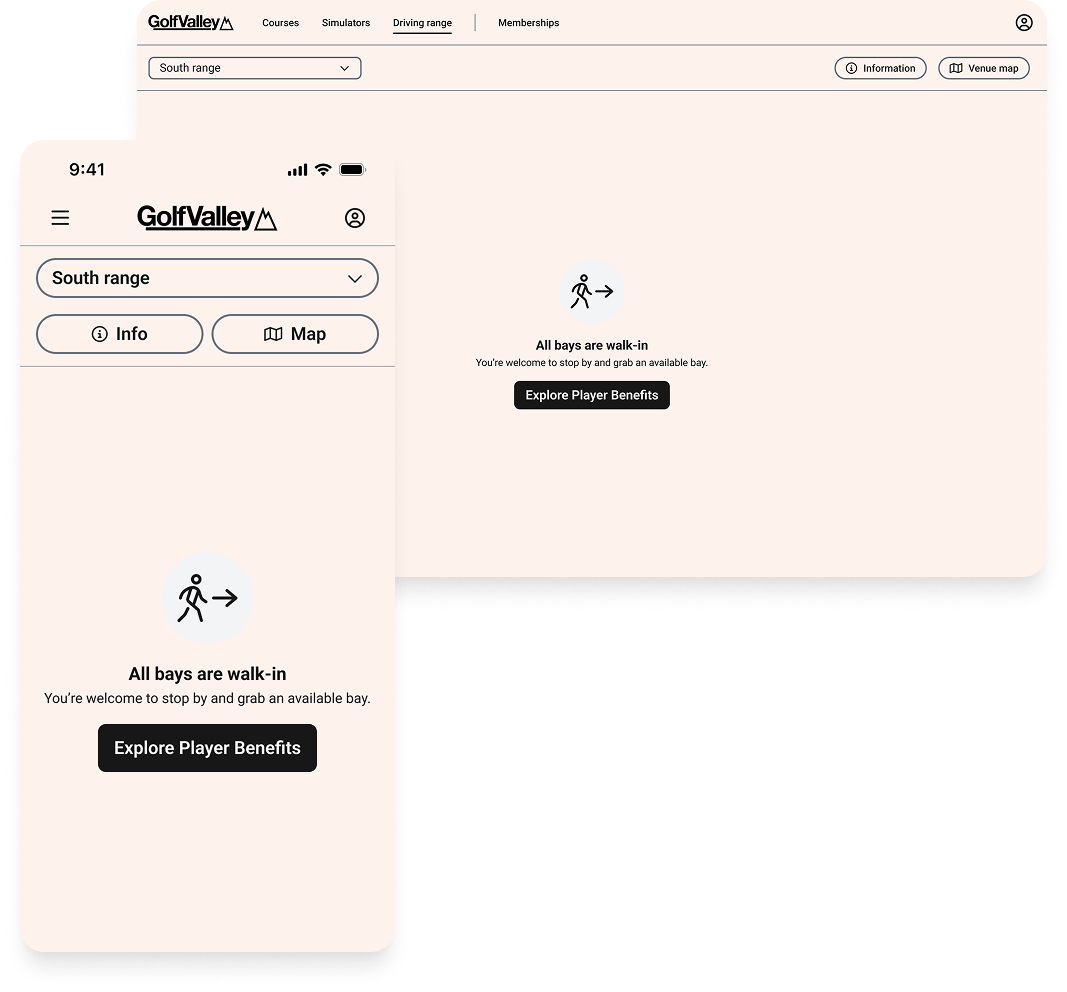
Range bays can be configured as walk-in only, booking only, or both. Walk-in-only bays are not bookable and therefore do not appear in the mobile app or web booking flow. They do, however, remain available on site and are shown as suggested bays at the ball dispenser when purchasing balls.
Because the mobile app and web experience focus on bookings, walk-in-only bays were not clearly communicated to users. To address this, we’ve introduced two new tee sheet states that appear when some or all bays are configured as walk-in only. These states inform users that walk-in bays are available on site and specify the type of bays offered, such as standard or Toptracer.
This update improves transparency around on-site availability, even when bays cannot be booked in advance.
We’ve added a new Auto-dispense setting to the Pay & Dispense product, giving venues more control over how balls are released after payment.
What’s New
Previously, players had to tap “Dispense X balls” to release balls after paying. Some venues prefer this clarity, while others want a faster, more seamless flow. With Auto-dispense, clubs can now choose the experience that fits their clientele.
Auto-dispense
When enabled, balls are released automatically after payment.
When disabled, players continue to confirm by tapping the dispense button.
The terminal will still show the “dispensing balls” screen with Experience information and assigned bay(s).
Batch Dispense Logic
For venues using Split up in batches:
The first batch is always auto-dispensed.
Remaining batches must be manually dispensed via the button.
On re-entry with undispensed batches, the same rule applies.
Why It Matters
This update enables a smoother flow where desired, while maintaining control where needed. Each venue can configure the behavior to best suit its players.
The Accounting button in Club Portal now links directly to accounting.sweetspot.io, which is our standalone portal for your accounting needs, bringing everyone onto the same improved platform.
After running both systems in parallel, we're now fully committed to the standalone experience. This marks the complete transition to a faster, more powerful accounting platform shaped for your needs.
With this change, you get:
Full flexibility in customising your payout report in the way you want it
Automated CSV and PDF exports to any number of emails of your choice
Earlier this year, we rolled out a new registration flow requiring email verification—helping reduce duplicate accounts and ensuring players could reliably access their profiles.
With most players now verified, we’re enhancing the experience once again.
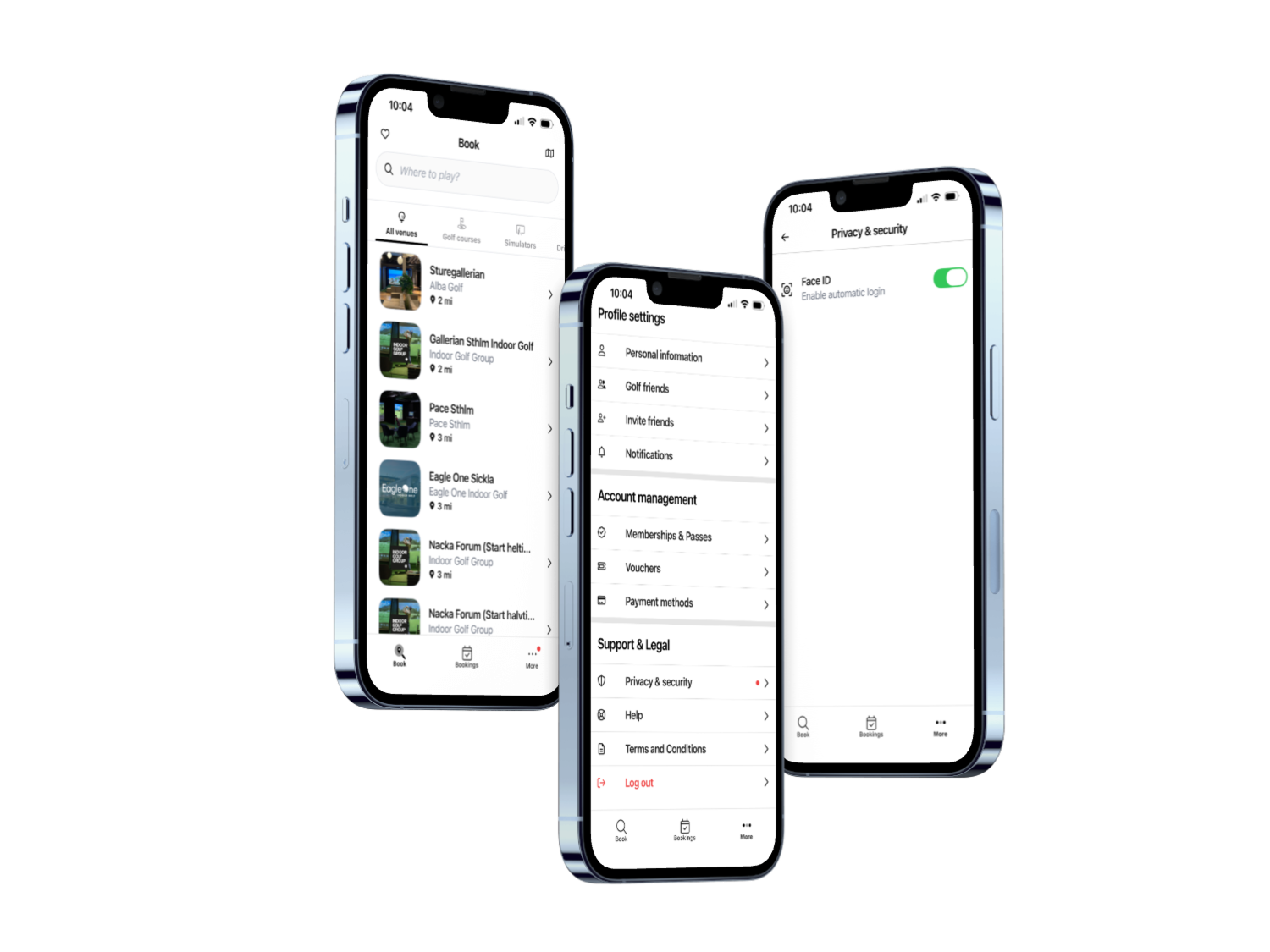
From app version 8.7.6, players with a verified email can log in using their device’s biometric authentication—Face ID on iOS and Face Unlock on Android. No more emails codes, just a faster, more secure way to login.
We’ve introduced a new email notification that helps you stay ahead of customer engagement.
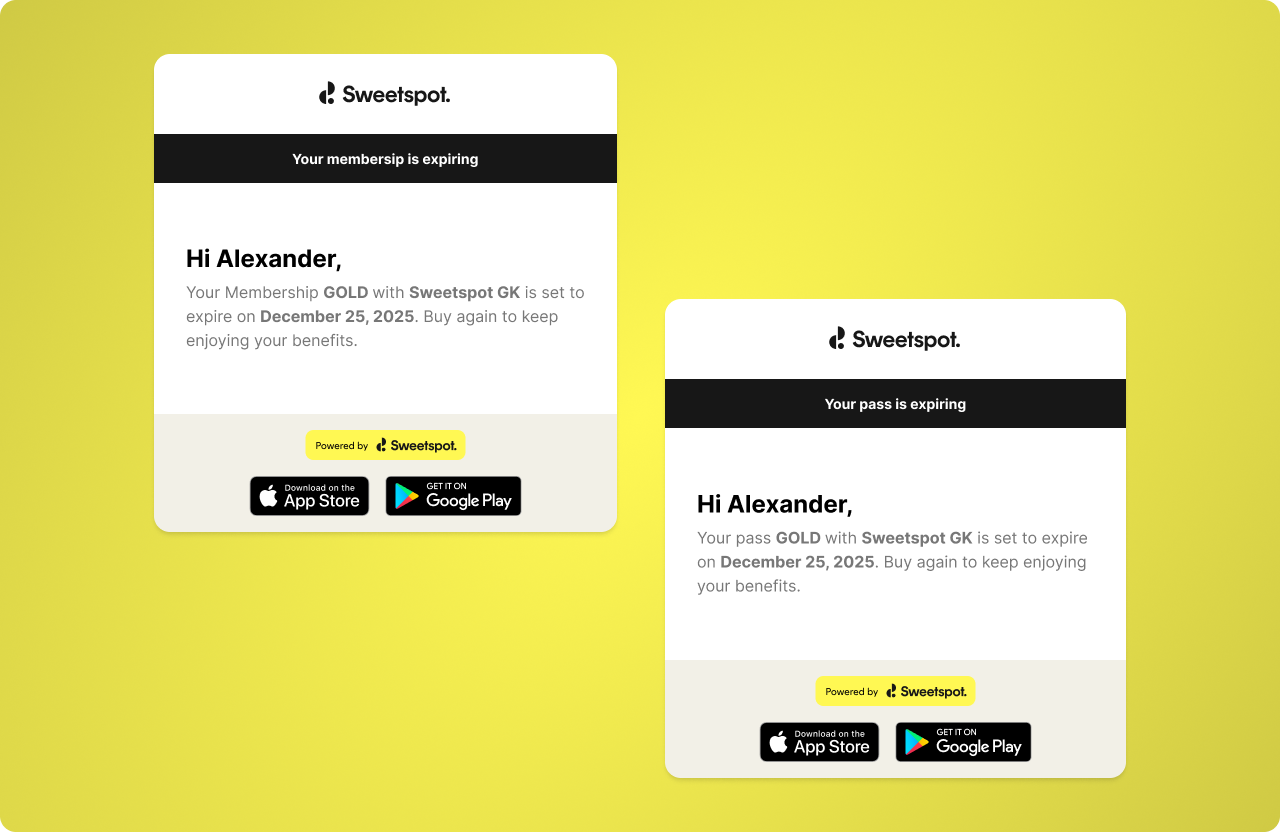
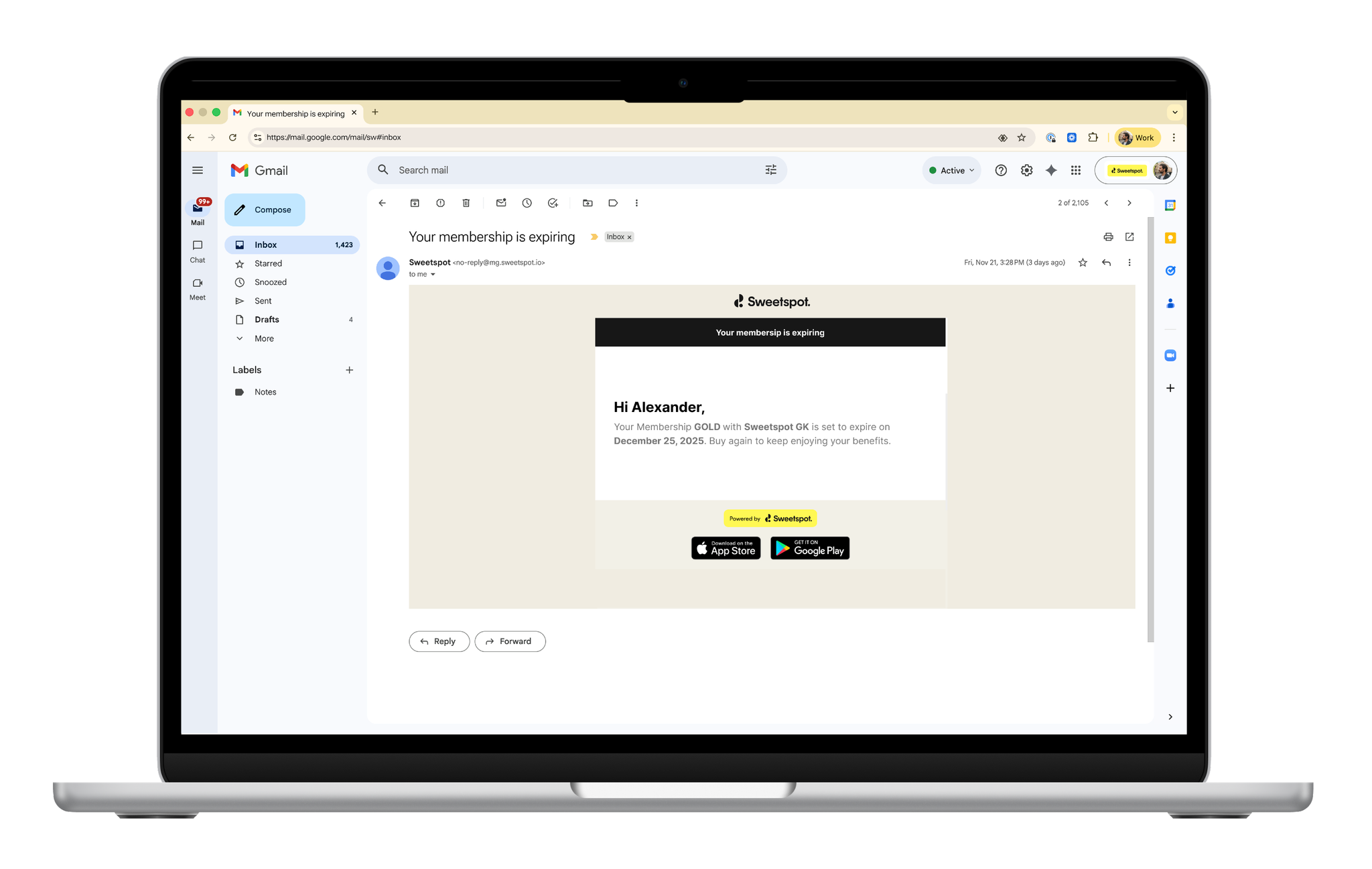
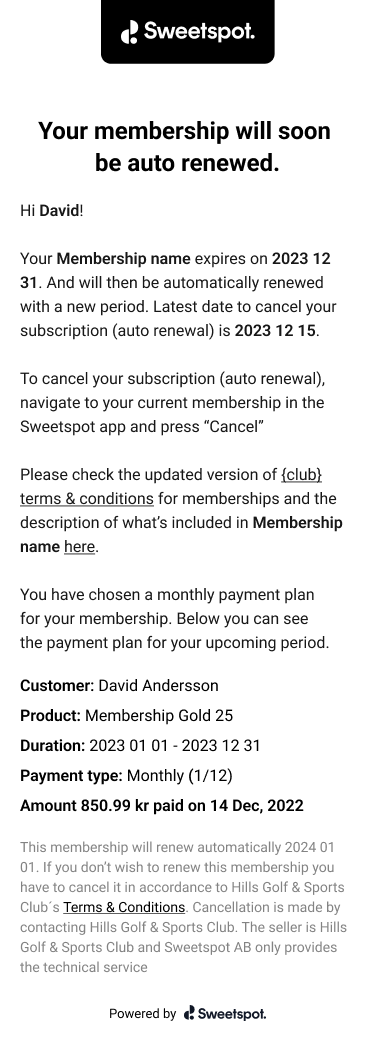
Now, players with a membership or pass nearing expiration will automatically receive a reminder on the final cancellation date you've configured—keeping them informed and giving them the opportunity to renew or engage before it lapses.
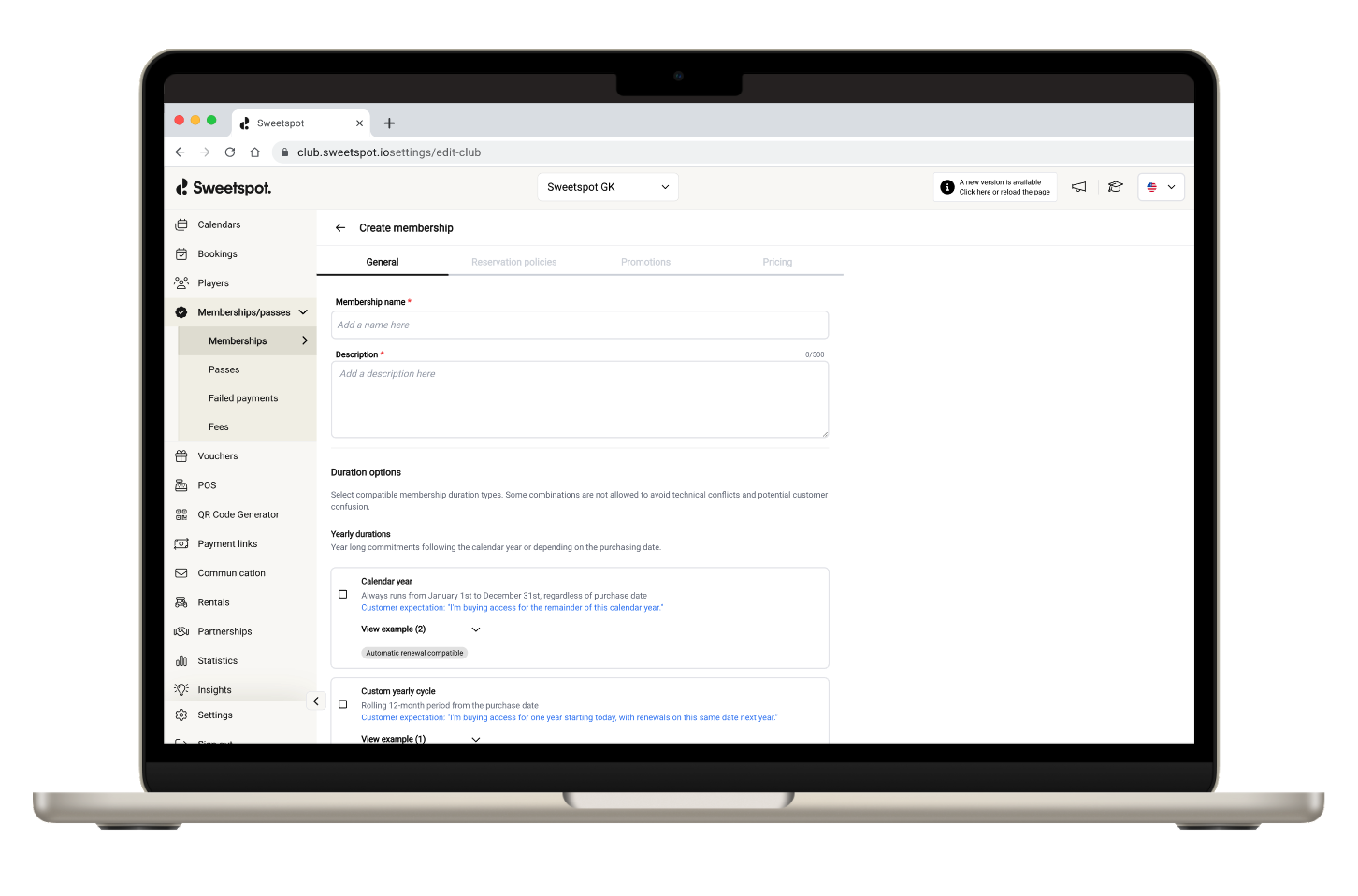
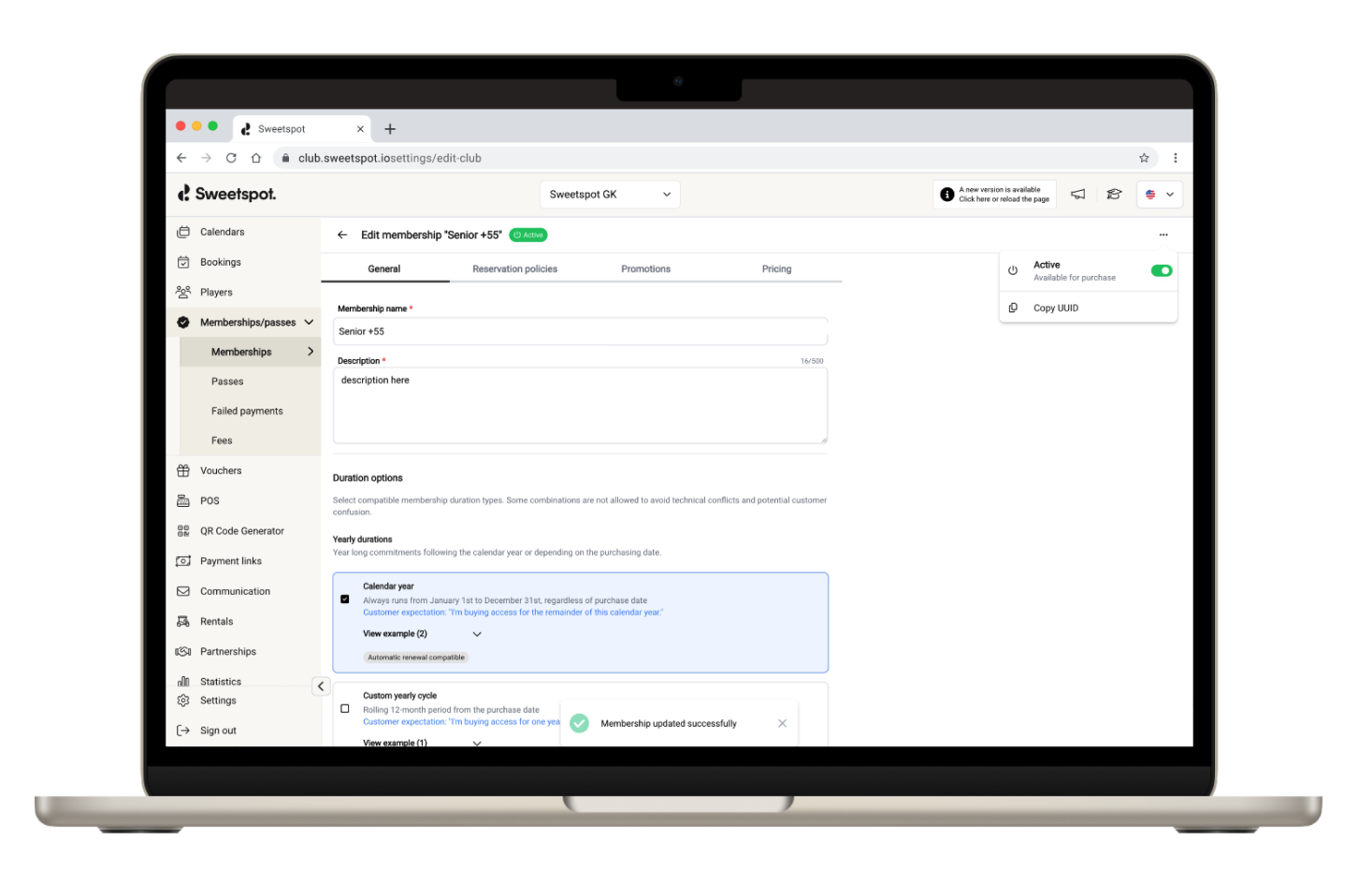
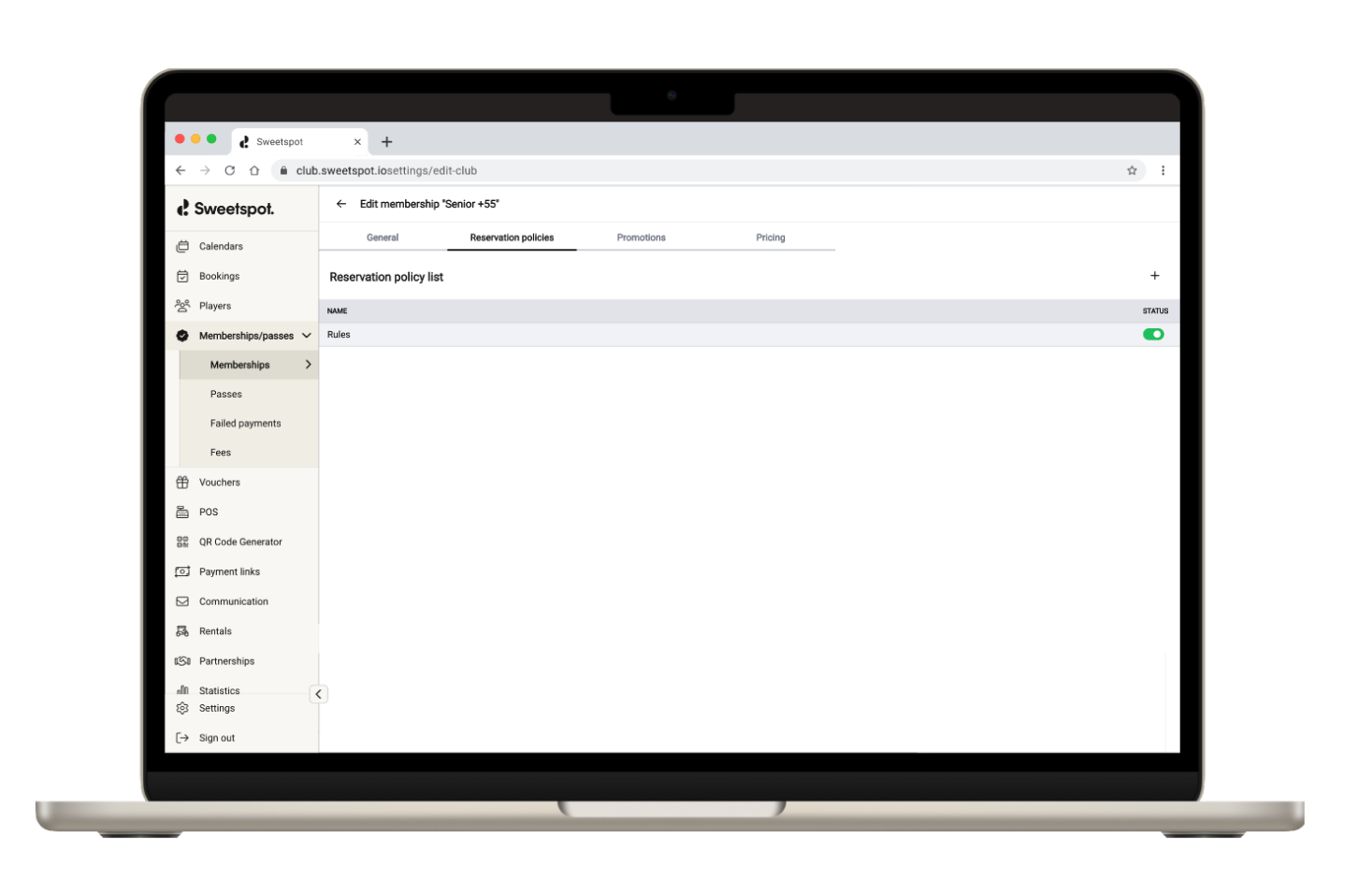
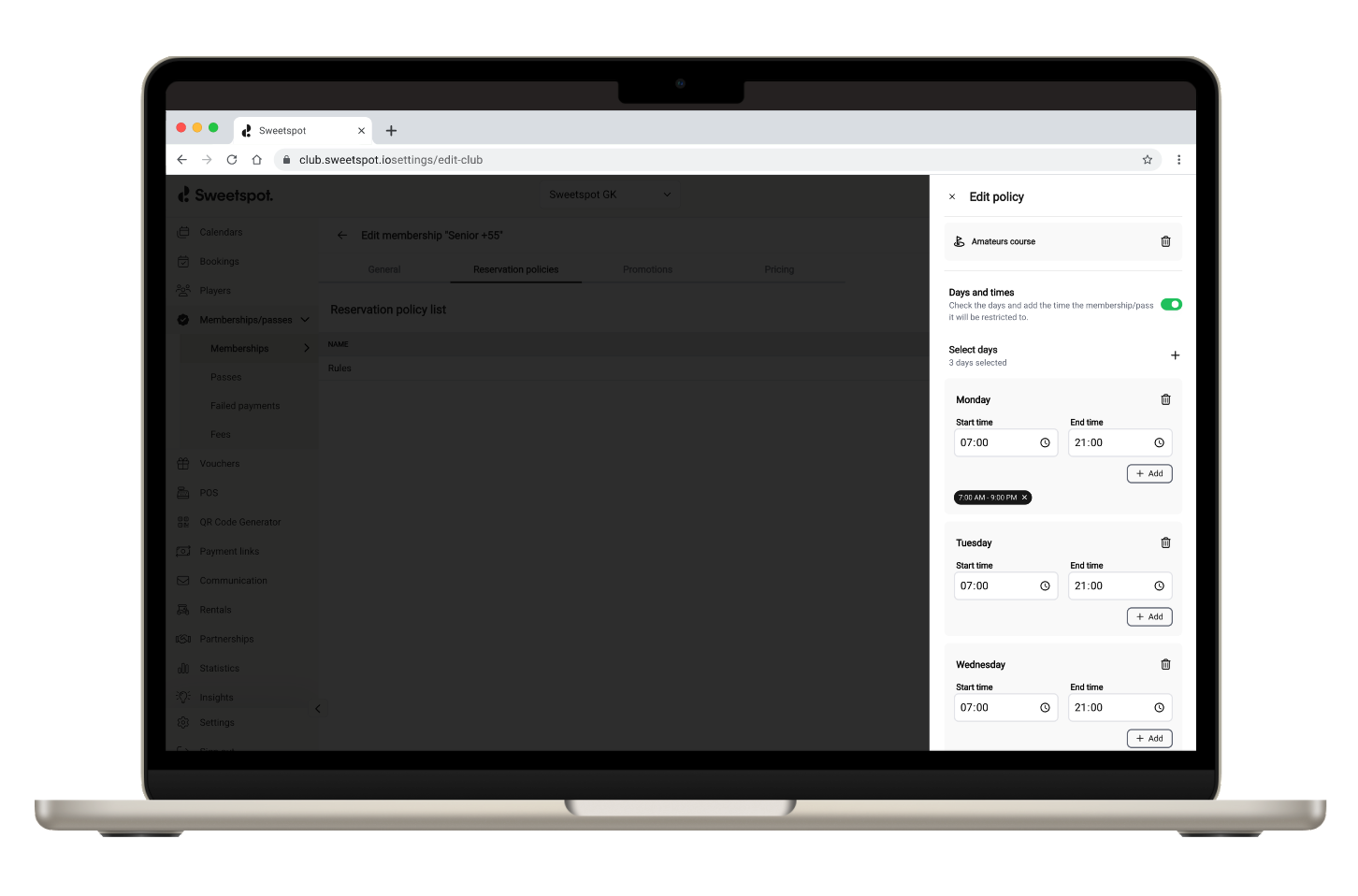
CLUB PORTAL PASS/MEMBERSHIP CONFIGURATION SETTINGS
We continue to adopt our design system to make the experience nicer and the club portal easier to navigate. Our latest improvement is a redesign of our pass & membership creation screen. It is designed to give you a better context to what implications each functionality has and is capable of so that you are given a guiding hand in crafting the best offering possible to your players.
What’s new?
We have also introduced a more visually descriptive guidance to which 6 duration combinations are compatible, and not, as well as what effect they will have on your business and the players’ experience with examples for both the business and players.
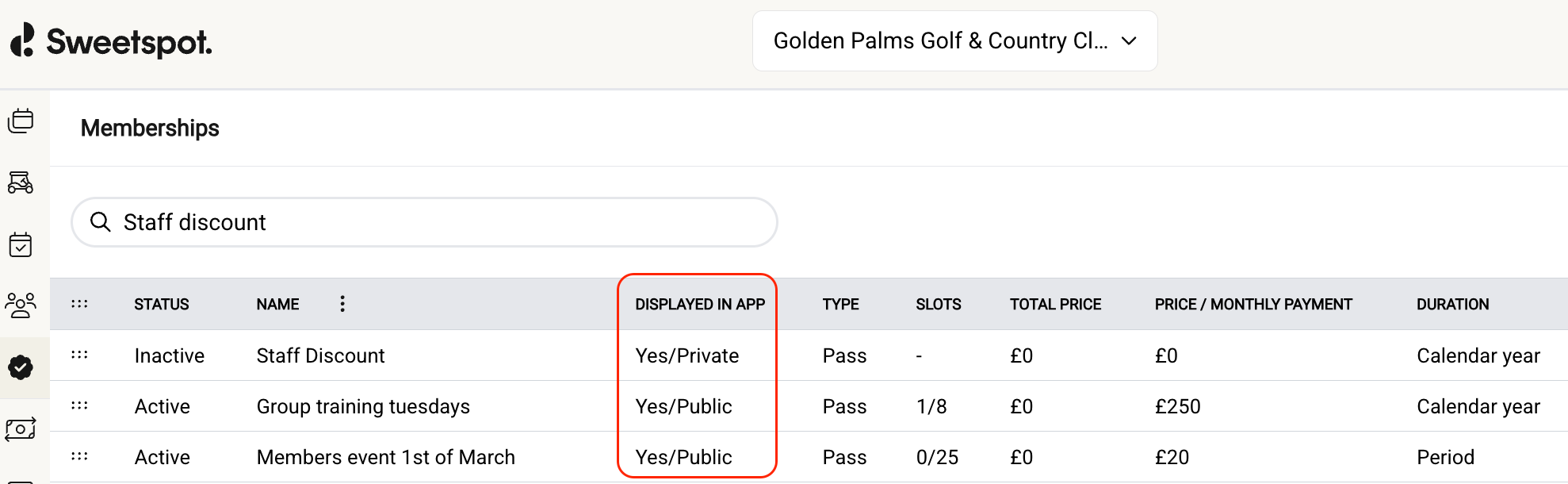
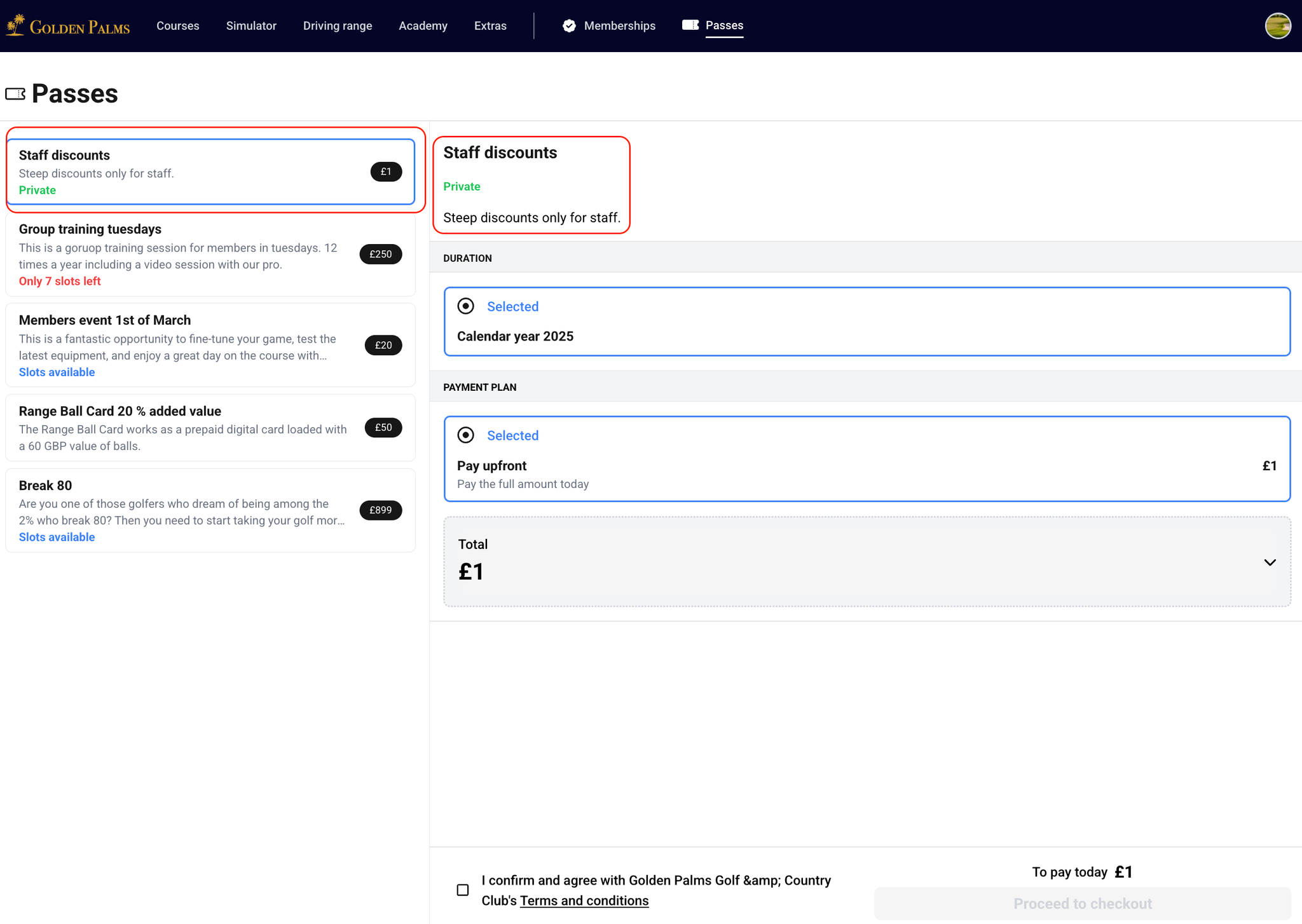
We have improved the logic for private checkout links as well as make some graphic changes to how it experienced on the web.
Improved handling of private links for memberships and passes
We’ve enhanced how private links behave to give you more control and ensure private offerings stay private—no matter how they’re shared.
Here’s what hasn’t changed:
– When a customer clicks a private link, they’ll still see the full membership or pass information as intended.
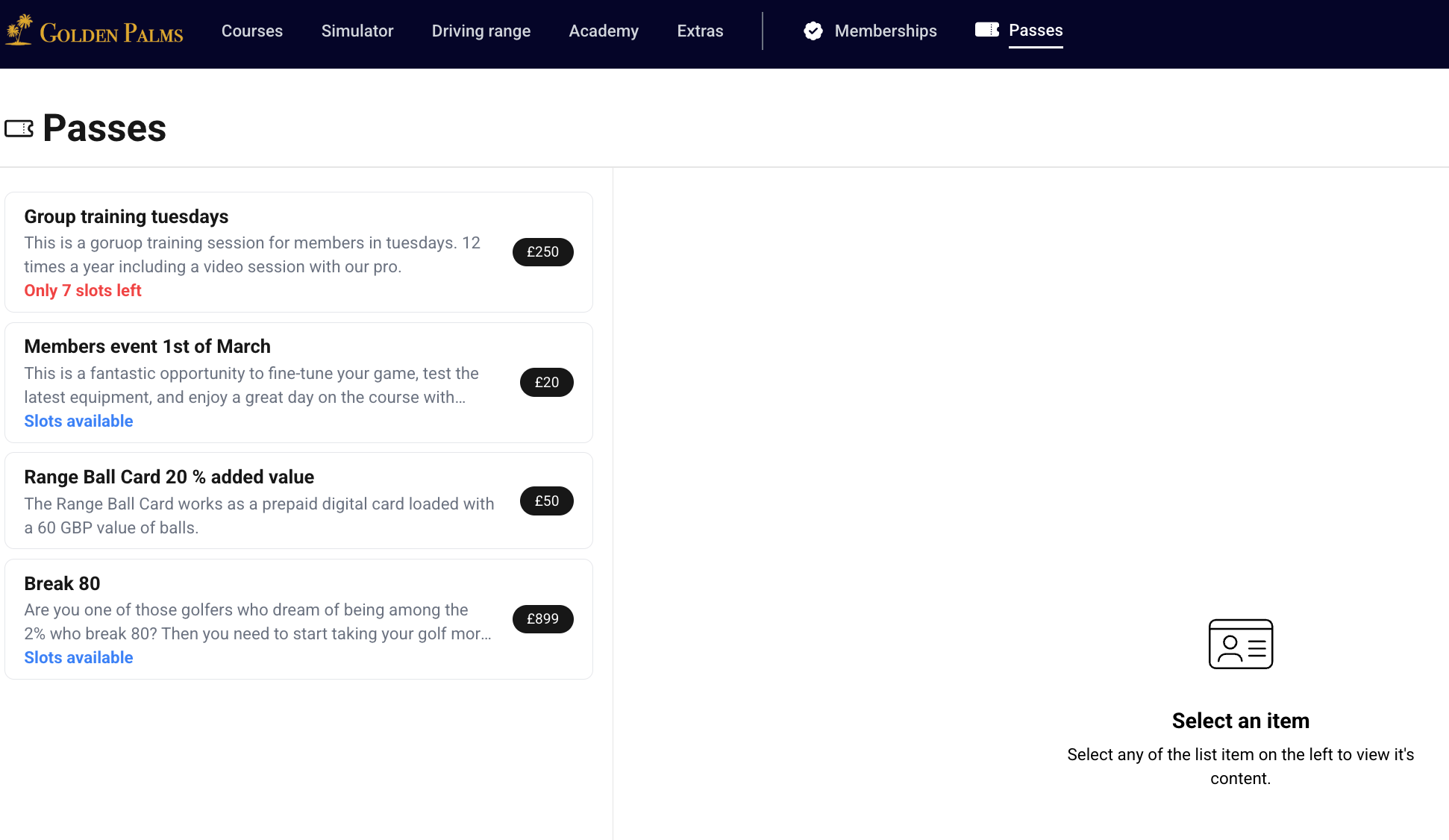
– Private offerings remain hidden from general web booking—customers can’t find them through browsing.
What’s new:
– Previously, if you redirected to a private link via your venue’s website, it could expose the offering. That’s now fixed. Customers will now see a ‘hidden from view’ message—maintaining privacy as expected.
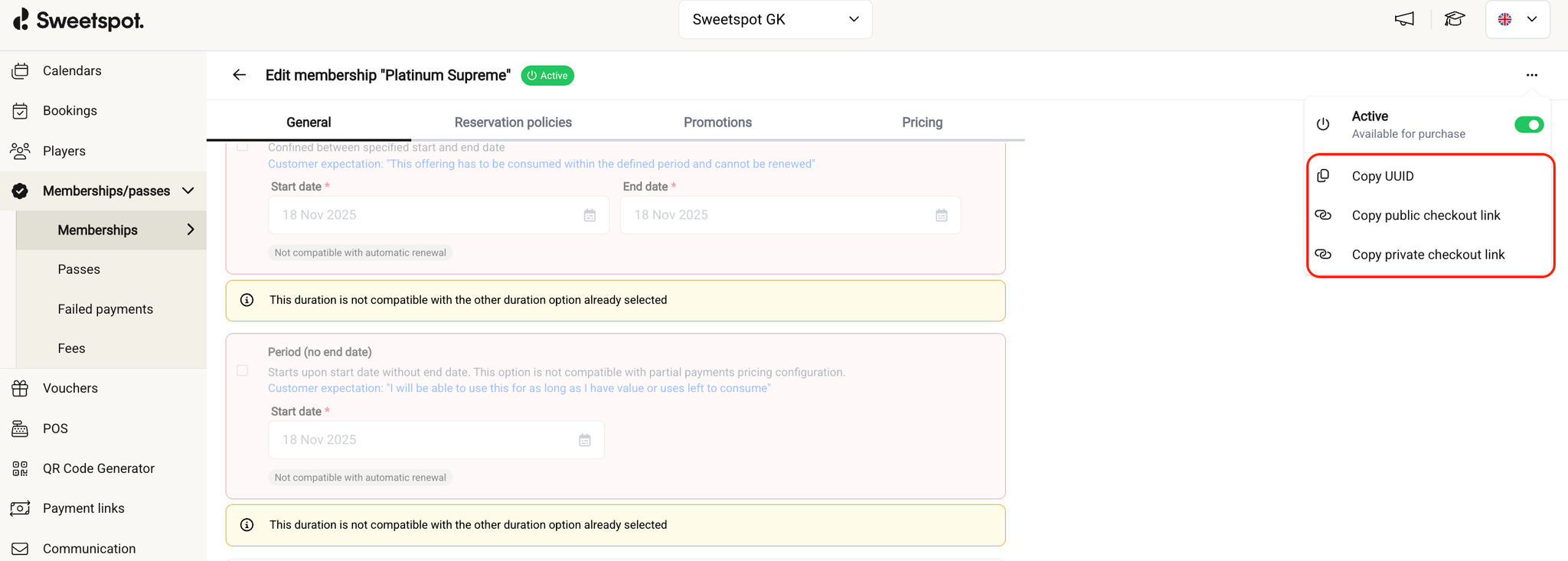
– In the Club Portal, when an offering is set to private, you can now choose to copy either the private or public link—giving you more flexibility in how you share access.
This update ensures private content stays in your control while making link management more intuitive.
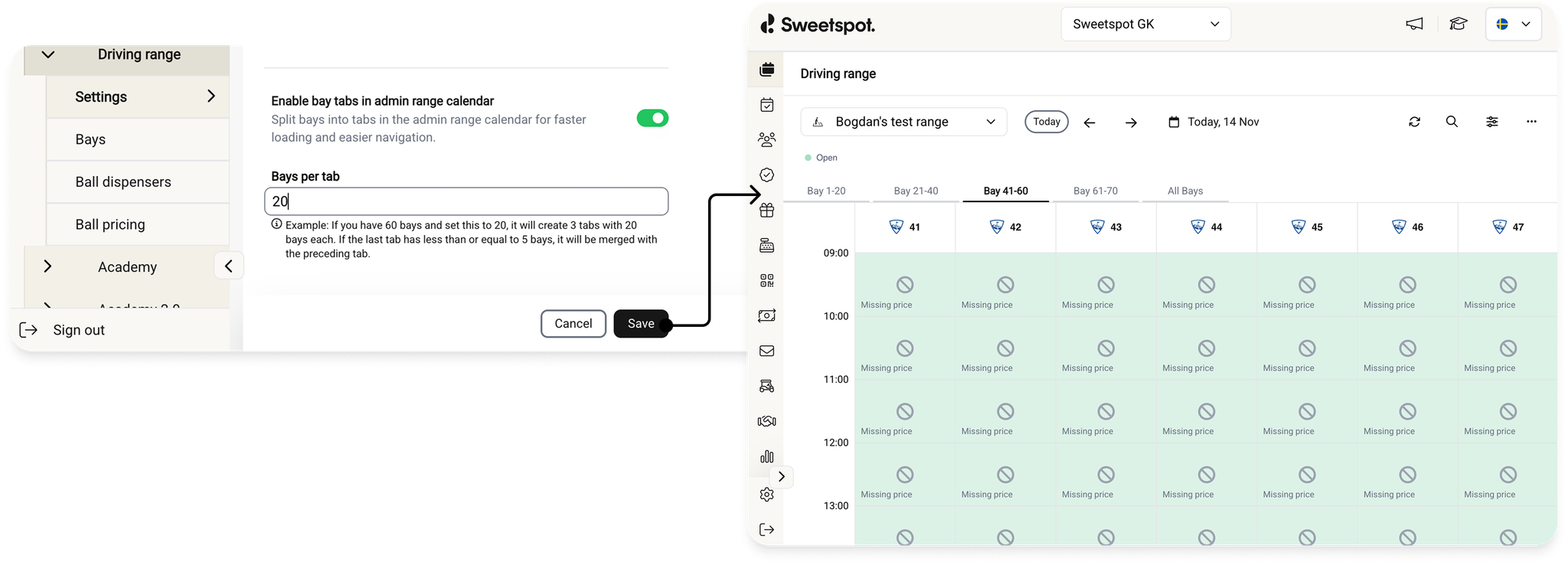
We’ve introduced a new Tabs & Pagination feature for the Range Club Portal tee sheet, designed to improve usability and performance for larger venues.
What’s New
You can now configure the tee sheet to display tabs (pages) within the Range Settings section. This allows clubs to break up large numbers of bays into manageable groups.
How It Works
In Range Settings, club users can choose to:
Enable or disable tabs
Set the number of bays displayed per tab
Tabs are automatically generated based on the selected bay count.
Example: With 65 bays and a 20-bay tab configuration, the tabs will appear as:
Tab 1: Bays 1–20
Tab 2: Bays 21–40
Tab 3: Bays 41–65
If the final tab would contain five or fewer bays, the previous tab expands to absorb them for a cleaner layout.
An “All Bays” tab will always be available, enabling multi-select actions that span multiple tabs—such as large bookings, tee time category adjustments, and similar bulk updates.
Benefits
Improved User Experience: Navigating large bay lists is now significantly easier and more intuitive.
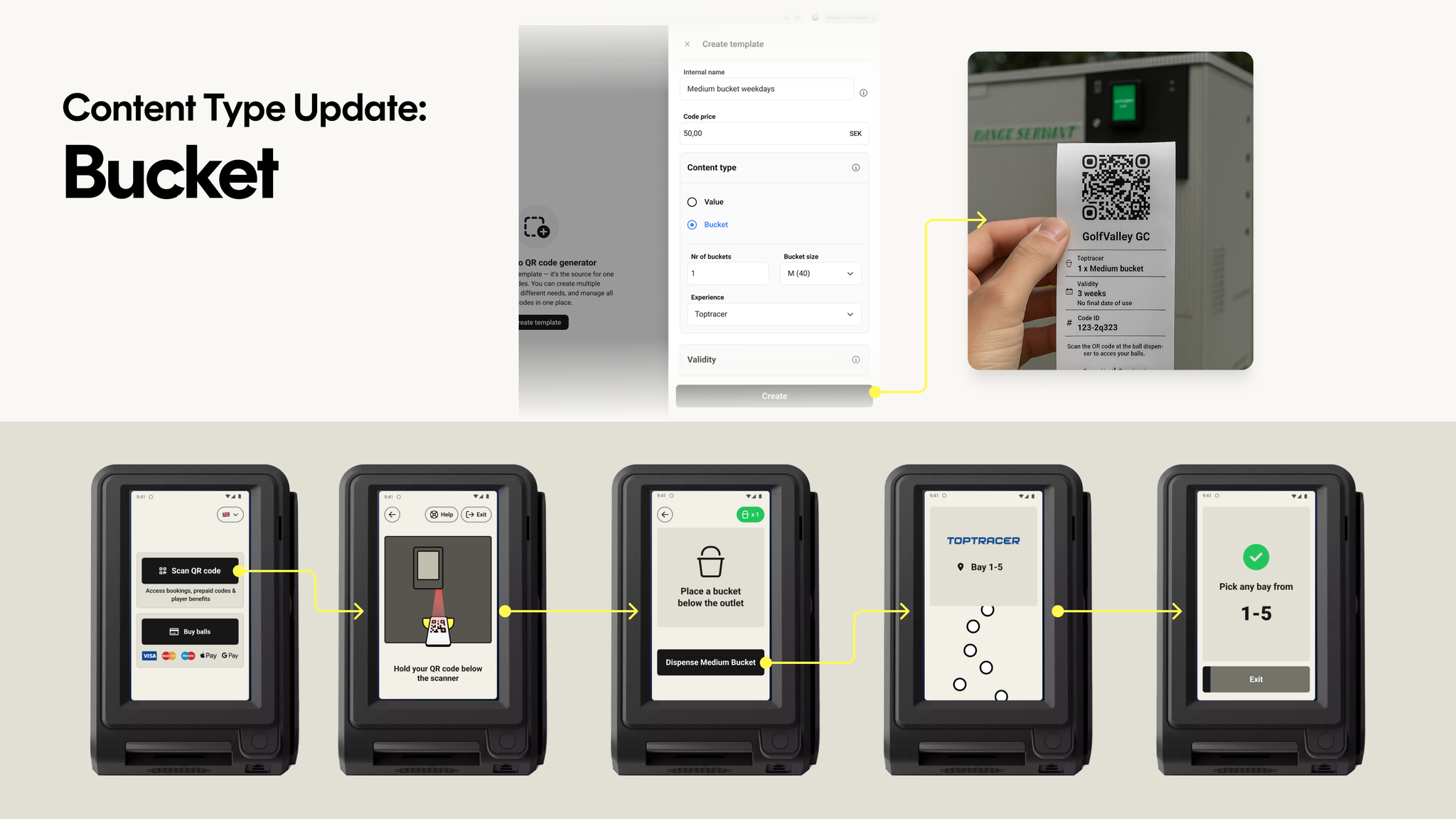
We’ve expanded what static QR codes can do at the dispenser. Previously, static QR codes could only hold a monetary value to be redeemed at the dispenser.
Now, they can also be configured with:
Ball bucket type – S, M, L, XL, or One-size
Number of buckets
Experience – Standard or Toptracer
The experience option is available when using experience-based pricing, and bucket sizes are selected from your configured ball buckets.
When a QR code is configured with a ball bucket, players are taken directly to the dispense screen for that specific bucket after scanning the code at the dispenser.
All other settings — such as fixed or dynamic periods — work the same way as with value-based QR codes.
Sweetspot web bookings now support Apple Pay—bringing fast, secure checkout to players across all Apple devices (previously this was only available in our app)
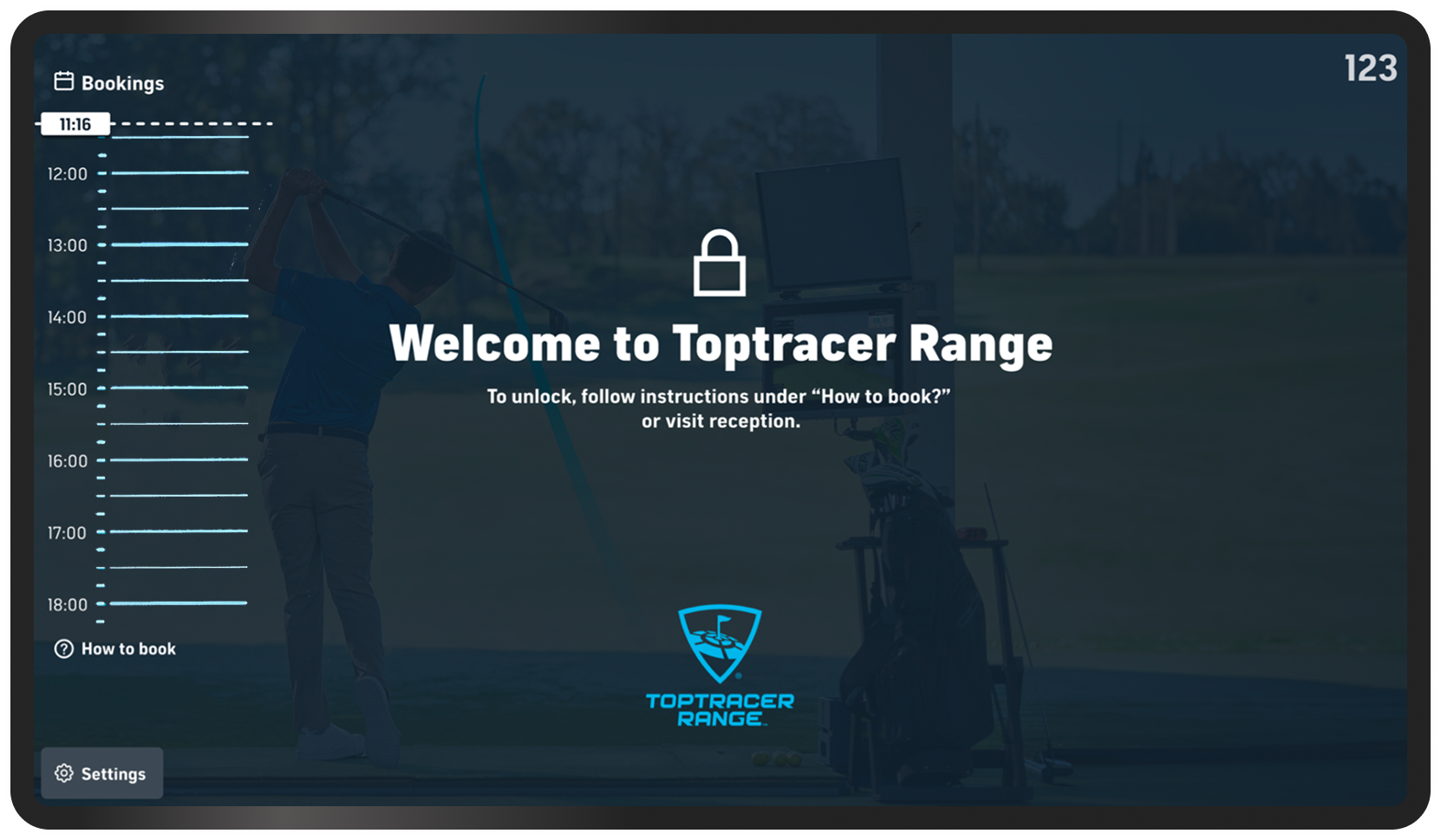
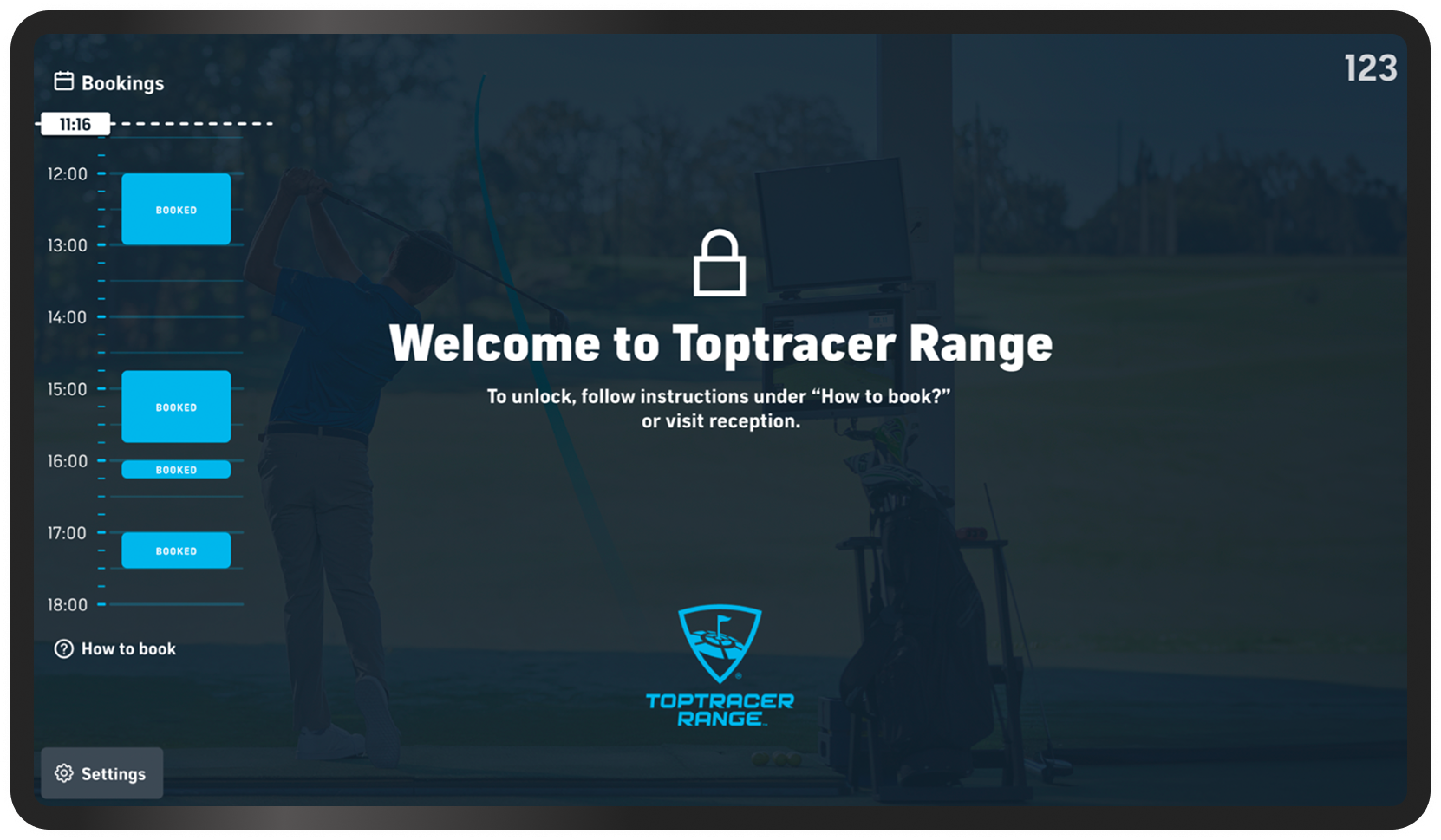
We’ve worked with Toptracer to make it much easier for players to create bookings using the Toptracer monitor as a starting point.
Previously, the booking schedule and QR code were only shown if there were bookings within the next seven hours. And when the screen was locked, players were instructed to visit the reception to make a booking.
Now, the booking schedule is always visible, and the QR code is always available. Players simply scan the QR code displayed on the monitor, which takes them directly to the Sweetspot tee sheet for that specific bay — making it easy to book a session on their own at any time.
We have enhanced the in-app search experience to help users find the right venue more conveniently. It is now easier to filter by venue type and navigate with clarity. We have also added support for miles when measuring distance.
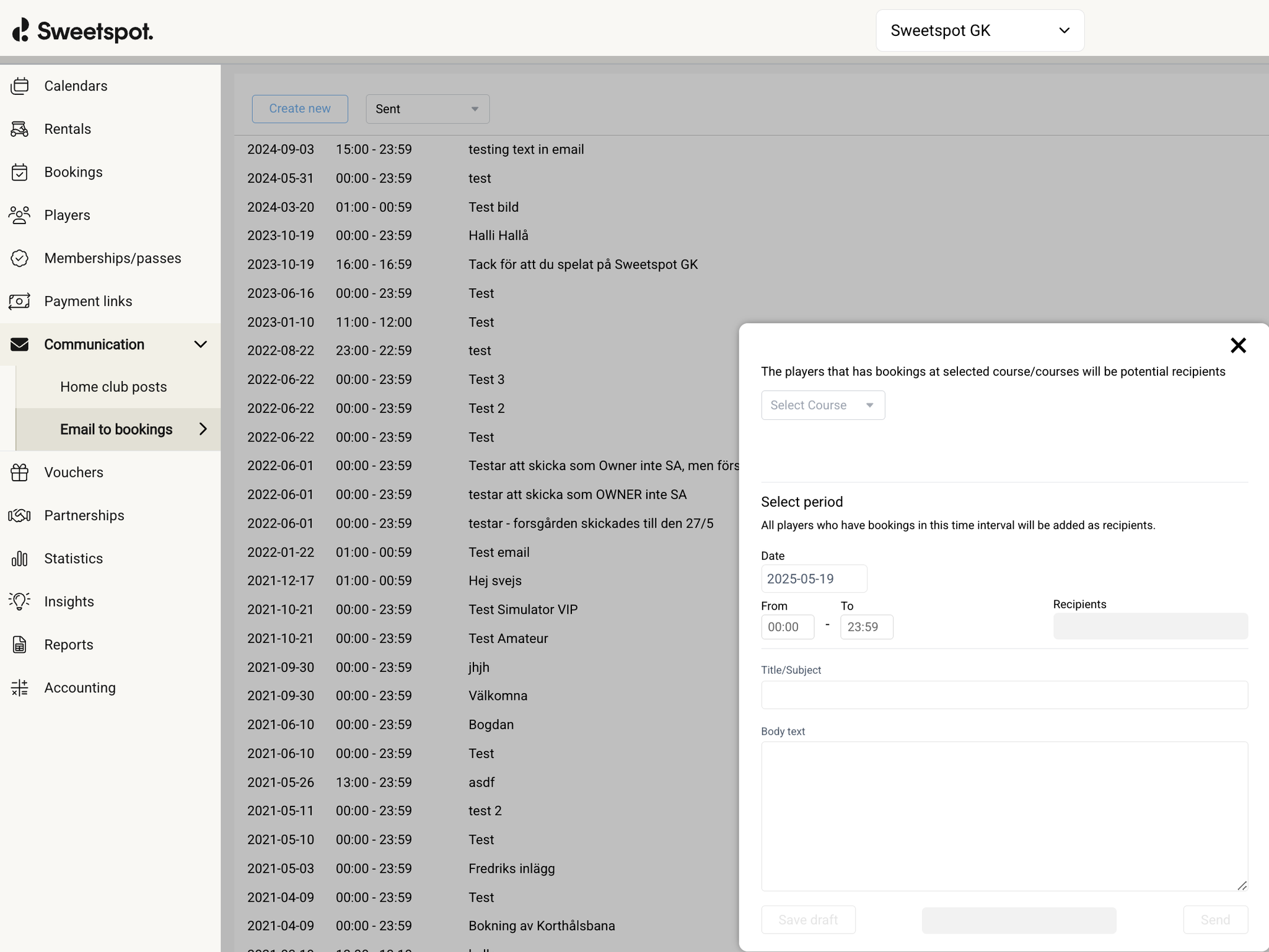
We have updated the design of the email that is sent out when you trigger a send out of a targeted email to bookings in the Communications tab in the club portal.
We’ve made it easier to understand booking details at a glance.
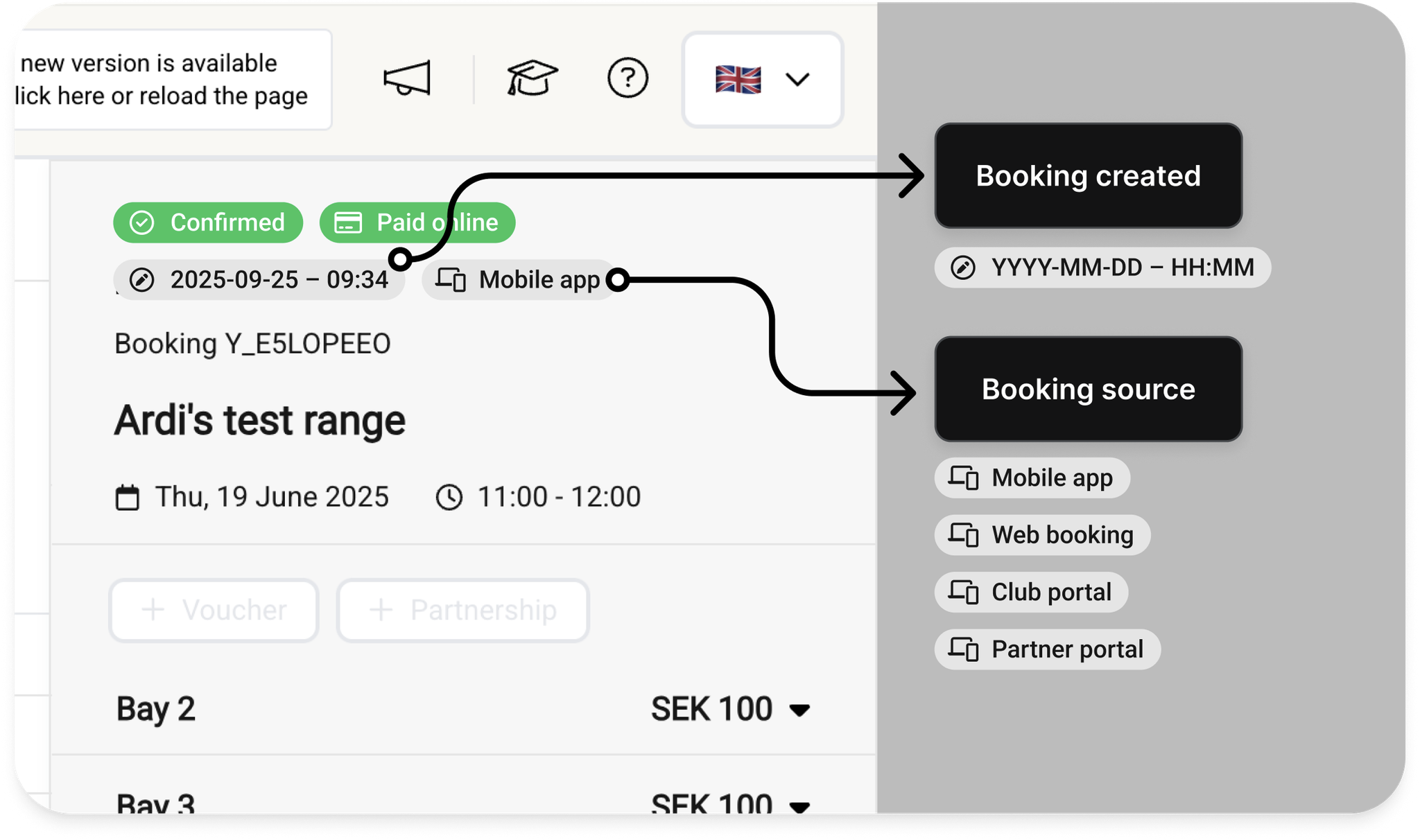
The booking source (Mobile App, Web Booking, Club Portal, or Partner Portal) and the time the booking was made are now displayed directly when viewing a booking in the Club Portal.
This update applies to off-course bookings — including Simulator, Range, Pro, and Extras — so that you can quickly see how individual bookings were created.
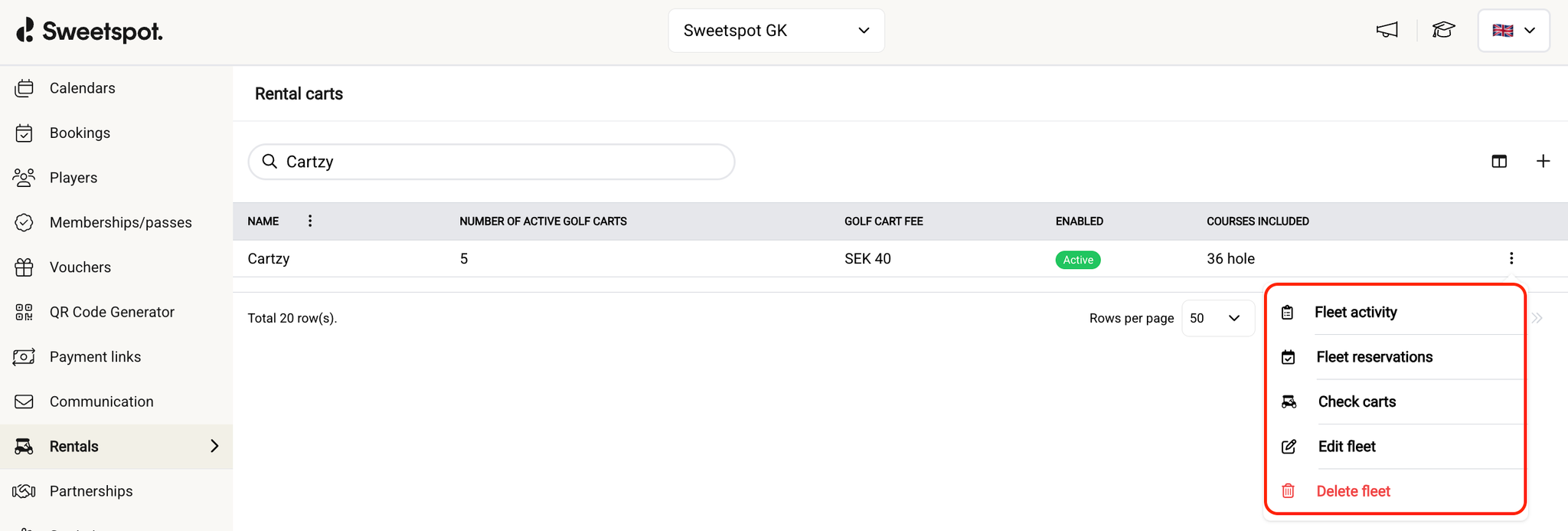
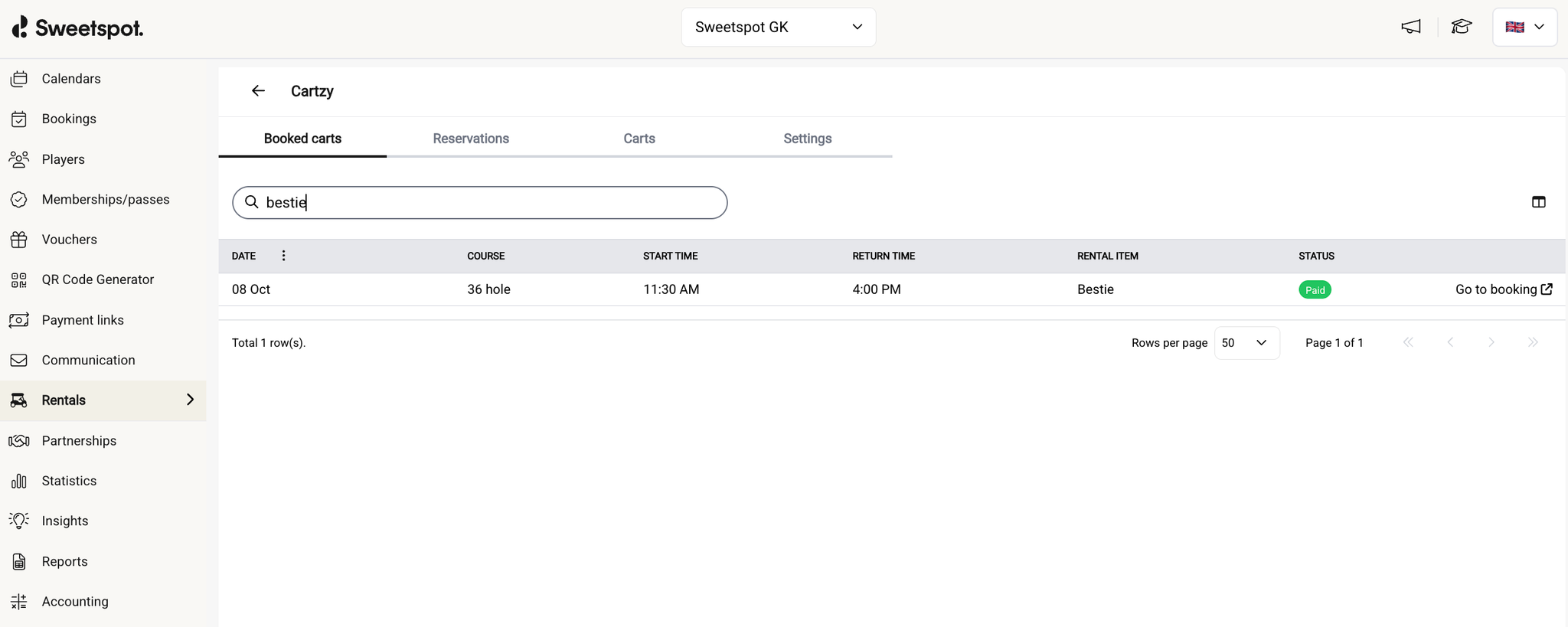
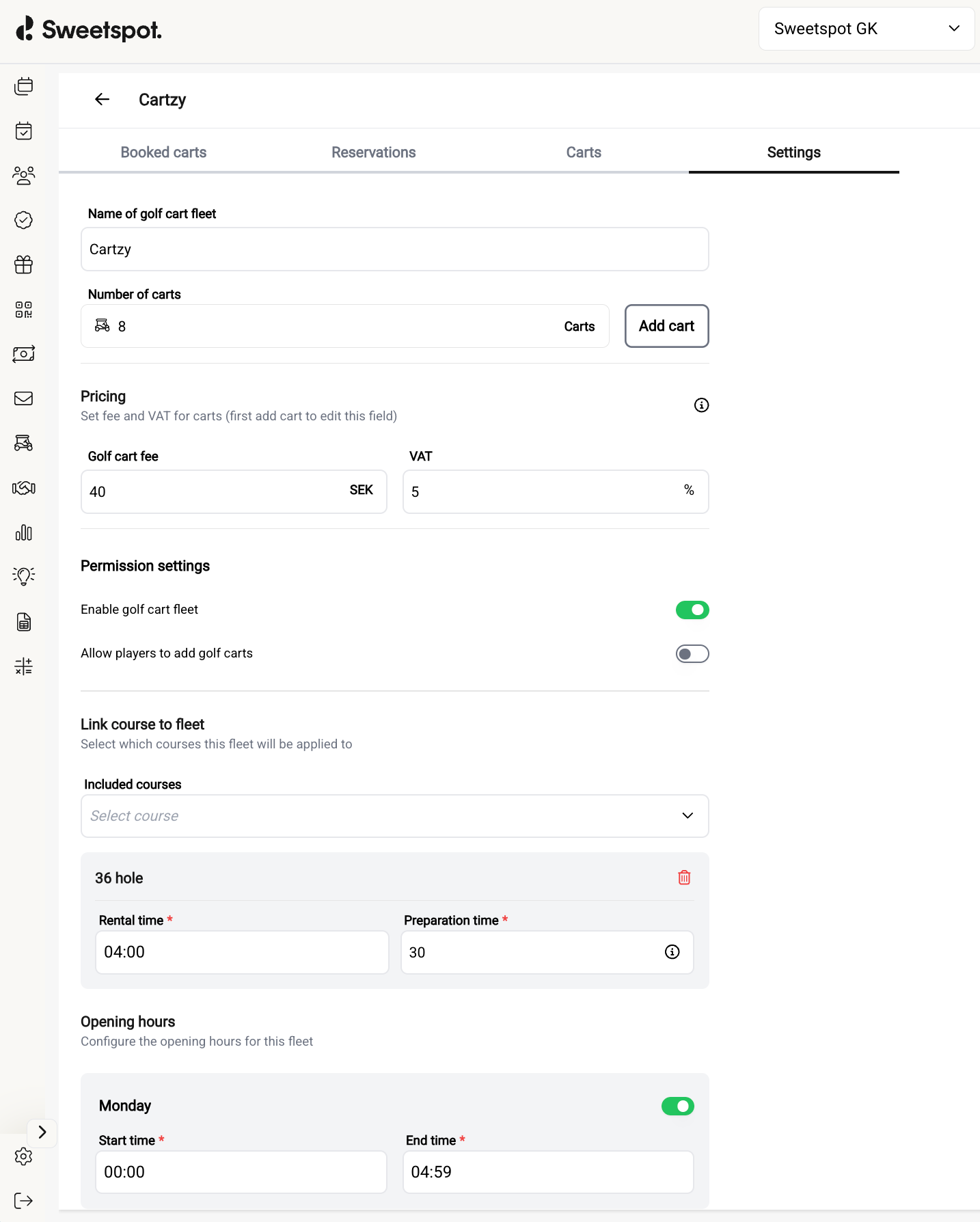
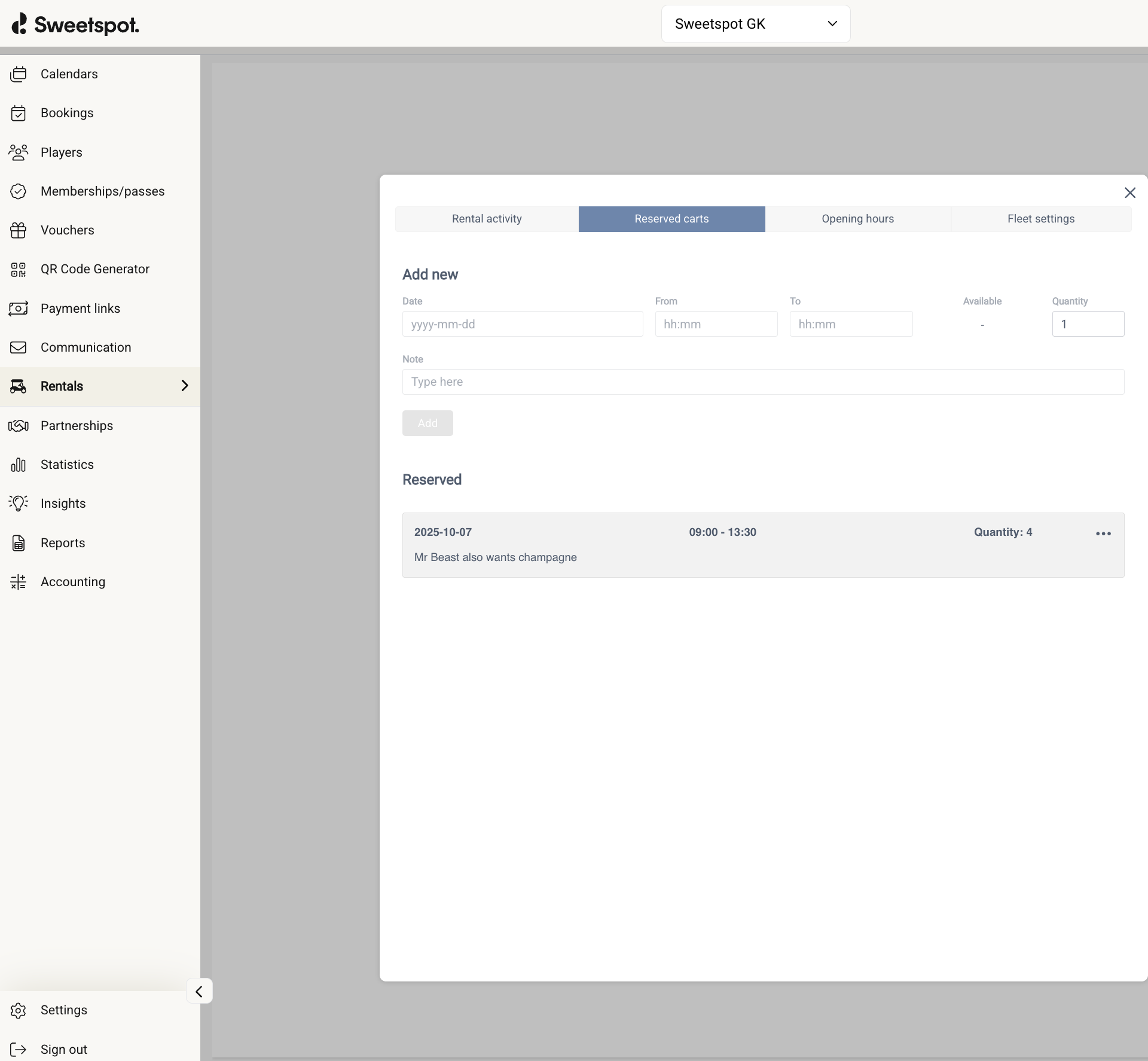
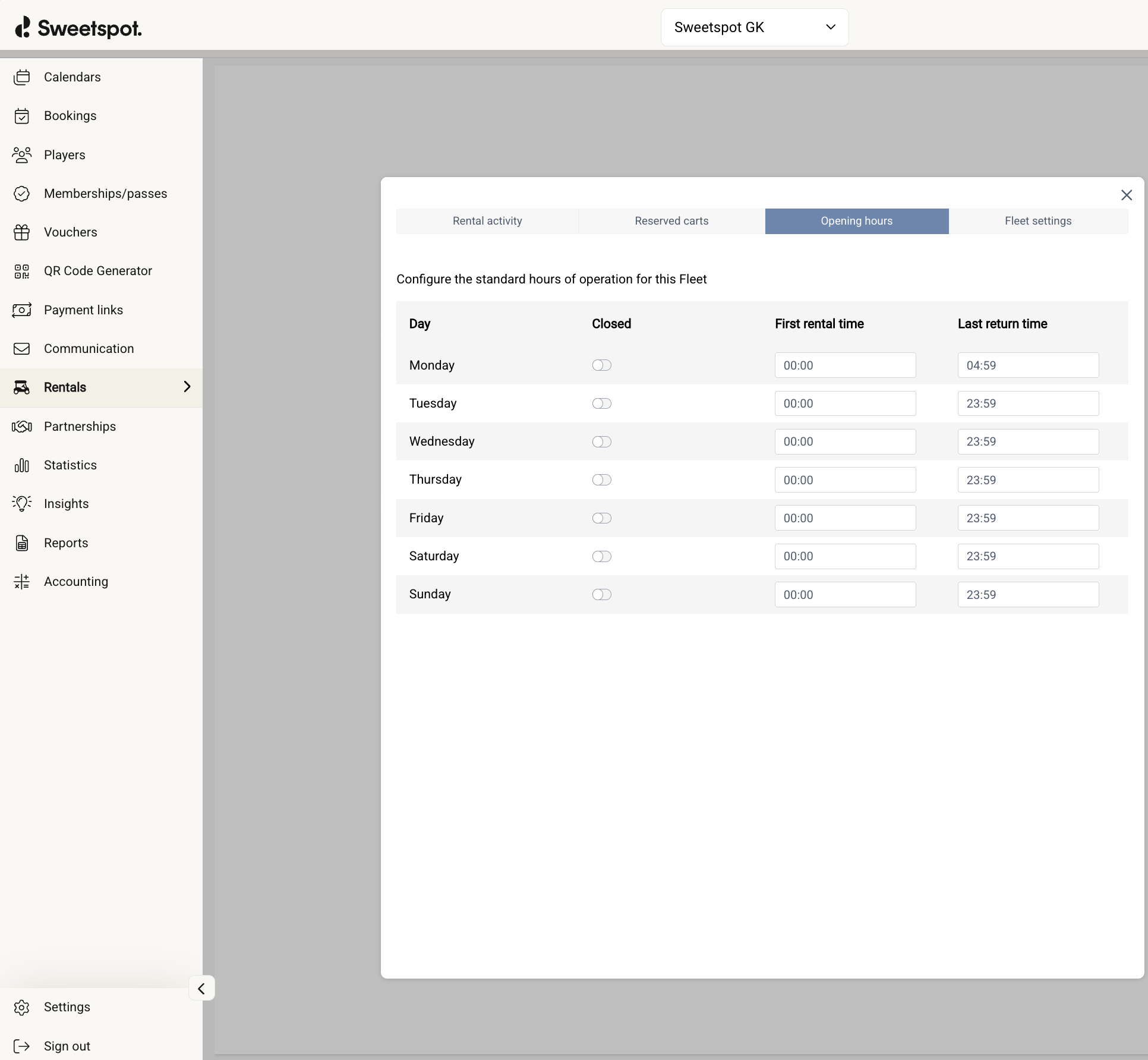
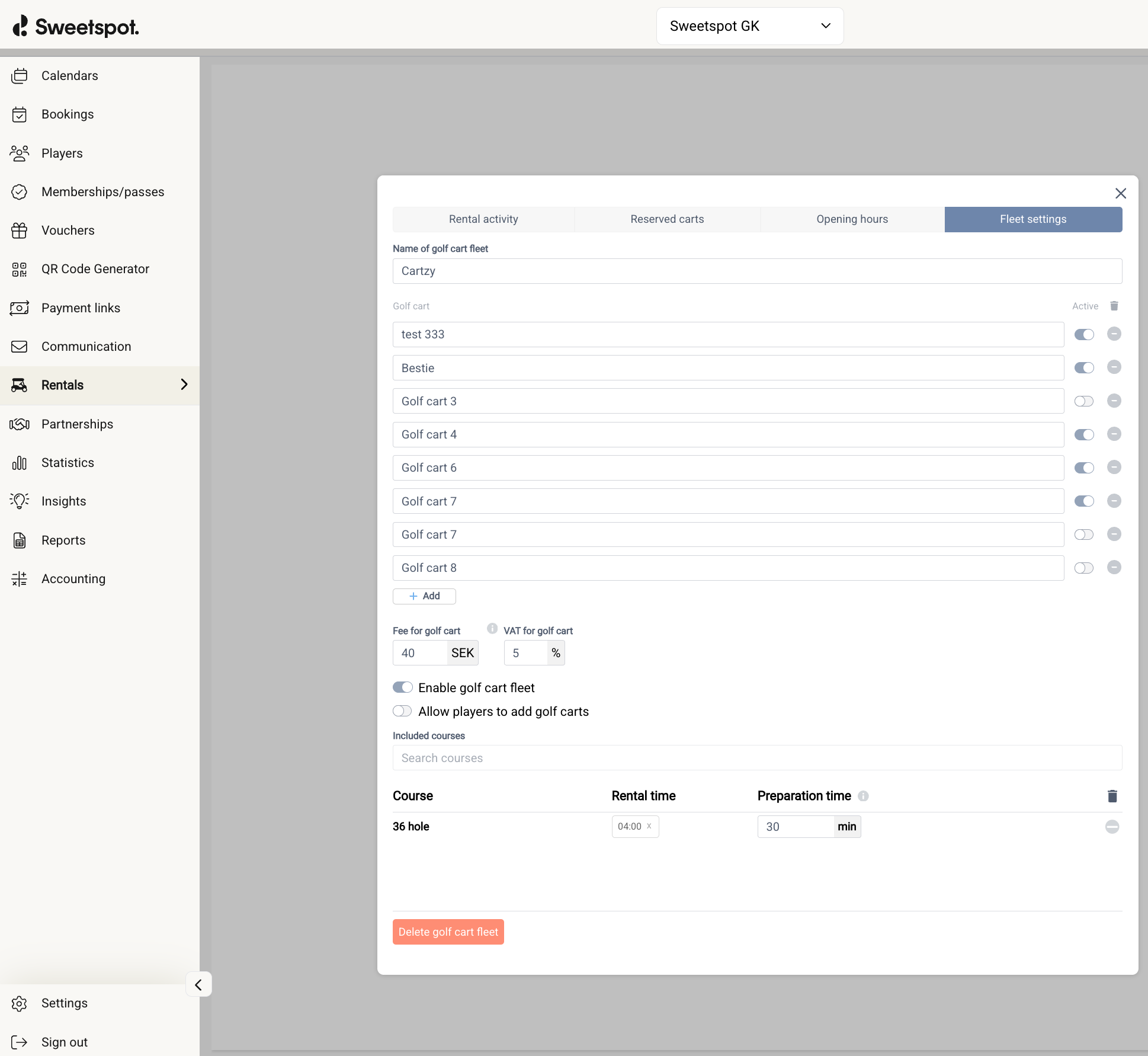
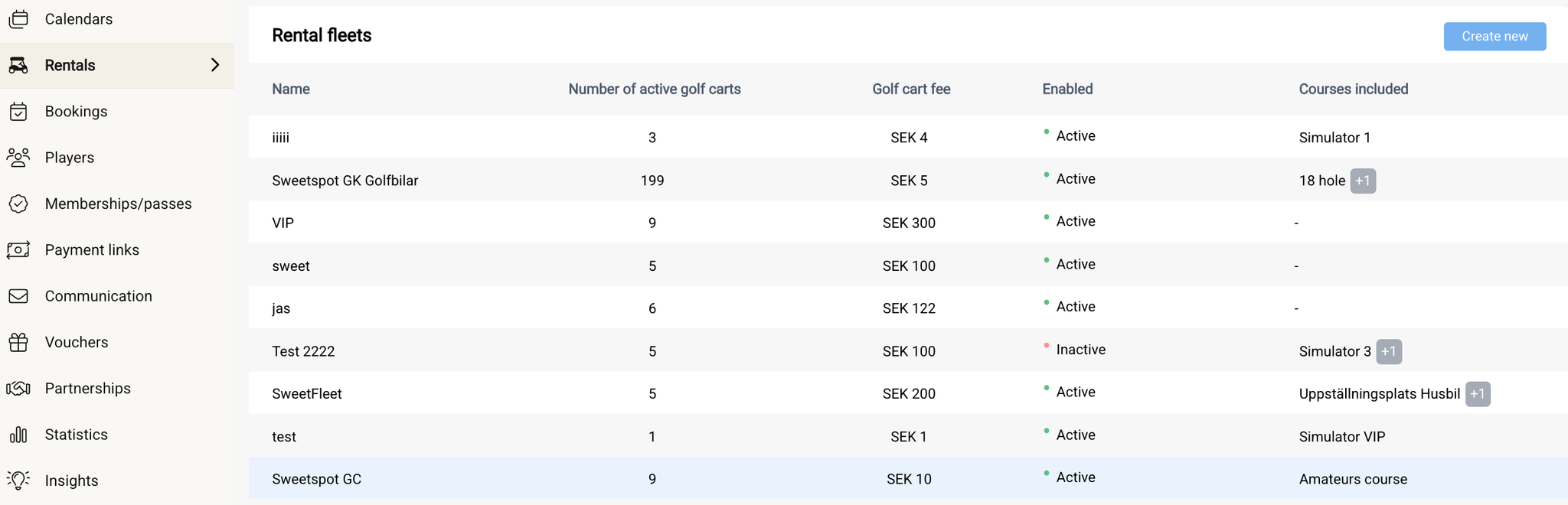
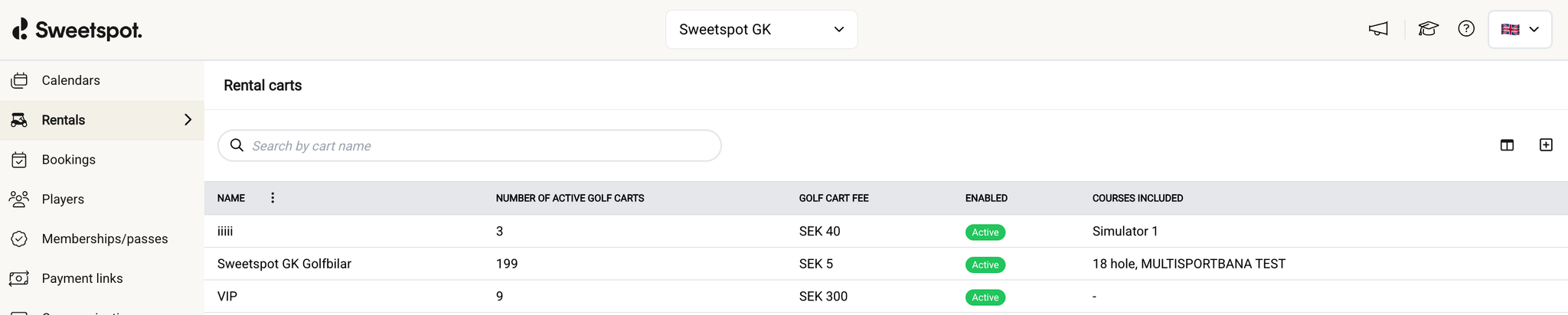
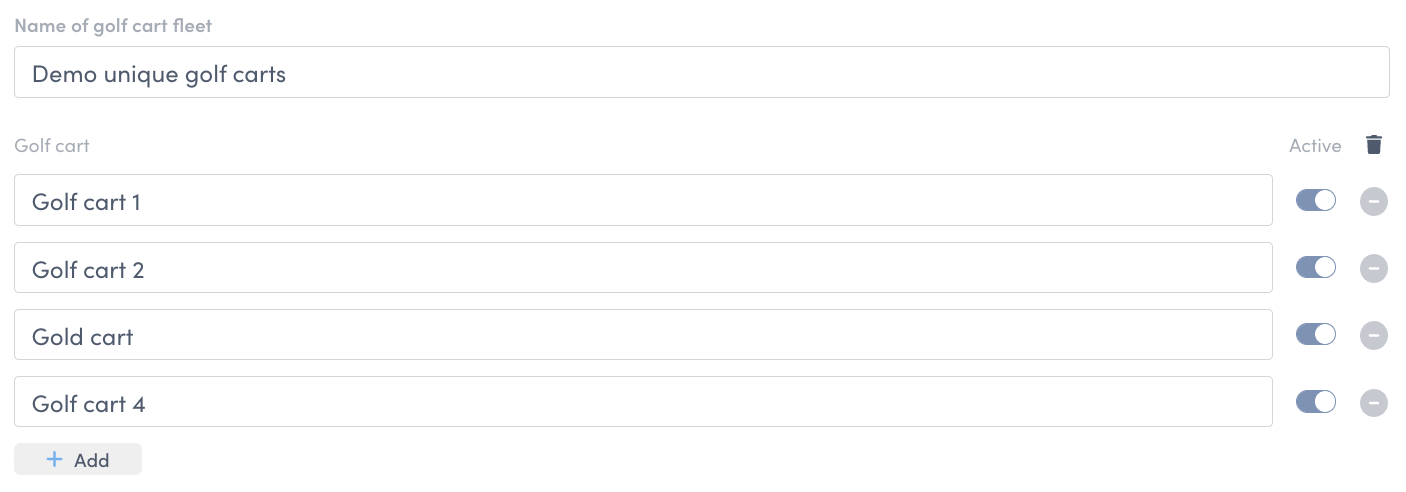
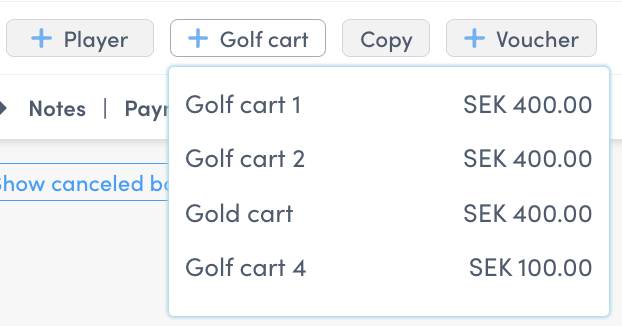
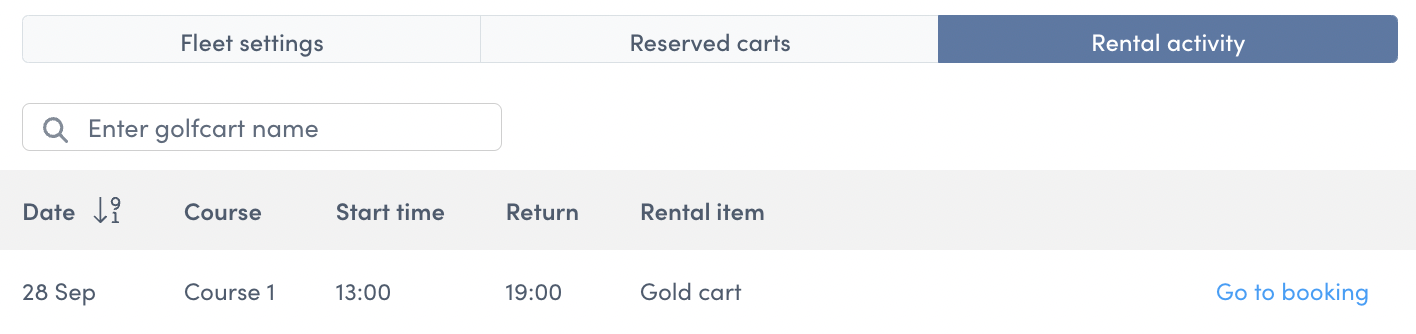
We’ve redesigned the cart rental creation screen to align with our new design system—making it easier and faster for your team to manage and configure your rental fleet. The improved layout offers clearer navigation, streamlined workflows, and a more intuitive user experience. It’s all part of our effort to help you operate more efficiently.
Our Pay & Dispense product for ranges previously supported only Range Servant Ultima machines (all Ultima types).
What’s New
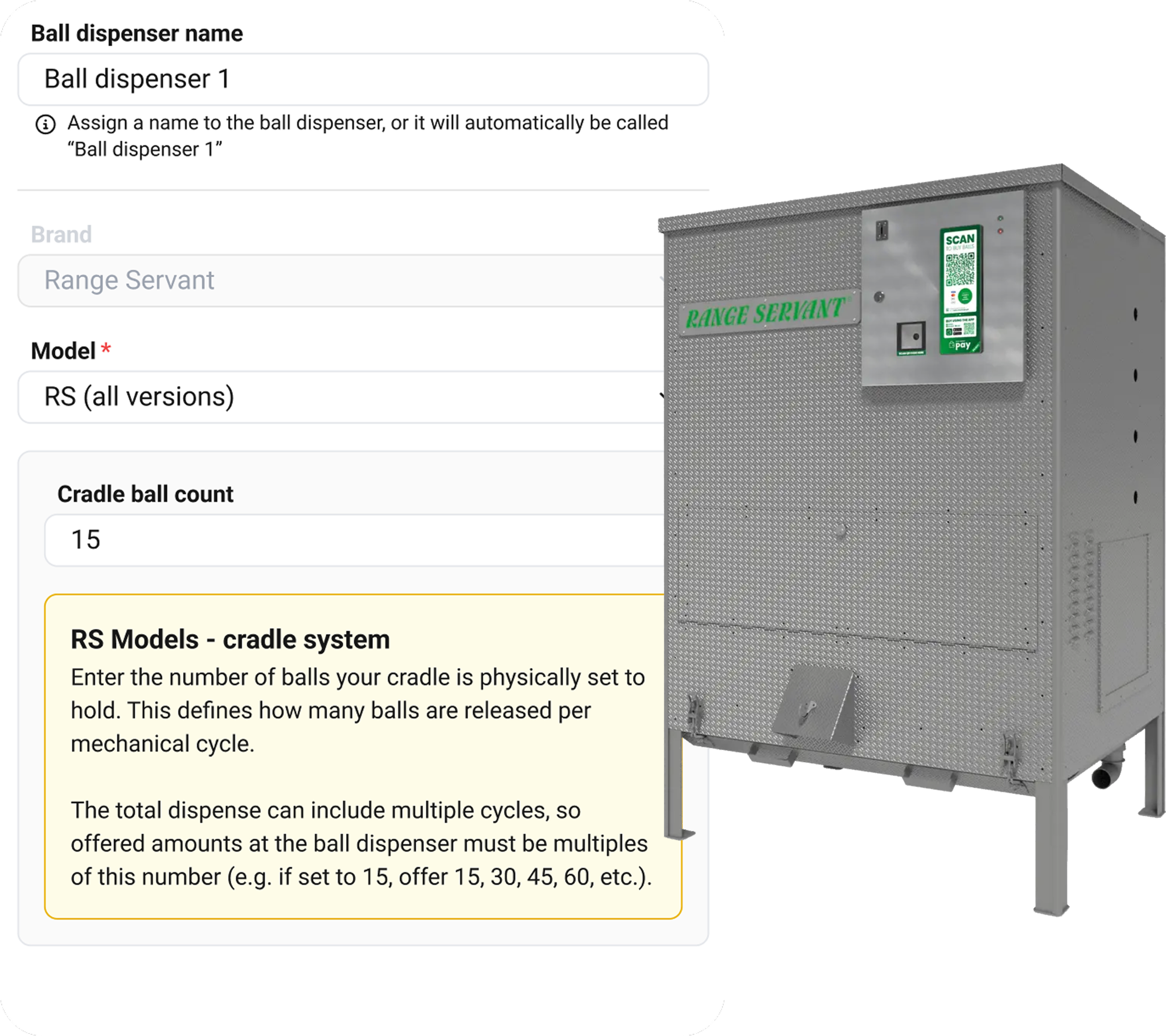
Pay & Dispense now supports all Range Servant RS models, in addition to the Ultima range.
While RS machines are used in Sweden, they are even more common internationally. Through our partnership with Range Servant, this update makes Pay & Dispense available to a much larger share of venues.
We’ve refreshed the design of the description pages for memberships and passes. The new layout makes it easier for customers to quickly read, understand, and see exactly what’s included in their purchase.
This update is designed to help you set clear expectations, build confidence, and enhance the overall customer experience.
We’ve analysed how clubs use the portal—and we’ve made a simple, data-backed improvement.
To streamline your workflow, we’ve reordered the main menu based on usage patterns. The voucher and QR code generator tabs—two of your most-used tools—are now front and centre. Meanwhile, less-used items like rentals have been moved further down, keeping your most important actions just a click away.
This update is part of our ongoing effort to turn insight into impact—making it easier for you to focus on what matters most: running a smooth operation and delivering great experiences.
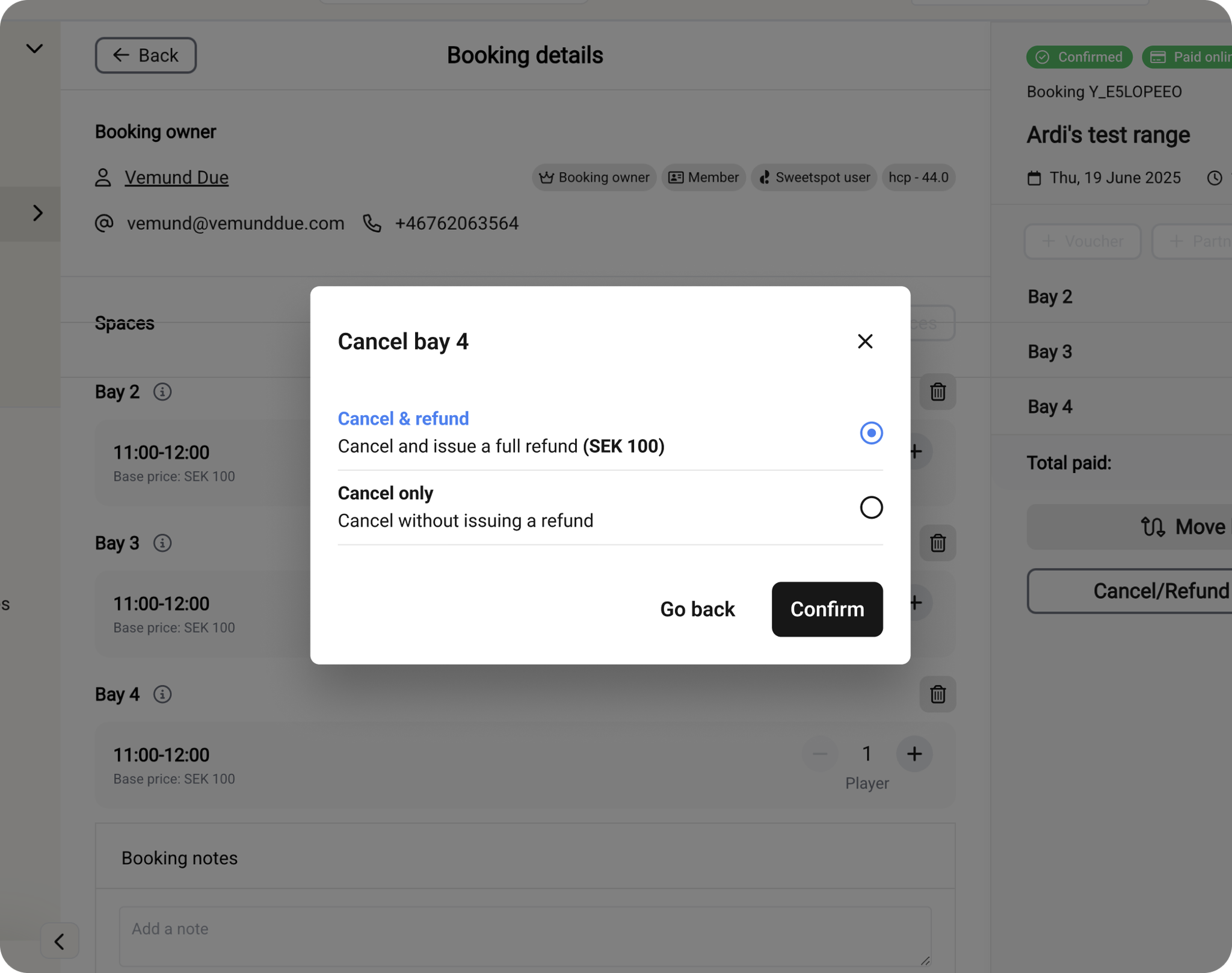
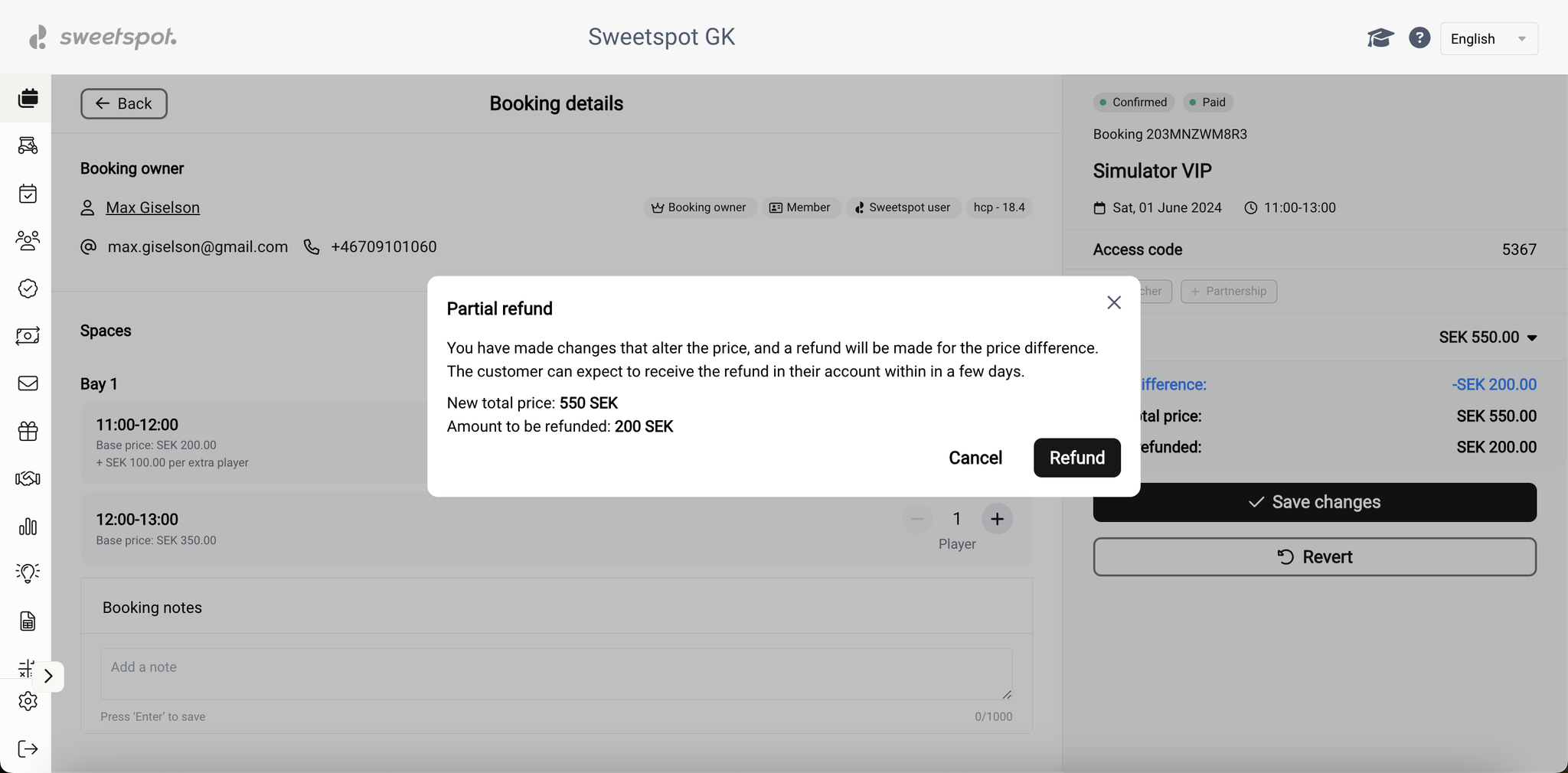
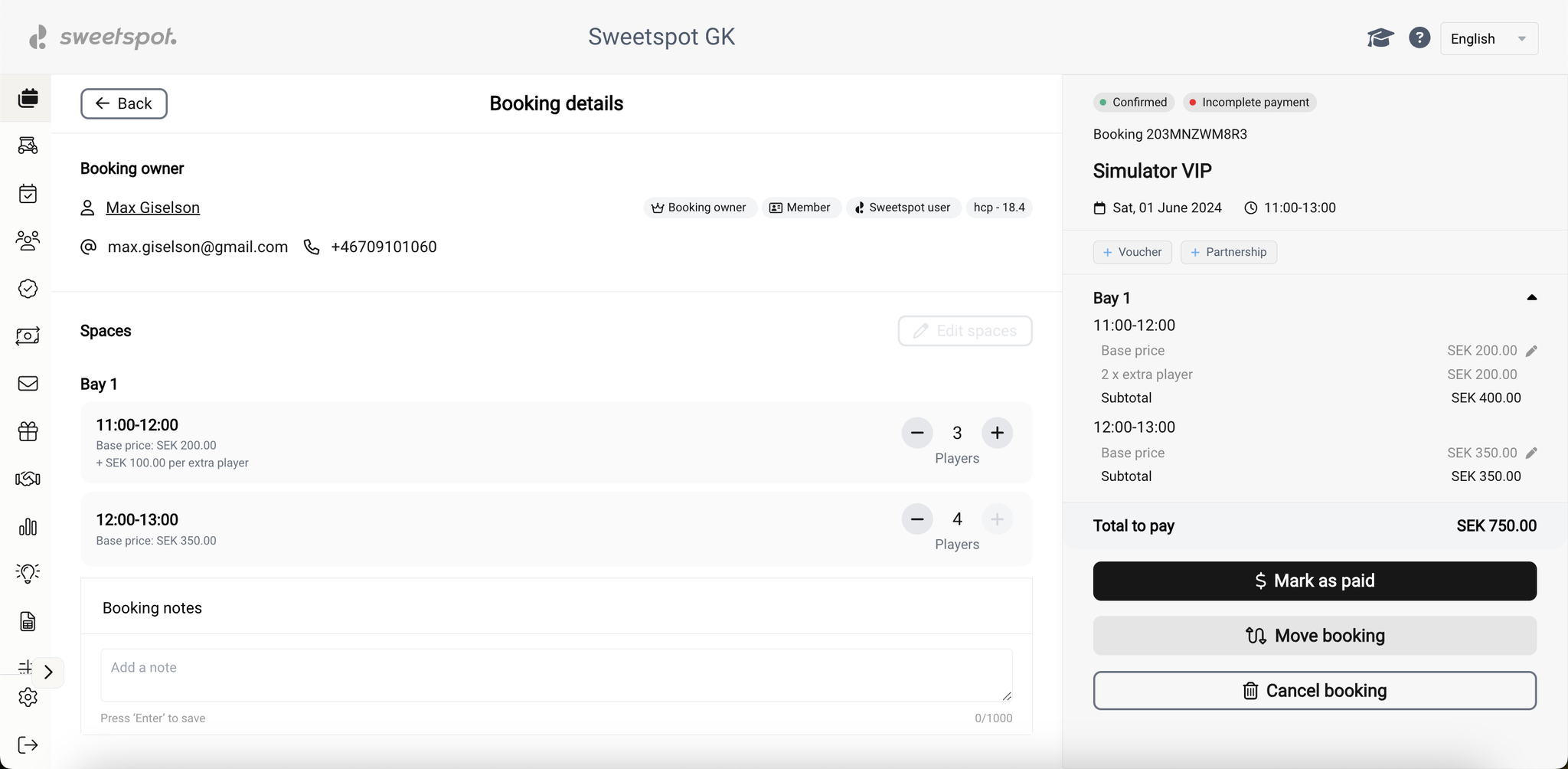
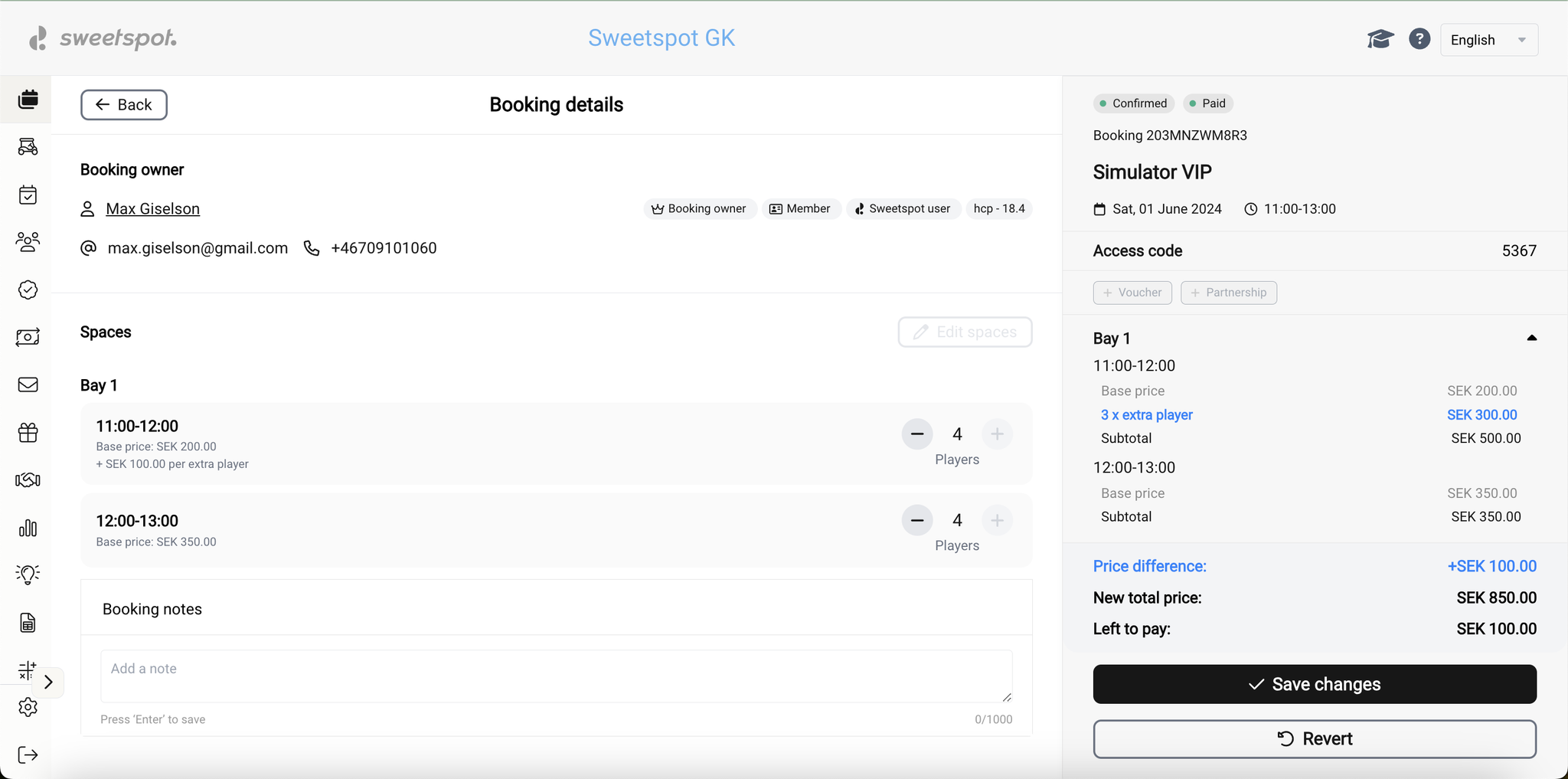
We’ve made it easier to manage multi-space bookings. You can now remove individual spaces or bays from a paid booking without having to cancel the entire booking.
How It Works
When you remove a space or bay from a paid booking, you can choose:
Cancel & Refund – The amount paid for that space/bay will be refunded (including payments made with play value, vouchers, or memberships).
Cancel Only – The space/bay is removed, but no refund is processed.
Key Details
This feature applies to off-course bookings only (simulators, range, pro, extras).
It is currently available to club users only. Larger bookings are usually made over the phone or by email, and not via the app.
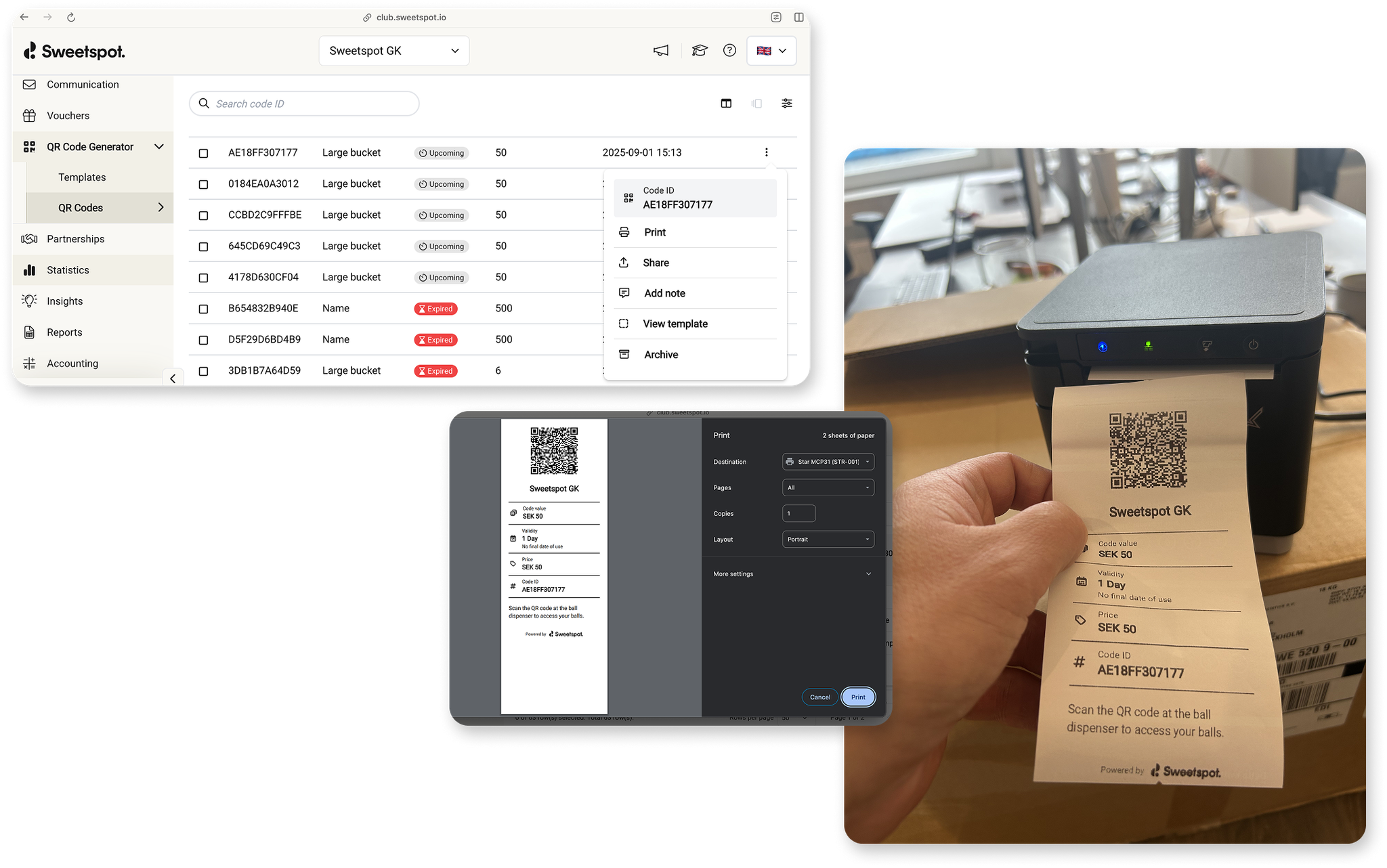
We’ve added the ability to generate static QR codes for Pay & Dispense — and now you can either print them or share them digitally.
What’s New
You can now create templates with:
Value, validity period, and price
Batch generation and printing of QR codes
Distribution options: print on a clean, receipt-style slip or share directly via email or SMS (requires setup on your computer)
Players can simply scan the QR code at the dispenser to redeem their balls.
Example Use Cases
Cash payments – Hand a QR slip to players paying at reception.
Junior players – Parents can buy balls for kids who don’t have a phone.
Events & group sessions – Batch-generate and print QR codes for large groups, or send them digitally in advance.
Why This Matters
Static QR codes make Pay & Dispense more flexible, supporting players who don’t have a booking, don’t carry a phone, or need a convenient way to redeem balls at events.
Our Pay & Dispense terminal lets players purchase and dispense balls directly at the machine — either by card (for walk-in customers) or via memberships, passes, booking QR codes, or static QR codes.
What’s New
Some venues prefer to limit card purchases at the dispenser — for example:
To encourage customers to buy passes or check in at reception before playing.
To restrict access to member-only dispensers (e.g., on a members-only floor).
You can now:
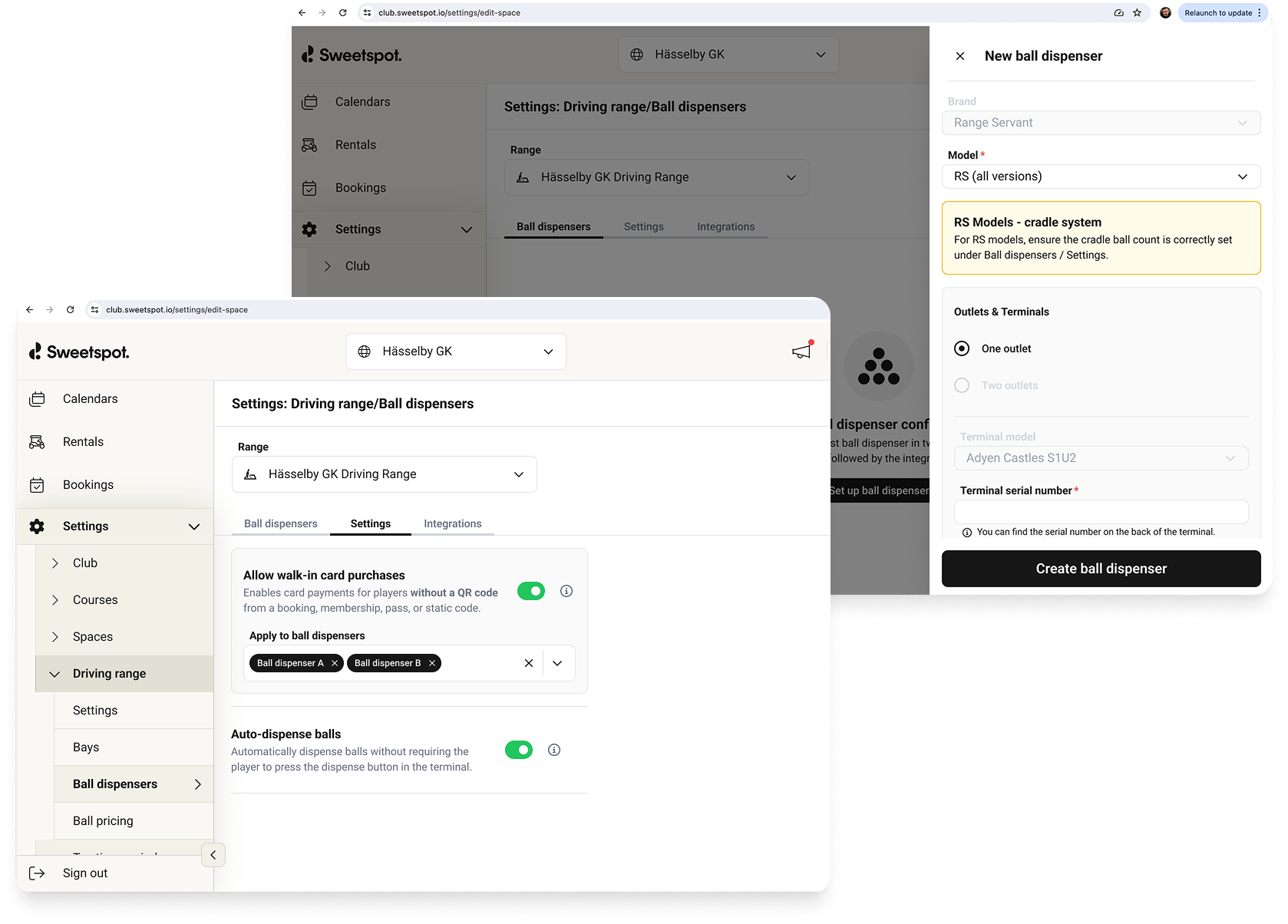
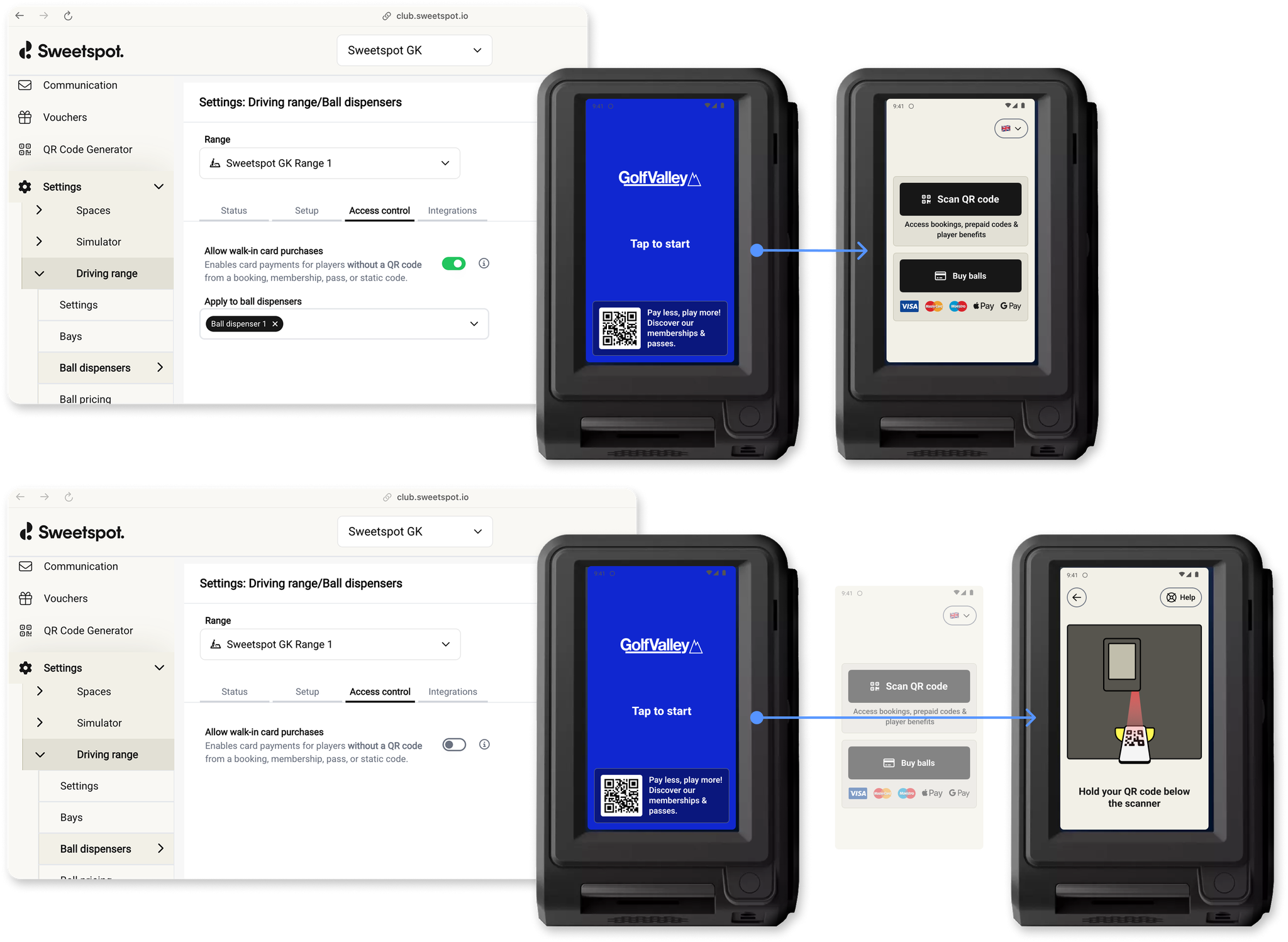
Enable or disable walk-in card purchases at dispensers.
Apply this setting per dispenser if you have multiple machines at your venue, giving you full control over where direct card sales are allowed.
This feature helps venues manage access and sales more effectively — ensuring only the right players can purchase balls at the right dispensers, while still allowing membership and QR code redemptions as usual.
Yesterday, Sweetspot experienced an unexpected downtime of approximately two hours. We want to sincerely apologize for the disruption this may have caused.
For the past six months, we have been investing heavily in strengthening our platform’s infrastructure. This includes a major rewrite of our underlying code to make Sweetspot faster, more reliable, and more scalable for the future. We’re already seeing significant improvements in performance as a result of these efforts.
That said, during this transition, there are still moments where unforeseen issues occur—yesterday being one of them. Please know that we are doing everything in our power to minimize the impact of such events. For example, we schedule changes during time windows when your operations are least likely to be affected, should an issue arise.
In the long run, these improvements will give you a much stronger, faster, and more resilient Sweetspot experience. We greatly appreciate your trust and patience as we complete this important transformation. We will continue to keep you informed about our progress so that you always know what to expect.
Thank you for being a valued partner.
Kära Kund,
Igår upplevde Sweetspot en oväntad driftstörning på cirka två timmar. Vi vill börja med att be om ursäkt för de störningar detta kan ha orsakat.
Under de senaste sex månaderna har vi gjort stora investeringar i att stärka vår plattforms infrastruktur. Detta innebär bland annat en omfattande omskrivning av vår kod för att göra Sweetspot snabbare, mer driftsäkert och mer skalbart för framtiden. Vi ser redan nu tydliga förbättringar i plattformens prestanda.
Samtidigt innebär denna övergång att det fortfarande kan uppstå oförutsedda problem – vilket tyvärr var fallet igår. Vi gör dock allt vi kan för att minimera påverkan. Till exempel schemalägger vi förändringar under tidsfönster där vi vet att er verksamhet påverkas minst, om något oförutsett skulle inträffa.
På sikt kommer dessa förbättringar att ge er en betydligt starkare, snabbare och mer pålitlig Sweetspot-upplevelse. Vi uppskattar verkligen ert tålamod och förtroende under denna viktiga utvecklingsresa. Vi kommer att fortsätta hålla er uppdaterade så att ni alltid vet vad som händer.
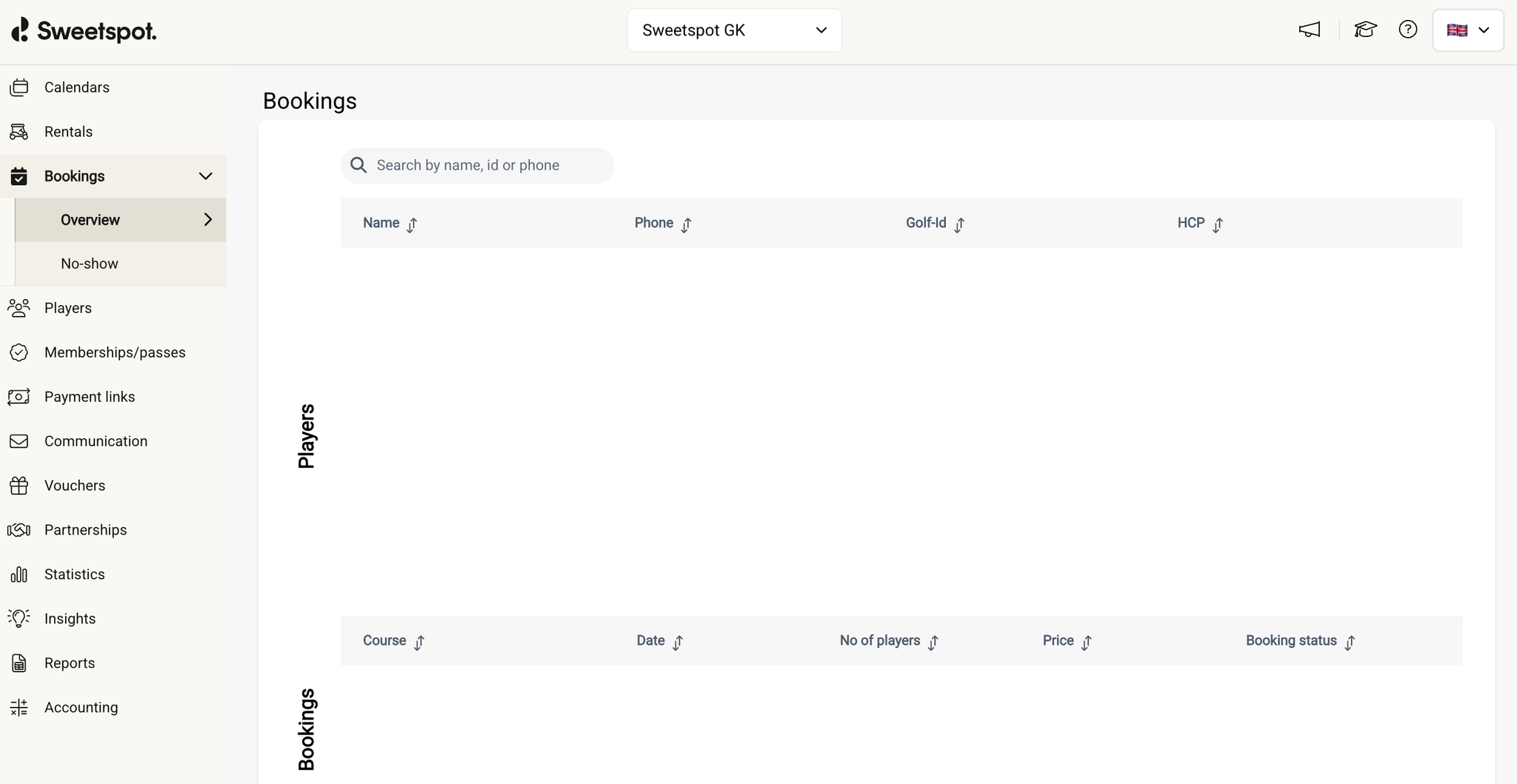
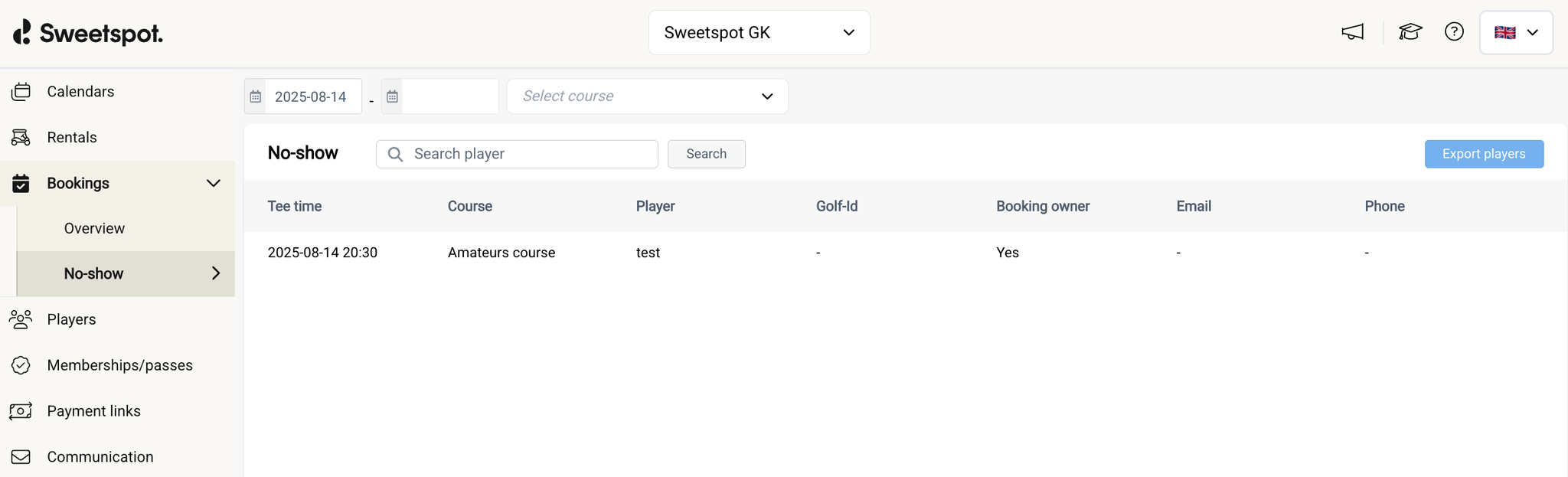
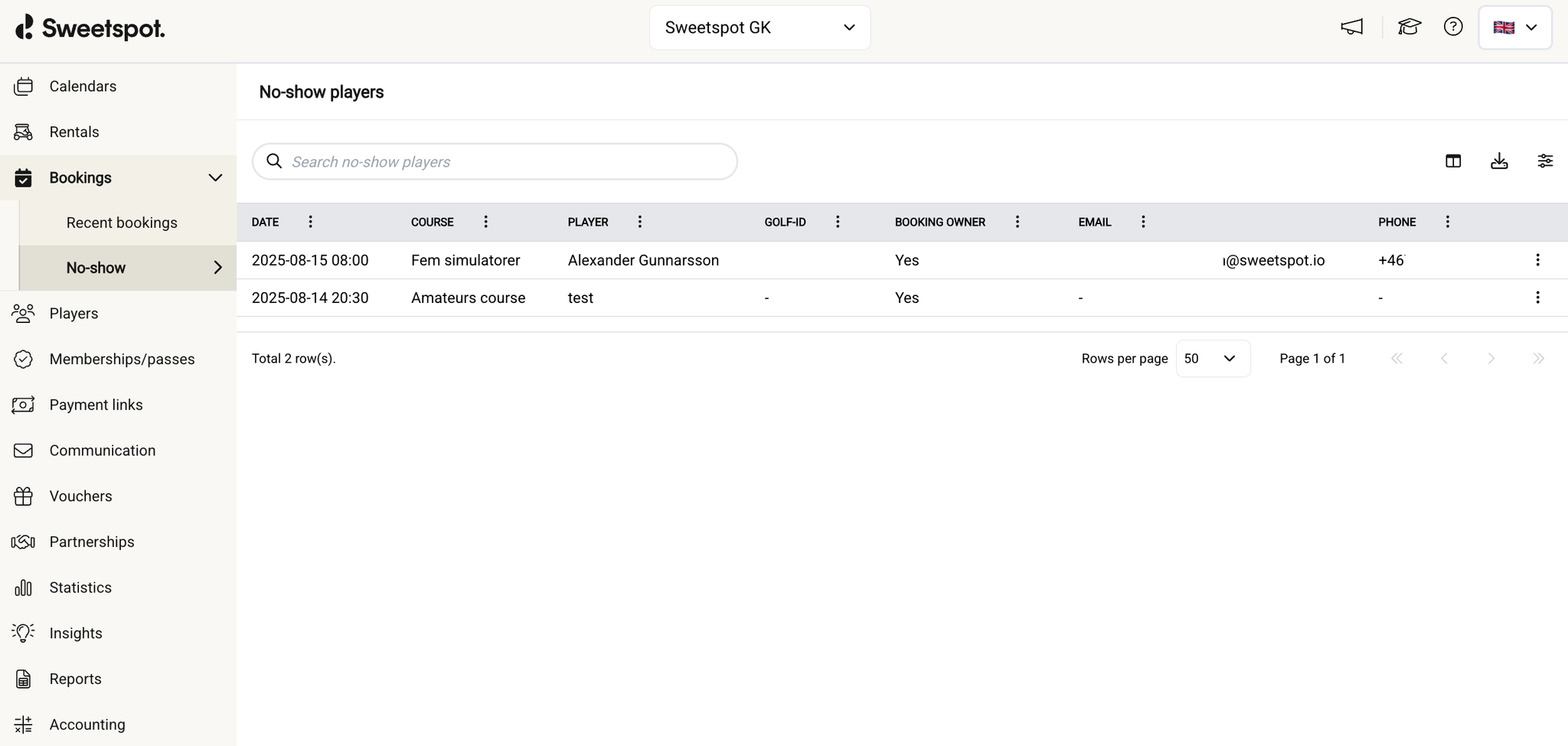
We’ve redesigned the Bookings tab in the club portal, both visually and functionally, to make it easier to navigate, track recent bookings, and manage no-shows.
Because the overview tab had very low usage, it has now been repurposed to show the 50 most recent bookings across all your venue assets. This update is designed to give you a quicker, more useful snapshot of recent activity at your venue.
For broader insights, you can still search for a specific booking of an individual player via the Players table, or access aggregated booking data in Reports.
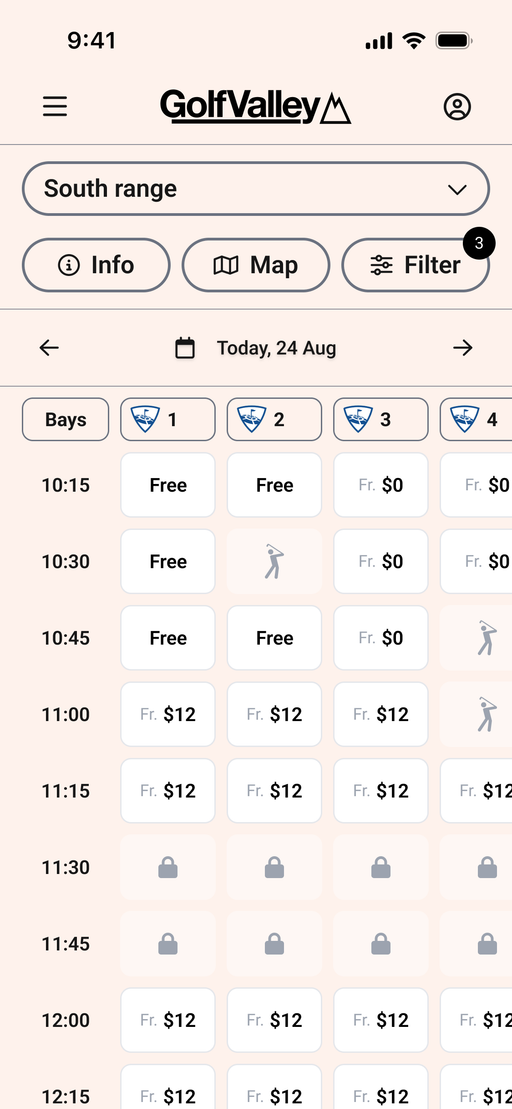
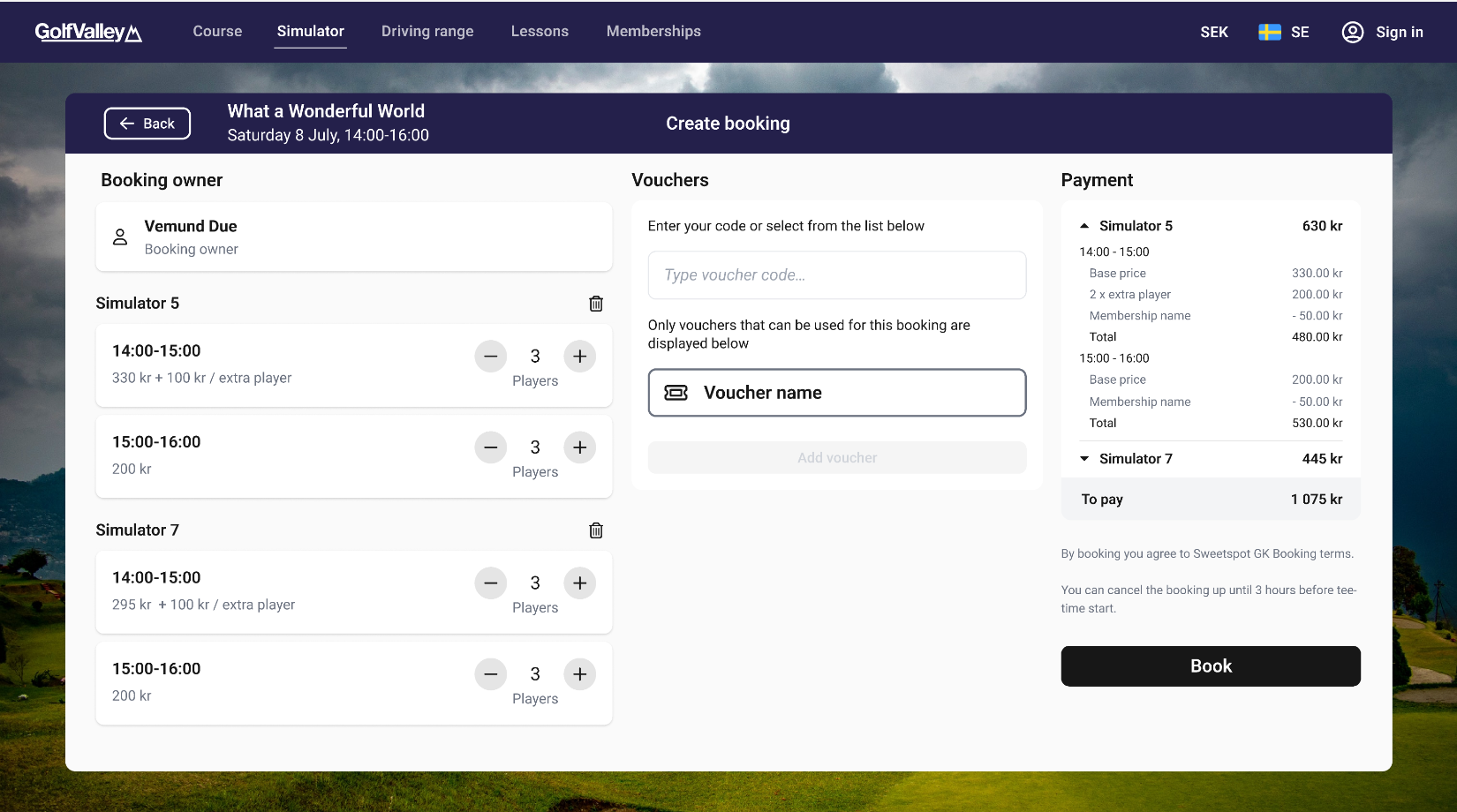
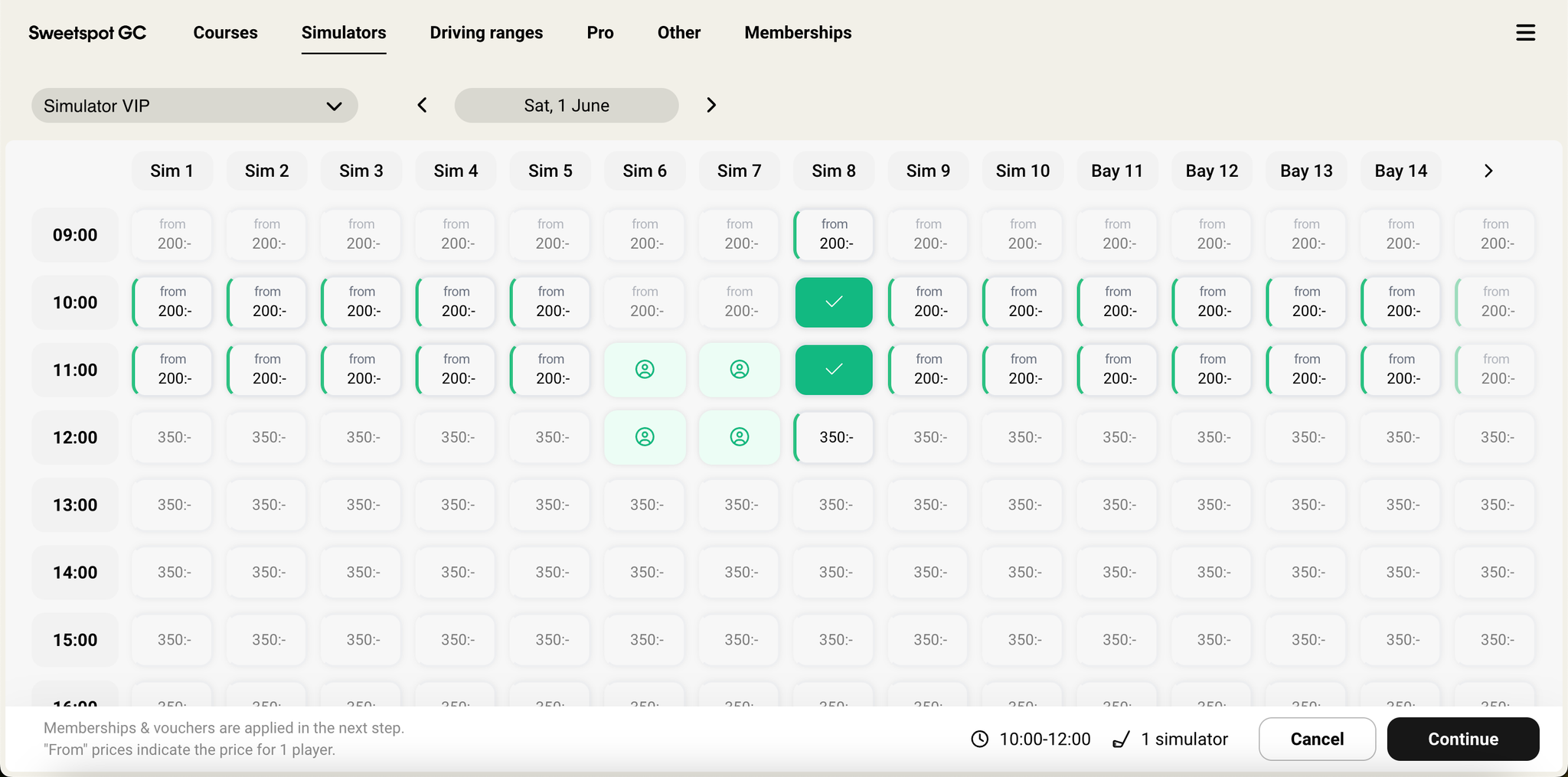
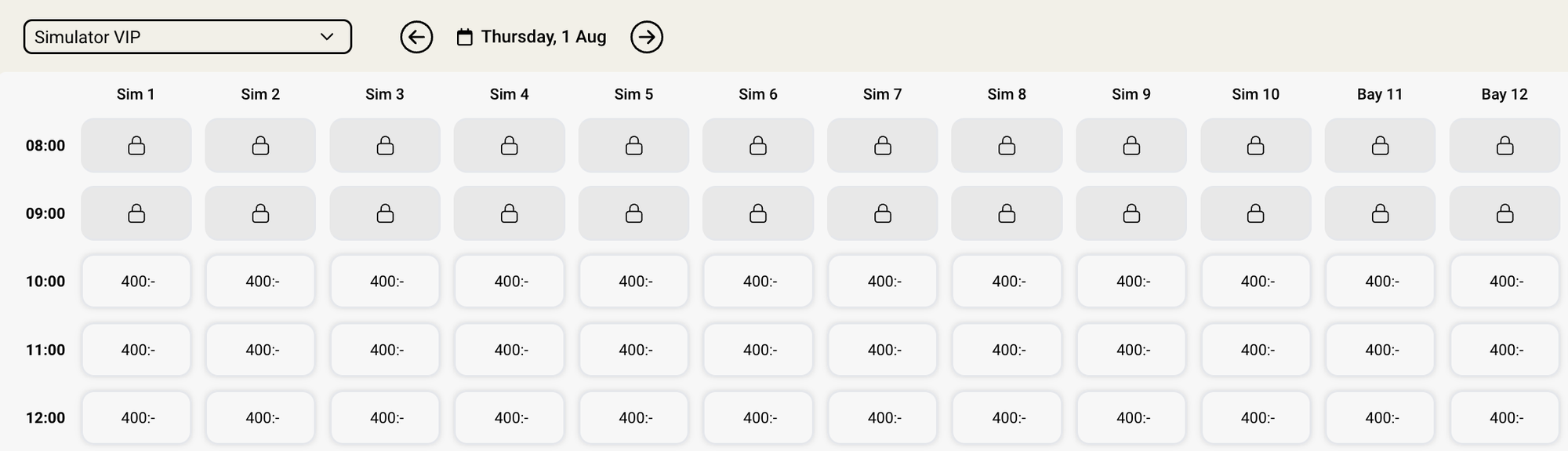
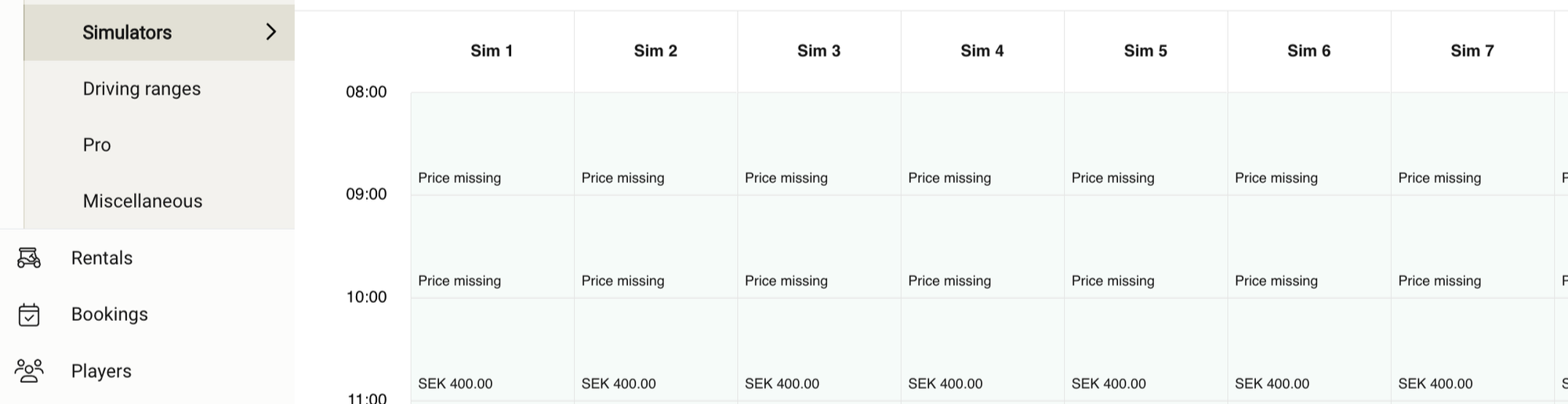
We’ve updated our platform to allow time slots with a price of 0 to be bookable for off-course areas—including simulators, ranges, academy and extras categories.
This change enables new use cases such as custom fittings, trial bookings, or setups where revenue isn’t tied directly to booking time. For example, some ranges may still sell balls rather than booking time, but want to start using the booking system to manage flow or collect player data.
Previously, time slots with a price of 0 were automatically marked as unbookable, and players would see a lock icon on those time slots.
Price display behavior:
If a time slot has 0 base price and 0 price per extra player, it will be shown as "free".
If a time slot has 0 base price but a price per extra player, it will be shown as "from 0".
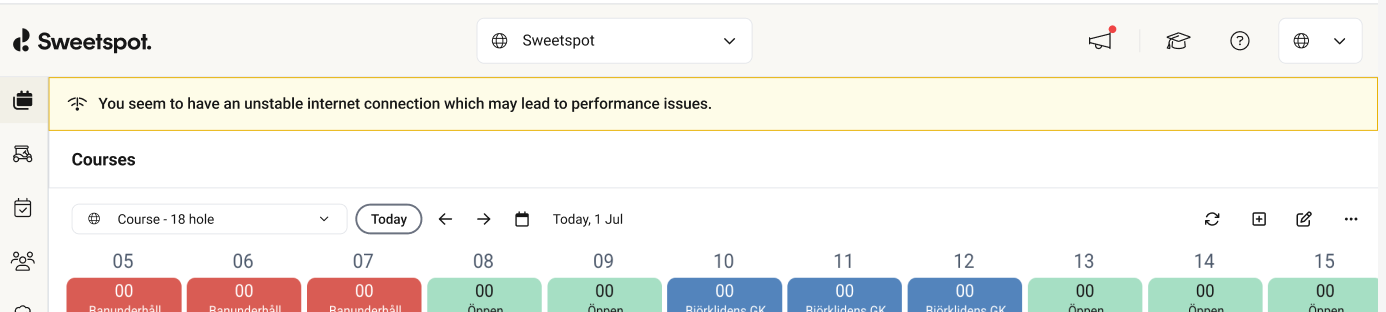
We’ve added a subtle new improvement to the tee sheet—an automatic alert that notifies you when your internet connection becomes unstable. As inconsistent connectivity can disrupt your workflow and lead to errors. This new disclaimer ensures your staff is aware the moment performance might be impacted, helping you take action.
A warning bar automatically appears at the top of the screen if Sweetspot detects an unstable internet connection on your device. This will be displayed on all calendar types.
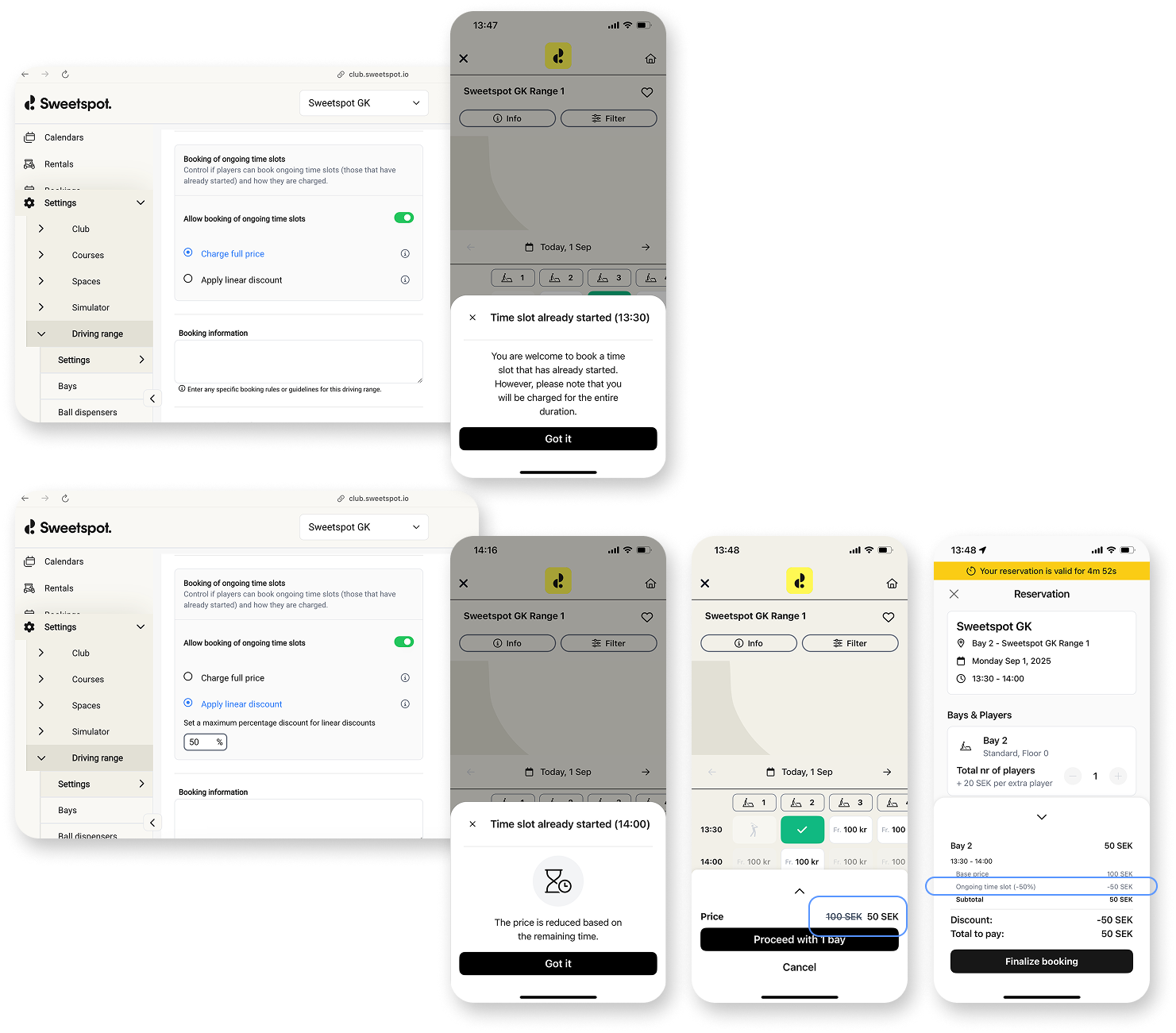
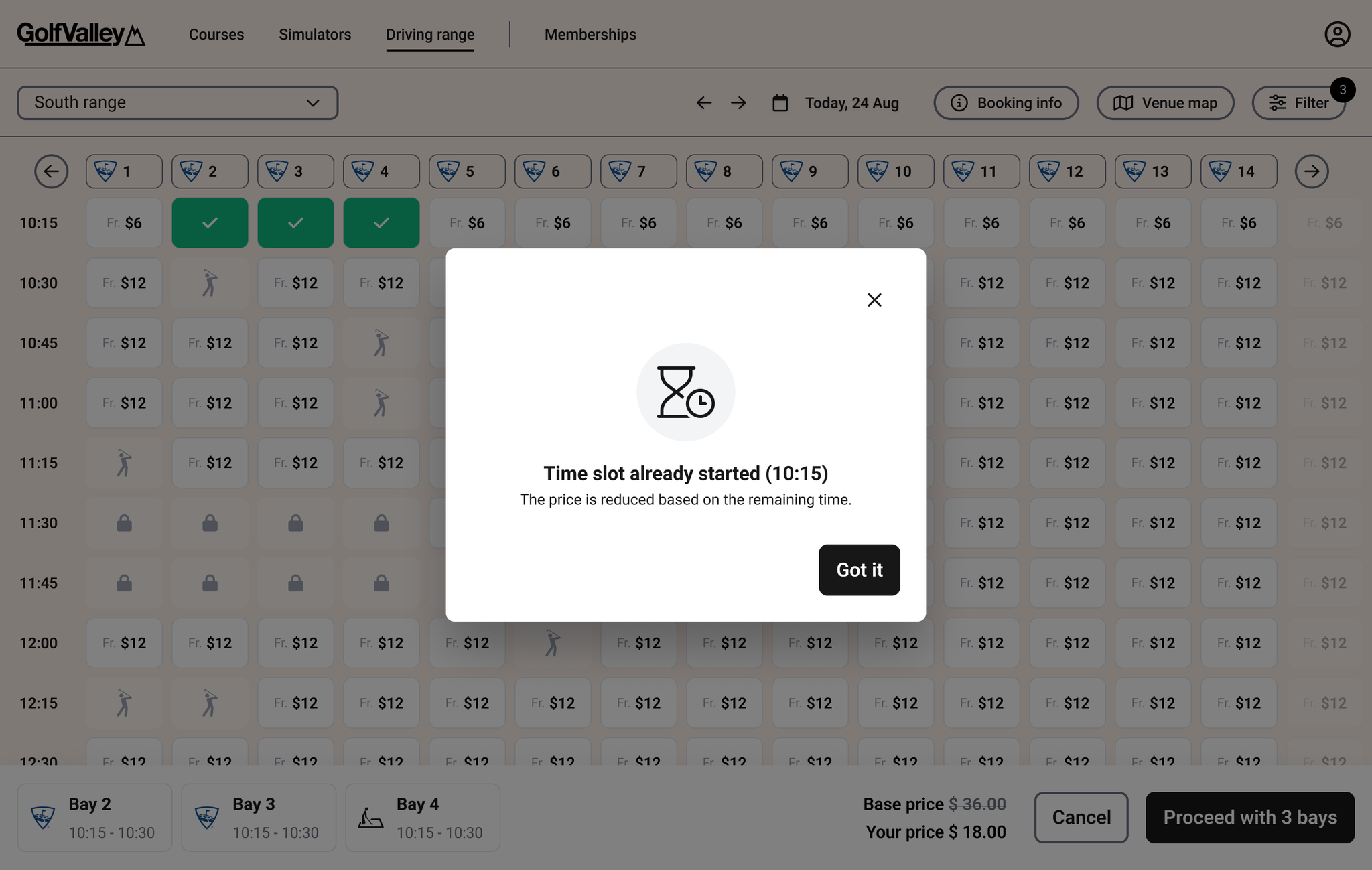
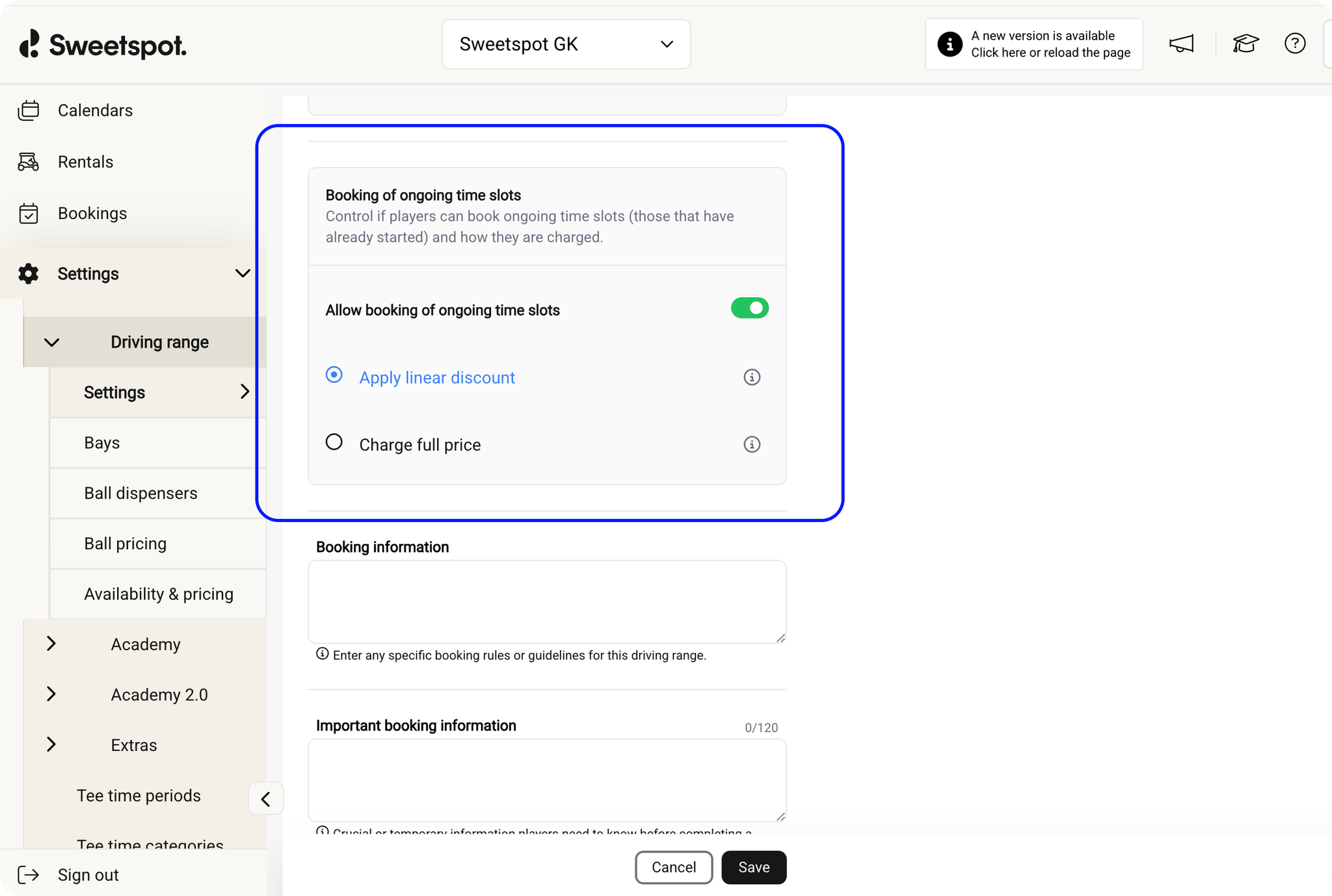
2 months ago, we released the ability to automatically discount already-started off-course time slots based on how much time had passed. We’ve now added the ability to set a maximum discount percentage for those slots.
What’s New
Maximum Discount Control – Prevents prices from dropping below a set threshold, no matter how much of the time slot has elapsed.
Supports Variable Pricing Models – We chose a max discount approach (rather than a minimum price) to work seamlessly with dynamic and variable pricing structures.
This enhancement gives clubs more control over revenue, ensuring that last-minute or walk-in bookings can still be attractively priced without being discounted too heavily.
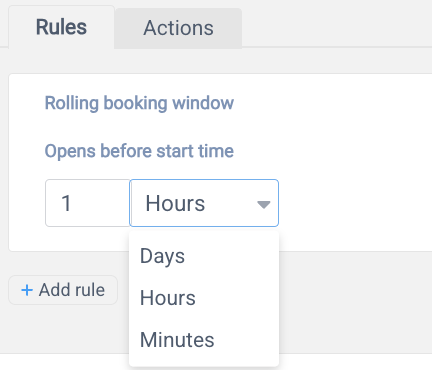
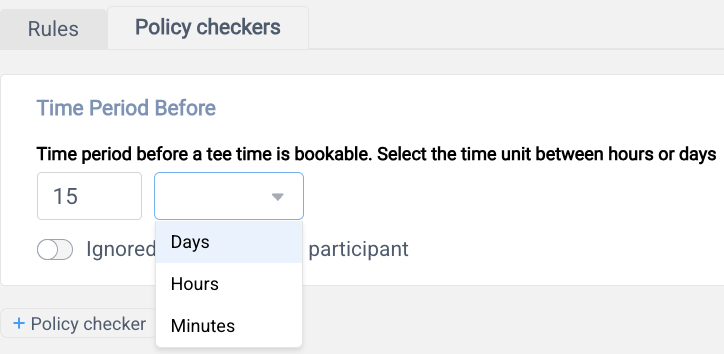
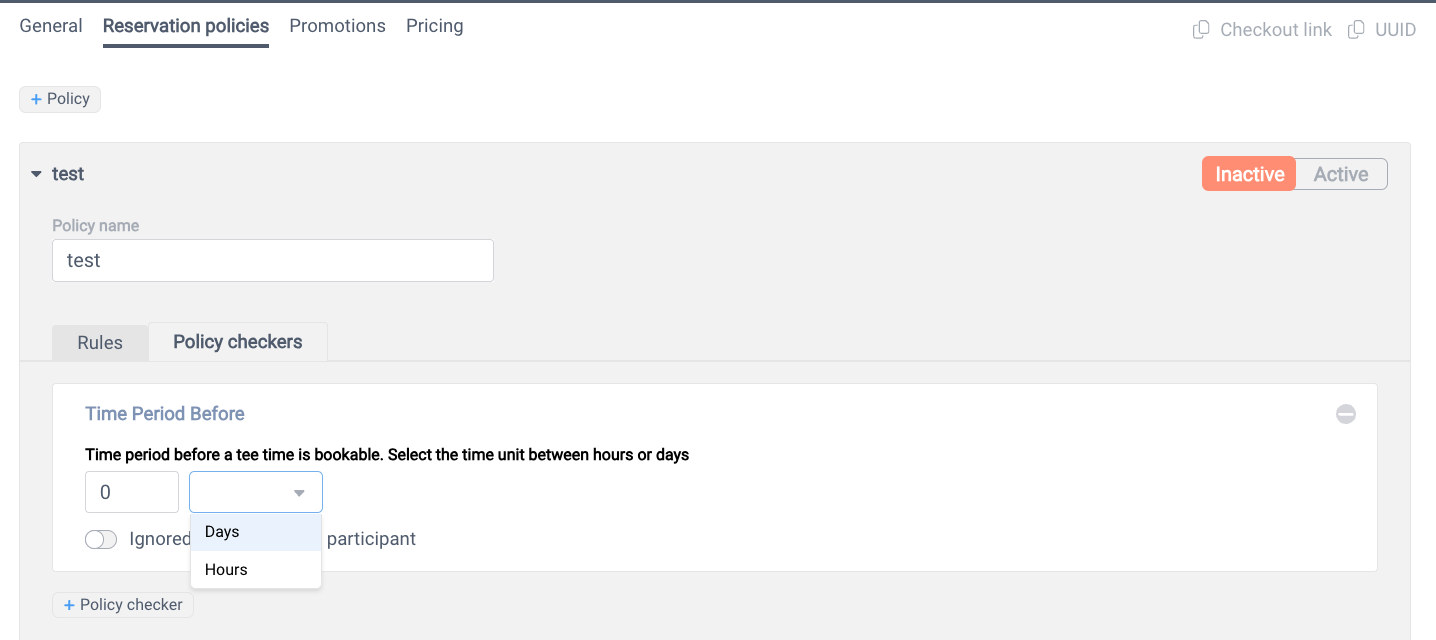
Minute-Level Precision in rules and policy checker
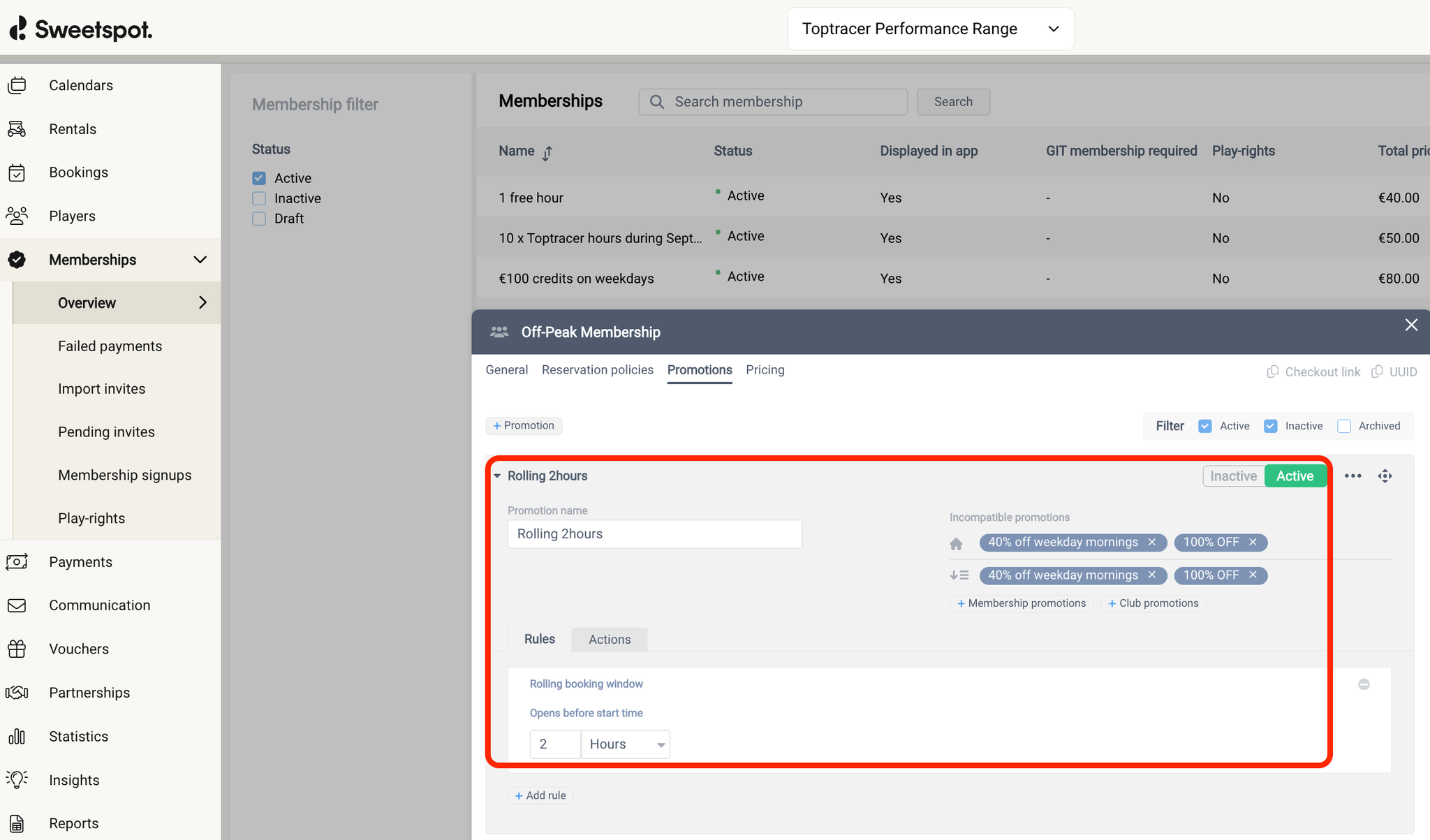
Until now, we only supported days and hours configurations. We’re excited to announce that we now support minute-level granularity—ranging from 1 to 59 minutes.
This opens up powerful new possibilities to optimize occupancy and increase revenue, especially for drop-in scenarios using the rolling booking window. Here are a few examples of how you can put this to work:
Unstaffed Simulator Venues: Offer steep last-minute discounts for specific membership types—for example, allow members to book with a discount 30 minutes before the start time.
Targeted Junior Discounts at Driving Ranges: Encourage junior participation by enabling a free hour access to Top Tracer bays when bookings are made 15 minutes in advance, during select weekday hours.
This added flexibility allows for more precise control and smarter, more dynamic pricing strategies—tailored to your operational goals.
PROMOTIONS/ RULES/ ROLLING BOOKING WINDOW
RESERVATION POLICIES/ POLICY CHECKER/ TIME PERIOD BEFORE
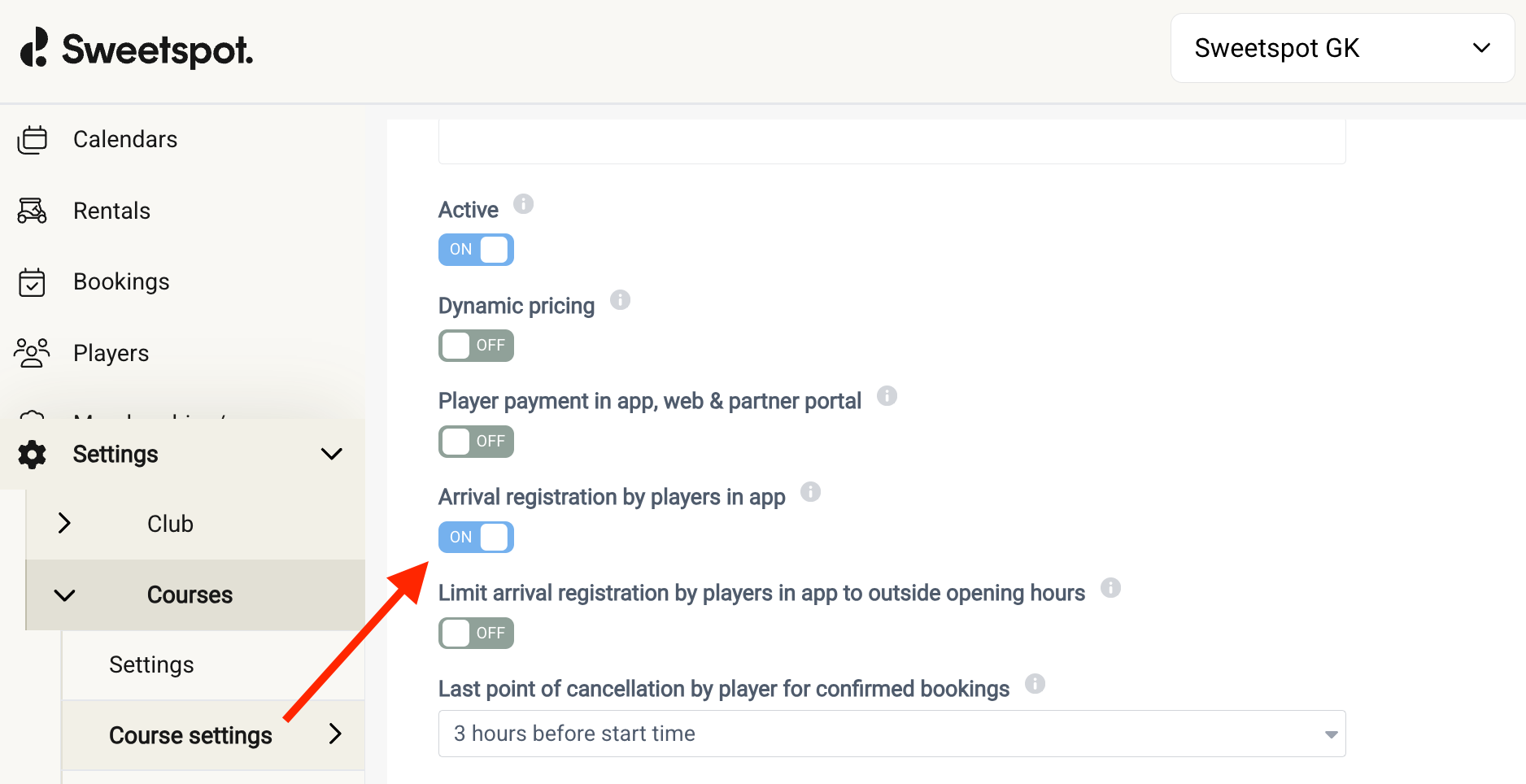
To combat no shows and incentivize the player to always check in, or at least more often, when visiting the venue we are introducing a live activities notification display to continuously remind the player to check in during the last 30 minutes prior to the tee time. This way we hope you will know more accurately which players were actual no-shows versus which players were at the venue but forgot to check in.
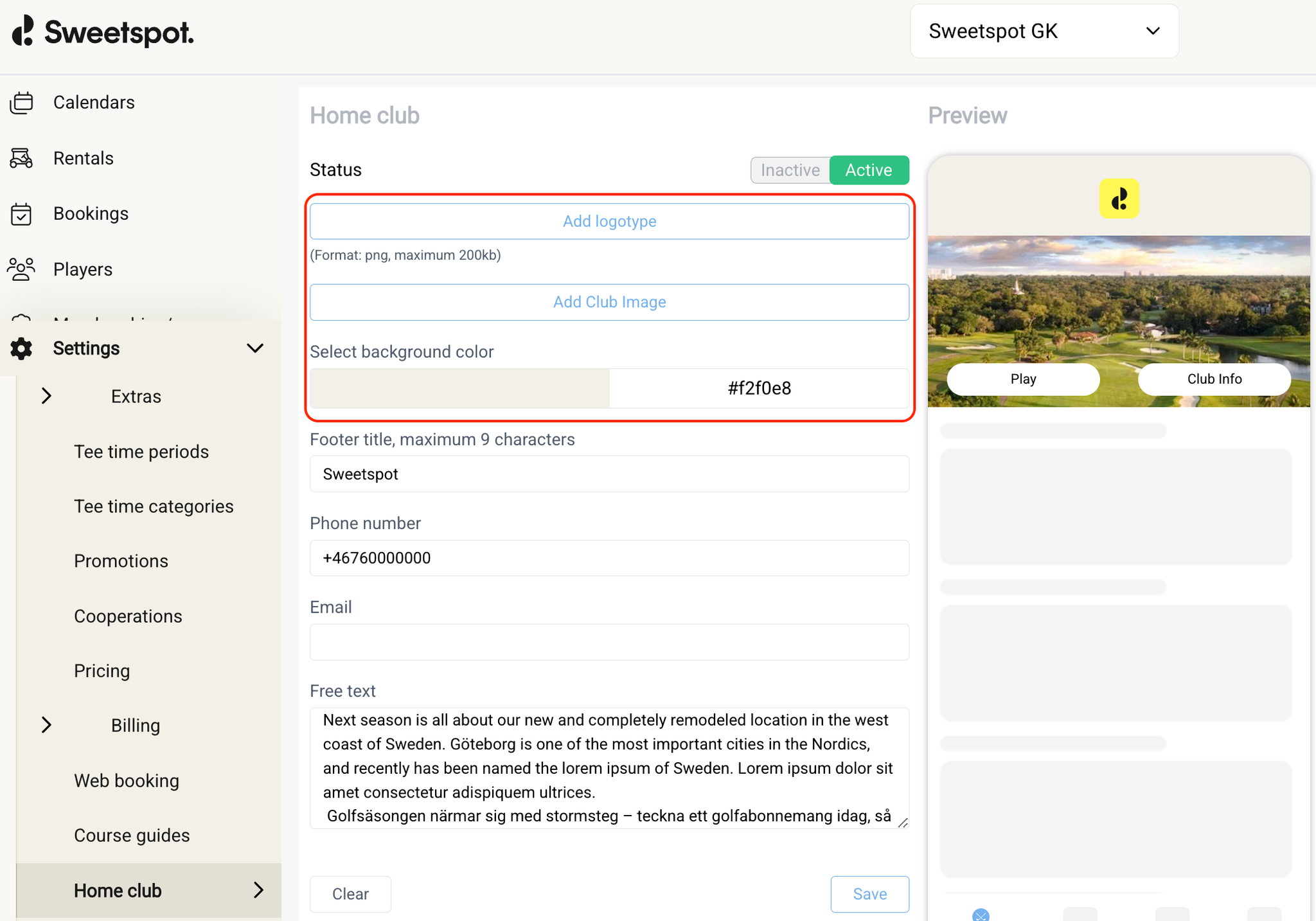
If you have enabled the arrival registration toggle then these notifications will be shown and branded towards the player with your club logo and colors fetched from the home club settings view in the club portal. Players will also see which of their participants that have already checked in, further emphasizing the need and urgency to check in.
This feature is rolling out on iOS only starting from app version 8.4.8
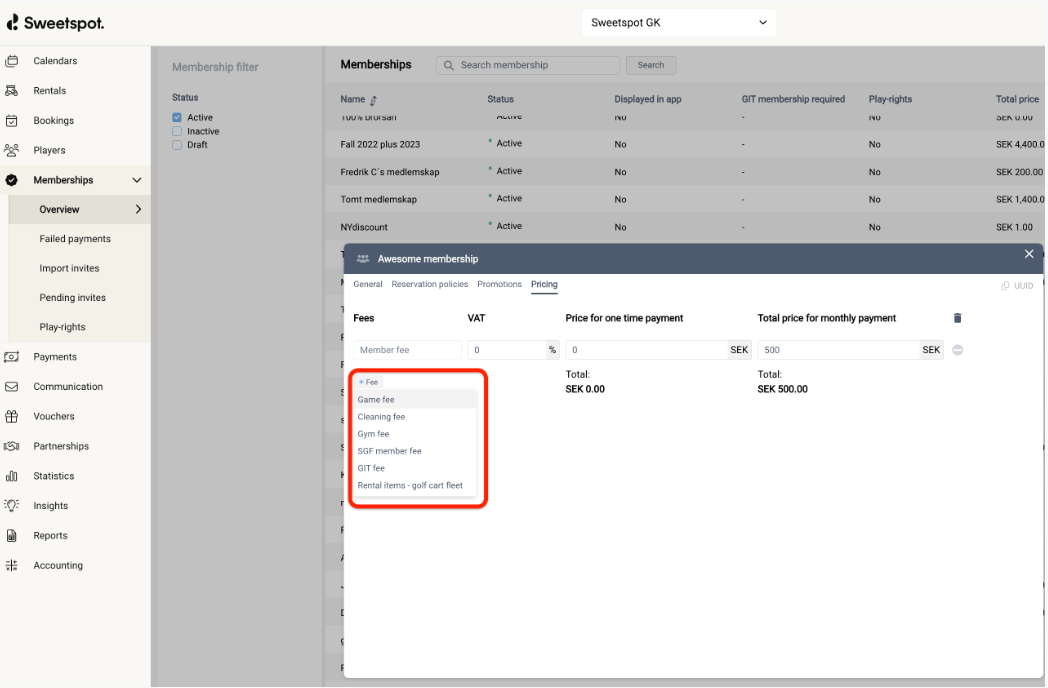
You can now create and name your own fees, then assign them to memberships or passes. These custom fees will appear in the fee list when setting up new offers—giving you more flexibility and a smoother setup process.
Club users can now decide whether to notify players when moving an off-course booking (sim, range, pro, extras).
What’s New
When you move an off-course booking, you can now choose whether to:
Send a notification – Players receive an email and a push notification in the mobile app.
Skip the notification – Players are not notified of the change.
Previously, players were always notified when a booking was moved. This update gives clubs more control and flexibility, particularly when making minor adjustments that don’t require player action
We are excited to bring you a nice and refreshing experience of the player card. We have addressed some key restraints with the old design;
Nested information → We have front loaded and surfaced the most important pieces of info to make it easier and faster to retrieve information needed
Unstructured layout → We have restructured how information is visualized for better readability
Lack of visual cues and colors indicators → We have added color codings to make information more explicit
Handling of error with suitable messages → We have tried to handle restrictions and other error more gracefully through design
If the player has added a profile image in the app we display it in the player card to make the experience more personal when you welcome players to your venue
We have added the capability to print out the players personal QR code (seen in the app) which is suitable for players that might not like to use the app and would prefer to use something physical (you can then print it out for them to have in their physical wallet) - coming soon (being tested internally)
We’ve expanded Pay & Dispense to support up to 4 bucket sizes, giving venues more flexibility in how they sell balls. Previously, the system supported a maximum of 3 bucket sizes.
What’s New
One More Option – Offer four different bucket sizes instead of three.
Better Match for Your Venue – Ideal for venues that want to provide more granular pricing tiers, from a small warm-up bucket to an extra-large practice session.
Consistent Experience – All bucket sizes are displayed clearly on the Pay & Dispense terminal, so players can quickly choose the one that fits their needs.
This update gives venues more control over pricing and customer experience. Whether you want to introduce a premium “jumbo” bucket or a cheaper “warm-up” option, you now have the flexibility to serve a wider range of players.
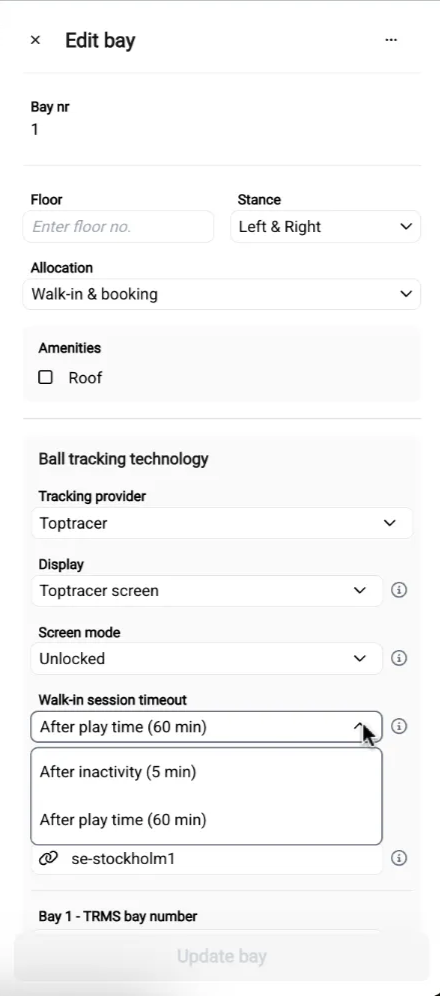
For venues using Toptracer monitor integration, you can now configure how walk-in sessions (sessions started directly from the screen, not from a booking) should time out.
What’s New
You can now choose whether walk-in sessions end:
After Inactivity – Session ends automatically after 5 minutes of no activity.
After Play Time – Session ends after 60 minutes, regardless of activity (previous default).
Key Details
This setting applies only to walk-in sessions, not to sessions linked to bookings.
The previous default behavior was 60-minute play time.
This update gives venues more control over how long walk-in sessions stay active, helping reduce unintentional machine usage and keeping bay turnover smooth.
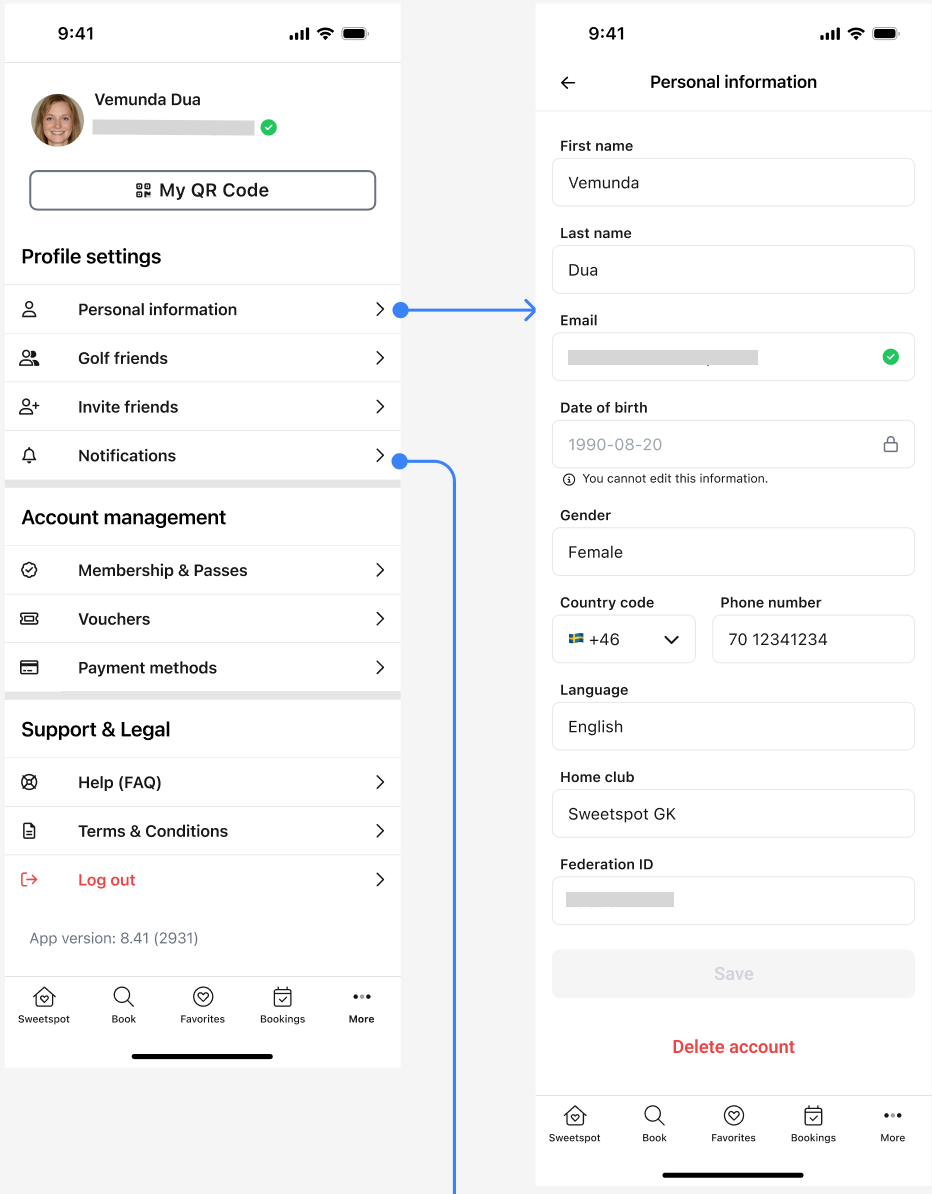
We have redesigned the app settings page to make it easier to navigate. We have moved the payment method page to be seen earlier so it is easier to find and have introduced a new section for notifications where we will over time allow the player to customize their notification settings.
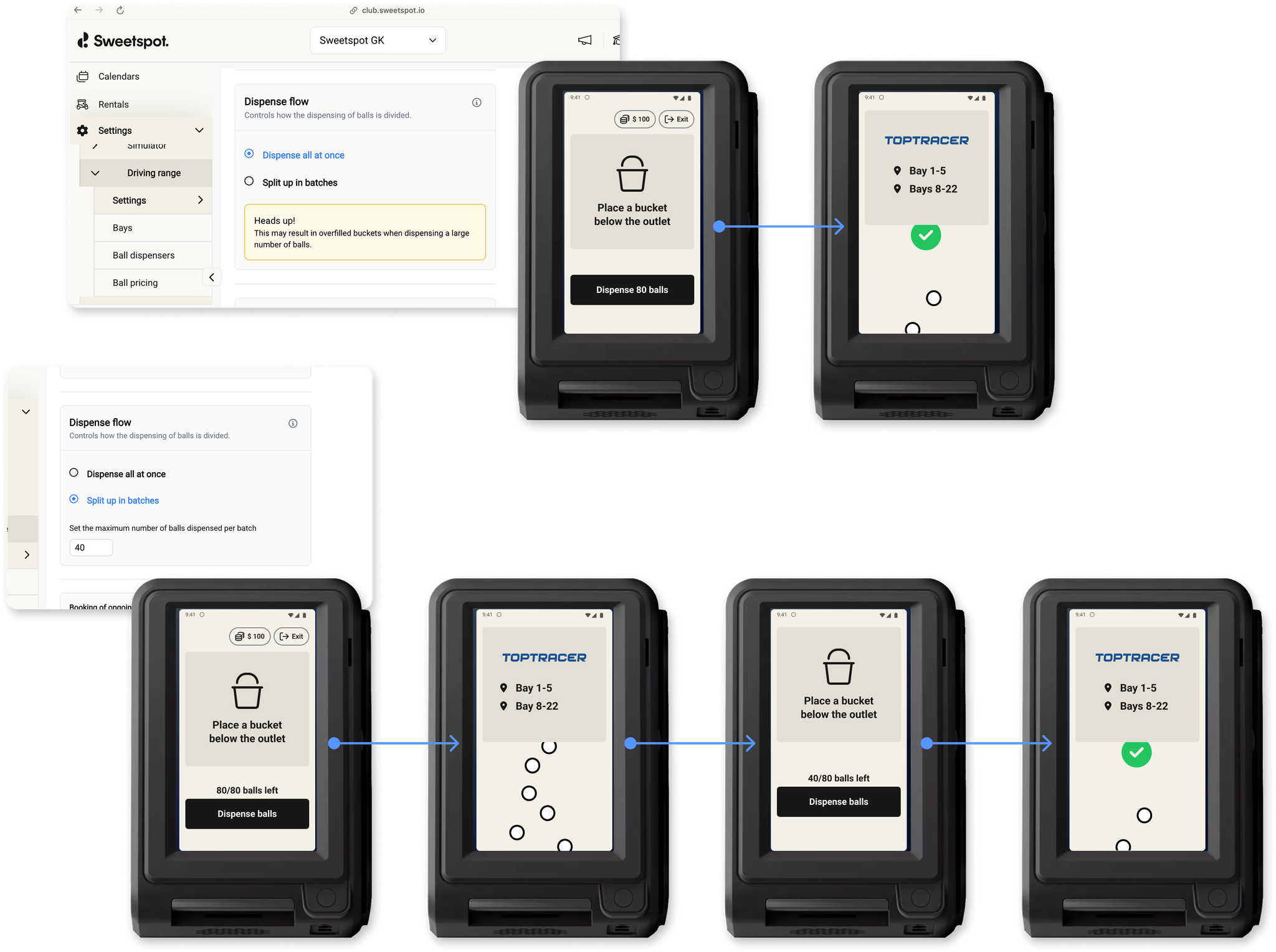
We’ve introduced Batch Dispensing to help manage large ball bookings safely and efficiently.
What’s New
When a range booking includes multiple bays or hours, the total number of balls might exceed the capacity of a single physical bucket at the venue. To prevent spills and other issues, you can now configure a maximum dispense size:
Set a Limit – Define the maximum number of balls that can be dispensed in a single batch.
Automatic Splitting – If the booking includes more balls than the limit, the system will split them into multiple batches.
Simple Process for Customers – Players just tap “Dispense” for each batch on the Pay & Dispense terminal until they receive all their balls.
Key Details
This feature applies to bookings only, not to walk-in customers at the dispenser.
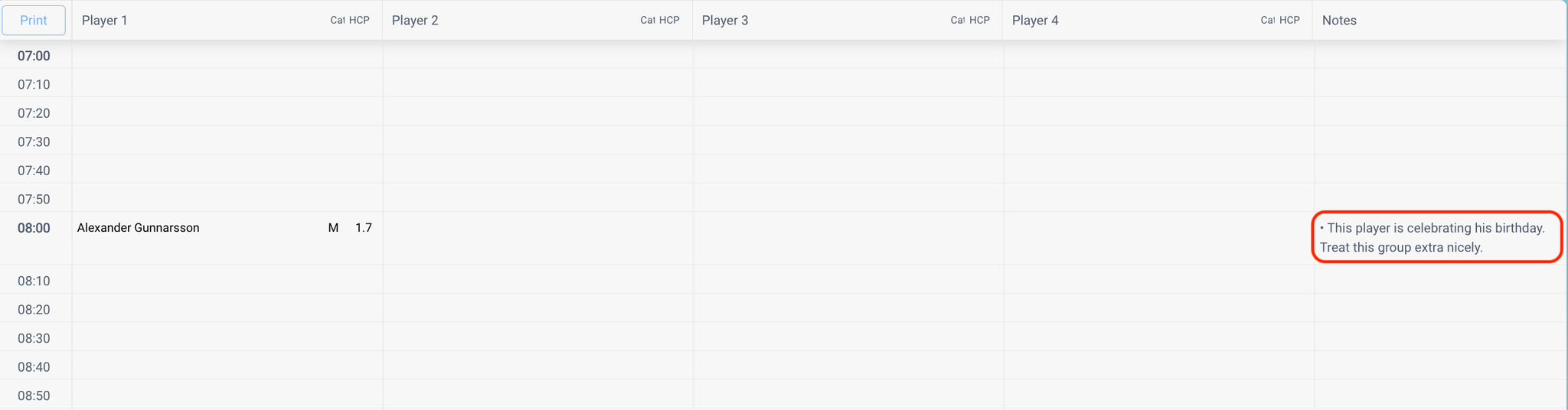
You can now view booking notes directly in the off-course tee sheet — no need to open each booking!
Simply hover over the notes icon on any booking to instantly see the notes. This improvement enhances operational efficiency and ensures smoother customer service — especially during peak hours.
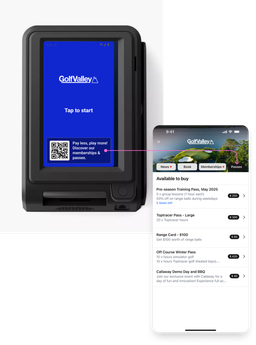
We’ve added a convenient new feature to the Pay & Dispense screen: a QR code on the start screen that customers can scan to view available passes and memberships offered by your facility.
This gives customers quick and easy access to options they can purchase and use at the range—right from their phone, before making a purchase or dispensing balls.
What’s new:
A QR code is now displayed on the Pay & Dispense start screen
Scanning the code brings up a list of memberships and passes available for sale
Only products that can be used at the venue will be shown
This update helps promote your venue’s offerings and encourages more self-service signups—making it easier for customers to buy and use what’s right for them.
We continue to adopt our design system to make the experience nicer and the club portal easier to navigate. Latest in the pipe it an updated and refreshed rentals table view.
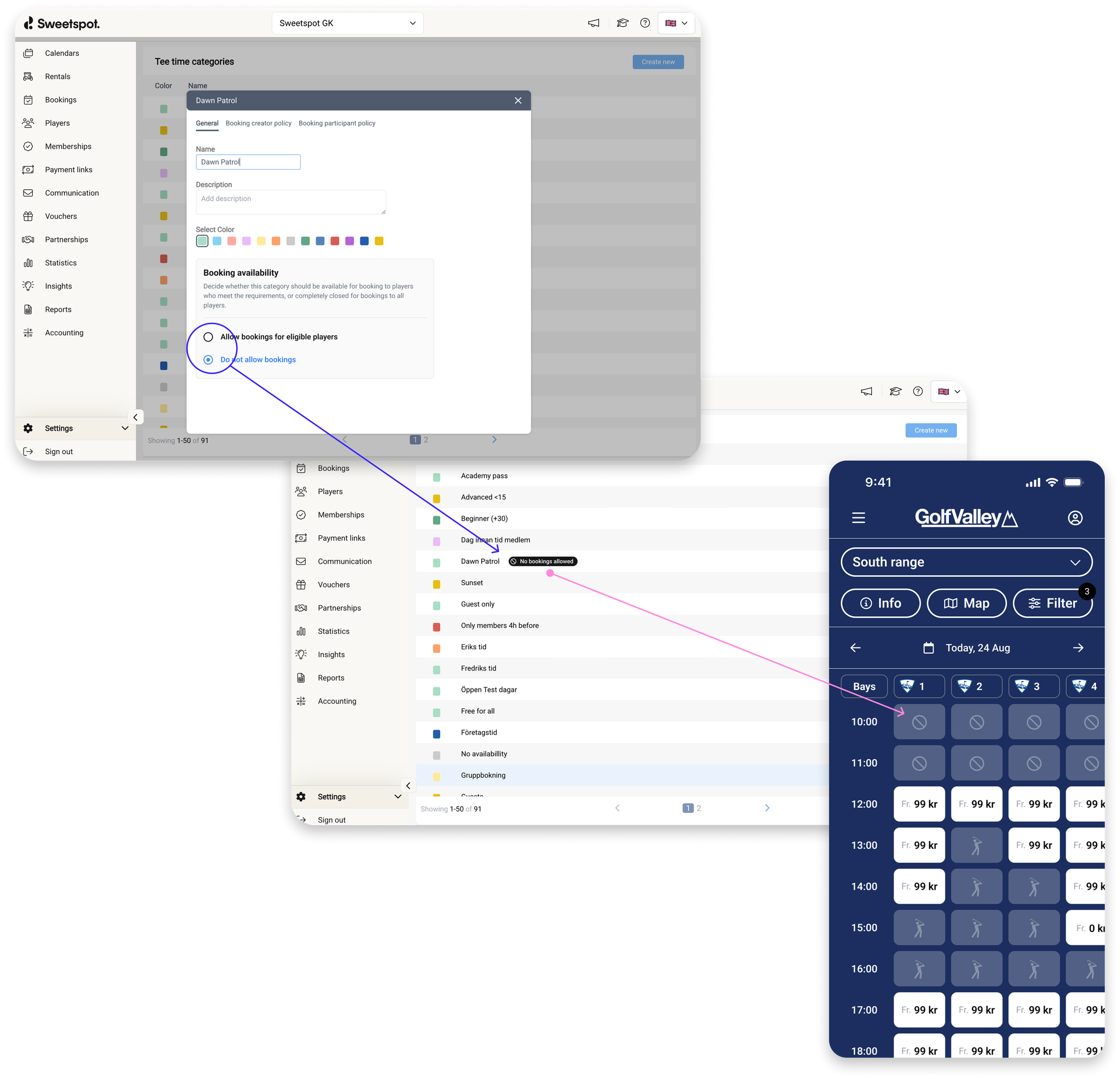
We’ve introduced a new setting within tee time categories that explicitly enables or disables bookings in tee sheets.
Previously, a lock icon was used to indicate a "closed" tee time category. This has now been replaced with a more intuitive stop sign icon, providing a clearer visual cue that bookings are not allowed.
When bookings are disabled through the tee time category setting, all associated tee times will appear as unbookable to anyone viewing the tee sheet—regardless of whether they are logged in. This change applies across all business areas' tee sheets in web booking.
This update enhances visibility and control over booking availability.
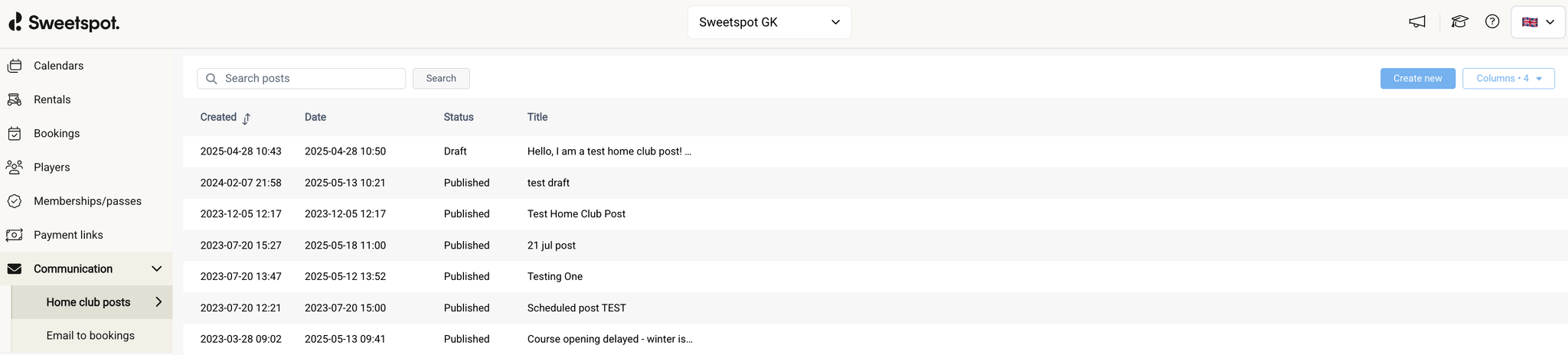
We’ve redesigned the communications tab to make your day-to-day simpler and smarter. The new layout is easier to navigate, more intuitive to use, and built to help you stay on top of player engagement with less effort.
We’re excited to introduce new inventory control options for Ranges, making it easier to manage bays and balance walk-in and booking behaviors.
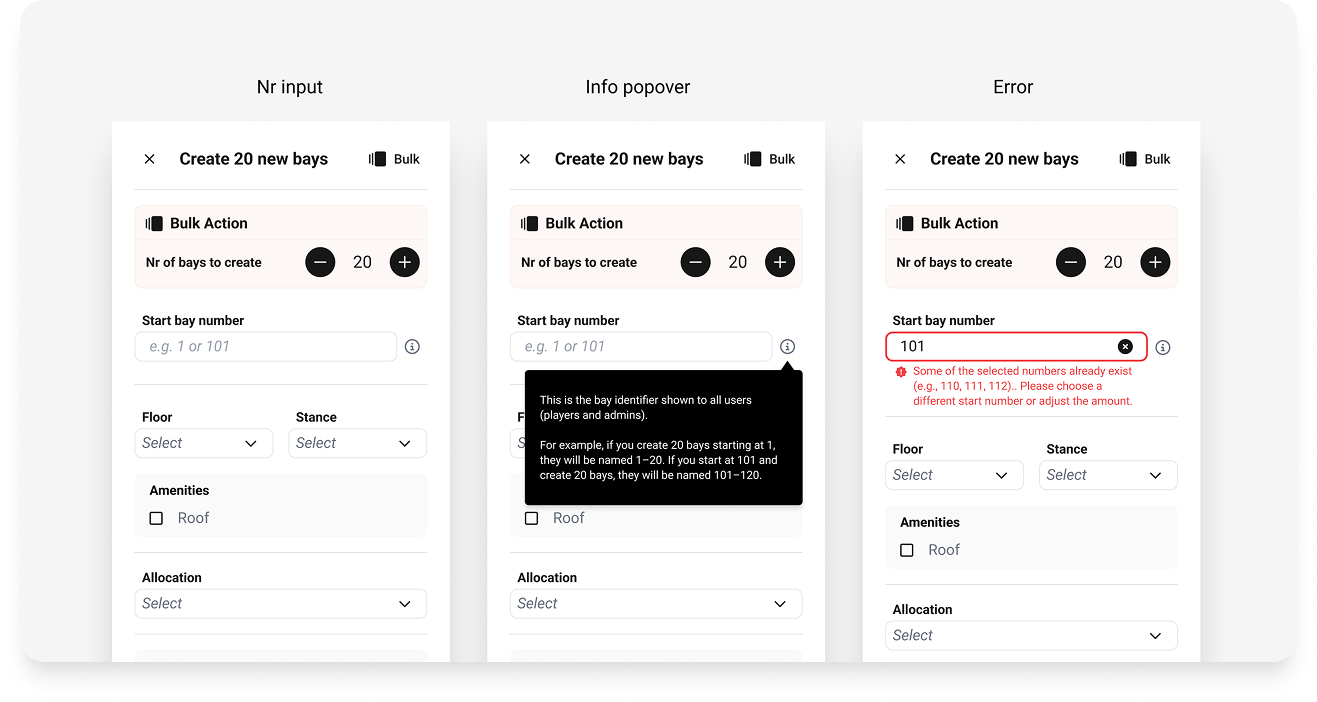
Bay Inventory Configuration
You can now define how bays are allocated with these flexible options:
Booking only: Bays set to this option will only be bookable and appear in booking flows for players and club users. They will not be shown as suggested bays in the dispenser terminal.
Walk-in only: Bays set to this option will only appear as suggested bays in the dispenser terminal for walk-in customers purchasing ball buckets. These bays will not be visible in player booking flows, but will however be visible for club users to book inside the Club Portal
Booking & Walk-in: Bays with this configuration will appear in booking flows for players and club users as well as in the dispenser terminal, supporting both pre-booking and walk-in behavior.
This enhanced flexibility helps you seamlessly manage both walk-in and pre-booking behavior at your Range. It’s especially beneficial for Ranges starting to offer bookings for the first time, providing improved control and flexibility to ensure the best experience for all customers.
For Ranges with Toptracer
If your Range uses our Toptracer monitor integration, these settings pair perfectly with screen mode configurations (Locked vs. Unlocked):
Set your bays configured as Booking only to Locked.
Set your bays configured as Walk-in only to Unlocked.
Bays set to Booking & Walk-in can be configured as either Locked or Unlocked, depending on your preferences.
How to Get Started
You can find these new settings in the Club Portal under:
No-shows hurt revenue. Manual check-ins slow operations. That’s why we’re introducing a smarter way to manage arrivals with what we now call Automatic Check-ins.
If your facility has enabled arrival registration via the Club Portal, players will receive a push notification 30 minutes before their tee time. Tapping the notification opens the app, where they can confirm their check-in or activate automatic check-ins for the future.
Once automatic check ins are enabled, players only need to open the app within 30 minutes of their tee time, if they’re physically near the venue, they’ll be checked in automatically.
This feature is designed to:
– Increase player check-ins by front loading the check in request to the player so that we reduce the amount of steps it takes for the player to navigate to the booking to check in
– Reduce manual processes for your staff
– Reduce no-shows
NOTE: Shortly after this release we will release the capability for the player to also opt out of automatic check ins after having opted in.
As we continue to improve the experience of the club portal, and on our internal analytics, we also identify unused features that are no longer useful. One such feature is the play rights. This feature and the mentioning of it will now be removed.
Many failed payment attempts stem from simple issues—like incorrect or expired card details. Until now, players were often left guessing what went wrong.
To reduce friction and unnecessary support contacts, Sweetspot now displays specific error messages returned by our payment provider, Adyen, when a transaction fails. This gives players the clarity they need to resolve the issue themselves—quickly and independently.
We’re starting with the three most common failure reasons:
– 3D not authenticated – The cardholder didn’t complete the security check.
– Not enough balance – Insufficient funds at the time of the transaction.
– Expired card – The card is no longer valid.
This update empowers players to act immediately, reduces administrative back-and-forth, and helps your team focus on delivering better on-course experiences.
Fewer support queries. Faster resolutions. Happier players.
Up till now we have offered three duration options when configuring a membership or a pass; calendar year, 12 months rolling and periods. A lot of you have been asking us to build support for auto-renewals for shorter duration periods.
OLD VIEW
NEW VIEW
Today we are releasing two additional duration options compatible with auto-renewal & maximum slots;
Calendar month
Just like the already existing Calendar year option this is useful if you want to offer your customers a dedicated package for a specific calendar month, let’s say June Pass, or Monthly Pass with renewal. When applying this duration the rules will be applied to that dedicated calendar month. If the player buys the June Pass in May, they will not be able to use it for anything taking place before or after the month of June. And if the player buys it on the 10th of June, then they will be able to use it straight away and pay full price.
Custom month cycle
This duration option will work just like any modern subscription option out there (think Netflix, Spotify etc). The player will pay on the same date every month until subscription is cancelled.
ImportantNote: if the player happens to pay on a date (for example 29-30th, or 31st of Feb) which does not have a corresponding date the following month, then the next payment will be on the last date of that following month (ie this applies to the finals days of February, March, May, August and October). Here is an example;
A Player buys Pass X on 31st of January. As February won’t have a corresponding date (the 31st) we will charge the player on the last date of that following month (28th of February) and then back again to the 31st of March and so forth.
We are excited to see how you will start using this and would love to hear your feedback wether you are testing this out with academy courses, range packages, racquet sports and gym packages, trailer parking lots, bag lockers or for any other purpose.
We've improved how bookings work for time slots that have already started. You can now automatically apply a linear discount to off-course time slots based on how much time has passed since the slot began.
For example, if 30 minutes of a 60-minute time slot have already passed, the price will be reduced by 50%. This makes it easier to offer fair, real-time pricing for spontaneous or walk-in bookings.
What’s included:
Available for off-course bookings only
Price is automatically discounted based on elapsed time
Number of balls included are automatically reduced based on elapsed time (Range only)
Discounted price is visible directly in the time slot view
Price is locked once the user continues from the time slot view
How to enable it:
In your Booking Settings, enable:
“Allow bookings of already started time slots”
Then choose one of two options:
Apply linear discount – reduce the price proportionally to the time remaining
Charge full price – charge the usual rate, even if some time has passed
We’ve added more flexibility to how you manage cancellations. You can now cancel an off-course booking without being required to refund funds, memberships, or vouchers.
This is especially helpful for late notice cancellations, where a refund may not be warranted. By keeping the funds in place, you maintain the option to resell the slot, maximizing your venue’s availability and revenue.
Key Details:
Available now for off-course bookings only
No automatic refund required when cancelling
Partial refund capabilities will be added in a future update
Use this new control to better align your cancellation process with your business needs—without compromising on customer experience.
We’ve enhanced and rebranded the feature formerly known as “Import Invites” to Player Imports – making player onboarding faster, easier, and more flexible.
Players are now automatically accepted into the player table – no invite acceptance required. Plus, the CSV import now supports a new column: Play Value. This allows you to assign a unique value to each player at the time of import.
Perfect for migrating players from external range systems into Sweetspot’s ball dispenser product, Player Imports simplifies the process while giving you greater control and flexibility.
REMOVED FROM THE MENU
MOVED TO THE TOP RIGHT CORNER OF BOTH MEMBERSHIP & PASS TABLES
IMPORTING OF PLAY VALUE CAN BE FOUND IN TOP RIGHT CORNER OF PASSES TABLE
As part of our ongoing adoption of the design system, we've refreshed the tables in the partnership, voucher and communication tabs. This update makes navigation in the club portal more intuitive while simplifying future design changes.
With the expected increased usage of passes we saw the need to break memberships and passes apart into two distinct tables for easier navigation and overview.
We are super excited to launch what we call Passes. With Passes you can combine and package anything you want to sell into a Pass and sell it once or repeatedly. Wether you have a range, academy, locker rooms, padel court, conference room or any other asset at your venue, you can now break that free from the traditional membership and sell it as a standalone Pass or mix and match your various assets into a sought after combination. Here are some examples;
TopTracer Range Summer Pass with X worth of golf balls.
Academy month pass with unlimited attendance to group trainings on weekdays.
Demo Day Event with max 100 slots
Annual BBQ day with max 100 slots
Local pro evening seminar with an age restriction of 18
Monthly subscription to the bag lockers
Staff Pass, that is hidden from the public in the web and app, giving your staff that little extra good deal.
How to configure a Pass in the club portal
When creating a membership you will now have the additional option called Type where you will select wether you want to create a pass or a membership. When selecting Pass we will reduce the settings options that are connected to federations that does not apply to Passes.
In the app and web booking view we have separated Memberships and Passes. If there is no pass configured, this tab will not be shown.
When making a booking, both the admin and the player now has the option to choose which applicable pass or membership to apply at checkout. The option of choosing neither has also been introduced. If the player only has 1 eligible membership or pass for that venue asset (course, simulator, range etc) then it will be applied automatically. If multiple ones apply to the player, the option will default to “none” for which you as and admin or the player will have to select which one to apply.
NOTE:
Support for shorter duration times (custom month or calendar month), coming shortly after this release
Only 1 pass or 1 membership can be applied at any one time. They cannot be combined.
A pass dedicated for golf carts cannot be combined with an existing membership at this stage.
We’ve added Ball Dispenser as a recognised asset under Promotions & Rules, enabling your venue to include this feature in your promotional configurations.
In the club portal, there is a section called Import Invites designed to help new Sweetspot users import existing members from another system into Sweetspot. Previously, this process involved importing members and mapping them to existing player accounts in our database. If a player account with the imported email address didn’t already exist, the system would hold the data until a new account was created, at which point a linking process would occur. During this linking process, players were presented with the option to either accept or decline the import.
However, this step has been identified as unnecessary. We’ve now streamlined the process by removing the need for players to accept or decline the import. As a result, the tabs Pending Invites and Membership Signups are no longer relevant and will be removed from the club portal. Players that are imported through Import Invites will now automatically be imported to the player module without having the player make an action.
We now let the player know why an attempt to pay for a booking or a membership failed by displaying the reason we received from Adyen (our payment service provider) so that the player can take appropriate action before trying again.
To help you better manage access to the range outside of operating hours, we’ve added a locking feature to the Pay & Dispense terminals.
Now, when your venue is outside its defined business hours, the terminal will automatically display a closed screen—informing users that the range is currently unavailable and showing the next opening day and time.
How it works:
The feature uses the business hours set inSettings > Ball Pricing
Outside those hours, the terminal is locked for dispensing
The screen clearly states when the range will open again
This prevents confusion, eliminates out-of-hours dispensing, and ensures a consistent experience for your visitors.
As part of our ongoing adoption of the design system, we've refreshed the players table with a new look. This update makes navigation in the club portal more intuitive while simplifying future design changes.
Released on the 10th of March
Up till today, players have had problems creating accounts and logging back in. We identified that these issues stemmed from a few things;
Users created accounts with a wrong email from the start (for example; sweetspot@gnail.con). Which results in a few problems;
Users cannot log back in when writing their correct email
They attempt to create a new account with similar details, but is prevented from doing so because either the email or the phone number already exists (they have to be unique)
Based on the known issues above we built an hypothesis that the following three things will solve this issue;
Remove the need for having a unique phone number per player (already live)
Keep, and display, the previously used email last time the player logged in on their device (already live on both web booking and app)
Keep the users’ logged in by having stricter rules for loggin them out (already live)
Verify the user’s email, in order to
Get the correct email from the start when creating a new account (avoid duplicate accounts)
Remove the need to remember a password (make it more convenient and safer)
Improve the login and new account experience (make it easier and faster)
Reduce support errands for venues and Sweetspot (save time)
This fourth and final point above is now being rolled out to both our web booking and app products.
Here are videos of how it looks like in the the web, as well as how a verified account looks like in the club portal. It will look similar in the app.
NEW USER EXPERIENCE IN APP
EXISTING USER EXPERIENCE in Web bookingNEW USER EXPERIENCE in Web booking
You will now see wether the player has been verified or now in the player card.
NOTE:
Once a player email is verified, you as an admin can no longer change that piece of information in the club portal. This is the unique identifier in the whole Sweetspot system.
If the player have access to their email inbox they will easily be able to verify their account.
If they need have to change the email they will have to do so themselves in the app or on the web by logging into their existing account, change their email address and verify that new address.
If they cannot verify their existing email, and have lost access to their email inbox. They will need to create a new account with an email to an inbox they can access in order to get retrieve the verification code.
In the event where the player has two or more active accounts where one account is tied to their federation id (Golf-ID or CDH) the following logic will apply.
Logic for each scenario;
A) Federation ID is transferred between two unverified accounts = Allowed, but won't merge the two accounts.
B) Federation ID is transferred from unverified to verified account = Allowed (and accounts will be merged, ie memberships, passes and vouchers will be moved over to the verified account)
C) Federation ID is attempted to be transferred from verified to unverified account = Not allowed
Please reach out if you have questions about this upcoming feature.
Now you can tailor memberships and passes by age, making it easier than ever to offer exclusive deals for juniors, seniors, or any specific age group. Age-based access puts you in control of who can purchase, helping you optimize member engagement and better meet your club’s unique needs. You now have the option to set an age range (minimum age and maximum age) which will determine which players should be allowed to purchase the offering.
NOTE: When enabling this feature we will check the player’s age of the player making the purchase. It is there, not yet, suitable to enable onto pass/membership for players that are underaged and cannot purchase the offering themselves. (we have a plan to solve this, for example so that a parent can buy the offering for their child and manage their child’s membership)
Our latest update allows you to hide an active pass or membership from public view while still processing payments—giving you full control over special offers without affecting revenue.
How to Enable It:
Turn on the toggle labeled “Show pass/membership in app & web.”
A new configuration option called “Restrict public visibility” will appear.
Choose your preferred setting:
Public: The pass or membership will be visible and available for purchase on your web booking page.
Private: Only those with the checkout link will be able to view and purchase the pass or membership.
This update ensures flexibility in managing exclusive offers while keeping payments seamless. Let us know if you have any questions!
PRIVATE checkout link
PUBLIC view when entering without the link
Note: Passes is not yet live, but we are testing it internally within Sweetspot. We aim to go live in early March this year.
We’re continuing to roll out our new design system in a thoughtful, step-by-step approach, ensuring every update enhances both functionality and aesthetics. Our latest improvement focuses on the golf course tee sheet, where we’ve introduced a refreshed header.
This update not only modernises the look and feel of the interface but also improves navigation, making it easier and more intuitive for you to manage tee times efficiently.
We've added a dedicated support tab to the web booking menu, making it easier for players to request assistance whenever they need it—ensuring a seamless booking experience from start to finish.
Previously, golf clubs in Sweden needed to contact Sweetspot to connect their club to the Swedish Golf Federation (SGF) through the GIT Klubb API. To simplify this process, we have developed a user-friendly interface that allows clubs to establish this connection independently, eliminating the need to reach out to us for assistance.
We have updated our design for tables in the club portal. We have started with adding it to the memberships table an billing page and will adopt this design in more places over time. It also comes with the capability to re-order them, so that you can choose which ones should be seen at the top of the page for players visiting the app or the web booking. We hope you like it.
We are continuing to update our design in the club portal so that it can support and be responsive to more device types and screen sizes. We have also added the capability for you to add your own POS Stores when being logged in as an owner role.
We have identified cases where players delete their payment card while having either a missed monthly installment payment or an upcoming yearly renewal—without adding a new card first. To handle such cases, whether intentional or not, we now prevent users from deleting their card and instead encourage them to switch to a new one.
Today we are launching our new, refreshing design for our web booking product. With this new design, we aim to clearly display what is being offered, what's included, the costs, duration, and payment plan.
We have added a push notification to give the player a confirmation wether the payment in the app was successfully processed or if it failed and they need to try again.
We’ve made some updates to the venue search in the mobile app, making it easier for players to find the venues they want to book.
Previously, the default filter was set to “Golf Courses.” Now, an “All Venues” filter has been added as the new default, allowing players to browse all types of golf-related venues without needing to adjust filters right away.
The venue list is still sorted by distance by default, with the closest ones appearing at the top. Additionally, the search functionality has been improved to deliver more accurate results based on input.
As part of our ongoing efforts to improve booking conversion, we’ve made a small but important update to how we send booking confirmation emails to players.
Previously, players would receive a confirmation email as soon as their booking was made. However, since many of our clubs use short auto-cancellation timers for unpaid bookings, this sometimes led to confusion, with players thinking their booking was fully secured before payment was completed.
What’s Changed
To provide players with a clearer understanding of their booking status and avoid confusion, we’ve adjusted when the booking confirmation email is triggered:
For bookings with an auto-cancellation timer under 3 hours, players will now receive the confirmation email only after completing payment.
For bookings with an auto-cancellation timer of 3 hours or more, the confirmation email will continue to be sent once the booking is made, just as before.
ℹ️
If a club user makes a booking for a player, the booking confirmation email will be sent when the booking is confirmed, regardless of the timer setting.
This adjustment ensures players know exactly when their spot is secured and helps reduce the chance of lost revenue or missed bookings due to early confirmation.
Stay tuned for more updates as we continue to enhance the booking flow and simplify the experience for both players and venues.
For a long time, we’ve utilized an auto-cancellation timer for bookings to manage scenarios where a transaction is left incomplete. However, this feature has not been available for memberships until now. As the volume of membership sales continues to grow, we’ve identified the need to extend this functionality to membership purchases as well. This addition helps address situations where a user exits the checkout process without completing their transaction, then later attempts to continue from a different device or browser. In these cases, the transaction might still be marked as pending in the original session, causing the user to encounter issues. Introducing the timer for memberships and passes ensures a smoother and more consistent experience by automatically clearing incomplete transactions after a set period.
We've improved the membership screen in the app to make it easier for players to find receipt downloads and retry failed payments. Additionally, players who purchased a yearly membership upfront, with auto-renewal, can now see the option to change their payment method (app version 8.1.6 on both iOS & Android).
If you start using our payment link feature for bookings at golf courses and branding hasn’t been set up for your venue yet, we’ll display an alert. The alert will inform you that the payment link will be sent with Sweetspot branding instead of your venue’s brand and logo. Contact us to quickly set up your custom branding.
I the case you activate the maximum slots feature on an already active membership we now let you know how many people have already bought that specific membership so that you conveniently know what minimum number to put in the field and avoid getting an error message.
We have added the capability to filter players with a no-show based on course type and the time of their booking. This will help you find players that have a missed payment so that you can take the active measures needed.
We previously introduced the ability to lock a player’s membership directly from their player card, providing a way to manage unpaid memberships or address other valid situations. Building on this, we’ve now enhanced the system to allow you to lock multiple players simultaneously from the Failed Memberships page. Additionally, the process is now more streamlined—if a locked player clears their outstanding dues, their membership will be automatically unlocked, saving you time and effort.
Now, you can set a cap on membership slots, allowing you to limit each membership type to the exact number of members you want. Perfect for managing demand, creating exclusive offers, and ensuring a balanced membership base, Sweetspot’s slot limit feature puts the power in your hands to curate a thriving club community. Whether you need just a few slots or up to 9,999 you have the power to set the perfect limit for your club’s needs.
Now you can conveniently get a quick glance into each player’s auto-renewal membership payments in the membership tab on the player card in the club portal.
We have made two improvements to the tee time periods page.
Now you can choose an intervall of between 1 minute to 24 hours (previously a maximum of 60 minutes). This allows you to utilize the miscellaneous calendar category better and to finally allow you configure all your assets at your venue wether that is your padel & tennis courts, trailer parks, conference rooms or restaurant tables.
EXPANDED INTERVALL
Previously, if you wanted to configure only 1 single bookable asset, you have to configure the Last time starts field to be 59 minutes after the First time starts. Now you simply add the same time in both fields to create a single bookable asset.
Players can now easily access both upcoming and past bookings through a new "Bookings" menu item under "My Account" in web booking. This streamlined access enables players to track and manage their bookings directly from the menu. The booking list displays payment status tags for each reservation and is neatly divided into upcoming (including ongoing) and past bookings. Canceled bookings are excluded from this view.
This update significantly improves booking management in web booking, making it faster and easier for players to view and manage their reservations across all business areas, including golf courses, simulators, ranges, pro, and other.
ℹ️
While this feature is also available in the mobile app, it functions differently on the web booking platform. In web booking, players can view bookings only for the specific club they are currently visiting. In contrast, the mobile app displays upcoming and past bookings across all facilities available in Sweetspot.
Feature Details:
New menu item: "Bookings" has been added under "My Account," providing quick access to booking history and upcoming reservations.
Organized booking lists: Bookings are organized into two categories: upcoming (including ongoing) and past bookings, simplifying navigation.
Payment status tags: Each booking includes a status tag indicating payment status, giving players a quick overview of payment information.
Navigation to booking details: Selecting a booking from the list leads directly to its detailed booking page for further information or actions.
Players can now book time slots that have already started, enhancing booking flexibility for both attended and unattended facilities. Previously, players were unable to book a slot once it had begun, leading to missed opportunities and additional manual work for staff. This update is especially valuable for unattended venues, like driving ranges and simulators with frequent drop-ins. Available across web booking, partner portal, and mobile app for Sim, Range, Pro and Other tee sheets, this enhancement improves booking efficiency and overall user experience.
Key Changes:
Display of started time slots:
Started time slots now appear on the booking sheet for selection, while completed slots remain hidden.
User information on started time slots:
When a player selects a time slot that has already started, a message appears informing them that the slot has already begun and that the player will pay the full price for the time slot, even if it has already started.
Consistent Booking Interaction:
The booking process for a time slot that has already started matches the usual booking flow, with confirmation options displayed beneath the information message.
We’ve introduced an update to the Club Portal tee sheet header for Range, Sim/Pro and Other. This update enhances the booking management experience for club staff by adding a search feature, filter capabilities, and streamlined navigation tools. With a focus on providing intuitive, user-friendly tools, this update is part of ongoing improvements to make booking management inside the Club Portal more efficient and flexible.
Key enhancements:
Search functionality:
Users can now search bookings by exact email, phone number, and golf ID (for Swedish venues), allowing for quick and precise booking retrieval.
The current search supports exact matches only and spans all upcoming bookings and those up to 30 days in the past. Future updates will add search capabilities for manually added players and support more flexible search options.
New search functionality
Usability and design system component updates:
To improve visual consistency and usability, several elements have been updated with design system components:
Date navigation: Includes chevron buttons for day-to-day navigation, a “Today” icon brings users back to the current date, and an expandable date picker.
Refresh button: Provides on-demand updates with a streamlined look.
Options (Ellipsis) menu: Consolidates actions, including the display of local time, editing tee time categories, and copying links to the tee sheet. Redundant items (e.g., hiding tee time categories, price, or prime time) have been removed for a cleaner interface.
Updated options menu
Combinable filters for bay attributes (Range only):
New filters for Range venues can be applied individually or in combination to control which bays are visible on the tee sheet, based on:
Floor level
Tracking technology (e.g. Toptracer)
Roof availability
New filter view
Bay Type Icons (Range Only):
Bays equipped with Toptracer technology now display a Toptracer logo for easy identification. Standard bays (without Toptracer) are also marked with a dedicated icon, making it simple to distinguish between bay types on the tee sheet.
Over the last few months, we’ve rolled out a series of enhancements to the mobile app, web booking, and partner portal platforms. Focused on improving navigation, usability, and information accessibility for players and partners, these updates create a more consistent look and offer better options for viewing and selecting tee times across devices.
Key enhancements:
Improved look and feel
The tee sheet and booking interfaces now incorporate new design system components and display the club's color as the background for a cohesive look across user flows, enhancing brand consistency.
Automatic font color adjustment: Font color is now set automatically based on the background color, ensuring optimal contrast and readability. This replaces the option to set font color manually.
New tee sheet (MA)
New tee sheet (WB)
Mobile navigation enhancements
Side scrolling enabled: Side scrolling is now available on the tee sheets in the mobile app and web booking mobile, allowing smoother navigation on mobile devices. This enhancement greatly improves the booking experience and conversion, as users can now easily view all available bays or spaces, especially in facilities with more than three.
Enhanced price and selection display for selected tee times (mobile app & web booking only)
The tee sheet button dock now displays both the base price and any discounted price for selected tee times, automatically adjusting based on the player’s membership status. In mobile a price breakdown for selected tee times has also been made available.
The button dock also shows the selected bays or spaces and the corresponding time in desktop, giving players a clear summary of their booking choices.
Button dock in MA
Button dock in WB desktop
New filters (Range only)
Filters have been added to define which bays are displayed in the range tee sheets in the mobile app and web booking:
Floor
Tracking technology (e.g. Toptracer or none)
Roof availability
Further filterable attributes will be added in the near future.
Bay identification and display (Range only)
Bay number and type: Bays now display both their bay number and type (e.g. Toptracer or Standard) directly on the tee sheet for easy identification.
New bay display for Ranges in web booking, looks the same in mobile app.
Course guide and venue map (now available in web booking and partner portal, works like in the mobile app)
Golf Courses: The course guide feature enables golf courses to upload images or integrate with Caddee to display a detailed overview of each hole.
Sim, Range, Pro, and Other Venues: The venue map feature enables venues to upload facility images that display an overview layout of the venue. This allows venues to highlight specific areas such as simulator locations, bays, restrooms or ball dispensers, providing players with useful orientation details. You can enable this feature via Club Portal > Settings using the Course Guide functionality.
New venue map functionality in web booking
Information button (now available in web booking and partner portal, works the same way as in the mobile app)
The information button provides quick access to:
Course description: Key information about the course
Booking information: Important booking details and policies for the course
New information functionality in web booking
New empty states
When no bookings are available, the tee sheet now includes a forward navigation option to the next available tee time, if any are within the visible timespan.
New empty states in tee sheets
Improved mobile app tee sheet header and subheader
The header and subheader on the mobile app tee sheet have been updated for a visually enhanced experience, improving clarity and ease of use.
Updated date navigation
Date navigation retains its previous functionality with a few usability improvements, including highlighting the current day in the date picker and differently placed chevrons on web and mobile for easier navigation. These design updates provide a more intuitive experience across devices.
We now support line breaks, numbers & bullet points in the description field of memberships and have extended the maximum character count from 200 to 500.
You can now turn on and off the daily membership churn report that is sent over email containing a downloadable CSV file with members that churned the previous day.
We have made further improvements to the memberships page in the app.
When a player has a membership that has become inactive (wether permanently or temporarily) we separate them into two tabs. One for active memberships, and one for inactive ones (cancelled, expired & locked)
We love the early and valuable feedback we have gotten on our new payment links feature so we jumped on making those wanted adjustments straight away. We have adjusted and clarified the side sheet design where you configure the manual send out of a link so that it is more clear what you are configuring and what restrictions apply to that link.
In the new design you will notice;
A new section that clarifies how long the link will be valid (max 70 days)
We have added the due date and time for when the payment inside the SMS & Email
A clarification regarding split links;
First link validity (counting from time of booking)
Final link validity (counting backwards from tee time)
Configuration options will now be greyed out or opened depending on how far out in time the tee time is in comparison to the booking date
We are introducing a rolling booking window capability to membership promotion rules. This is a new powerful tool you can use if you want to have recurring promotional offers tied to a membership category rather than having to configure for each day or time of play.
When a player purchases a membership via Sweetspot (web or app) and their date of birth is below 18 years of age, we request additional guardian info. This guardian info will now be displayed, below the standard information, on that junior player’s player card.
We’ve updated the Memberships page in the mobile app to present membership details more clearly. These changes are designed to simplify navigation and make managing your memberships easier.
Sorting by status: Memberships are now arranged in the following order, from top to bottom: Active, Upcoming, Locked, Expired, and Cancelled. If multiple memberships have the same status they will be sorted by expiry date.
Club name display: The club associated with each membership is now visible.
Status tags: Replaced the validity period display with a status tag. You can still view the detailed validity by tapping on the membership.
With the introduction of Price per Player, we’ve made several updates to how bookings are structured, particularly in how players are associated with each booking. Previously, Sim, Range, Pro, and Other bookings were limited to a single player—the booking owner. Now, these bookings can include multiple players (the booking owner plus extra players), allowing us to apply memberships, vouchers, and promotions more accurately. This enhancement ensures that discounts are only applied when appropriate, ultimately leading to increased revenue.
In the future, we will also enable assigning multiple actual players to a booking, similar to golf course bookings in Sweetspot. This will allow for even further optimization of discount applications.
How Memberships apply for Sim, Range, Pro & Other
ℹ️
If you don’t apply any tee time slots filter, the membership promotion will apply to the entire booking, including all spaces and extra players.
Below is a clear breakdown of how a membership with 100% discount for slot type: Holder and 50% discount for slot type: Guests to the Holder is applied to a booking with multiple spaces and players.
Booking Overview
Spaces: 1 & 2
Duration: 12:00–13:00
Players:
Space 1: 4 players
Space 2: 3 players
Base Price: 2 x 250 kr
Price per Extra Player: 50 kr
Membership Discounts:
100% for Holder
50% for Guest to Holder
Space 1
Base Price: 250 kr
Holder discount (100%): 250 kr
3 x Extra Players: 150 kr
Guest to Holder discount (50%): 75 kr
Total for Space 1: 75 kr
Explanation: The 100% Holder discount is applied to the base price since the booking owner holds the membership. A 50% Guest to Holder discount is applied to the extra players who are not holders of the membership.
Space 2
Base Price: 250 kr
Guest to Holder discount (50%): 125 kr
2 x Extra Players: 100 kr
Guest to Holder discount (50%): 50 kr
Total for Space 2: 175 kr
Explanation: A 50% Guest to Holder discount is applied to the base price and extra players, as none of the players in Space 2 are holders of the membership.
Booking Summary
Subtotal: 750 kr
Discounts: 500 kr
Total to Pay: 250 kr
ℹ️
If you apply an Age filter, it will only check the age of the booking owner, and thus apply potential discounts the same way as Holder promotions are applied.
How Vouchers apply for Sim, Range, Pro & Other
ℹ️
If you want the voucher to apply to the entire booking, ensure both “Holder” and “Guest to Holder” options are checked in the Actions tab of the voucher.
Code holder filter: Applies discounts to a booking like Holder filter in the membership example above.
Guest to Holder filter: Applies discounts to a booking like Guest to holder filter described in the membership example above.
How Promotions apply for Sim, Range, Pro & Other
ℹ️
If you don’t apply any slot type filter, the promotion will apply to the entire booking, including all spaces and extra players.
Guest: Applies discounts to a booking like Guest to holder filter described in the membership example above.
Member: Applies discounts to a booking like Holder filter described in the membership example above.
Booking owner filter: Currently applies discounts to a booking like Holder filter, since the booking owner is always the holder.
This will change in the future with the introduction of multiple actual players in Sim, Range, Pro, & Other bookings.
Booking creator filter: Currently applies discounts to a booking like Holder filter, since the booking creator is always the holder, unless the booking is made by a club user.
This will change in the future with the introduction of multiple actual players in Sim, Range, Pro, & Other bookings.
ℹ️
If you apply an Age filter, it will only check the age of the booking owner, and thus apply potential discounts the same way as Holder promotions are applied.
How Partnerships apply for Sim, Range, Pro & Other
Pre-Pay Partnerships
Value-Based: Deducts the full value of the booking, covering all spaces and players.
Round-Based: Deducts the full booking price, with one round deducted per player.
Post-Pay Partnerships
Fixed Price: Sets a fixed price for the entire booking, including all spaces and players.
Green Fee Discount: Applies the specified discount to the entire booking, including all spaces and players.
All Sweetspot player accounts are now findable when searching for a player in the booking window for golf courses. Visiting players from a foreign country that has a Sweetspot account is now findable by searching for their names. Their national golf federation number will only be shown if you as a golf club is connected to that federation. Sweetspot will mask any other federation that might be connected to that player.
Last year we took on the challenge to update the app infrastructure and payment foundation to stay up to date. Due to this we had to disable Apple Pay and Google Pay for some time. Now we are re-introducing it into the app to allow players to pay with these payment methods in the app.
We’re excited to share that we’ve made some important updates to our booking emails to improve their design, readability, and alignment with your club’s branding. These changes will help create a more polished and enjoyable experience for your players, while keeping communication clear and professional.
What’s new:
Club branding: Your club’s background colors and logos are now automatically applied from your home club settings, giving each email a consistent, professional look that reflects your club’s identity. The club logotype is also linked directly to your club’s webpage for easy access.
Enhanced readability: We’ve made emails easier to read by significantly improving dark mode support, boosting font contrast, and adding the ability to display line breaks for custom booking information. And of course, emails remain fully compatible with older email clients and browsers.
Clearer communication: We’ve refined the design to make messages clearer. Club contact details—like phone number and email—are now included, so players can easily reach out to your club directly.
Encouraging app use: Links to Google Play and the App Store have been added, making it easier for players to download and start using the Sweetspot app.
Updated emails include:
Booking confirmed (All business areas)
Booking cancelled (All business areas)
Booking moved (All business areas)
Player added to booking (Golf courses)
Player removed from booking (Golf courses)
QT access code (Simulators)
Booking confirmation (All business areas)
Booking cancellation (All business areas)
Booking moved (All business areas)
Player added to booking (Golf courses)
Player removed from booking (Golf courses)
QT access code (Simulators)
We’re committed to further improving the email experience. Future updates will include more formatting options for email content, revamps of additional emails like receipts, and enhanced features in our communications module to reach wider audiences beyond just current bookings.
During the spring we launched a way to get redirected back to each individual booking from the player card. In a similar way, you can now get to each players’ player card from the failed membership payments screen.
After some good feedback from you we have now added federation membership number (Golf-ID & CDH) into the CSV file of the daily membership churn email send out.
We are excited to bring you a new and very powerful capability to your operations. You are now able to send payment links for manually made bookings on golf courses in the club portal. This allows you to charge for bookings made over incoming phone or emails so you don’t have to wait to charge upon arrival.
In the booking window there is a new button called “Payment link” that will bring out a side sheet where you can;
Adjust the default values to fit your specific booking
Split the payment into two parts
as a percentage or an amount of the whole (1-99%)
choose the due date for the link (1-30 days)
Adjust the receiver of the link by changing the phone number or email address (the default information is fetched from the booking owner)
Add an internal note for future reference
Side sheet for sending a payment link with an amount of 100%
Side sheet for splitting a payment link
Issued payment link when seen from the booking window
Issued payment link when seen from the booking window
Once the payment link is sent to the player, you can stay up to date on the payment status as usual in the tee sheet but also in the new Payments tab where all the issued payment links will be listed. In this view you can;
search for previously issued links by name, email or phone number.
get redirected to the booking in the tee sheet
copy the link of an already issued payment
re-configure default values for all future payment links
SMS
Links will come with your venue’s logo and background image.
Email
NOTE:
The link validity of a payment link (ie the maximum life span) is 70 days. This is a restriction we have from Adyen that we cannot adjust at the moment.
Payment links are, at this moment, not compatible with partnerships, ie you cannot assign a partnership to a booking and send a payment link for that booking.
If the player is a Sweetspot app user, they can also finalise the payment in the app even if they have received a payment link (for either or both links)
We have fetched your club icon and background image assets that we already have in the club portal settings. These will be displayed for the player when opening the link attached in the SMS or email. If you would like a different image, just let us know and we will adjust.
You will now be alerted with a badge on the Failed payments tab when a member, that has auto-renewal on their membership, fails to pay. You will also see the reason to why the payment failed so that you can inform your member on how to adjust to make the next try successful.
If you have the role as an Owner in your operations you will now get an email with a list of members who have, and have not, renewed their membership so that you can stay on top of your operation and reach out to members who decided to leave. If no player bought a membership or had their existing membership expire that day, then there will be no players listed.
This will be turned on and go live for your memberships without you having to turn on any toggle in the club portal.
We have now completed our integration with the Scottish Golf Union. As a Scottish golf club you can now;
search for members and visiting players by name, phone and CDH number and get CDH specific data populated in the player card.
You can also configure promotions with a local, regional och national rate for any visiting golfer.
NOTE: CDH data from SGU will be refreshed every night.
In order to get started you need to be paying a club affiliation fee to SGU to get access to the DotGolf WHS API. This will give you the below credentials which Sweetspot will need to activate your club in our system.
username
secretKey
clubUuid
ClubID
Reach out to us if you need any help and we will assist you.
Club owners can now see which roles (partner admins and partner bookers) that have been created for all partnerships tied to their club. Just go to the section called Settings/ Users/ Partners.
If the user is about to buy a membership in the app or on the web, and their age is under 18, a guardian information requirement will appear where the guardian can fill in their own contact information.
We will soon display the guardian information on that players’ player card in the club portal and make it exportable as well.
Sometimes on a busy day, when a player opens the tee sheet, it says "No available tee times for this day”. This leaves the player wondering “when is the next available tee time?”. The only way for them to find out is to check each day forward in time to see if there are any times available. We have now solved this problem by introducing a quick button that will take them to the first available tee time. This is now live on both the web, partner portal and in the app for course and soon also for simulators.
For those of you that have used Sweetspot for a long time may have racked up quite a lot of memberships in the membership list. To make it easier to navigate and find the membership you are searching for we are now filtering the memberships based on which ones are active.
There are multiple ways to add a payment method in the app. When a player has a card connected to a membership subscription and they need to change the card, they have to do that on the membership page. If a player had multiple cards connected to a subscription it was confusing on how to update and change that card. We have now made an effort to make this easier to understand by separating the cards depending on what they are used for.
A while ago we released the capability to manually lock a membership. We will continue to make improvements to this new feature in the coming months. Now we have introduced a column with a lock icon in the players tab so that you can easily spot which member has a locked membership.
We are continuously updating our design framework so that we more easily can made design changes and so that it becomes a coherent experience.
No we have updated some design elements in the tee sheet and changed the icon of the today button. You can expect more small changes to come similar to this without loosing any capability.
Under rental activity in the rentals tab we have added a payment status for carts. This way you can get a quick overview of the payment status without having to go to each booking and check.
Previously players could only add new credit cards when they performed a booking. Now they can also add a credit card under Payment methods found in Settings section in the profile tab.
Stay up to date with our latest features and improvements right in the club portal. Simply click the new megaphone icon to access our release notes page.
A while ago we struck a partnership with 59Club, an industry leading customer service analyst. We have now completed the integration with them to be able to automatically send guests players surveys about their experience at a venue.
You can read more about our partnership in this announcement.
In the club portal you will now be able to manually lock and unlock a member’s membership. When locking a member’s membership the member will temporarily loose his or her benefits that comes along with that membership but will still be able to book as a guest player.
Now you can stay informed about bookings and cancellations made no matter where it takes place, wether it is in the app, on the web or in the partner portal. To start receiving emails, go to Settings/ Club settings and turn on the
”Receive email copy of booking activity from all sources” button.
Some players have had issues with remembering their passwords and login back in to the app with the new season. They then call into the club to ask for help. We have now fixed so that you can help these users reset their passwords and other profile information.
In order to make it easier to navigate between the player card and a specific booking made by that player we have introduced a “go to booking” button in the bookings tab in the player card. This will help you move, in both directions, between the booking window and the player card quickly and with ease.
Some courses also have long names that previously could not be seen. We have adjusted the column so that you can see the whole name.
We have released a solution to if you want to block tee times from not being bookable by anyone, and not looking like they’re bookable to anyone, regardless of if user is logged in or not (web booking). A good use case for this could e.g. be if you have different opening hours for different days of the week.
Some facilities have previously managed this by setting up a tee time category, adding a policy but no checker, so that noone could book tee times where the category is applied.
When doing this, logged out users in the web booking did not see these tee times as disabled, due to how tee time categories are designed - we don’t know who the person viewing the tee sheet is, and if they should have access to book the tee time or not, as per policy config of the tee time category.
ℹ️
This feature only works if you use the new pricing module, which can be found inside tee time periods config.
How it works
By setting no or 0 price to tee times, using the new pricing found in tee time periods, tee times will now be be disabled to all users in the Sweetspot app, Web booking and Partner Portal. The disabled tee times will be grey and a lock icon will be displayed.
Example for applying different opening hours across different days;
Doing this for an new price list is much smoother than doing it for an existing one, as per the current lack of ability to set prices to all spaces at once post initial price config.
If you set 0 as base price, you also need to set 0 as price for extra player.
Example of configuration in tee time periods, setting different opening hours on different days by keeping - or setting 0 price.
This gives the following result in the web booking (will apply the same way in mobile app & partner portal;
What tee times are enabled/disabled for Monday, Tuesday, Wednesday & Thursday according to above config
What tee times are enabled/disabled for Friday according to above config
What tee times are enabled/disabled for Saturday and Sunday according to above config
In the past when cancelling a player’s membership, it was unclear what actually happened with the membership but it came across as if both the membership was cancelled as well as the future payments (which was not the case as we were missing this capability). We have now both added this capability as well as added a confirmation dialogue where we describe what will happen if you proceed with the membership action you are about to take and if you also would like to perform further actions.
Now we have these three options to choose from, which can be combined in any way you want.
As part of our mission to improve our membership functionality, we have improved the user experience when viewing and managing memberships for players, in the Player Card inside the club Portal. More improvements can be expected in the near future.
Membership tab in the Player card, displaying the newly added Payment status “Refunded.
What’s been done;
Added “refunded” payment status to refunded memberships which have been purchased online
Made membership and payment status display clearer and unified across the page
Improved the dropdown menu for assigned memberships;
Added sorting based on start date, newest membership being displayed at the top
Added ID as reference point in case of multiple membership of the same type
When you perform an action on a membership, that membership will now keep being selected e.g. when you assign a new or cancel a membership, instead of resetting the dropdown selection
Disabled cancel and refund buttons in Options menu, when not applicable e.g. when a refund has already been made
Improved how membership promotions are displayed, now displaying remaining value/uses e.g. “9/10 uses remaining”, unifying it with how it works in the voucher tab in the Player Card
Replaced some old components with components from our new design system
Improved copy of confirmation modals, options menu, statuses, toasts messages and more to make it more helpful to the user
Our new pricing tool for Sim, Range, Pro & Other, which can be found in tee time period configuration, has up until now only supported whole numbers for pricing. As per request from customers outside of Sweden we have now made it possible to configure prices using also decimals for EUR and GBP.
Input can be made using comma(,) or dot(.), and if you are able to input using comma or dot is based on your locale settings in your browser. Regardless of what you use it will convert to the right format for your currency, i.e. comma for EUR and dot for GBP.
Prices in the Club Portal, web booking, mobile app and Partner Portal are automatically rounded to two decimals.
With the implementation of our new Price per Player feature requiring quite a few changes in the booking page in the mobile app, we took the chance to put some effort into updating the look and feel of the booking page as a whole for Sim, Range, Pro & Other.
Whats been done;
Added a number of players input, for each time slot part of the booking
Added a new bottom sheet;
Price summary & detailed price breakdown
Buttons to perform relevant actions to booking
Added an edit state, which can be activated by clicking the More button;
Highlighting changes that affect the price in blue
A bottom sheet to confirm changes that require an additional payment or partial refund
Added a payment accordion displaying summary and detailed breakdown post payment
Various smaller changes to improve looks and readability like updating font sizes, font weights, margins, changing colors etc
Initial state of booking page
Price breakdown while booking
Payment accordion post payment
Edit mode; with price differences displayed if need be
Our web booking is far from the as frequently used as our mobile app when it comes to the number of bookings made. But nonetheless it’s an important window towards not so frequent Sweetspot users and other visitors coming via our customers homepages, where you might find the web booking linked or iframed, as well as being an important platform for those users who simply prefer booking via desktop.
The web booking is due for some improvements over the next few months, especially when booking Sim, Range Pro and Other activities. We plan to improve existing functionality, add features which as of today only exists in the mobile app, as well as add entirely new functionality.
What has changed
The first step of these upcoming improvements has now been made; the sheet as well as booking page have been increased in size and now cover the full page in desktop, instead of being displayed in a window.
The reason to this is not only to prepare for upcoming changes, but to improve UX by reducing the need for scrolling in the booking page when completing your booking. This has been a problem for a while for golf courses, and became a problem with the number of players input being added to Sim, Range, Pro & Other. Players booking a Simulator or Range activity will by this change also be able to view more spaces and tee times at once, which can be important depending on how many bays the facility has.
While making the change from window to full screen, some items like the date picker and add to calendar buttons have also been moved around to fit the new look better, as well as had their looks slightly updated - but there’s much more to come shortly for the web booking.
Sim, Range, Pro & Other tee sheet with increased size
Sim, Range, Pro & Other booking page with increased size
Up until now it has not been possible for club users to remove spaces from a booking that has already been confirmed, instead requiring the booking to be cancelled and then recreated with the right spaces.
This has now changed, and club users are now able remove spaces from reserved as well as confirmed bookings, when managing bookings inside the Club Portal.
A booking with multiple spaces. By clicking the trash can icon you can remove spaces from a confirmed booking.
⚠️
You are with this improvement not able to remove specific time slots from a Space within a reserved or confirmed booking, but only whole spaces. This is an improvement we want to do, as well as support both this and removing a Space also from paid bookings.
With the newly implemented partial refund functionality for Sim, Range, Pro & Other we will in the future also able to take the next steps i.e. allowing club users to remove certain spaces also from paid bookings, triggering a partial refund for what’s removed. It will also further ahead be possible to remove certain tee times from a booking, and not just entire spaces part of a booking. Players will also in the future be given the same possibilities, as long as inside of what the club’s cancellation policy allows.
The new price per player feature that’s just been released, came with an additional need for flexibility when managing bookings, both as a club user and player. Therefore we have added another state to bookings, an edit state, enabling users to make changes to a booking and see how those changes affect the price of the booking.
In the new edit mode you can change the number of players for confirmed as well paid bookings in the mobile app, web booking and club portal. If any change being done in edit mode that affects the price, i.e. if tee times configured with a price per extra player are part of the booking, you will see those changes highlighted in blue in the price breakdown as well as the total price difference.
Price calculations in the Club Portal booking window
When having made changes in the edit state you can either click “Save changes”, to proceed, or click “Revert,” if you want to go back to the previous state of the booking.
If the changes made require an additional payment and/or refund to be made, the user will be prompted with clear information about this and be asked to confirm or cancel the made changes.
If a refund is to be made it will be triggered automatically when confirming change, and if an additional payment is required, the player can make that payment as soon as the changes have been confirmed.
ℹ️
If you make a change which includes both refund and payments, the removed players will be refunded and a new payment will be required for the newly added players.
E.g. if you remove a player from one space and add a player to another space, a refund and payment will still be required. This is an edge case, and will be improved in a not too distant future. Priority will be decided based on how often this occurs, as it’s not very cost effective.
In the future we will also add the ability to remove spaces and specific tee times from bookings in the edit state, displaying price difference in the same way as described above.
Many things can happen in the course of a completed booking, and some of those things might require a partial refund to be issued by a player. You might want to remove a space or player from a booking, or there could have been some sort of issue requiring a refund. This has up until now required club users to manually handle the issue or simply cancelling and recreating the entire booking.
In our new Price per Player implementation we have laid the groundwork to cover these various partial refund cases. We have now enabled partial refunds for players who have been paid for, i.e. players which were affected by the new feature price per extra player, and therefore came with a price in the booking.
The partial refund functionality for price per player works whether changes are made via the Club Portal, Sweetspot app or Web booking.
A partial refund being triggered from Club Portal to a player, due to number of players being reduced.
Refunds are issued via our payment provider Adyen, and are expected to be in the players account in a few business days. A refund receipt is also sent by email to the user.
In a not too distant future we will also enable both club users and players to to remove spaces and/or tee times from a booking that has already been paid for, without having to cancel the entire booking, automatically issuing a partial refund to the player for the removed space and/or tee times.
The booking window, where club users make and manage bookings inside the Club Portal, was due for some updates. We have changed it piece by piece when given time, and with the price per player release we have now shipped the last parts for this iteration of the booking window. The UX has been improved as well as the general look and feel of the page, which is now aligned with our new design system.
New Club Portal booking window design for Sim, Range, Pro & Other
What’s been done;
New form for adding booking owner
New booking owner tags to inform user of player attributes (member, hcp etc)
Added a number of players input, for each time slot part of the booking
Added ability to remove spaces from a reserved or confirmed booking
Improved the sidebar;
Updated looks of sidebar header
Updated looks of price breakdown
Moved booking & payment status tags to sidebar
Moved move booking and other action buttons to the sidebar
Added new Edit state for confirmed & paid bookings, highlighting changes that affect the price in blue
As part of the implementation of Price per Player we have made it possible to define and track the number of players part of your booked tee times. An input that defines the number of players part of each tee time has been added to the Club Portal, Web booking and Mobile app. The number of players input will soon also be added to the Partner portal.
Number of players input as seen in web booking
Outside of the fact that this feature will enable tee times configured with a price per extra player to be priced correctly, it will also make it possible for you to get an understanding of how many players are actually playing at your facility. You will soon be provided with data and statistics connected to number of players, to help you fine-tune your pricing further as well as guide you in how to take advantage of our new price per extra player functionality.
There are also a few new KPIs that we will soon enable you to keep track of;
Total number of players (e.g. over days, weeks, months or years)
Avg number of players (e.g. per tee time, space, bookings, venue & time periods)
Avg rev per player (e.g. per tee time, space, bookings, venue & time periods)
How the number of players input works
The number of players input is displayed for each tee time part of a booking, this is due to the fact that we allow both tee times priced with price per extra player and traditionally priced tee times to be part of the same booking. If the number of players vary between the tee times the pricing would become incorrect if only applied to the space as a whole.
The number of players input is minimum is 1, and that’s also the default when creating a new booking. If you don’t change the number of slots for your tee times inside tee time periods config, the number of players will be 1 but disabled for any users to change. The maximum number of the players input is what you define it to be in “slots” configuration within tee time periods.
What players are part of a booking has also been redefined. We have introduced a new entity called “Extra player”, without a connection to any real player, to better be able to keep track of the number of players part of a booking as well as to be able to define prices for Price per Player.
Here’s an example of how this works in a booking;
Space 1 & 2, 10:00-12:00
Space 1
10:00-11:00: 3 players
11:00-12:00: 1 player
Booking owner is player 1 in both tee times in Space 1
2 unique Extra players created to populate additional slots 10:00-11:00 in Space 1
Space 2
10:00-11:00: 4 players
11:00:12:00: 2 players
4 unique Extra players created to populate all slots in Space 2, as the 2 players between 11:00-12.00 are most probably the same as in 10:00-11:00
One of the above Extra players created for Space 2 is player 1 in both tee times part of Space 2
Why we no longer set the booking owner as player one in all spaces part of a booking is simply due to the fact that the booking owner naturally can’t play in multiple spaces at once, and we should treat the booking and promotions according to that. In the future will also enable adding further actual players to the booking outside of the booking owner, and this is a step in the right direction.
And why we don’t create unique extra players for each time slot is simply to make sure you get as accurate data as currently possible for the number of players part of your bookings.
How to change number of slots for your tee times
Tee time period configuration now includes slots also for Simulator, Range, Pro & Other course types, and we have removed the cap of 1 slot per tee time for Simulator, Range, Pro and Other. A slot is what is used by a player to be part of a tee time in a booking, and it’s also what defines the max number of players being able to be added to a tee time for that space, via the number of players input.
For a new tee time period simply enter the max number of slots for your tee times while creating a new tee time period. For an already existing tee time period, simply make an override.
Up until now, pricing has been a one-size-fits-all approach for Sim, Pro, Range & Other - regardless of the number of participants. Facilities have had to set a fixed rate for a time block assuming a four-player group to avoid undercharging during peak demand periods.
This rigid structure, presents a significant barrier for individual players or duos who wish to book, as they are required to pay the equivalent of a four-player fee. The high pricing threshold, therefore, acts as a deterrent for smaller groups or individuals, especially during low-demand periods when many simulators remain unoccupied.
With our recent release of Price per Player, we are very happy to announce that we can now provide a solution to these issues. We have implemented a pricing system that features a base price for a single player, supplemented by an additional fee per extra participant. This grants you the flexibility to fine-tune your pricing, better attract a variety of bookings, and optimize revenue. This new model will not only ensure better utilization of your inventory, but also make bookings more accessible and financially viable for a wider range of players.
There are also a few new KPIs which we’ll enable you to track in order for you to optimize your pricing, you can read more about that here.
How to configure Price per Player
⚠️
Price per Player is ONLY supported in our new pricing tool. The new pricing tool is integrated into the workflow for creating tee-time periods.
Step 1: Configure number of slots
The number of slots configured for your spaces within tee time periods is what defines the number of players allowed in each tee time of a booking.
The number of slots you configure should be the max amount of players you allow in each space, and you may have a different number of slots for different spaces.
Step 2: Configure base price & price per player in the pricing tab
Head to the pricing tab. If you are doing this for a tee time period without any prices set in the new pricing tool, you will be able to configure pricing for all spaces at once for the whole period. If you are doing this for a tee time period with prices configured, you will need to configure one space at a time for each week in the tee time period.
ℹ️
We intend to make the configuration of the new pricing tool easier post initial setup, in a not too distant future, by adding e.g. multi select. Potential conflicts in price between different spaces and weeks makes this a bit more complex than it might seem.
Click to select the time-slots you want to set a price for. Enter the base price and price per extra player for each time slot.
ℹ️
You can select individual time slots, time spans (rows), days (columns) and all time slots. You can also de-select time slots the same way.
The base price is the price for the time slot itself + the 1st player. The price per extra player is the price for any additional player added to the booking. The base price and price per extra player can be the same or different to each other, but the price per extra player will always be the same whether it’s player 2 or 99. This might change in the future however if need be.
ℹ️
If you don’t want any price per extra player simply input 0. The base price can however not be 0. If you configure a tee time with 0 base price it will not be bookable. If you want price 0 on a time-slot then please use discount rules in promotions or memberships.
Click Apply and then Save changes. Make sure to get as much as possible correctly configured before you save Save changes for a new pricing configuration, as you will need to do any changes to specific spaces or weeks one by one.
⚠️
If you have been using the old pricing up until now, you have to active your new pricing configuration. After you have created your pricing for the tee time period, you navigate to course settings, and turn off dynamic pricing. Your new prices will now be applied.
How Price per Player works in the booking flows
How price per player works in the tee sheets
In the tee sheets in the Club Portal, Web booking, Mobile app and Partner portal time slots configured with price per player will be displayed as “from” prices. If you as a player select a tee time which has a price per player configured, a text telling the player that “from” prices indicate the price for 1 player is displayed in the footer.
ℹ️
We have made it possible for both club users and players to include tee times configured with price per player and traditionally priced tee times (only a base price) in the same booking.
Tee times configured with a price per player being displayed as from prices in the web booking
Tee time configured with a price per player displayed as from prices in the Club Portal
How price per player works while making a booking
On the booking page in MA, WB, CP and PP we have added a number of players input. The input in this component will define the price for each time slot. If a tee time in a booking does not have price per player configured the input will not affect the price, but only get you data in the number of players part of the booking.
ℹ️
The number of players input is displayed for each tee time part of a booking, this is due to the fact that we allow both tee times priced with price per extra player and traditionally priced tee times to be part of the same booking. If the number of players vary between the tee times the pricing would become incorrect if only applied to the space as a whole.
ℹ️
The number of players input minimum value is set to 1, and that’s also the default when creating a new booking when the booking owner has been added. If you don’t change the number of slots for your tee times in tee time periods, the number of players will be 1 but disabled for any users to change. The maximum number of the players input is what you define it to be in “slots” configuration within tee time periods.
In the price breakdown we have also added a row for price per extra player for each tee time part of the booking, if that tee time is configured with price per player.
Here is an example of how it works;
Configuration of Space 1
11:00-12:00
Base price: 200
Price per extra player: 100
12:00-13:00
Base price: 300
Price per extra player: 0
Booking of Space 1, 11:00-13:00
11:00-12:00 (4 players)
Base price: 200 kr (tee time + player 1)
3 x Extra player: 300 kr (player 2, 3 & 4)
12:00-13:00 (4 players)
Base price: 300 kr
Total: 800 kr
ℹ️
With the implementation of Price per Player there have been some change to how promotions apply to the base price of bookings. You can read more here about how promotions now apply to bookings and their base price and extra players.
Editing a booking with price per player
With the price per player implementation we have also introduced an edit mode to bookings, including price calculations displaying how the changes done will affect the price.
In the new edit mode you can change the number of players for confirmed as well paid bookings in the mobile app, web booking, club portal and partner portal. If any change being done in edit mode affects the price, i.e. if tee times configured with a price per extra player are part of the booking, you will see those changes highlighted in blue in the price breakdown as well as the total price difference.
Price calculations displayed while in edit mode in the Club Portal
When having made changes in the edit state you can either click “Save changes”, to proceed, or click “Revert,” if you want to go back to the previous state of the booking.
If the changes made require an additional payment and/or refund to be made, the user will be prompted with clear information about this and be asked to confirm or cancel the made changes.
If a refund is to be made it will be triggered automatically when confirming change, and if an additional payment is required, the player can make that payment as soon as the changes have been confirmed.
ℹ️
If you make a change which includes both refund and payments, the removed players will be refunded and a new payment will be required for the newly added players. E.g. you remove 1 player from one space and add 1 player to another space, a refund and payment will still be required. This is an edge case, and will be improved in a not too distant future. Priority will be decided based on how often this happens, as it’s not very cost effective.
We’ve done some small improvements to the tee sheet for Sim & Range, to improve the readability and looks of the Sim & Range tee sheet in the Club Portal. What’s been done;
Reorganized info displayed in tee times
Increase font sizes and added font weight for some information displayed in tee times
Added “Reserved:” before booking owner info in tee times, when the booking has not yet been confirmed
Removed tee time category names from each tee time, as it was repetitive and can be seen in the legend above the tee sheet, which displays all your available tee time categories along with color
We’ve done some improvements to the deletion functionality of Courses and Spaces. The UI has not changed, but how it works behind the scenes has changed. The changes done have been made to ensure that we keep high quality of data.
We’re also planning to upgrade the UI/UX for these pages as well as other pages in Settings during remainder of the year.
This is how the deletion functionality now works;
If a course or space has no previous bookings, it will be deleted entirely
If a course or space has previous bookings, it will be archived
An archived space/course gets the state archived, and not be accessible in the Club Portal UI anymore. Bookings and other related data will however remain accessible.
If the course or space has future bookings, it cannot be archived or deleted.
You’ll need to refresh to have the spaces/course disappear from the list when “deleting” them, this will be fixed later when improving the UI/UX. We will also make data inside the Club Portal filterable by the archived state.
As another step in improving the Player Card, and ultimately the usability of the Club Portal, we have now added a filter to the bookings tab.
The statuses available to filter by are; Reserved, Awaiting payment, Paid, Pay on site and Canceled.
We have renamed what was previously referred to as “Others” into “Miscellaneous” and made it available in the app. If your venue has other assets that you want to make available for booking, such as a tennis/ padel court, trailer parking or something else, now is the time to make it known to your members and visitors.
We know that adding a credit card in any product might be tedious and frustrating. So we have made it just a bit easier and less frustrating by capping the total numbers that could be added to the card number field and auto-transition the user to the next field when they have completed the previous step.
We value your feedback and strive for swift improvements. Many users have requested the ability to display player names in bookings. Now, you can easily enable this feature by going to settings and toggling on 'Show names of all players in a booking.' Enjoy seeing player names in both the app and web interface.
We have added a new view on the player card; Vouchers. In the new Voucher tab club users can see all vouchers that have been assigned to a player, and see things like status, expiration dates, what is included in the voucher as well as how much remains on the voucher. The voucher tab is available for all roles.
Previously our reservation policy was based on days, and as per requests from our users we have have now added “Hours” as an optional time unit for reservation policies. This to make it possible to open for bookings by players closer to the start time.
We have now as per request from our users added the ability to move confirmed but unpaid bookings for Simulator and Range. Previously you were only able to move paid bookings.
Previously when adding a visiting player to a booking, that didn’t have a federation ID, we only provided a field for that players name. This means that the visiting player could not receive a booking confirmation and the admin could not easily add contact information about the visiting player. We have fixed this and you can now add email and phone number as well when adding the player to the booking.
We are embarking on a journey to make the club portal easier to use. A first step in that direction is to refresh the look and feel of the club portal and move things around so that features that are contextually relevant are next to each other. This will be a long journey and we will start improving one area at a time, starting with the areas that are most often visited. We have;
Built a new fresh look and rearranged the order of the tabs in the main menu and in settings.
Moved “Golf carts beta” from the settings into the menu and renamed it “Rentals”.
Added a new tab called “Payments” which will host payment links in the coming months. Here you will get a good overview of issued payment links and be able to configure global settings for manually sent payment links from the club portal as well as the automatically triggered payment links from the partner portal (more info will be shared soon).
Added a new tab called “Accounting” which will, over time, be populated with accounting & billing related information.
Move the “Settings” and “Log out” button from top right corner of the screen to the bottom left.
We hope these are welcoming changes to your day to day operations and we strive to make the club portal even easier to use in the months to come.
We’ve now given access to players to view and edit their personal details in the web booking, which they have only been able to do in the mobile app previously.
Previously, moving a booking with a note for a group of players didn't transfer the note to the new tee time. We've fixed this, and now your notes move along to the new tee time.
If you are using the new price configuration tool and you leave some tee-times without price.
To rule out the risk of making tee-times without any price available for booking, those “empty price tee-times” are now locked and can´t be booked through the web-booking or the app.
In the club portal, these tee-times are marked with “Price missing”
In response to user feedback, we've enhanced clarity on outstanding payments in the booking window. Now, a clear payment status is displayed alongside the remaining amount due.
Previously the cart icon was only visible in the tee sheet. Now we have added it to the booking window for better visibility of who has booked a cart. We also took the opportunity to align the icons so that they are fixed in it’s vertical space which gives an easier visual overview when there are multiple booking owners for the same tee time.
Previously, lowercase names and full names weren't yielding search results for player addition. This has been fixed, and now the search returns expected results. We've also ensured compatibility with non Anglo-Saxon alphabet searches.
As requested, we now allow more time options to make unpaid tee times get removed automatically. We have kept the three fixed times options from before (5 min, 30 min and 3 hours) and have expanded with a new custom option where you can add up to 90 days.
The Players module, which is used by clubs to find and export info regarding their players, has gotten an update. You are now also able to sort on the already existing columns “Play value”, “# of Rounds”, “Paid value” as well as “Last played”.
Players module, with the new sortable columns to the right
ℹ️
Columns explained:
Play value: Total value of the player’s bookings, at your club
# of Rounds: Total number of rounds by the player, at your club
Paid value: Total paid amount of the player’s bookings, at your club
Last played: Last date the player played, at your club
As part of our continuous work to improve the usability of the Club Portal, we’re happy to announce that we’ve done some further improvements to the Player Card - a new Bookings tab, as well as a Player Summary has been released.
These new features are accessible anywhere where the Player card is accessible, i.e. by clicking a player name in the players table or by clicking any linked player name in the Club Portal booking flows.
Bookings tab
The bookings tab covers a player’s bookings at your golf club, but not only the bookings which the player made himself, but all bookings that the player has been part of.
Bookings tab within the Player Card.
ℹ️
Columns explained:
Booking ID: ID of the booking
Course: The course of the booking, for Simulators this will be the venue and not the space
Date: Date when the booking is scheduled to take place (sortable)
Tee time: Start time of the booking
Players: Number of players part of the booking. Sim & Range bookings currently only have 1 player, but if multiple time slots where part of the same booking, then 1 player per time slot is accounted for.
Amount: The price which was supposed to be paid or was paid for the ENTIRE booking, not only the player’s own price
Status: Status of the booking, can be “On reservation”, “On pending,” “Waiting for payment”, “Paid”, “Pay on site”, “Cancelled” or “Deleted”.
Player Summary
The new Player Summary component is visible at all times in the Player Card, so regardless of which tab you view, you will see the same data in the summary. The purpose of the Player Summary is simply to give an overview of the player and how much they play at your club at a first glance.
Player summary within in the Player Card.
ℹ️
The top part of Player Summary displays:
The player’s Name
If the player is a Member or Guest at your club, member means having an active membership.
The player’s Handicap.
ℹ️
The bottom part of Player Summary displays:
Total bookings: The total number of bookings that the player has been part of as booking owner or participant, not including bookings with status “Canceled”.
Used play value: The total value of booking slots (before discount) that was used by the player, regardless of if booking owner or participant. For sim this means the value of entire bookings, due to currently having only 1 player in each booking.
Paid (bookings): Total amount paid for the player’s booking slots (after discount), regardless of if booking owner or participant, and thus who paid for it. For sim this means the total amount paid for entire bookings, due to currently having only 1 player in each booking.
Discount (bookings): Total discounted given to player’s booking slots by vouchers, memberships, promotions or partnerships, regardless of if booking owner or participant. For sim this means the total amount of discounts given for entire bookings, due to currently having only 1 player in each booking.
We’ve done some further improvements to the web booking and partner portal booking flows for players booking Sim, Range, Pro & Other, as part of preparation for the soon to come price per player functionality…
New price breakdown
The new price breakdown, apart from having a new fresh look and feel, is broken down per space and time slot. This makes the price breakdown clearer, but it’s also a requirement for the upcoming price per player functionality. This due to the fact that time slots will then be able to be priced differently from hour to hour and/or space to space within the same booking. For each simulator in your booking you are able to expand & collapse the new price breakdown, default being collapsed.
New price breakdown, together with upcoming price per player functionality.
⚠️
Please note that new price breakdown is only available to players booking Sim, Range, Pro & Other in web booking as well as the partner portal. The price breakdown for Courses needs to work differently due to structural differences.
New summary box
The summary box, which is displayed at the bottom of the Sim, Range, Pro & Other tee sheets once the player has selected one or multiple tee times, has gotten an updated look and some smaller functional changes, preparing it for the soon to come price per player functionality.
New summary box, with a time slot being priced per player being selected.
In the new summary box the player can see the amount of selected simulators, as well as the duration of your selected time slots. If the player selects a tee time which is priced “per player”, a text will occur in the summary box to inform the player.
We are happy to announce the release of our latest feature: “Auto-renewal of memberships”.
With this feature, you can forget about the annual invoicing of members, freeing up time for doing other important work.
We strongly believe that automatic renewal of memberships also will increase retention and reduce churn.
How to activate auto-renew / subscription
In the membership settings you now find a toggle for turning automatic renewal on for a membership to make it a subscription.
With this setting turned on, all new sign-ups for this membership will auto-renew once it expires and the member´s payment card will continue to be automatically charged for the new period.
ℹ️
At the end of this release note, you can read about how to migrate existing membership cards to auto-renewal.
Set membership to auto-renew or not.
Set number of days before the membership expiration that is the last date for canceling the automatic renewal.
Set number of days before the membership expiration a reminder email shall be sent to the member.
⚠️
Please make sure that you check the legal requirements for automatic contract renewal before you set number of days ahead.
ℹ️
At this point auto-renewal will only work for members who have paid for their membership online
Player profile setting
On the player profile under memberships you can turn on or off auto-renewal for a specific player´s membership.
Club admin can turn off (cancel) the player´s subscription/automatic renewal until the current membership's expiration.
Auto-renewal information at sign-up
Users signing up for a membership that is set to auto-renew is informed when signing up that the membership is a subscription and that it will be auto-renewed.
Users also have to approve to the clubs terms & conditions to be able to continue.
⚠️
Please make sure your club´s terms & conditions clearly states what the users commit to when signing up for a subscription. Please check the legal requirements for automatic contract renewal
Cancel auto-renewal in app/web
The member can cancel the subscription/automatic renewal themselves until the last date for cancellation of subscription/auto-renewal.
Automatic renewal reminder
How to migrate to auto-renewal
Since february 2023 we have included the following text in the sign up flow for all memberships with the period option “Calendar year” and “12 months”:
“This membership is a subscription and will auto-renew, unless you unsubscribe before last cancellation date”
Your current members also approved the club´s terms & conditions before paying for the membership.
However, the actual feature that auto-renews the membership was not released yet.
For the auto-renewal to take effect for members that signed up before the release of auto-renewal you need to turn on the auto-renewal setting on every player´s membership card. To do this in bulk instead of having to turn on the setting manually on every player, you can use the “Migrate” feature.
You can do this only once per membership.
Step 1: Open the membership you want to activate auto-renewal for.
Step 2. Press the Migrate button.
Now all players having that membership is set to auto-renew when their current membership expires.
We are very happy to announce that with today’s release we have finally enabled Simulator, Range & Other to set up and use Partnerships in the Sweetspot ecosystem.
Partnership bookings can now be made and managed by your club administrators in the Club Portal, and in the Partner Portal your partners with an active Partnership will now be able to make bookings according to the rules set up in their Partnership.
Club Portal users roles Owners and Admins also have access to the Partner Portal, with some extra features enabled.
How to set up a partnership
First of all you need to create a partnership, you can read more about how to do that here.
⚠️
We do not recommend setting up partnerships based on rounds for Simulators, unless you have configured your slots correctly for your Spaces, and not having 1 slot.
As explained in the article above, a partnership round is the number of players being part of a tee time, e.g. 4 players in a tee time = 4 rounds
It’s also not very suitable for Simulator facilities that have different intervals in different spaces, making the partnership be less worth in simulator x with 30 min intervals than in simulator y with 60 min intervals.
How to set up Bookers for the Partner Portal
To enable your partners to book in the Partner Portal, you first need to set up Booker accounts for the Partner Portal. This is something Owners and Admins can do in the Partner Portal. You can read more about how to do that here.
How to make a partnership booking in the Partner Portal as a Partner
You need a Booker account to be able to do this, please check out the section above to read more about how to set up a Booker account.
If you have multiple Partnerships, select which Partnership you would like to use when booking.
Select any available tee times, and click Continue. The tee times displayed as available are applicable to your Partnership, tee times which are not will not be bookable. The tee sheet looks and works the same as in the web booking.
Click “Add player” to a player. Only one player can as of now be added to the booking for Sim, Range, Other. This means that this player will automatically become the Booking Owner.
Add your player by searching among Sweetspot users via Golf ID, Email or Phone number. If the player has no Sweetspot account, you can add them as “New player” by adding a new Name, Email or Phone number.
A player and Booking Owner has now been added to the booking. The price is reduced to 0, as per the Partnerships applying, and you may complete the booking by clicking "Book”.
The Partnership booking has now been completed. Bookings may be cancelled until 3 hours before start time, and that can be done via the Partner Portal by the Booker, or by the player via the Sweetspot app, if you have added them as an existing Sweetspot user via Golf ID, Email or Phone.
Emails will be triggered as per normal bookings, apart from receipt and refund emails which are not applicable.
To reduce admin work for Partners and to provide the best possible experience for the player, it is important to add any Sweetspot user as a Sweetspot user to the booking, or at least to add an Email if adding the player as a New player.
How to make a partnership booking in the Club Portal as a Club User
In the booking window you apply partnerships to bookings by clicking the “+ Partnership”-button, found inside the booking summary on the right side. Partnerships can be applied to any type of player, even manually added players.
Once having clicked the “+ Partnership”-button, a searchable dropdown will appear - select a partnership and click “Apply”. You can only apply a Partnership which covers the course you are booking at, and which covers the entire cost of the booking.
The partnership has now been applied to the booking. The price to pay is reduce to 0, and any vouchers or memberships which previously were effectively used in the booking are automatically disabled.
All emails apart from the Receipt and Refund email are sent to the player as per any normal booking.
As part of our continuous work to improve the usability of the Club Portal we’ve done a small but helpful improvement to the tee sheet for Sim/Range/Other, by adding some new icons.
New icons for Sim/Range/Other
Booking note icon (grey)
The booking note icon is displayed on a booking in the Club Portal tee sheet if a booking note exists.
Incomplete payment icon (red)
The incomplete payment icon is displayed on a booking in the tee sheet if the payment is partially or fully incomplete
Please note that the old “paid” indicator will soon be removed from the Sim/Range/Other tee sheet, as it fills no function anymore
New icons for Sim/Range/Other
Old “paid” indicator
Updated icons for Courses
In the Club Portal tee sheet for Courses these icons already existed, but how they look has been slightly updated, so that they now look the same in all Club Portal tee sheets.
Club admin can now refund a players membership without contacting support.
If a player has an ongoing monthly payment plan, the paid installments is refunded and the upcoming payments are cancelled.
To simplify the process of accommodating player requests to change the start time or date of their booking, we have introduced the "Move Booking" functionality for Club Operators. This feature aims to minimize the operations required to make these adjustments.
Now, in Simulator, Range, and Other venue types, you have the ability to move paid bookings to a new start time or date.
Bookings that have not been paid can be edited to a new start time using the general edit booking flow.
Move booking flow
💡
The move booking functionality ensures that the paid amount remains unchanged and the booking total is not affected when the booking is moved to another time with a different price, whether higher or lower.
How to move the booking
The "Move" button will appear once the booking has been paid. Press it to initiate the moving process.
If necessary, choose a new start date and time for this booking.
Press "Check availability" to find Spaces that are available for the selected date and time.
Select available Spaces for the chosen date and time.
Press "Save changes" to confirm the move of the booking.
Press “Cancel” to discard changes
💡
Press “Show tee sheet” to get a tee sheet overview of the selected date in the new tab.
No available spaces
If there are no available spaces to move the booking to the selected date and time, you will receive a warning message after you press “Check availability”. This warning message is designed to inform you that the requested date and time may not be feasible due to limited availability. Choose alternative dates and times to successfully move the booking.
Example of the case with no available spaces for selected date and time
Notification to the player
Players assigned to the booking will receive an email notifying them that their booking has been rescheduled, including all the relevant details.
💡
If your club has QT integration enabled, this email will include the new QT Code for the player.
As part of our mission to improve the usability of the Club Portal, currently focusing on how to manage player’s and info about them, we’re happy to announce that you as a club user can now add notes to players in the Club Portal!
The new player note functionality is accessible anywhere where the Player card is accessible, i.e. by clicking a player name in the players table and by clicking any linked player name in a booking.
When viewing the Player card you may now create, edit or remove Player notes. For each existing player note you can see who created the player note and when it was created.
New player note functionality, within the player card
Who can do what
Player notes are only shared among the club users of your own club, and different user roles have different abilities.
ClubOwner & Club Admin abilities
View any player note created by users of their own club
Create notes
Edit any player note from users of their own club
Remove any player note from users of their own club
Course Operator, Customer Service & Booker abilities
View any player note from users of their own club
Create notes
Edit their own notes
Remove their own notes
How to manage player notes
The new Player note functionality works similarly to existing Booking note functionality, but the note being connected to a player as opposed to a booking.
How to create a player note
Click the white box stating “Write a note”
Write your note
Push Enter to submit
Your player note has been created
How to edit a player note
Click “Edit”
Do your changes in the white box containing the note
As part of our mission to improve the player experience, and in the end increase the conversion rate of bookings and sold memberships, we’ve recently been working on improving the tee sheets for Simulator, Range, Pro & Other.
We’re now happy to be able to announce that the first release is live, which includes new web booking tee sheets for Sim, Range, Pro & Other. The main focus of this release has been to improve observability of the tee sheets; enabling the players to view more spaces at once, as well as providing players with information about tee times using icons.
Please note that these changes do not yet apply to the Sweetspot mobile app. The new mobile app tee sheets for Sim, Range, Pro & Other (basically identical to these tee sheets) will be released in a few weeks of time together with the new technically improved and faster mobile app.
New web booking tee sheet, desktop & mobile views.
New tee sheet icons
Icon functionality has been added to the tee sheet, to be able to inform players about tee times at a first glance. As a starting point the icons are not configurable, but will be in the future.
A selected time
Your own booking
Another player’s booking
A non-bookable tee time
Please note that the icon for non-bookable tee times will for now be displayed on all tee times made non-bookable via tee time category settings, regardless of by which setting.
Next steps for the tee sheet
As much of an upgrade as the new web booking tee sheets are to Sim, Range, Pro and Other, the development of the player’s booking experience does not end here. This first release is only the first step in a series of improvements which are to come to related areas, and below you can see some upcoming releases:
New improved booking summary
Updated look and feel, as well as made ready for new functionality. The booking summary is the component at the bottom of the screen, and is displayed when you have selected one or multiple tee times.
New mobile app tee sheet
We have a new mobile app coming up, primarily being technically improved and made faster and more stable, as well as including the new tee sheet for Sim, Range, Course and Other. The new mobile app tee sheet will basically look the same as the current web booking mobile version.
Price per player support
This primarily applies to Simulator & Range, and will require quite some changes both in the tee sheet but also in other connected places.
Ability to display tee time category info to the player, for both non bookable and bookable tee times
This functionality was not included in this first release, and was previously only enabled in desktop web booking, albeit hardly visible to the user. Coloring of tee times will also become configurable.
Making tee sheet icons configurable, being tied to tee time categories
First batch of icons are listed and displayed above, more alternatives will come in the future, as well as making them configurable via tee time category settings.
As part of our mission to improve the usability of the Club Portal, and in this case how you can manage and find players and their info, we’re currently doing some improvements to the Player Card and how it is used.
The Player Card component has been made accessible in the Club Portal booking flows, and names of players with a Sweetspot-account are now clickable - when you click a linked player name, the Player Card will be displayed.
The Information tab of the Player Card has also been restructured, and the card has been slightly increased in size to fit the soon to be released ability to add notes to players. The changes to the Player Card itself are primarily technical at this point, making it ready for future improvements.
Course booking flow
In the course booking flow you can access the player card in the following places:
Booking sidebar (single-click booking)
Booking page (double-click booking)
Player card displayed in the Club Portal booking flow for Course
Sim, Range, Pro & Other booking flows
In the Sim, Range, Pro & Other booking flows you can access the player card in the following places:
Booking popover (single-click booking)
Booking page (double-click booking)
Player card displayed in the Club Portal booking flow for Sim, Range, Pro & Other
Next steps for the Player Card
Ability to add notes to players in the Information tab
Bookings tab: View player bookings & key data + link to each booking for more details & booking management
Vouchers tab: View player vouchers & key data + link to each voucher for more details & voucher management
Header with player stats: Total number of bookings, total play value, total paid value, total discounted value etc
The new pricing feature is developed to meet the need to have more granular control and overview of the pricing.
This new feature will eventually replace the old pricing feature. However, during a transition period, while we work on adding features to the new pricing, the old pricing feature will continue to work as usual, giving you a choice of which to use.
How it works:
The new pricing tool is integrated into the current user workflow for creating tee time periods.
So, when you create a tee time period, you get a chance to create pricing for that period as well.
For the new pricing to be applied, you have to turn off dynamic pricing in the course settings.
So, you create the prices for the period and when you are finished, you turn off dynamic pricing in the course settings. Your new prices will now be applied.
⚠️
Price per extra player is not supported in the first release.
Tip: Click on below headings to read more about specific step
Step 1: Create a new tee time period
When you have created the tee-time period, the pricing tab for the created period is displayed.
On the pricing page, a week schedule is displayed, based on the start and end times and the time interval that is set in tee-time period.
Recommended use:
Step 2: Set a base price for all tee times on all spaces for the whole period.
Click to select the tee times you want to set a price for.
You can select:
- individual tee times
- a timespan (rows)
- a day (column)
- all
Enter the price for the selected tee times and click “Apply”
⚠️
Time slots with price 0 will not be bookable.
If you want price 0 on a tee time then please use discount rules in promotions or memberships.
For venue types other than “course” there is also a field for “price per extra player”
⚠️
Price per extra player is not in use yet but a value must be entered.
Please enter 0 until issue is fixed
Continue until all tee times on the weekly schedule have the desired base price.
Save changes
Step 3: Adjust price for specific spaces, days and times
After saving the base price for the whole period, the pricing schedule is now split into individual weeks.
All price adjustments will now be made for the selected space and week.
You can now change the price for specific weekdays, time-slots and spaces that you wish to apply a different price to than the previously set base price.
Select:
Desired week within the period
The space you want the price adjustment to be applied to (Does not apply if venue type is “Course”)
Select the desired tee times
Enter the price for the selected tee times and click “Apply”
Repeat step 1-4 to apply a different price for other tee times and spaces that you want to adjust the base price for.
When you are done, press “Save changes”
Step 4: Activate the pricelist
To apply the prices from the new pricing tool, you need to turn off dynamic pricing in course settings.
⚠️
Make sure that you set all prices for current and all upcoming tee-time periods before you turn off dynamic pricing. All tee-times without price will get 0 price and will not be bookable.
Almost 2 months ago we released the ability to configure the last point of cancellation by players for confirmed bookings. The feature was warmly welcomed by many facilities, but a few also wanted a shorter option. Therefore we’ve now added a 1 hour option.
Available setting options
• No cancellation via Sweetspot (user is asked to contact club to cancel, grace period will still apply)
• 1 hour before start time (NEW)
• 3 hours before start time (default setting)
• 6 hours before start time
• 12 hours before start time
• 24 hours before start time
• 48 hours before start time
The new setting can be found here, and if you change it, it will only affect future bookings.
Players will be clearly informed of the rule applying, but please make sure to update your Booking Information so that it reflects any changes you might do to the setting.
Today we are happy to add another improvement to the flexibility of Sweetspot´s voucher system.
The new setting allows you to create vouchers that will be valid for a selected number of days, weeks, months and the period will start from the first time a player uses the voucher instead of a set date.
For instance, create a Fall promotion voucher. Players can enjoy a discount for up to 2 weeks, from the first time they use the voucher, but no later than November 30th.
After November 30th, the voucher automatically deactivates, regardless of when it was initially used (e.g., even if activated on November 29th). Choose from three periods: Days, Weeks, or Months.
And, if you prefer, you can create vouchers without expiration dates, allowing the voucher to stay active until manually disabled.
Players having a monthly payment plan for a membership can now themselves change the payment card connected to their payment plan. This comes in handy when a card has expired and players don´t have to contact support anymore to get help with this.
To change payment card for a membership payment plan:
Navigate to your current membership in the Sweetspot app.
Press the tab “Payment”
On your payment method, press “Change”
Enter new card details and press “Save”
Future payments will now be charged to the newly added card.
We have done an adjustment of the access rights to the voucher management page in the club portal.
The role “Course operator” now has access to assign pregenerated voucher codes to players.
All other functionality regarding vouchers. Creating, generating codes, invalidating vouchers etc.. still requires user to have a role with wider access than course operator.
If a member has monthly payment that has failed. The app user can now re-intitiate the failed payment themselves by navigating to the payment plan for their membership, press the failed payment and select “Pay now”
The previous user flow for resetting your password was not user friendly and led to user making mistakes and not being able to complete the process.
We have now improved the user flow for resetting the password in the app and web-booking to be much more user friendly.
Users can now reset the password in a few easy and straight forward steps.
We understand that voucher management can be overwhelming, especially when dealing with a large number of vouchers. That's why we've added filters to the list of created vouchers to make managing your vouchers a breeze.
With these new filters you can easily add filters based on voucher status and voucher type. By combining filters and sorting you can quickly find the vouchers you need and manage them more efficiently.
We hope that these filters will make voucher management a more seamless and stress-free experience for you.
The last point of cancellation by a player for a confirmed booking in Sweetspot has previously been 3 hours before start time, for all types of bookings. To accommodate for all the various types of golf facilities using Sweetspot, we’ve now made it possible for you to configure this timer by yourselves - enabling you to decide when players can cancel confirmed bookings.
Partnership bookings are unaffected by these changes, and will always have their last point of cancellation set to 3 hours.
The new setting can be found here, and if you change it, it will only affect future bookings.
Players will be clearly informed of the rule applying, but please make sure to update your Booking Information so that it reflects any changes you might do to the setting.
New setting options
No cancellation via Sweetspot (user is asked to contact club to cancel, grace period will still apply)
3 hours before start time (default setting)
6 hours before start time
12 hours before start time
24 hours before start time
48 hours before start time
Grace period concept
Looking at statistics for our bookings we’ve noticed that quite a few cancellations happen within the very first minutes of a booking, mainly due to mistakes. To mitigate any unnecessary contacts to the club, we’ve implemented a so called grace period, to allow players to cancel their booking for 15 minutes after it was confirmed if e.g. they book after last point of cancellation has passed or club is using setting “No cancellation via Sweetspot”.
From now on, you can access a comprehensive summary that provides a clear breakdown of the booking summary details, allowing you to have a complete understanding of the final price.
Flexible Base Price Modification
We are introducing the ability to change the base price. This means you can recalculate the final price based on your preferences and specific requirements, ensuring that you have the flexibility you need.
Club users can now view a list of all failed monthly membership payments. This list displays any failed automatic monthly membership fee payments, allowing users to keep track of payments and decide when to take action.
Sweetspot will attempt 5 retries over a 10-day period before stopping. The number of retries is displayed in the list, and users can filter the list by the number of retries that have been made. After 5 retries, action must be taken to collect payment from the member.
If you have paid for a membership in the Sweetspot app or web by card. You can now download you receipt in the Sweetspot app.
If you are on a monthly payment plan for your membership, then you can download a receipt for every monthly payment separately.
Instructions
Open the Sweetspot app
Select the profile page
Select memberships
Select membership
Select the tab “Payments”
Press the 3 dots on the payment you want a receipt for.
To lessen administrative work we bring new functionality to the bulk codes vouchers. You can generate up to 1000 codes at once, import players to the voucher, or export a list of codes. Read here for instructions
To lessen administration work we bring a flexible way of editing simulator booking. Now it is possible to change the spaces included in the booking and control how long spaces are booked before booking is confirmed. Read here for instructions
To be able to start using the function (the player can't pay otherwise) - you need to fill in the Billing information under SettingsRead here for instructions
We are now releasing the first version of our new statistics view. There will be a new menu item as shown in the picture below. We will step-by-step release new dashboards and give you access to more and more data. Read more
List of vouchers that are eligible for the booking
Club users can see vouchers that belong to the booking owner in order of eligible vouchers on the top. Improvement is provided for all types of facilities
Players can see a list of eligible vouchers they can apply to the booking according to the voucher conditions
Added the club's name to the player's list of vouchers
Different organizations can give the same name to a voucher and so a player can understand now to which organization it belongs
Easy steps to add an event to default player's app calendar after booking is paid. Works for all types of bookings, every event has 1 hour notification before the booking start time. Event duration for tee time booking is two hours, for other booking types event duration equals to booking duration
Players can now send a digital scorecard directly from the Sweetspot mobile app to the OnTag app.
Both booking owner and participant can use this feature to send a scorecard to players own OnTag app. The sender of the scorecard must have a Golf-ID, participants don´t.
Create or open a booking in the mobile app
Press the OnTag icon
Choose tee for all players
Send scorecard to OnTag
For this feature to work, the club has to be connected to OnTag and player need to have the OnTag app installed.
To create opportunity for managing pro booking and other booking types that don’t fit into the current types we have added two new types. Pro and Other. When creating a course, you can now choose between the following types:
Course
Simulator
Range
Pro
Other
This way it will be easier to keep the booking organised.
And clubs can start using Sweetspot for booking lessons and classes with the club professional.
The type Other, can be used for various purposes that don´t fit into the regular types. Calendars of the type other will not appear in the search results in the app. (we will make ´other´ available on the club page in a later release).
Tonight we have released a new version of the Partner portal.
The design for the partner portal is now completely reworked to be better adapted for use with mobile devices.
This release is mostly design updates and the functionality of the partner portal remains the same as before. Except for some minor changes and bug fixes.
Club users now can reserve golf carts for internal use. When creating a reservation, user selects date, start and end time and number of carts to be reserved. During the reservation time these golf carts is reserved and will not be available to rent. User can create multiple reservation and plan ahead to cover the upcoming needs for internal use of carts.
Some users experienced an issue with empty slots not being removed from the booking in the web booking which resulted in a faulty price being calculated.
To make it easier to understand the booking flow in the mobile app we have changed the naming of the following texts:
Assign player changed to Add player
Add player changed to Reserve slot
The following is good to keep in mind when editing start time periods.
Previously you had to enter the "end time" for the last tee-time for the day, the start-time för the last tee-time must now be specified instead. Example: if the last start time is to be at 21.00, it was previously necessary to set the last time to 21.10, now the time should be set to 21.00.
This is also clarified by the new headline
Changes already made / schedule changes have been changed automatically.
With this, it is now also possible to schedule times for the simulator with an end time until midnight (00:00)